
Primary signal
Response
Incidents get caught faster
Critical alerts reach the on-call the moment they fire, so real incidents are caught before they spread.
By clicking “Accept All Cookies”, you agree to the storing of cookies on your device to enhance site navigation, analyze site usage, and assist in our marketing efforts. View our Privacy Policy for more information.
We use cookies to understand how the workflow library is used and to improve it.
Pick how you want to build it.
 Build with the SuprSend Agent
Critical incidents get lost among low-priority alerts. The one alert that needs action now sits in the same stream as routine noise.
Every alert paging the on-call at all hours burns them out. A warning that could wait wakes someone at 3 AM.
A critical alert on one channel is missed and the incident grows. An email left unread while an outage spreads costs real time.
A flood of low-severity noise trains the team to ignore alerts. Once everything is muted, the real incident is muted too.
An alert fires
When a system alert is raised (SYSTEM_ALERT), it is routed by its severity.
Critical pages the on-call at once
A critical alert goes out immediately on push, email, and SMS.
Warnings are grouped
Warning alerts are batched, then sent, so a burst becomes one notification.
Low alerts become a digest
Low-severity alerts are collected into a single quiet digest.
An outage cannot wait; a warning can. The Branch on severity sends critical now and groups the rest, so the on-call sees the real one.
Email alone does not cut it for a 3 AM outage. Critical adds SMS and push so it reaches the on-call off the app.
"API error rate 40%, runbook attached" beats "something is wrong". A specific alert with a next step saves the on-call from investigating from scratch.
If every alert is critical, none is. Reserve critical for what genuinely needs someone now, or the on-call mutes the lot and misses the real one.
A database alert and a billing alert need different owners. Route by the system or team so the right on-call gets the page, not one person for everything.
A flapping alert pages over and over. Let the on-call acknowledge it, or dedupe so one incident is one page, not fifty.
The actual notifications this workflow sends, on each channel.
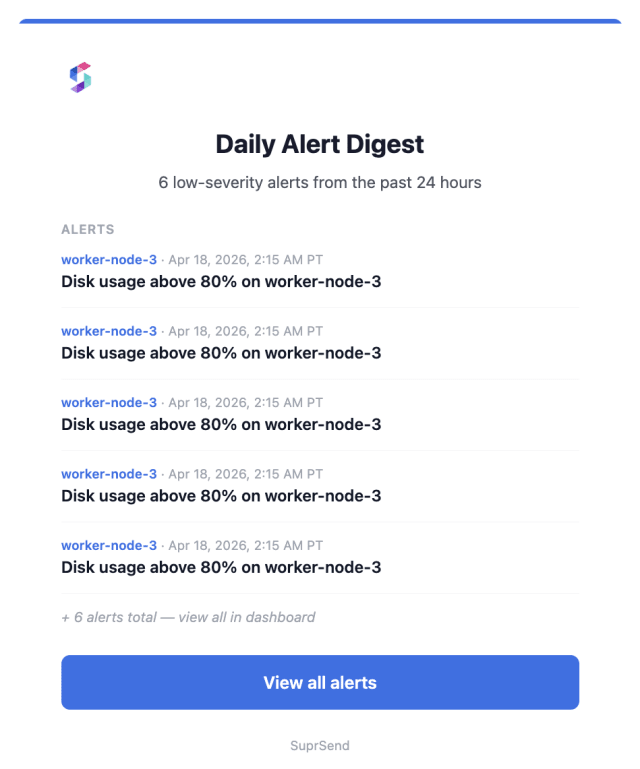
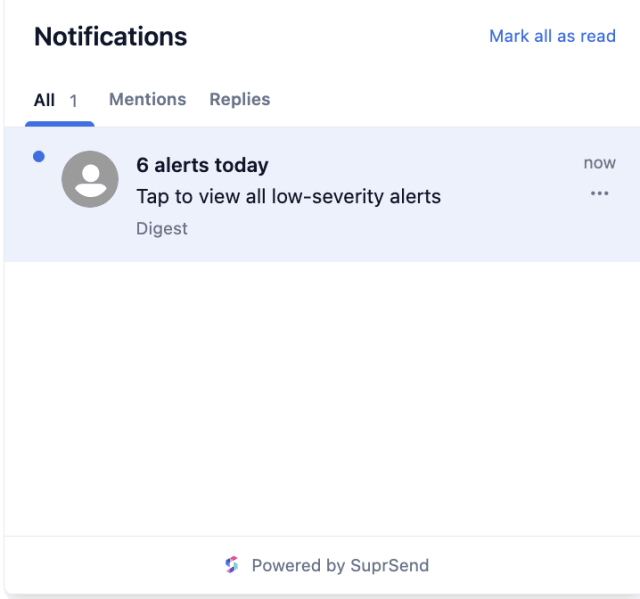
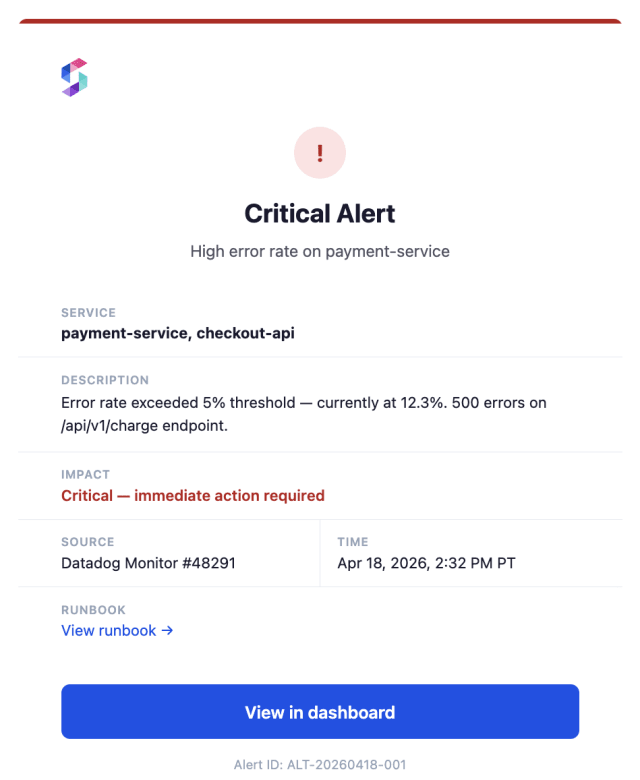
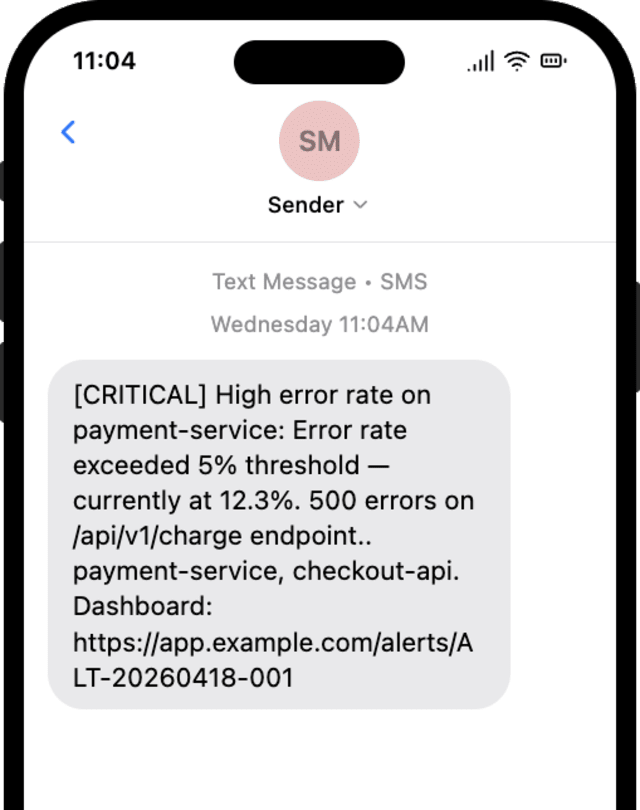
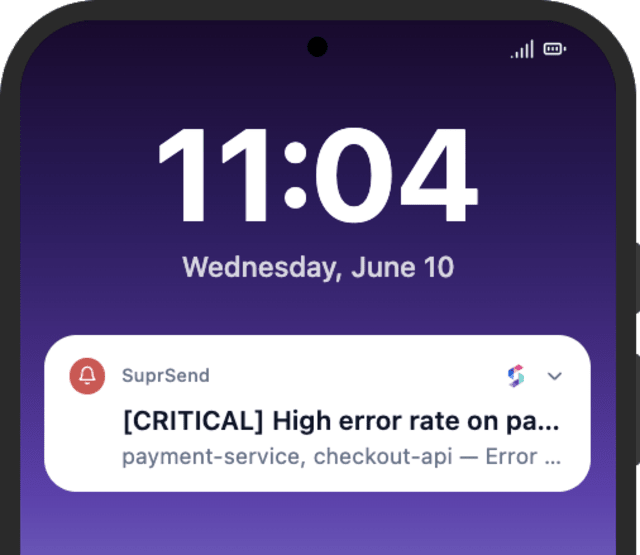
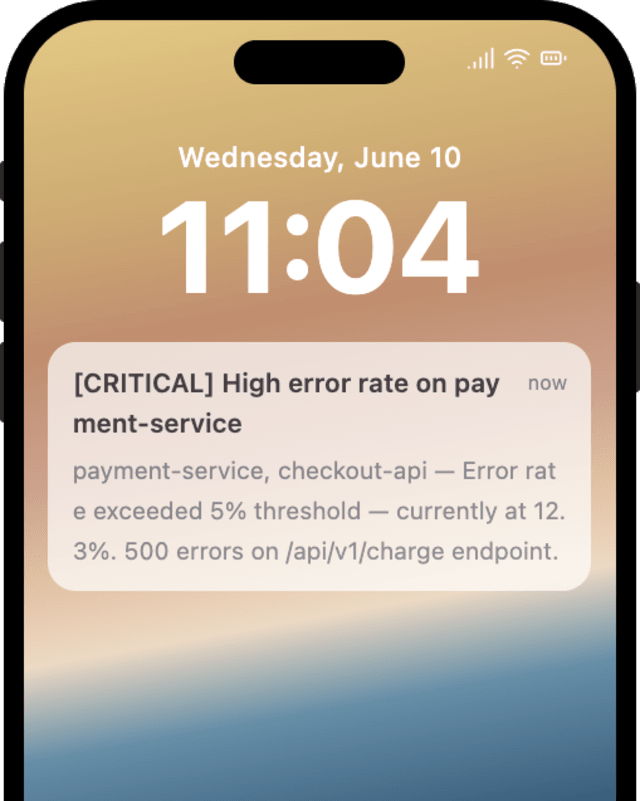
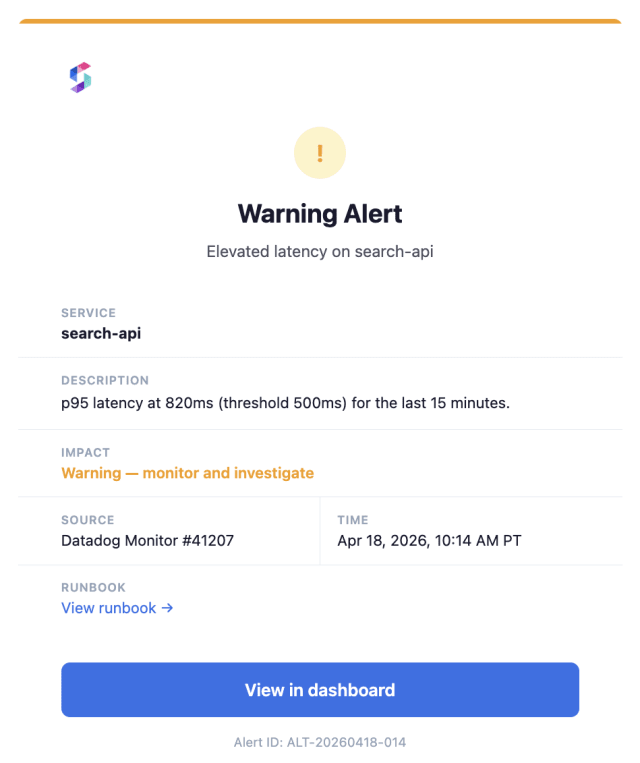
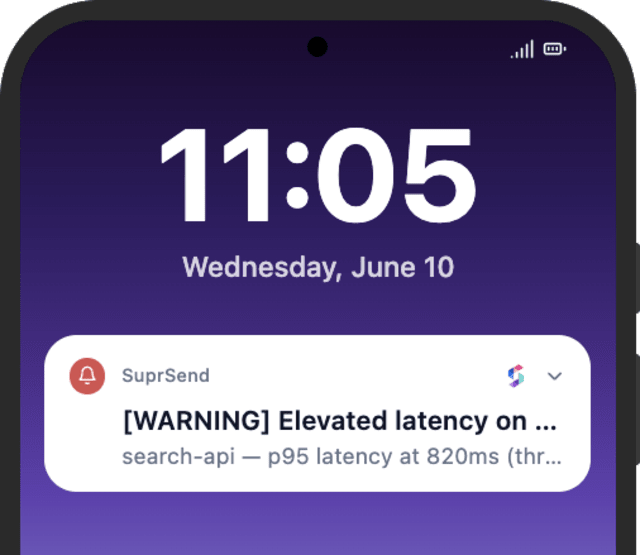
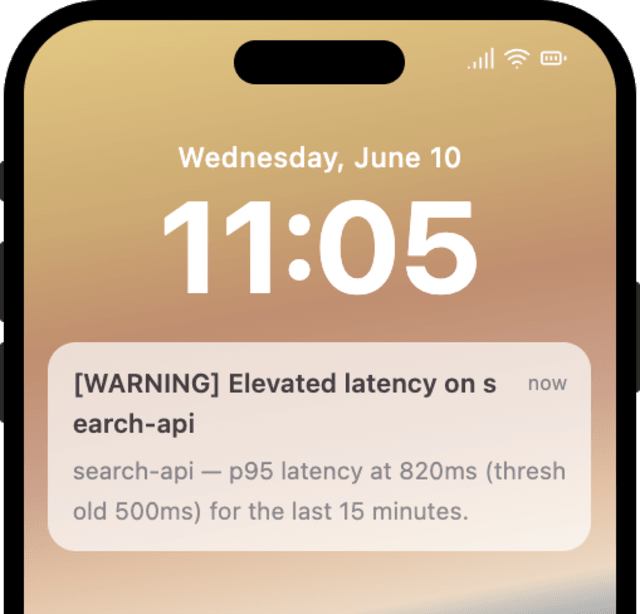
Critical alerts reach the on-call the moment they fire, so real incidents are caught before they spread.
When the on-call starts ignoring alerts, too many are marked critical or firing as their own page instead of being grouped.
Quick answers about setting up and running this workflow.
Critical on push, email, and SMS; warnings on push and email; and low-severity alerts as an email and in-app inbox digest.
A Batch groups them into one digest instead of a notification each, so routine noise does not bury the alerts that matter.
Around 30 minutes by default, configurable on the Batch, so a quiet digest replaces a constant stream.
Fire SYSTEM_ALERT at each severity and watch critical page immediately while the others group. Trigger from the Test button, the SuprSend Agent, or the API, CLI, or MCP.
Sign up and test the workflow directly in the dashboard.
Copy the prompt, paste it into the Agent in your SuprSend dashboard, and the workflow gets built for you.
Set up SuprSend MCP in Claude Code, Cursor or Windsurf, copy the prompt, and the workflow builds itself in your workspace.