
Primary signal
Surprises
Fewer users caught off guard
Users plan around downtime when they are told ahead, reminded, and warned just before, instead of hitting an outage cold.
By clicking “Accept All Cookies”, you agree to the storing of cookies on your device to enhance site navigation, analyze site usage, and assist in our marketing efforts. View our Privacy Policy for more information.
We use cookies to understand how the workflow library is used and to improve it.
Pick how you want to build it.
 Build with the SuprSend Agent
Users hit an outage they were never warned about. Planned downtime feels like a failure when no one saw it coming.
A single announcement weeks ahead is forgotten by the day. Users note it, move on, and are surprised anyway.
Reminders go out for maintenance that was called off. Users are told to brace for downtime that is no longer happening.
Users do not know exactly when the downtime starts. Without a heads-up just before, they are mid-task when it goes down.
Maintenance scheduled
When maintenance is scheduled (MAINTENANCE_SCHEDULED), users are told it is coming.
Reminder the day before
24 hours before, a reminder goes out.
Starting-soon an hour before
One hour before, a starting-soon alert warns that downtime is imminent.
Cancelling ends it
If the maintenance is cancelled (MAINTENANCE_CANCELLED), the reminders stop.
"Down 2 to 4 AM" is useless without a zone. State the timezone, or pass each user their local time in the payload - the workflow sends the time you put in the message, it does not convert it per user.
Users care whether they can work, not your change number. Say what will be unavailable and for how long, up front.
An hour before, push and inbox reach a user mid-task better than an email they may not open in time.
If only one region or feature goes down, alerting everyone creates needless worry and noise. Target the announcement to who is actually affected.
A tiny maintenance window does not need the day-before and hour-before drumbeat. Match the number and urgency of messages to the real impact.
If maintenance is rescheduled, the reminders still point to the old slot. Re-announce on the new time so users are not braced for the wrong hour.
The actual notifications this workflow sends, on each channel.
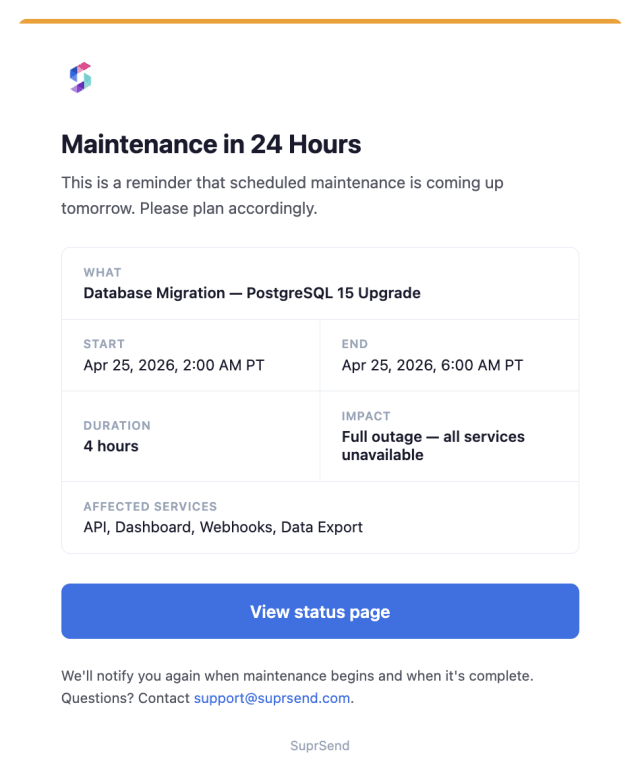
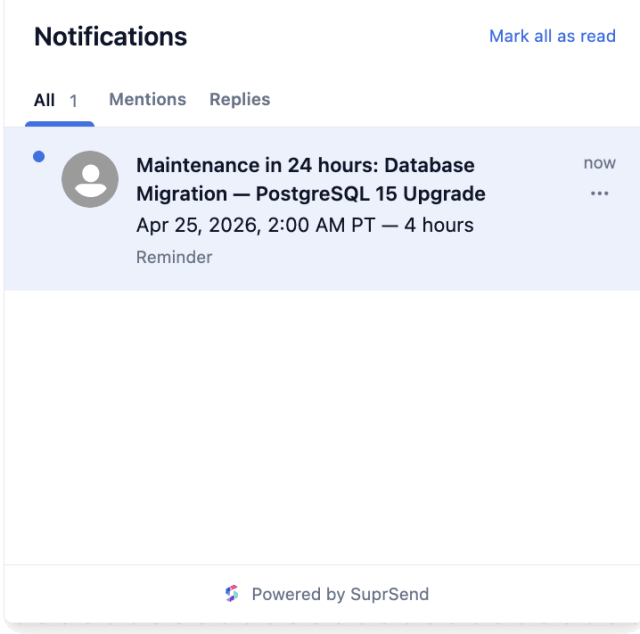
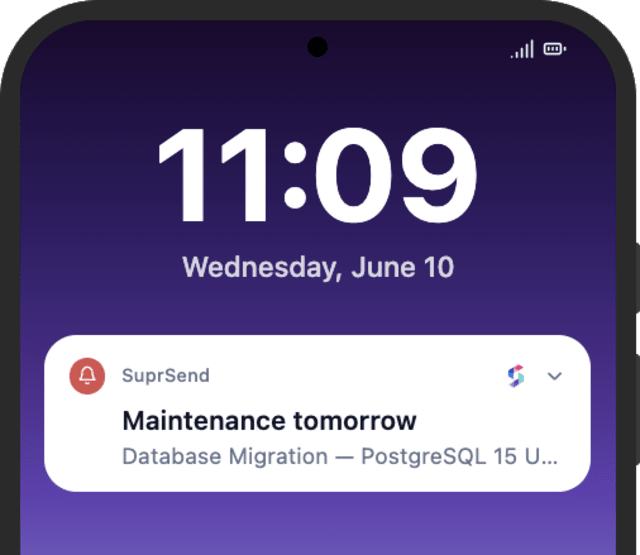
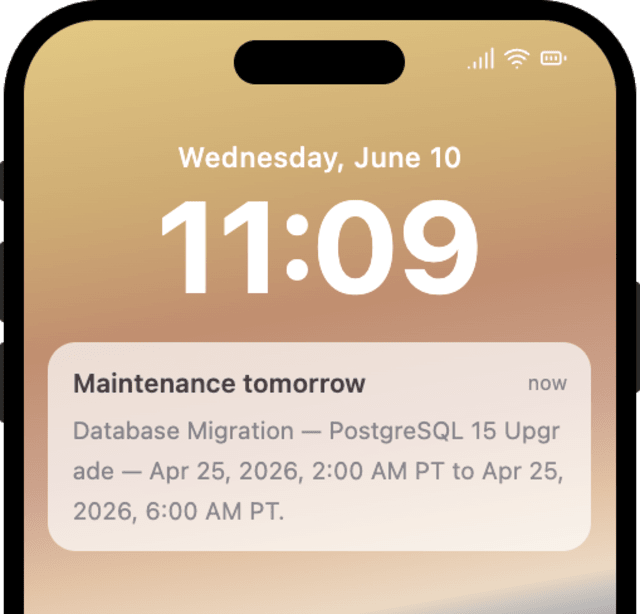
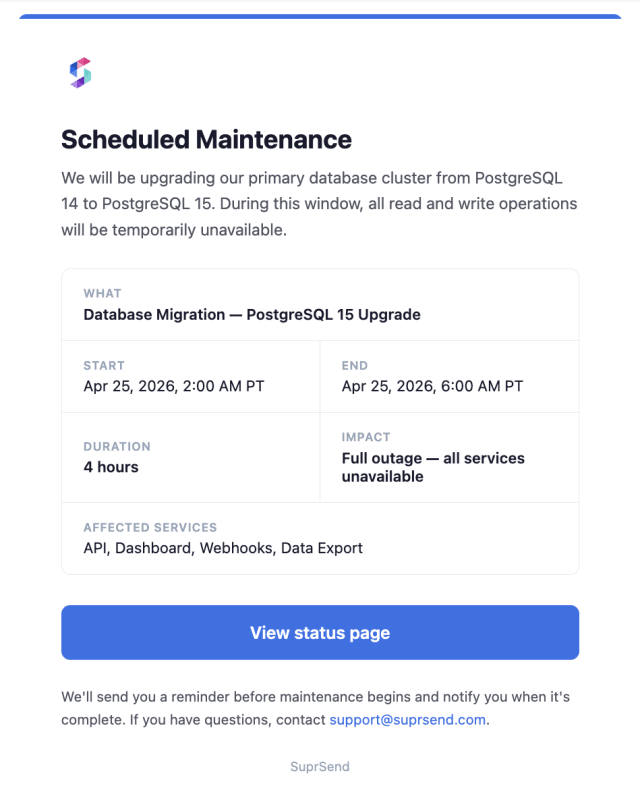
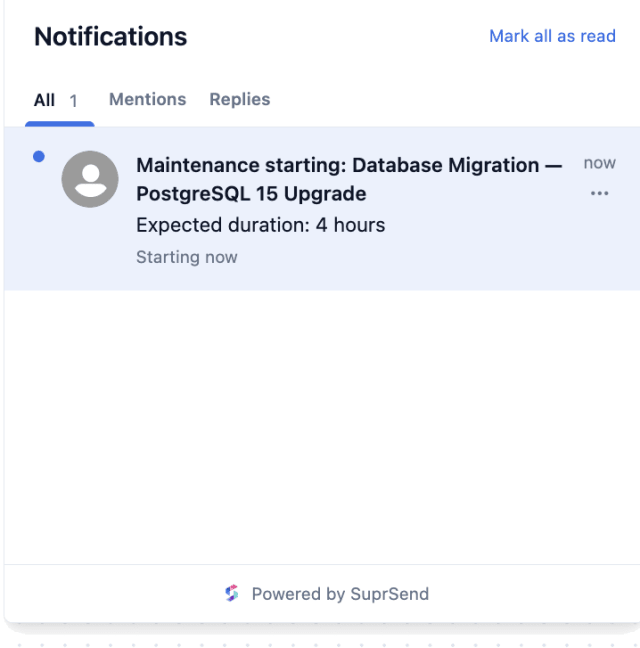
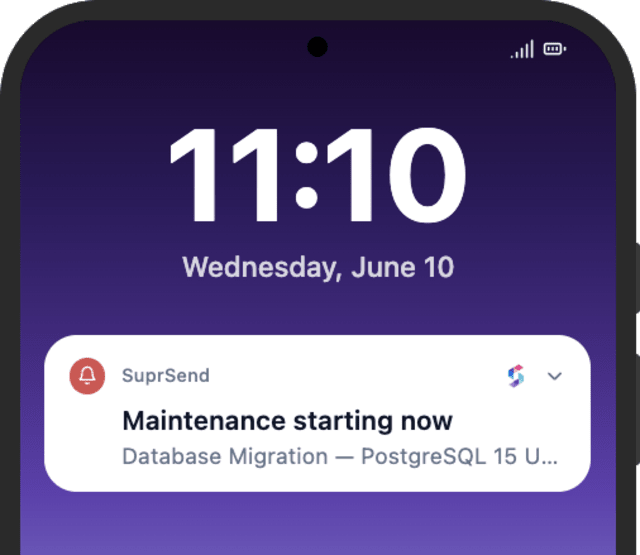
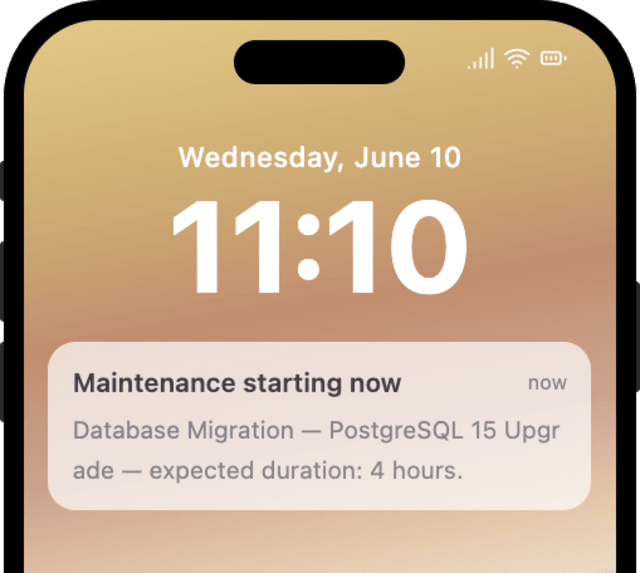
Users plan around downtime when they are told ahead, reminded, and warned just before, instead of hitting an outage cold.
When users contact support during or after maintenance, the messages are missing the window in local time or any sign of when it ends.
Quick answers about setting up and running this workflow.
At scheduling, again 24 hours before, and once more an hour before downtime starts, each timed by a Wait Until counting back from the maintenance time.
The reminders stop right away at the Wait Until on MAINTENANCE_CANCELLED, so users are not braced for downtime that is no longer happening.
Email for the announcement, with push and in-app inbox added on the reminder and the starting-soon alert via Multi-Channel.
Not on its own. Add an all-clear send for when service is back, so users know they can return.
Fire MAINTENANCE_SCHEDULED with a near maintenance_time, then MAINTENANCE_CANCELLED with the same maintenance_id to confirm the stop. Use the Test button, the SuprSend Agent, or the API, CLI, or MCP.
Sign up and test the workflow directly in the dashboard.
Copy the prompt, paste it into the Agent in your SuprSend dashboard, and the workflow gets built for you.
Set up SuprSend MCP in Claude Code, Cursor or Windsurf, copy the prompt, and the workflow builds itself in your workspace.