
Primary signal
Redemptions
More rewards get redeemed
More earned rewards are used before they expire once the reminders are running, compared with sending the reward alone.
By clicking “Accept All Cookies”, you agree to the storing of cookies on your device to enhance site navigation, analyze site usage, and assist in our marketing efforts. View our Privacy Policy for more information.
We use cookies to understand how the workflow library is used and to improve it.
Pick how you want to build it.
 Build with the SuprSend Agent
Earned rewards expire unredeemed. The user forgets the reward and the value is lost for both sides.
A reminder only on the expiry day is too late. By the time "it expires today" lands, there is no time to use it.
Reminders keep chasing a reward already redeemed. A user who used the reward still gets "redeem before it expires".
The user is never told a reward expired. With no closing notice, they do not know they missed it, and feel no urgency next time.
Reward earned
A user earns a reward (REWARD_EARNED) with an expiry date.
Heads-up a week before expiry
Seven days before it expires, an expires-soon reminder goes out if the reward is unredeemed.
Urgent reminder the day before
One day before expiry, a louder reminder follows, adding push.
Expired notice on the day
If it is still unused, an expired notice goes out when the reward expires.
Redeeming ends it
Redeeming the reward (REWARD_REDEEMED) at any point stops the reminders.
A reward only matters if the user sees it in time, so the reminders include WhatsApp to reach them on a channel they actually check.
Pre-apply the reward so the link drops the user straight into checkout with it added. Asking them to copy a code and find where to paste it loses the redemption.
When a reward expires unused, the expired notice can offer a fresh one or a short extension, so a miss becomes another reason to come back.
A reward with a minimum spend or a start date frustrates a user told to "use it now" when they cannot. Carry the reward's terms into the reminder.
A reward valid for only five days does not fit a reminder set for seven days before expiry. Match the Wait Until offsets to each reward's real window, so a short-lived reward and a 90-day reward are each reminded with time to act.
"Expires in two days" gives no reason to care on its own. Lead with what the reward is worth, like "$10 off", and let the deadline add the urgency.
The actual notifications this workflow sends, on each channel.
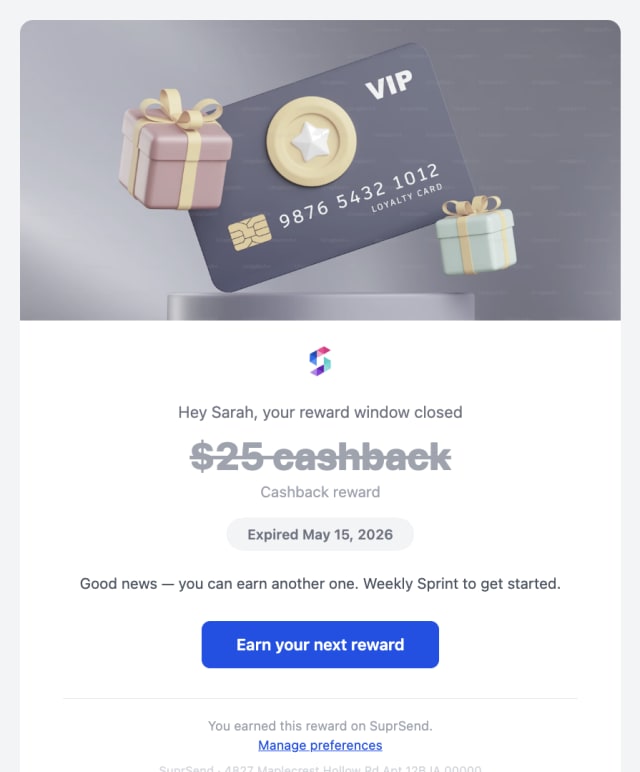
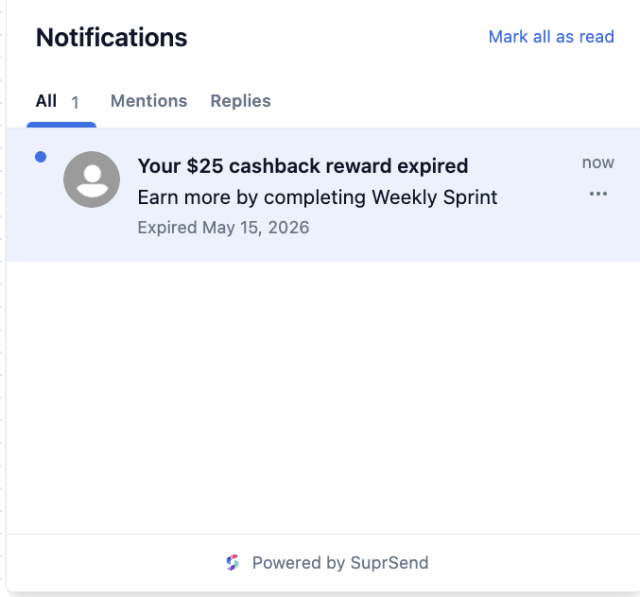
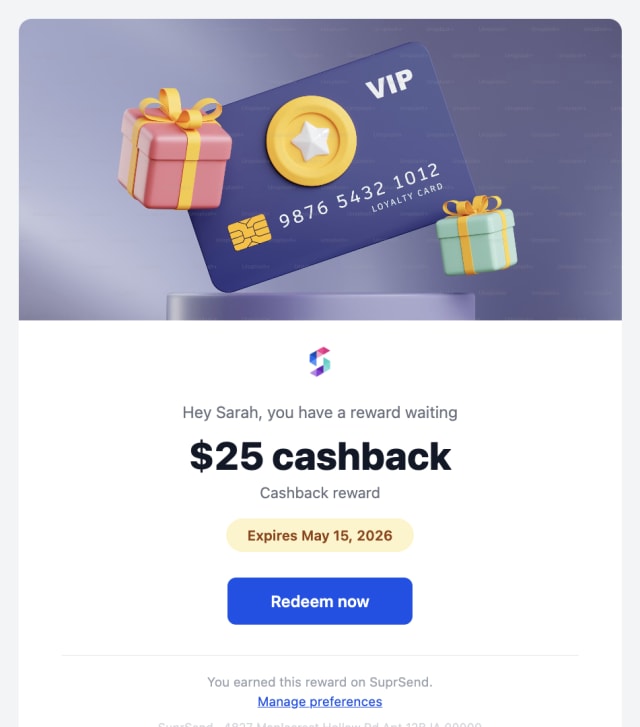
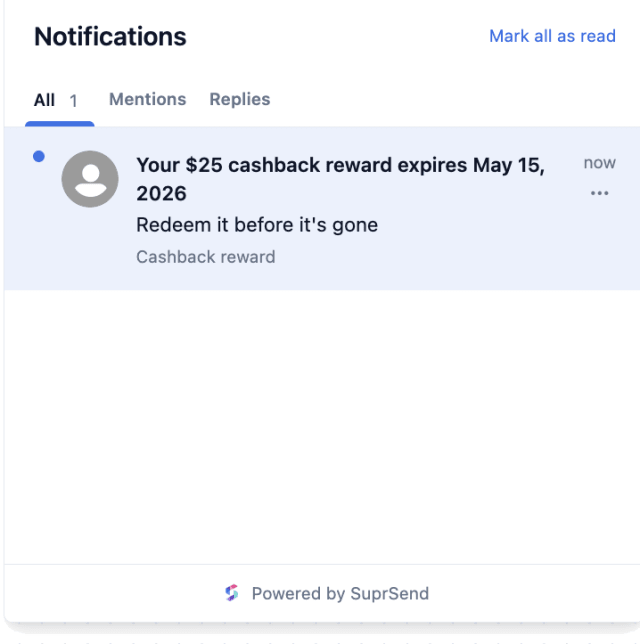
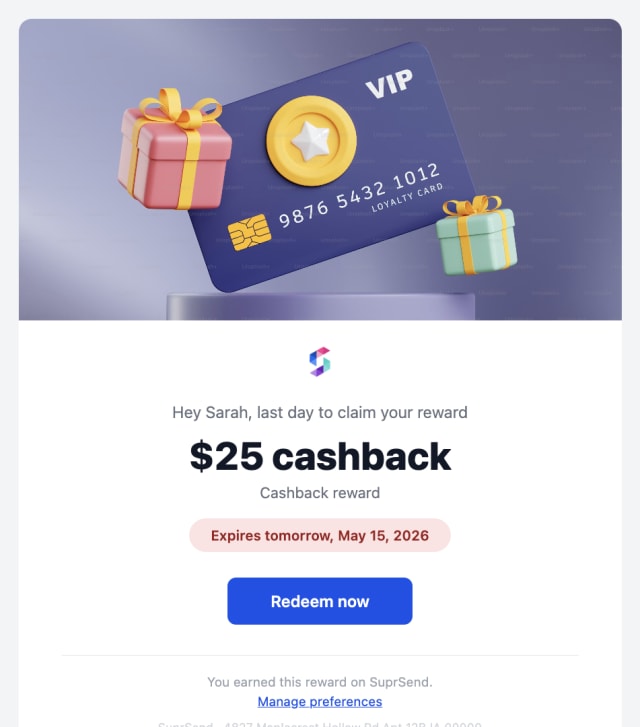
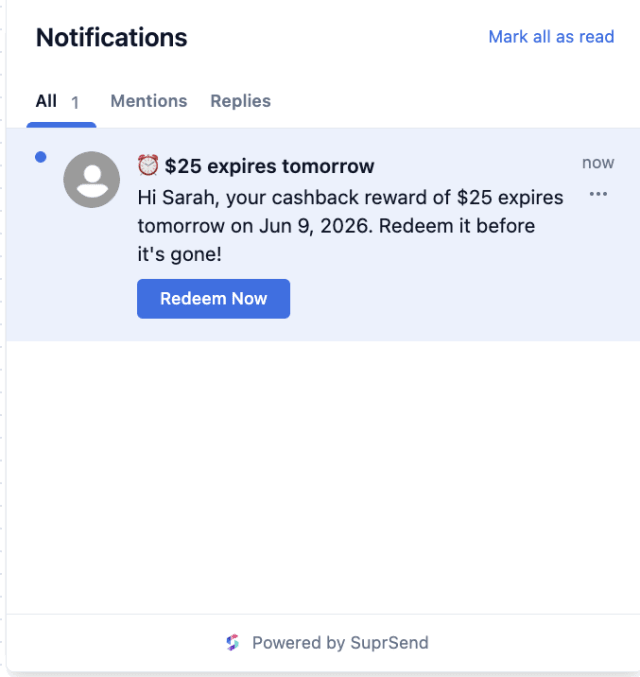
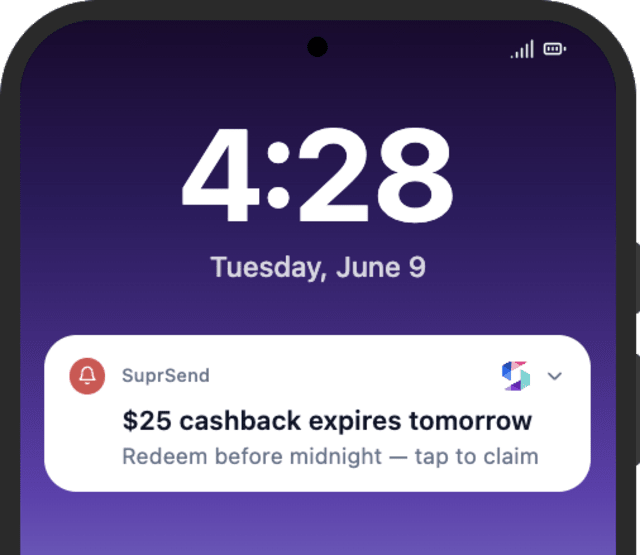
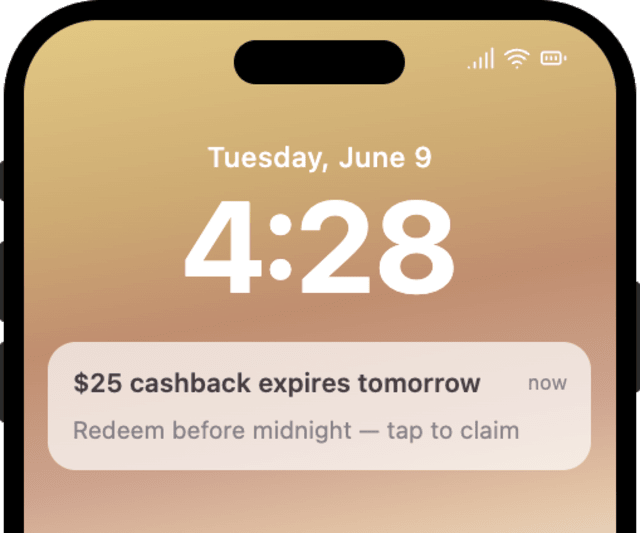
More earned rewards are used before they expire once the reminders are running, compared with sending the reward alone.
When users turn off or report the reminders, the offers are coming too often or are not worth the nudge.
Quick answers about setting up and running this workflow.
Yes. Redeeming (REWARD_REDEEMED) at any stage stops the remaining reminders, matched on reward_id.
Email, in-app inbox, and WhatsApp, with mobile push added on the day-before reminder. Smart Channel Routing sends one at a time until the user sees it.
No. Redeeming simply stops the reminders. If you want a "reward applied" confirmation, add a send on the redeem branch.
These remind the user about something they earned, so most keep them on. A user who wants fewer can mute them in their preferences, and SuprSend skips anyone who has turned them off.
Set expiry_date a few minutes out and fire REWARD_EARNED, then fire REWARD_REDEEMED with the same reward_id to check the stop. Use the Test button, the SuprSend Agent, or the API, CLI, or MCP.
Sign up and test the workflow directly in the dashboard.
Copy the prompt, paste it into the Agent in your SuprSend dashboard, and the workflow gets built for you.
Set up SuprSend MCP in Claude Code, Cursor or Windsurf, copy the prompt, and the workflow builds itself in your workspace.