
Primary signal
Engagement
Users come back after a win
Users return more often when achievements are celebrated at the right weight, compared with a stream of identical badge alerts.
By clicking “Accept All Cookies”, you agree to the storing of cookies on your device to enhance site navigation, analyze site usage, and assist in our marketing efforts. View our Privacy Policy for more information.
We use cookies to understand how the workflow library is used and to improve it.
Pick how you want to build it.
 Build with the SuprSend Agent
A routine badge and a major milestone get notified the same way. Treating them alike trains the user to tune out both.
Small wins sent one at a time become noise. A burst of routine badges means a burst of separate pushes.
A big achievement sent only to the inbox is missed. A milestone worth celebrating needs to reach the user where they are.
A celebration that lands hours later falls flat. "Congrats" long after the moment means nothing.
An achievement happens
A user earns a badge or hits a milestone (GAMIFICATION_EVENT).
Routed by how big it is
The achievement is sorted into routine, notable, or major by its significance.
Routine wins arrive together
Low-significance badges are batched into one in-app inbox recap.
Notable wins batched across channels
Medium ones are batched into a single push and inbox notification.
Major milestones celebrated at once
High-significance wins go out immediately on email, push, and inbox.
Reserve the loud, immediate channels for real milestones. A Branch on significance keeps routine badges quiet so the big wins still feel big.
Small badges still matter to the user, just not one push each. Batch them into a single recap so they are seen without the noise.
A milestone is a moment to reinforce. Pair the high-significance message with what the user unlocked or the next tier, not just "nice job".
If the event does not carry a real significance, every achievement falls to the high path and goes out on email and push. Tag each event so routine wins route to the quiet path.
Routine wins batched over too long a window land after the user has moved on. Keep the batch window short enough that the recap still feels current.
A "congrats on your 100th order" that fires before the return window can be undone by a refund, and a streak counted today can break tomorrow. Fire the celebration on the confirmed milestone, so the moment does not have to be walked back.
The actual notifications this workflow sends, on each channel.
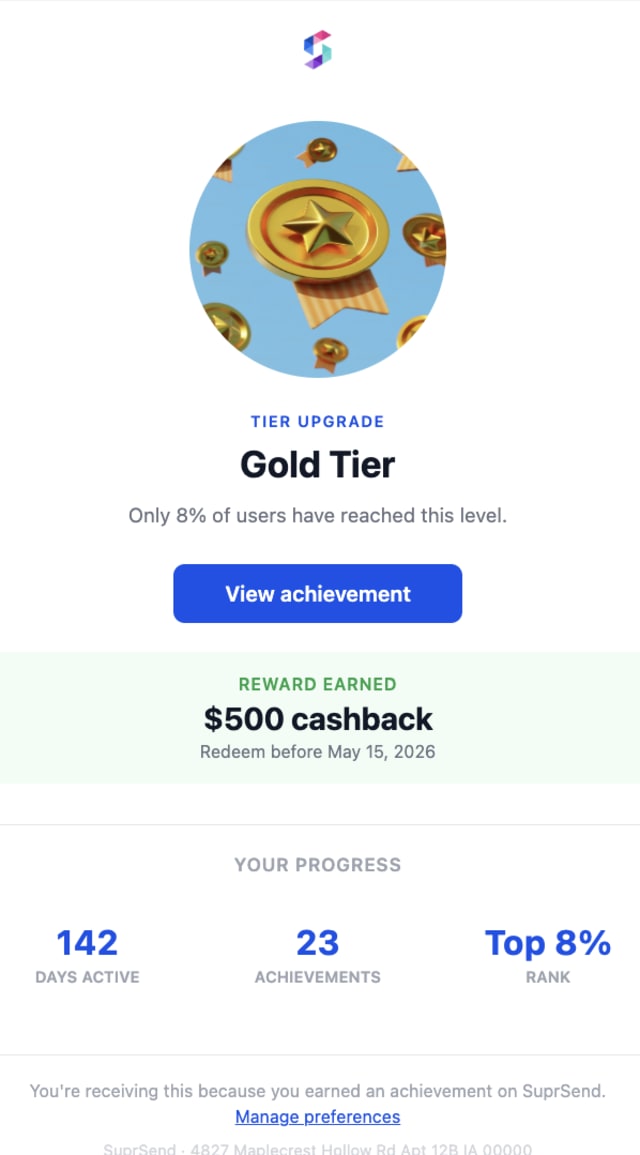
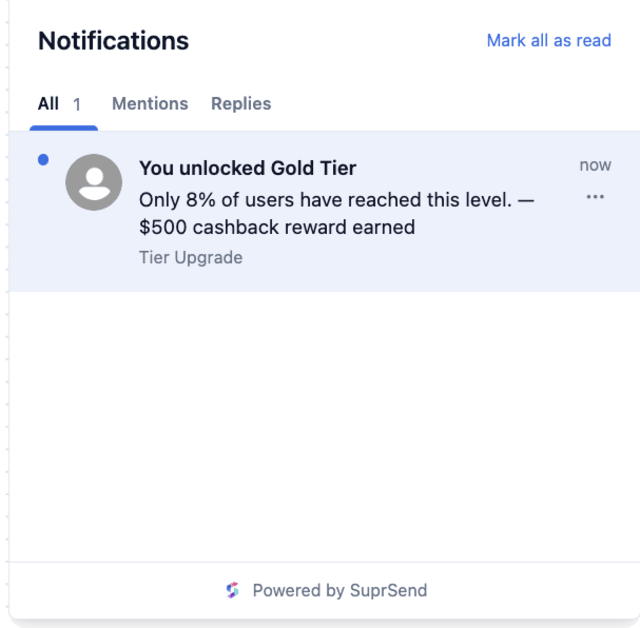
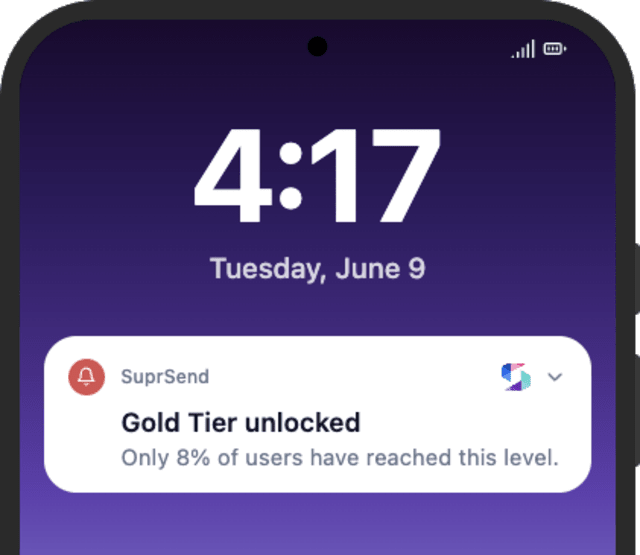
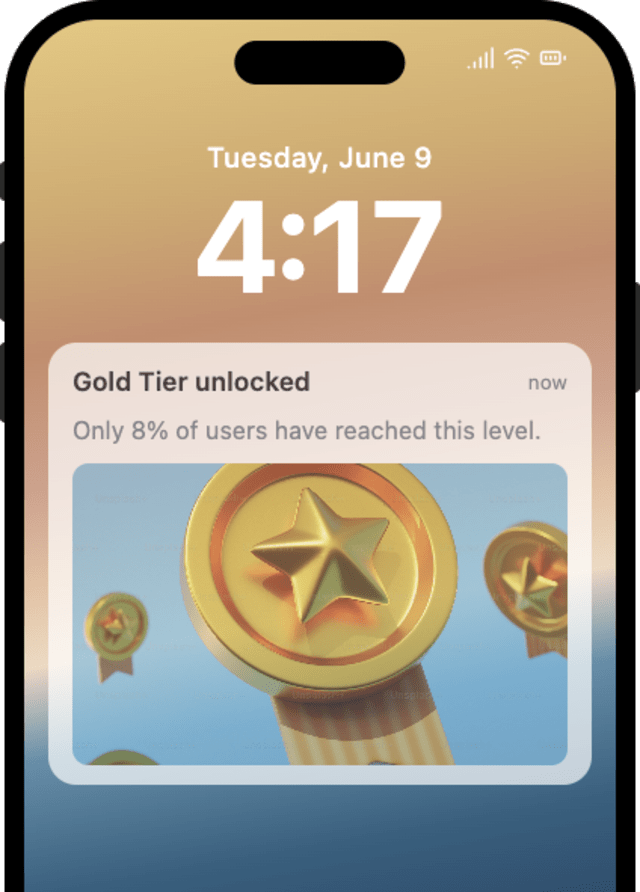
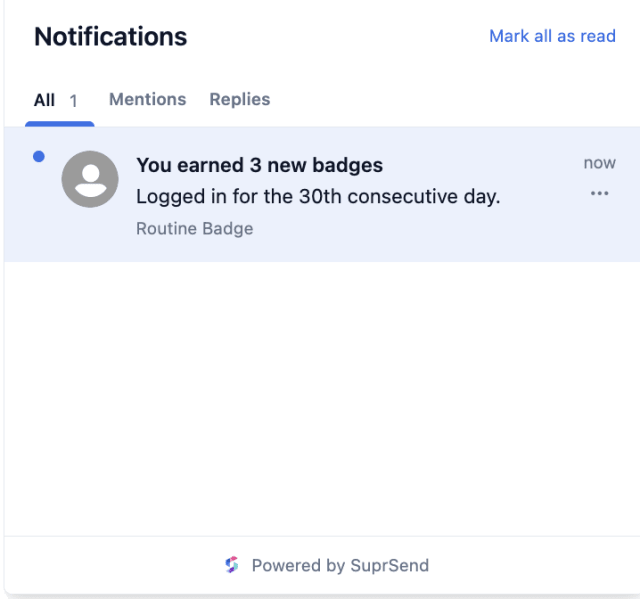
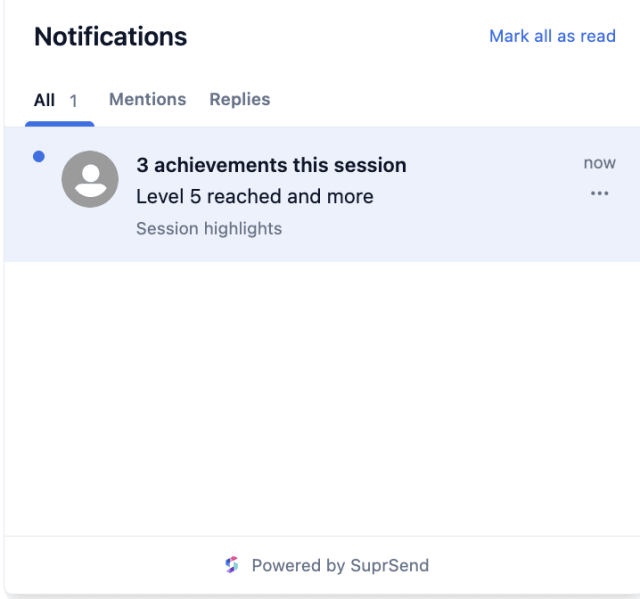
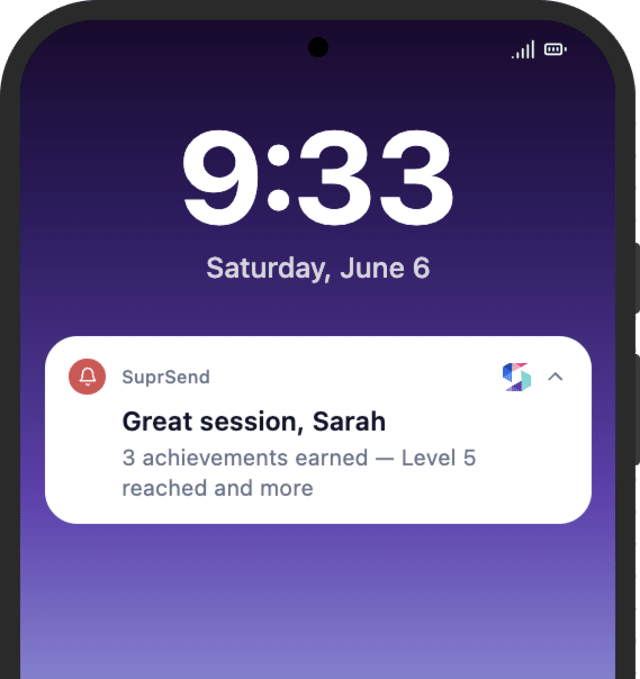
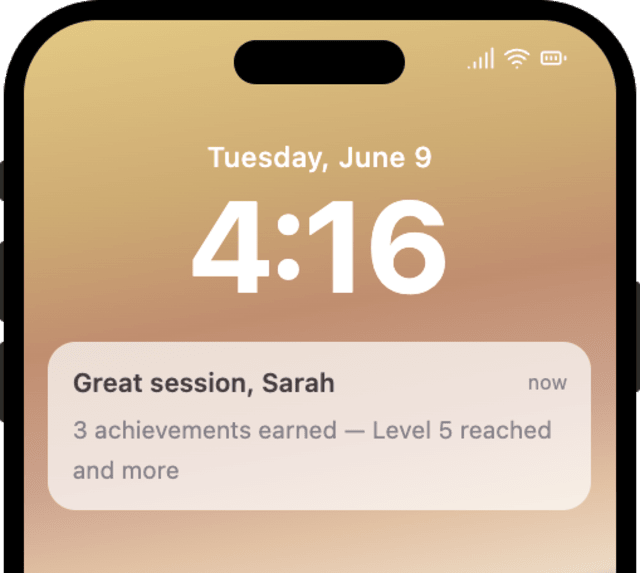
Users return more often when achievements are celebrated at the right weight, compared with a stream of identical badge alerts.
When users turn off achievement notifications, too many routine badges are going out as their own alert.
Quick answers about setting up and running this workflow.
By the achievement's significance. Routine badges become one inbox recap, notable wins a batched push and inbox, and major milestones go out at once on email, push, and inbox.
Just grouped. Low-significance wins are batched into a single inbox recap so the user still sees them, without a separate alert for each.
In-app inbox for routine wins, push and inbox for notable wins, and email, push, and inbox together for major milestones.
Yes. Edit the Branch conditions to set the significance levels and which channels each one uses.
Fire a GAMIFICATION_EVENT at low, medium, and high significance and watch each route. You can trigger from the Test button in the editor, the SuprSend Agent, or the API, CLI, or MCP.
Sign up and test the workflow directly in the dashboard.
Copy the prompt, paste it into the Agent in your SuprSend dashboard, and the workflow gets built for you.
Set up SuprSend MCP in Claude Code, Cursor or Windsurf, copy the prompt, and the workflow builds itself in your workspace.