
Primary signal
Streaks kept
More streaks survive
More users keep their streak when a last-chance reminder reaches them in time, compared with no nudge.
By clicking “Accept All Cookies”, you agree to the storing of cookies on your device to enhance site navigation, analyze site usage, and assist in our marketing efforts. View our Privacy Policy for more information.
We use cookies to understand how the workflow library is used and to improve it.
Pick how you want to build it.
 Build with the SuprSend Agent
A missed day breaks a streak the user worked to build. One slip ends the run and the habit it was forming.
A reminder early in the day is forgotten by the deadline. The user means to act, then runs out of time.
A generic nudge does not say what is about to be lost. "Come back" carries no weight without the streak behind it.
A streak save has only a short window to land. Once the deadline passes there is nothing left to save.
Streak at risk
When a user's streak is at risk (STREAK_AT_RISK), a reminder goes out right away.
Waits for the user to act
It then waits, watching for the user to complete the action.
Last chance before the deadline
Two hours before the streak deadline, a final reminder goes out if the action is not done.
Acting ends it
Completing the action (ACTION_COMPLETED) stops the reminders.
Two hours before is recent enough to feel urgent and still leaves time to act. A nudge the night before is forgotten by morning.
"Your 12-day streak ends in 2 hours" carries more weight than "come back". Say what they have built and what breaks if they do nothing.
The window is short, so the reminder should open the exact task to complete, not the app home. One tap to act is the difference between saving the streak and losing it to friction.
A save only lands if there is something to lose. Fire STREAK_AT_RISK for users with an active streak worth keeping, not every account, or the reminder reads as a nag.
"You're about to lose everything" reads as pressure. Keep it encouraging, like "one action keeps your streak alive", so it pulls the user back instead of pushing them off.
Smart Channel Routing tries channels one at a time, cheapest first, until one is seen. With minutes left on the clock, you can send the last chance on every channel at once instead, so it is not still waiting on a quiet channel when the deadline hits.
The actual notifications this workflow sends, on each channel.
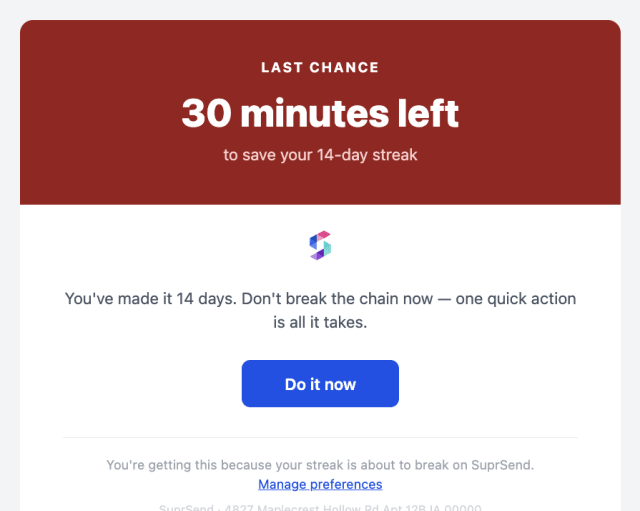
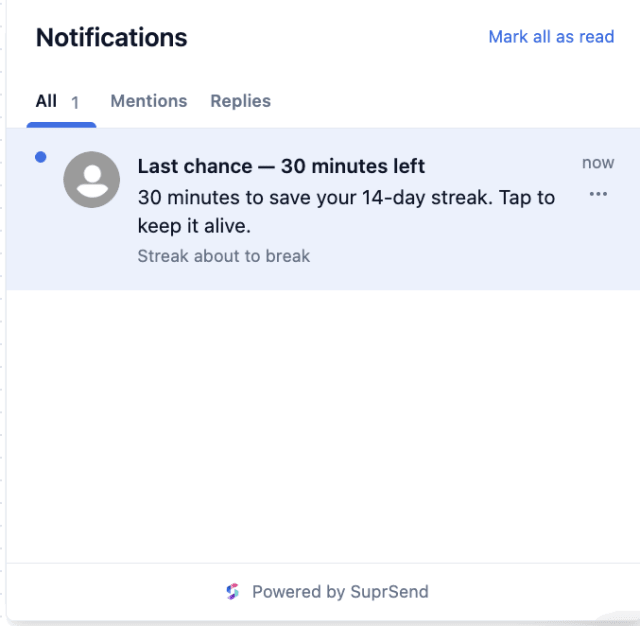
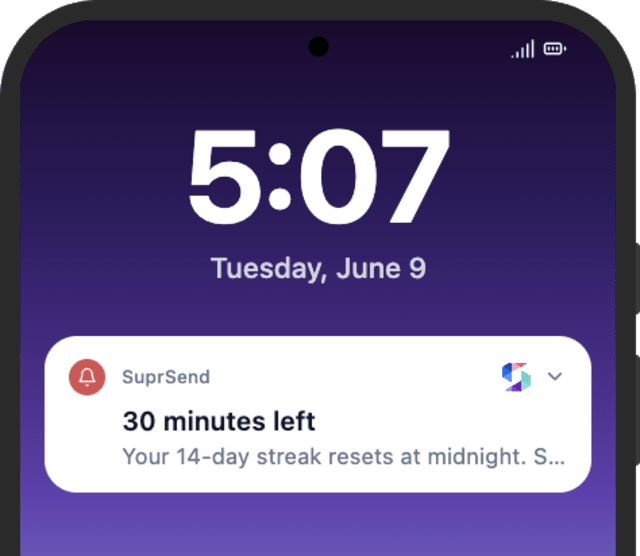
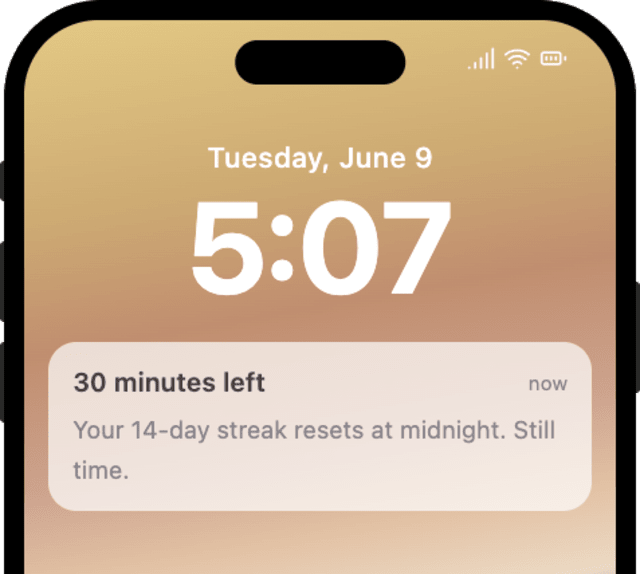
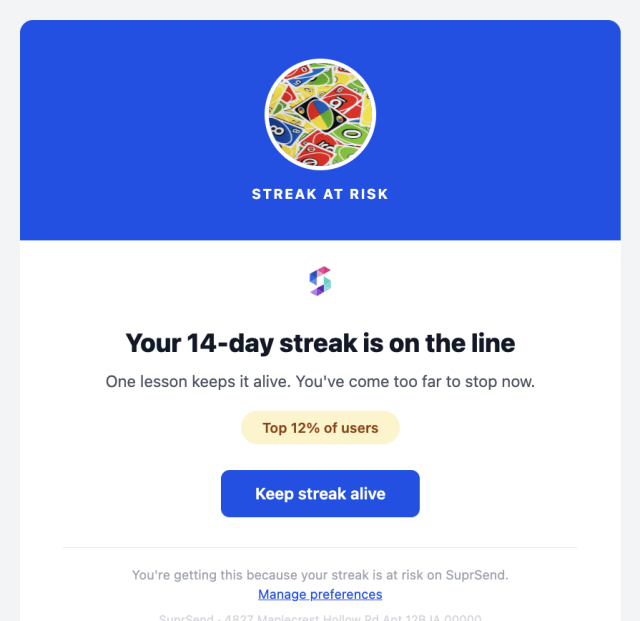
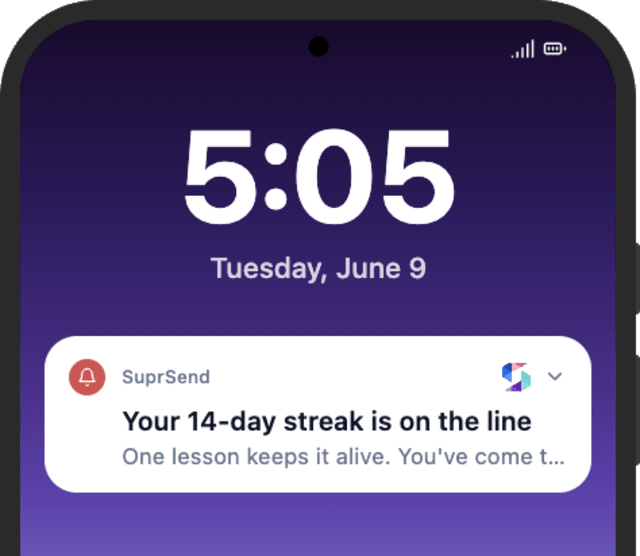
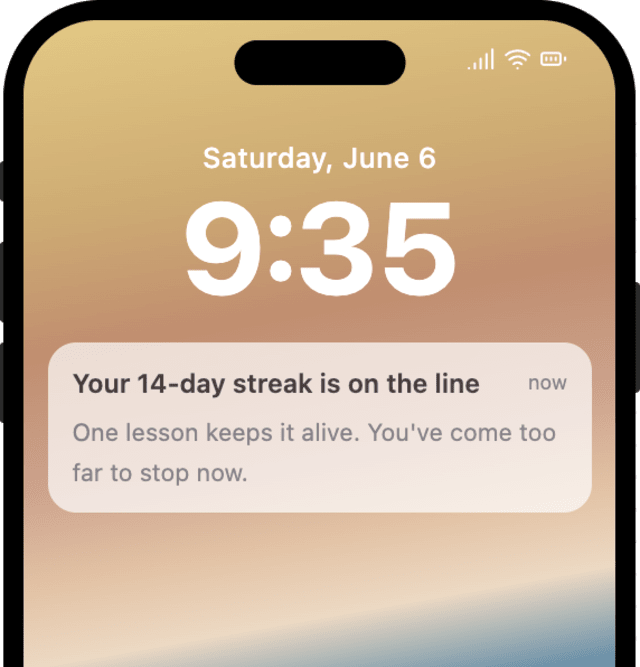
More users keep their streak when a last-chance reminder reaches them in time, compared with no nudge.
When users turn off streak reminders, the saves are firing too often or for streaks they do not care about.
Quick answers about setting up and running this workflow.
Two hours before the streak deadline by default. Adjust the Wait Until offset to send it earlier or later.
Email, in-app inbox, and mobile push. Smart Channel Routing picks among them, cheapest first, one at a time until the reminder is seen, rather than sending all at once.
Your own STREAK_AT_RISK event, which you fire when a streak is genuinely close to breaking. The workflow then runs the reminders and stops as soon as the user acts.
After the last-chance reminder the workflow ends and the streak breaks. To bring the user back later, pair this with Re-engagement With Inactive Users.
Set streak_deadline a few minutes out and fire STREAK_AT_RISK, then fire ACTION_COMPLETED with the same streak_id to check the stop. Use the Test button, the SuprSend Agent, or the API, CLI, or MCP.
Sign up and test the workflow directly in the dashboard.
Copy the prompt, paste it into the Agent in your SuprSend dashboard, and the workflow gets built for you.
Set up SuprSend MCP in Claude Code, Cursor or Windsurf, copy the prompt, and the workflow builds itself in your workspace.