
Primary signal
Reactivated
More dormant users return
More inactive users come back and act once the win-back sequence runs, compared with letting them drift.
By clicking “Accept All Cookies”, you agree to the storing of cookies on your device to enhance site navigation, analyze site usage, and assist in our marketing efforts. View our Privacy Policy for more information.
We use cookies to understand how the workflow library is used and to improve it.
Pick how you want to build it.
 Build with the SuprSend Agent
Users go quiet and never come back. Without a nudge, a dormant user drifts away for good.
A single win-back rarely brings a dormant user back. One message is easy to miss; it takes a few tries to land.
Dormant users have stopped opening email. A win-back sent on email alone reaches the one place they no longer check.
Generic "we miss you" messages get ignored. The user needs something worth coming back for, not guilt.
A user goes dormant
When a user goes inactive (USER_DORMANT), a first win-back email goes out.
Waits, then checks before the next touch
After a week, it fetches the user's latest activity before reaching out again.
A second touch across channels
A re-engagement message goes out on email and push together.
A final touch two weeks later
If the user is still inactive, a last touch follows around three weeks in.
Returning ends it
Completing a core action (CORE_ACTION_COMPLETED) stops the sequence.
"Here is what you missed" or a new feature beats "we miss you". The Fetch can pull what changed since they left, so the message points to something real.
A dormant user has often stopped opening email, so the later touches add mobile push alongside it. That puts the win-back on a channel they are more likely to still check.
After three touches over three weeks, a user who has not returned is better left alone than chased into an unsubscribe. Stopping protects both your sender reputation and the goodwill of users who may come back on their own.
Firing USER_DORMANT after a few quiet days treats a normal pause as churn. Set the dormancy window to real inactivity for your product.
The later touches reuse one template, so all three win-backs read alike unless you change them. Give each a different angle: what they missed, then a reason to return, then a last call.
The sequence ends on CORE_ACTION_COMPLETED, so what you count as that action matters. Tie it to a genuine sign of return, like using a core feature, not just opening the app, or the win-back stops on a user who never really came back.
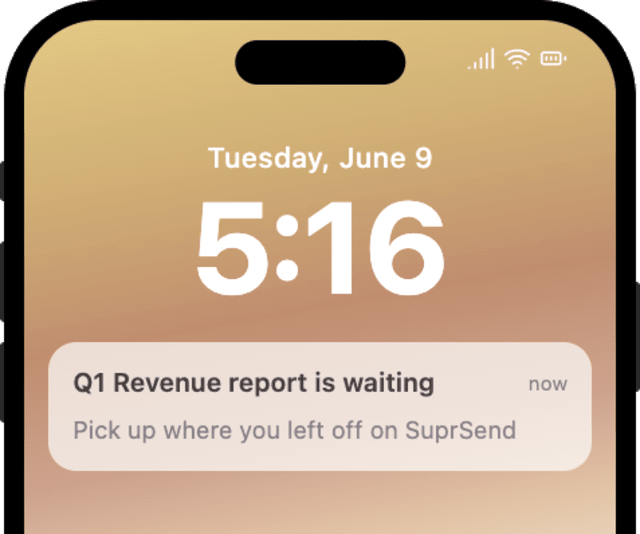
The actual notifications this workflow sends, on each channel.
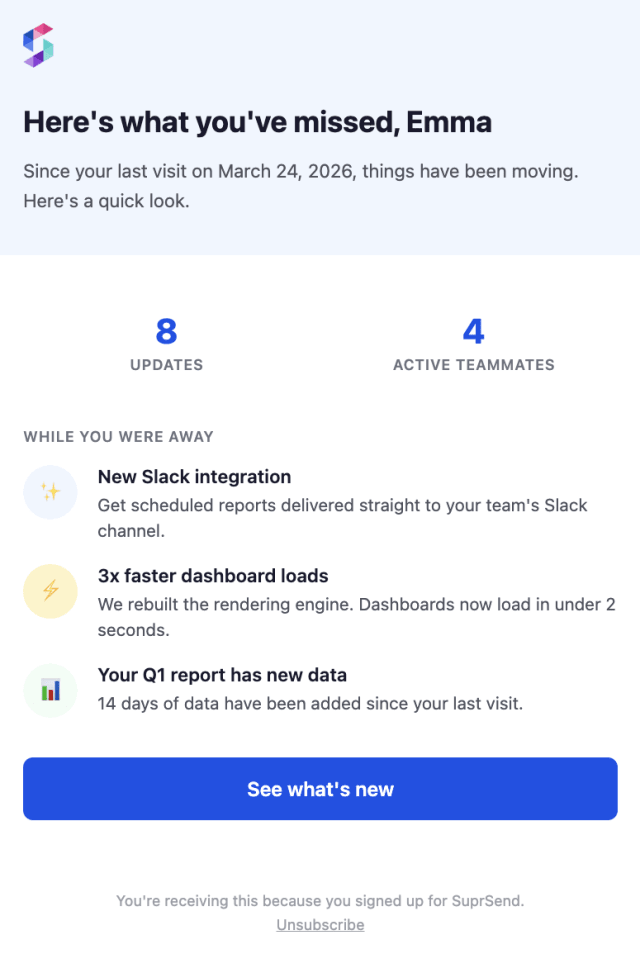
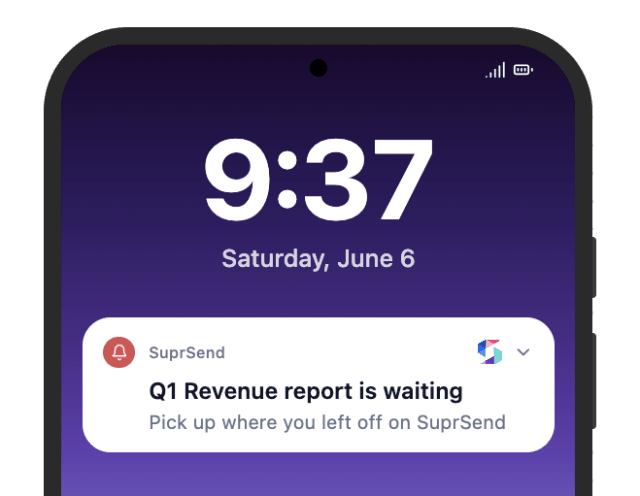
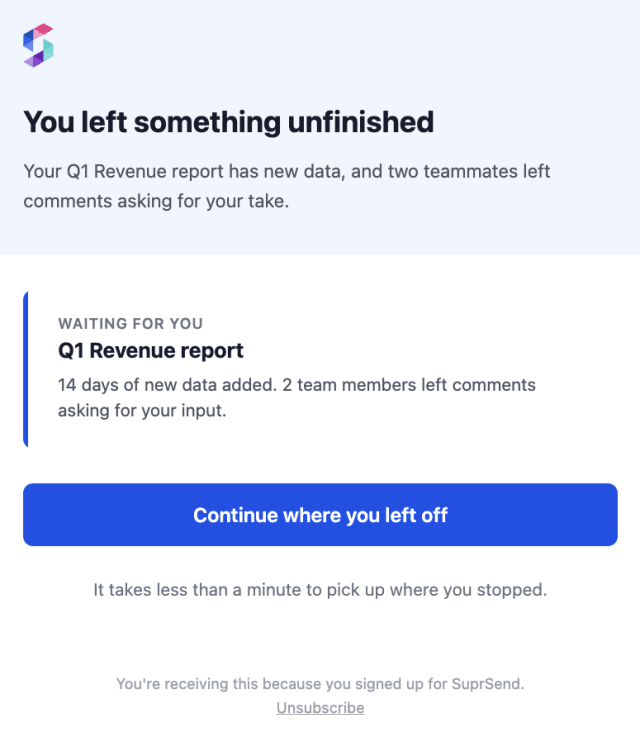
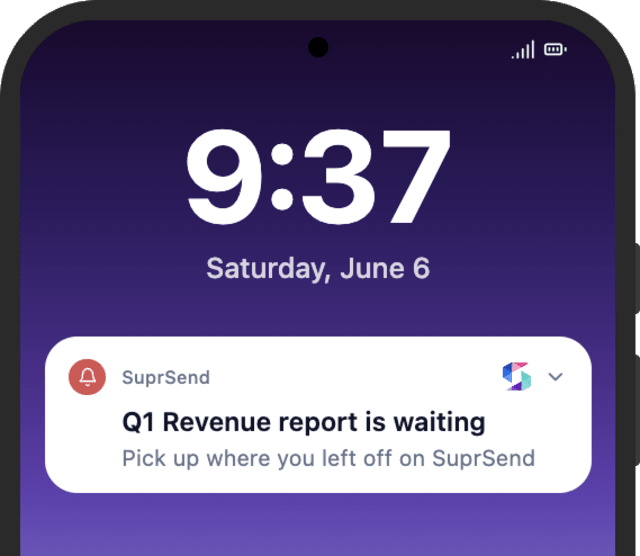
More inactive users come back and act once the win-back sequence runs, compared with letting them drift.
When dormant users unsubscribe instead of returning, the sequence is too long or firing on users who already chose to leave.
Quick answers about setting up and running this workflow.
Yes. Win-backs are promotional, so a user who turns them off in their preferences is skipped automatically. Keep the category one users can opt out of, rather than a mandatory one.
Three over about three weeks: a first email when the user goes dormant, a second after a week, and a last around three weeks in.
Email for the first touch, then email and mobile push together for the later two, so the win-back reaches a user who has stopped checking mail.
A Fetch pulls the user's latest activity before each later touch, so the message can point to what changed since they left.
Fire USER_DORMANT for a test user, then CORE_ACTION_COMPLETED to confirm the sequence stops. Shorten the Wait Until delays to see all three touches quickly, and trigger from the Test button, the SuprSend Agent, or the API, CLI, or MCP.
Sign up and test the workflow directly in the dashboard.
Copy the prompt, paste it into the Agent in your SuprSend dashboard, and the workflow gets built for you.
Set up SuprSend MCP in Claude Code, Cursor or Windsurf, copy the prompt, and the workflow builds itself in your workspace.