
Primary signal
Clicks
More users act on recommendations
More picks get opened and clicked when they arrive as one well-timed weekly digest, compared with scattered one-off alerts.
By clicking “Accept All Cookies”, you agree to the storing of cookies on your device to enhance site navigation, analyze site usage, and assist in our marketing efforts. View our Privacy Policy for more information.
We use cookies to understand how the workflow library is used and to improve it.
Pick how you want to build it.
 Build with the SuprSend Agent
Personalized recommendations get generated but never reach the user. The work your product does to find them goes to waste.
Sending each recommendation the moment it appears overwhelms users. A stream of one-off alerts feels like spam and gets muted.
Generic recommendation emails get ignored. Picks that do not feel chosen for the user are skipped without a glance.
Users drift away without a regular reason to come back. A weekly set of fresh picks gives a low-pressure pull to return.
Recommendations collect through the week
As recommendations are generated (RECOMMENDATION_GENERATED), they collect for the user through the week.
Duplicates removed, top picks ranked first
Repeated items are removed, the rest are ranked by relevance, and the top five are kept.
Sent as one digest on Friday
On Friday evening, the top picks go out in a single email and inbox message.
Skipped when there are too few picks
If fewer than three recommendations have collected, nothing is sent that week.
Friday evening is the default. Set the Digest schedule to the day and hour your audience tends to browse, so the picks arrive when they have time to look.
The digest keeps the five strongest picks and links to the rest, so a focused set lands instead of a long grid. A short, ranked list gets browsed; an everything-dump gets skipped.
"Because you watched X" earns a click; a bare grid of products does not. Carry the reason into each pick so the digest reads as chosen for the user, not random.
A recommendation that expires in a day does not belong in a Friday roundup. Send anything time-bound on its own and keep the digest for picks that stay relevant.
Recommendations are promotional, so users should always be able to opt out in their preferences. Marking the category as one users cannot unsubscribe from, or forcing a mandatory channel, takes away a choice a promotional message should always give.
Product picks, articles, and people-to-follow batched into one email read as a jumble. Run a separate digest per recommendation type so each one has a clear purpose.
The actual notifications this workflow sends, on each channel.
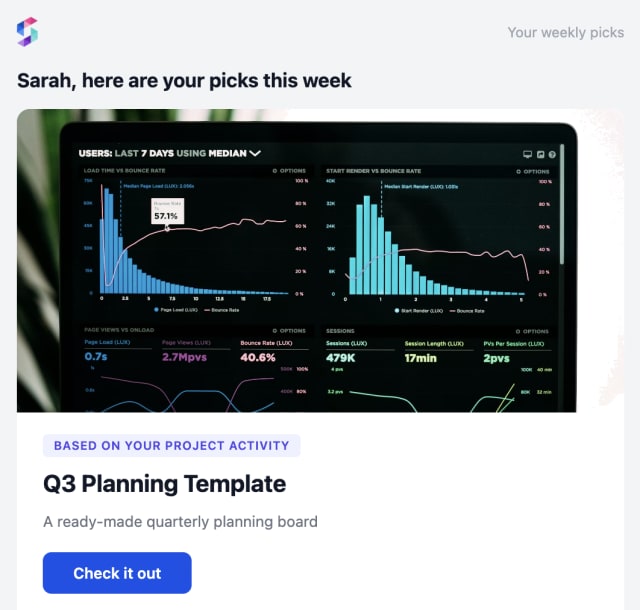
More picks get opened and clicked when they arrive as one well-timed weekly digest, compared with scattered one-off alerts.
When users mute the digest or stop opening it, the picks are too many or not relevant enough to be worth a weekly send.
Quick answers about setting up and running this workflow.
Friday at 6 PM in each user's own timezone, with the week's recommendations gathered into one message. Change the day and time on the Digest schedule.
Nothing is sent. The Digest holds until at least three picks have collected, so a thin message never goes out under your brand.
Repeated items are removed and the rest are ranked by relevance with the Data Transform step, so the strongest pick sits first and the user does not have to scroll for it.
Email and in-app inbox, sent with Multi-Channel, so the user can browse the picks in their mail or inside your app.
Fire a few RECOMMENDATION_GENERATED events for one user, then run the digest send from the Test button in the editor, the SuprSend Agent, or the API, CLI, or MCP. You do not have to wait for Friday.
Sign up and test the workflow directly in the dashboard.
Copy the prompt, paste it into the Agent in your SuprSend dashboard, and the workflow gets built for you.
Set up SuprSend MCP in Claude Code, Cursor or Windsurf, copy the prompt, and the workflow builds itself in your workspace.