
Primary signal
On-time
More orders ship on time
More orders go out before the deadline when the seller is alerted, reminded, and flagged on a breach, compared with an order list they have to watch.
By clicking “Accept All Cookies”, you agree to the storing of cookies on your device to enhance site navigation, analyze site usage, and assist in our marketing efforts. View our Privacy Policy for more information.
We use cookies to understand how the workflow library is used and to improve it.
Pick how you want to build it.
 Build with the SuprSend Agent
Sellers miss new orders and ship late. An order sitting unseen blows the delivery promise.
The ship-by deadline arrives with no warning. Without a heads-up, the seller scrambles or misses it.
A missed deadline is caught only when the buyer complains. No breach alert means the team finds out last.
A "new order" alert with no detail makes the seller dig. Without the items and the deadline, they have to open the dashboard to act.
New order placed
When an order is placed (ORDER_PLACED), the seller is alerted right away.
Ship-by reminder before the deadline
12 hours before the ship-by deadline, a reminder goes out if the order is not yet shipped.
SLA breach alert if missed
If the deadline passes unshipped, an SLA breach alert fires.
Shipping or cancelling ends it
Shipping or cancelling the order (ORDER_SHIPPED, ORDER_CANCELLED) stops the reminders.
Items, address, and the deadline up front let the seller act without opening the dashboard. A bare "new order" alert just sends them digging.
Twelve hours before is the default. Set it to your fulfilment time so the seller can still pack and dispatch, not a reminder that lands too late to matter.
A breach the seller already ignored needs another set of eyes. Add an Invoke Workflow step to alert their manager or ops so a slipped order does not go quiet.
A stock item and a made-to-order one need different deadlines. Set the ship-by per order so the reminder fits what the seller actually has to do.
A breach in a shared inbox is missed until a buyer complains. Route it to a channel the seller checks now, which is why the breach adds SMS.
An alert that only informs makes the seller switch tabs to do anything. Let them accept the order or print a label from the message itself.
The actual notifications this workflow sends, on each channel.
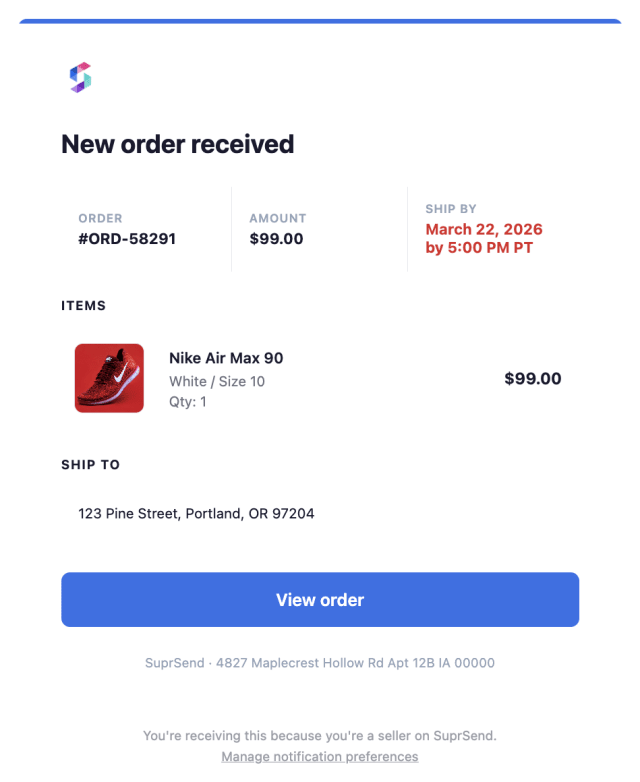
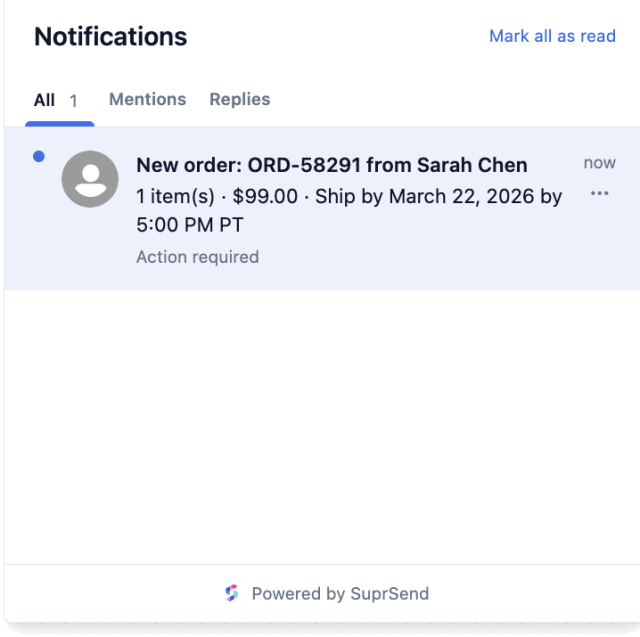
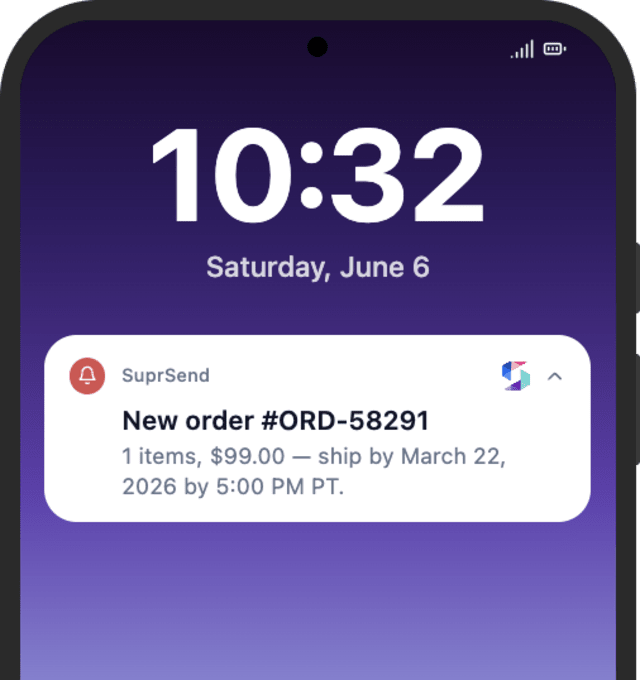
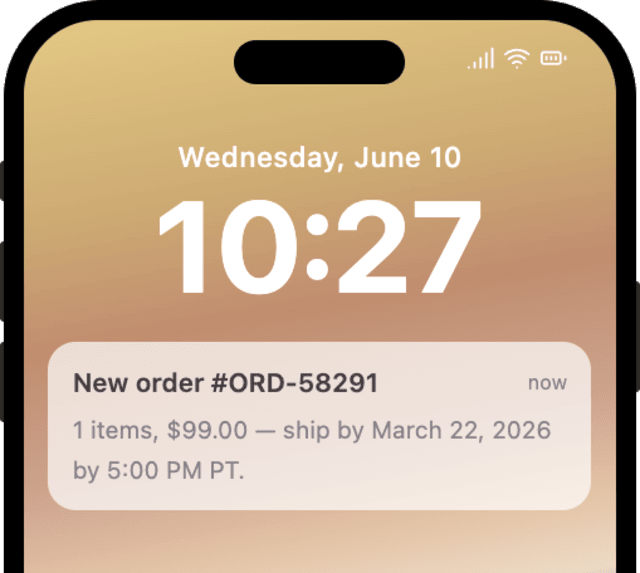


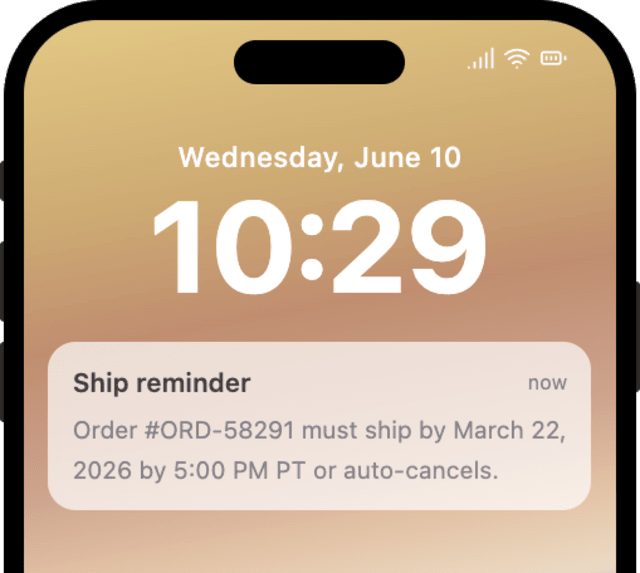
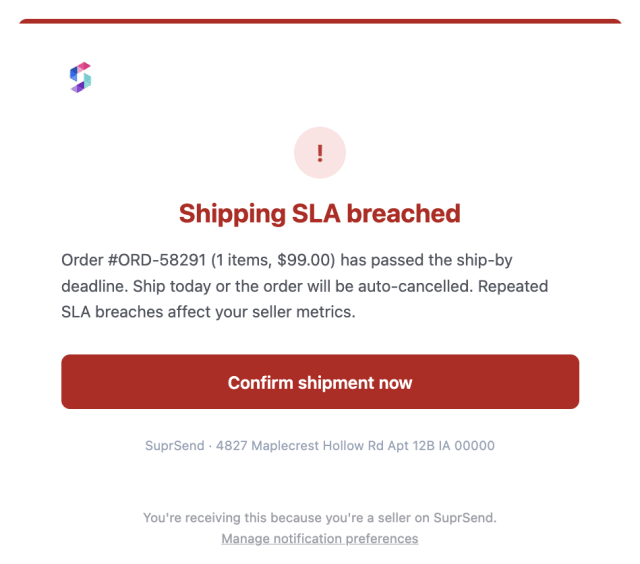
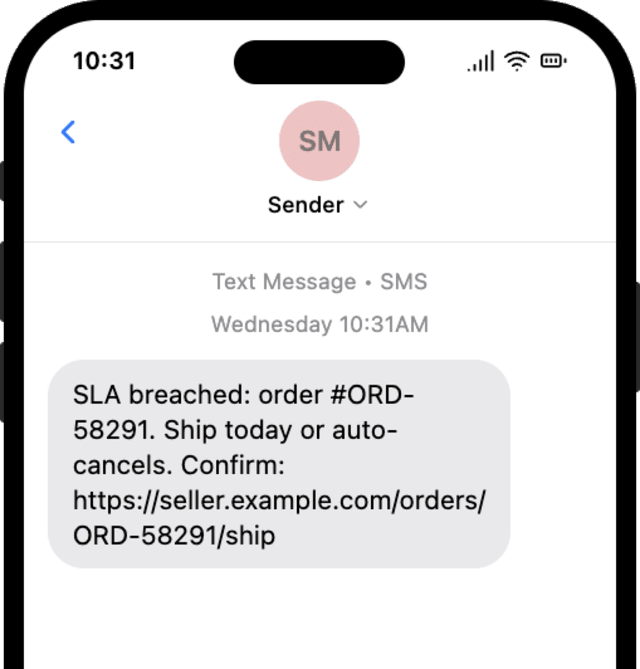
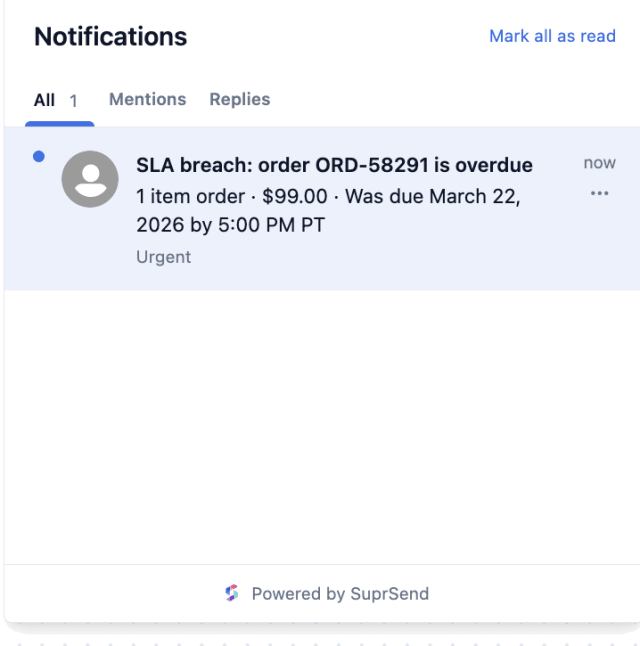
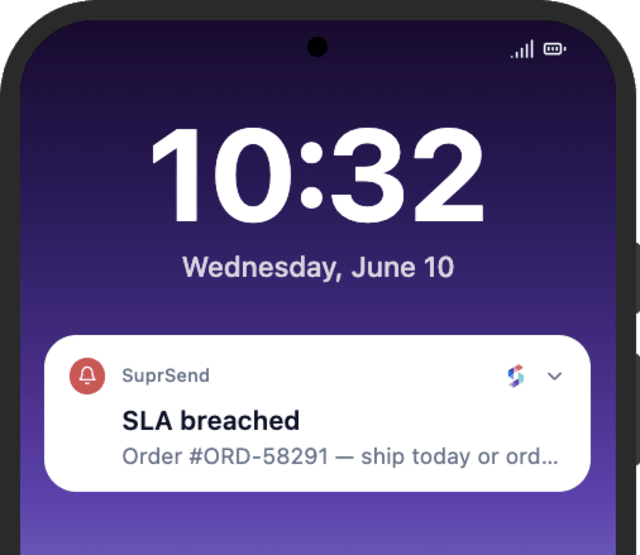
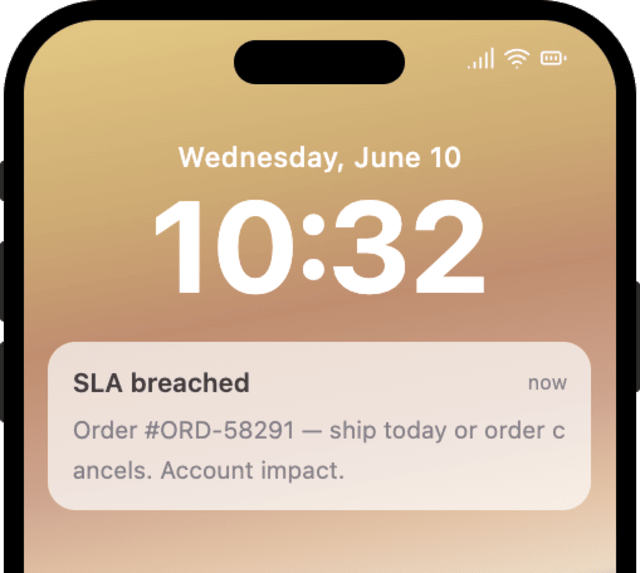
More orders go out before the deadline when the seller is alerted, reminded, and flagged on a breach, compared with an order list they have to watch.
When sellers mute order alerts, every order is pinging them the same way, with no difference between a routine order and a real breach.
Quick answers about setting up and running this workflow.
At the new order, 12 hours before the ship-by deadline (timed by a Wait Until), and again on a breach if the deadline is missed.
Shipping or cancelling the order stops them at the Wait Until; once it ships, the ship-by reminder and breach alert no longer fire.
Email, in-app inbox, and push for the order alert and reminder, with SMS added on a breach so it cuts through.
No, this is seller-facing. Buyer-side updates like packed and shipped are handled by the Buyer Order Updates workflow.
Fire ORDER_PLACED with a near ship_by_date, then ORDER_SHIPPED with the same order_id to check the stop, or let the deadline pass for the breach alert. Use the Test button, the SuprSend Agent, or the API, CLI, or MCP.
Sign up and test the workflow directly in the dashboard.
Copy the prompt, paste it into the Agent in your SuprSend dashboard, and the workflow gets built for you.
Set up SuprSend MCP in Claude Code, Cursor or Windsurf, copy the prompt, and the workflow builds itself in your workspace.