
Primary signal
Recovered carts
More carts turn into orders
More abandoned carts become orders when a timely reminder brings the shopper back, compared with letting the cart go cold.
By clicking “Accept All Cookies”, you agree to the storing of cookies on your device to enhance site navigation, analyze site usage, and assist in our marketing efforts. View our Privacy Policy for more information.
We use cookies to understand how the workflow library is used and to improve it.
Pick how you want to build it.
 Build with the SuprSend Agent
Shoppers add to cart and leave without buying. A cart left alone is a sale that quietly slips away.
A reminder sent days after the cart is abandoned is too late. By then the urge to buy has cooled and the shopper has moved on.
Reminders keep going after the shopper bought. Someone who already checked out still gets "you left something behind".
A generic "your cart is waiting" gives no reason to return. Without the items, the shopper has nothing to come back to.
Cart abandoned
When a shopper leaves items in their cart (CART_ABANDONED), the recovery starts.
First reminder within the hour
An hour later, a reminder brings the shopper back to their cart.
A second reminder the next day
If the cart is still unbought, a second reminder follows a day later.
A final reminder
A day after that, a last reminder goes out.
Buying ends it
Checking out (CART_PURCHASED) stops the reminders.
The items, with image and price, pull the shopper back; "your cart is waiting" does not.
Smart Channel Routing fires the first reminder an hour after the cart is left, when the shopper still wants the item. That early nudge recovers the most.
A two-dollar cart or an idle browse does not need three reminders. Gate the sequence on cart value or real intent so the effort goes where there is a sale to win back.
A reminder for an out-of-stock item wastes the send and loses trust. Check availability first, or point to alternatives.
Open with a coupon and shoppers learn to abandon their cart just to get one. Lead with the items, and hold any discount for the final reminder.
The Wait Until stops on CART_PURCHASED for the same action_id. If a purchase through another path skips that event, the shopper keeps getting chased.
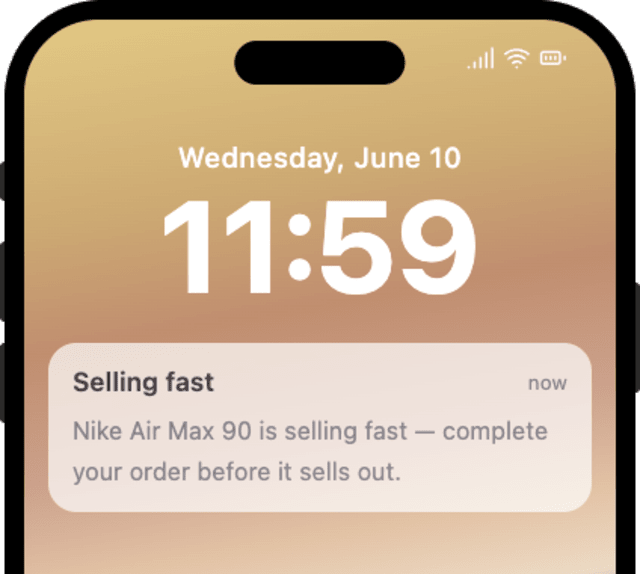
The actual notifications this workflow sends, on each channel.
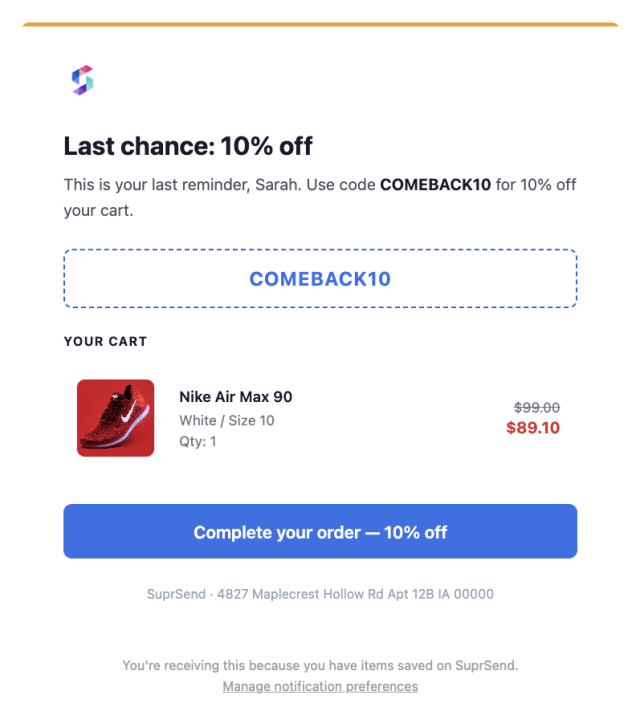
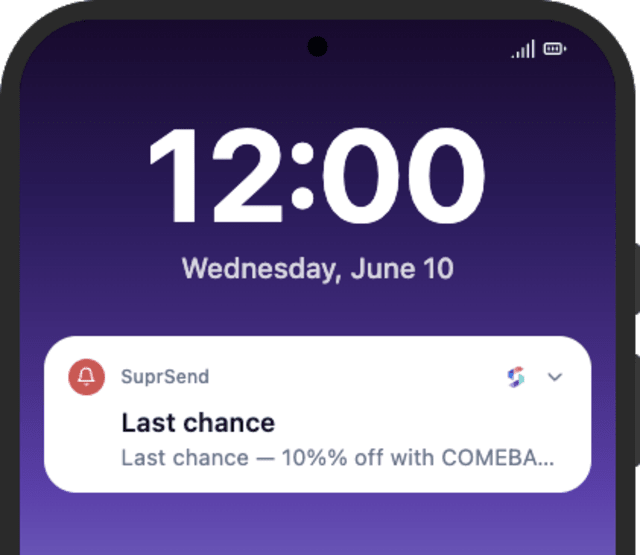
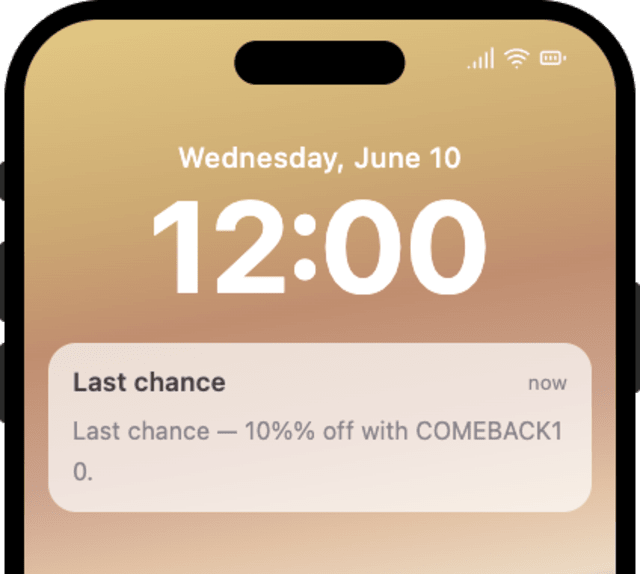
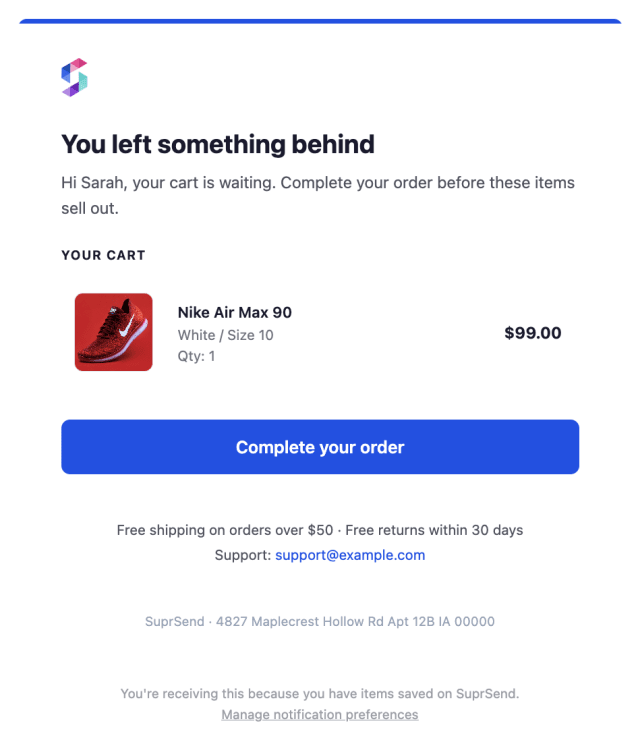
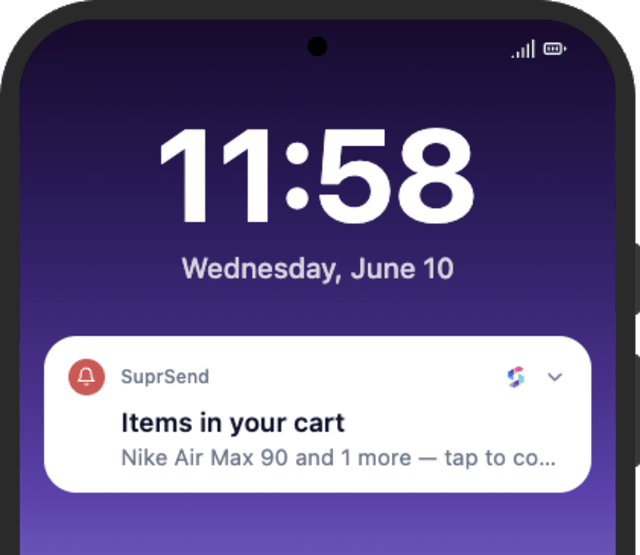
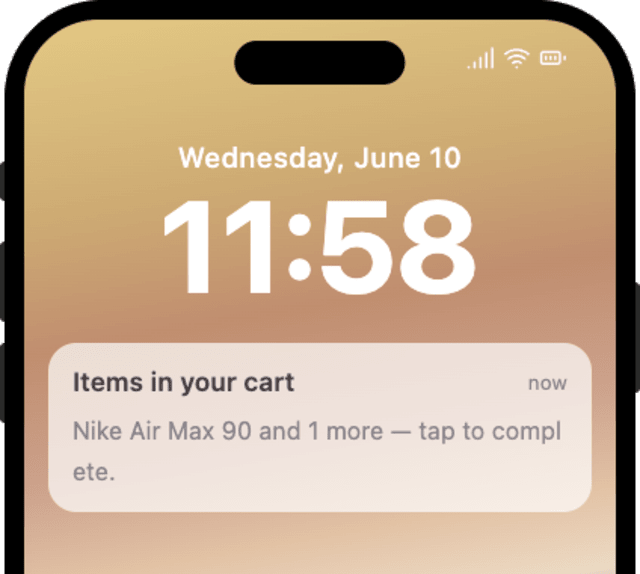
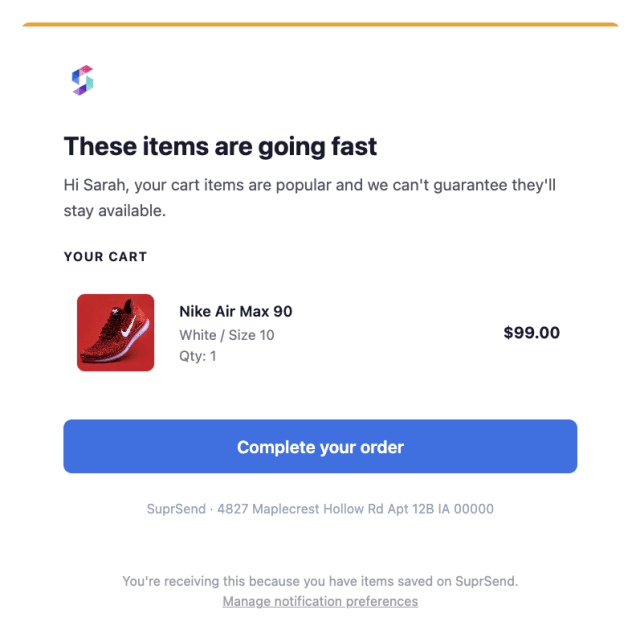
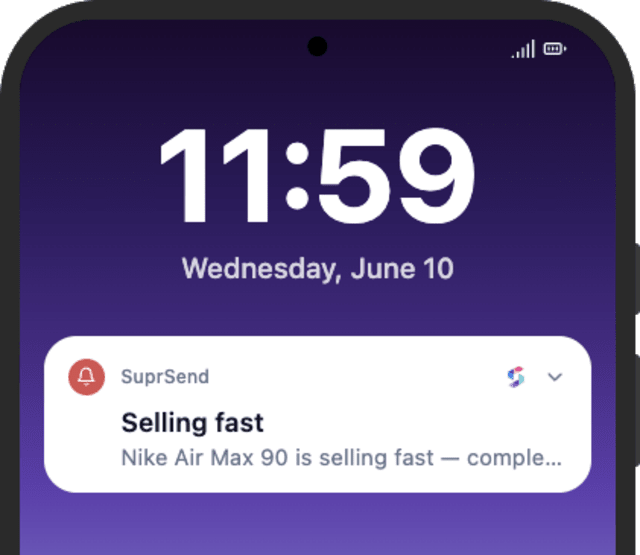
More abandoned carts become orders when a timely reminder brings the shopper back, compared with letting the cart go cold.
When shoppers unsubscribe from cart reminders, the sequence is firing on every cart or leaning too hard on discounts.
Quick answers about setting up and running this workflow.
Yes. Checking out (CART_PURCHASED) or clearing the cart stops the remaining reminders at the Wait Until, matched on action_id so only this cart's reminders end.
The first goes out an hour after the cart is left, then a second the next day, and a final one a day after that - three reminders in all.
Email and mobile push, sent one at a time by Smart Channel Routing until the shopper sees it, so a shopper off their inbox still gets pulled back.
Only if you captured a contact for the cart, such as an email at the cart step. A fully anonymous cart has no one to reach.
Fire CART_ABANDONED, then CART_PURCHASED with the same action_id to confirm the reminders stop. Shorten the Wait Until delays to see all three quickly, from the Test button in the editor, the SuprSend Agent, or the API, CLI, or MCP.
Sign up and test the workflow directly in the dashboard.
Copy the prompt, paste it into the Agent in your SuprSend dashboard, and the workflow gets built for you.
Set up SuprSend MCP in Claude Code, Cursor or Windsurf, copy the prompt, and the workflow builds itself in your workspace.