
Primary signal
Returns closed
More returns get completed
More initiated returns are actually sent back and closed when the buyer is guided and reminded, compared with a single acknowledgement.
By clicking “Accept All Cookies”, you agree to the storing of cookies on your device to enhance site navigation, analyze site usage, and assist in our marketing efforts. View our Privacy Policy for more information.
We use cookies to understand how the workflow library is used and to improve it.
Pick how you want to build it.
 Build with the SuprSend Agent
Returns flood support with "where is my refund" questions. Buyers chase an update when nothing tells them what is happening.
Returns go unfinished when buyers don't know how to ship the item back. Without the label and clear steps, the item never leaves the house.
Buyers can't tell whether a refund is actually coming. With no confirmation on receipt, they assume the return was lost.
Returns drag on with no deadline to close them out. An open return with no time limit sits unresolved for weeks.
Return started
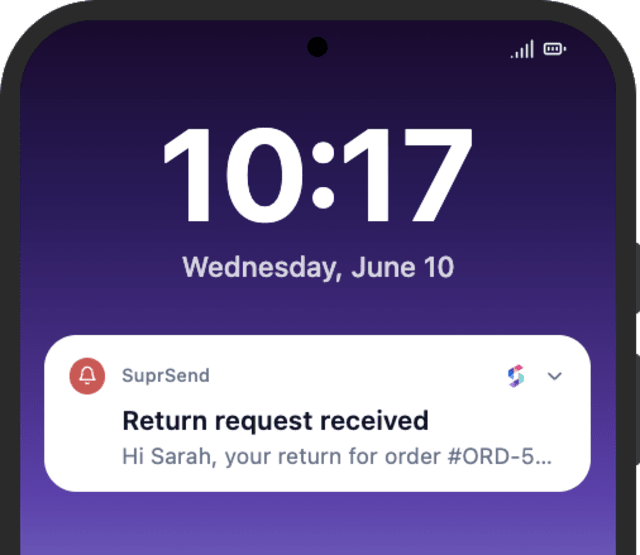
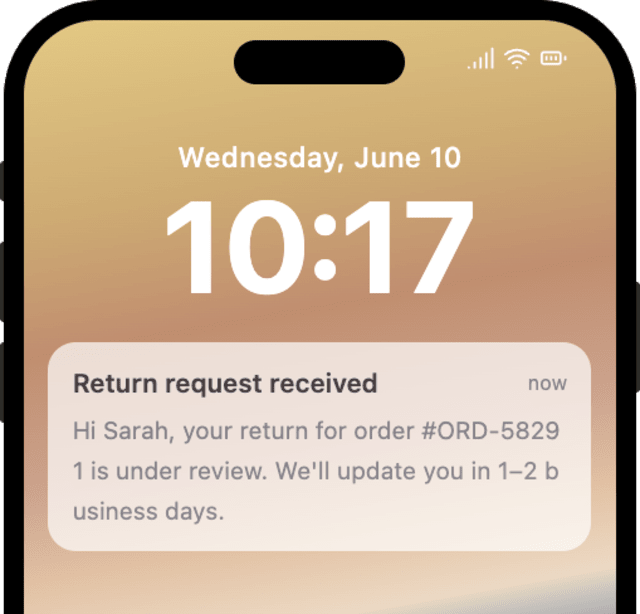
When a buyer starts a return (RETURN_INITIATED), it is acknowledged right away.
Waits for the item to come back
The workflow waits up to two weeks for the return to be received.
Confirmed when the return arrives
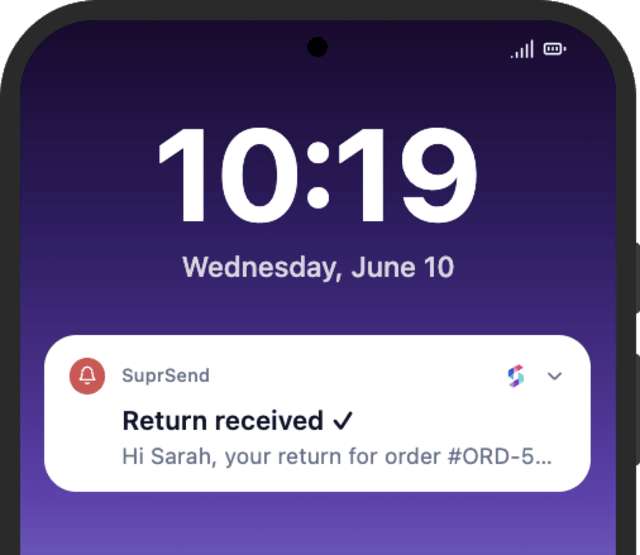
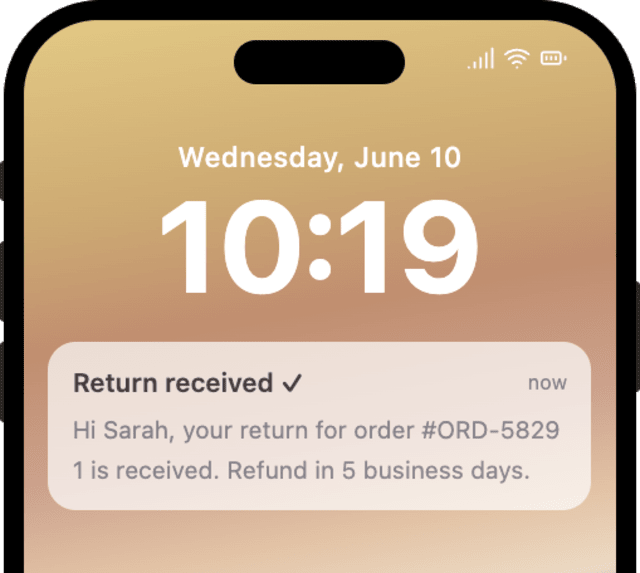
When the return is received, the buyer gets a confirmation.
A reminder if it never arrives
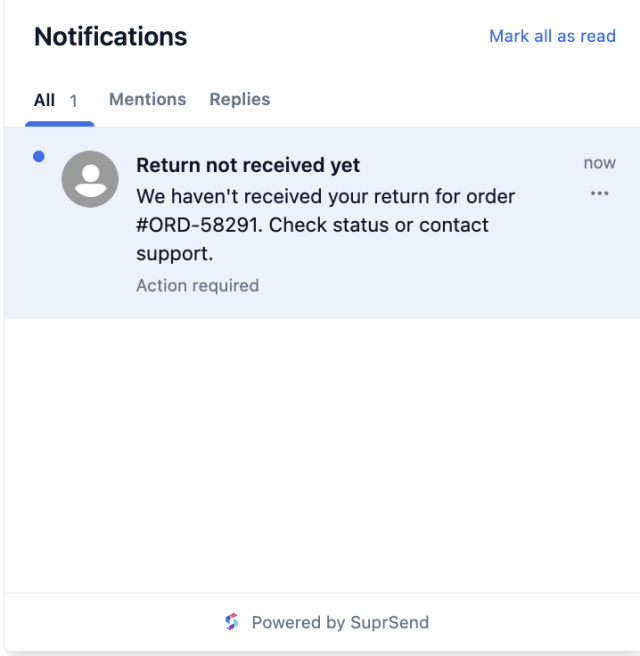
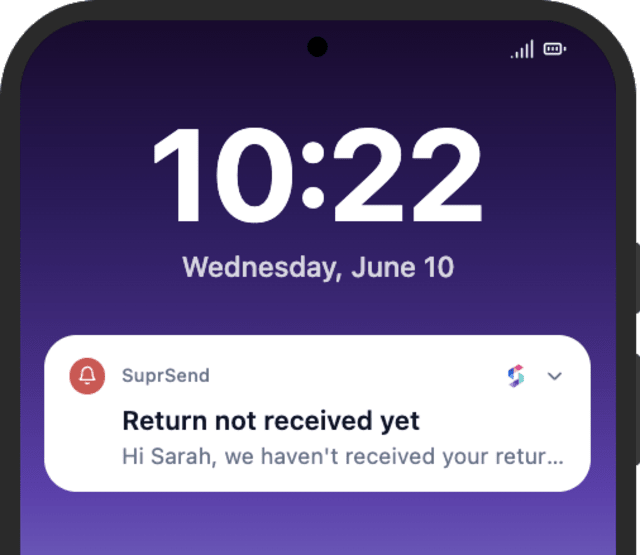
If two weeks pass with no return, a reminder goes out that the item never came back.
The acknowledgement is where the buyer learns how to send the item back, so include the prepaid label, where to drop it off, and the deadline. A buyer who has every step completes the return; one left guessing lets it time out.
"Where is my refund" is the most common return question, so the received confirmation should say how much is coming back, to which method, and by when. A clear timeline keeps the buyer from chasing support a day later.
The reminder fires once the Wait Until reaches 14 days, so set that window to cover both your policy and the time the carrier needs to deliver. Set it too short and a buyer whose package is still moving is told it never arrived.
The workflow starts on RETURN_INITIATED, which usually fires the moment a buyer requests a return. If your returns need a manual approval first, send the trigger only once approved, so the buyer is not told to ship before you have agreed to take it back.
When the wait reaches 14 days with no return, the buyer has often just forgotten, so the message should make it easy to still send the item or reach support. A flat "you missed the window" notice ends a return that could still be saved.
Buyers ship items that get rejected at inspection when nothing tells them the return must be unused with tags on. State the condition rules in the first message so a return is not refused after the buyer has already sent it.
The actual notifications this workflow sends, on each channel.




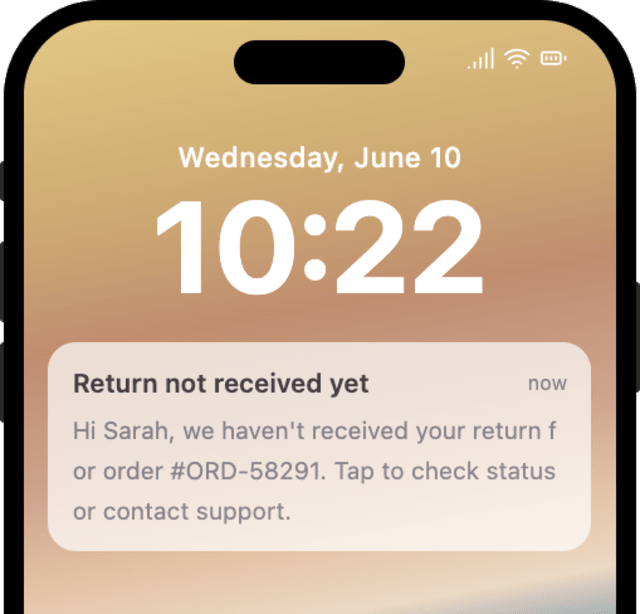
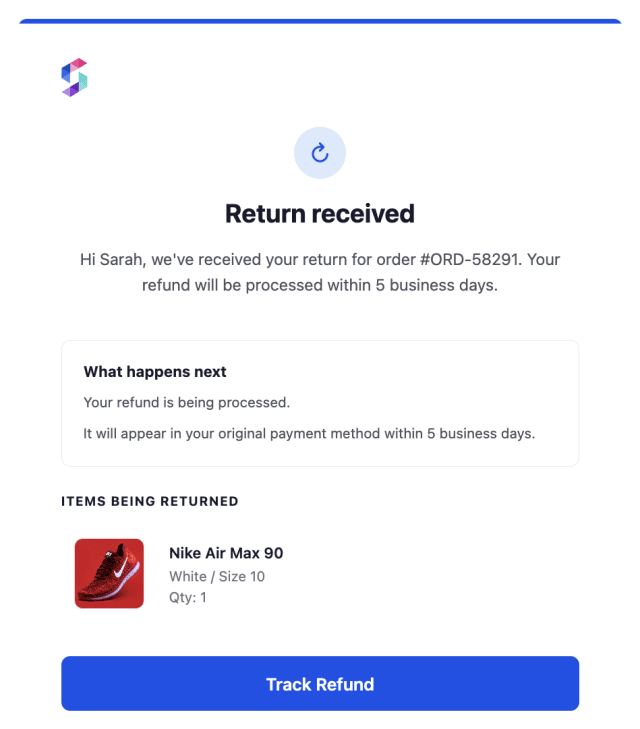
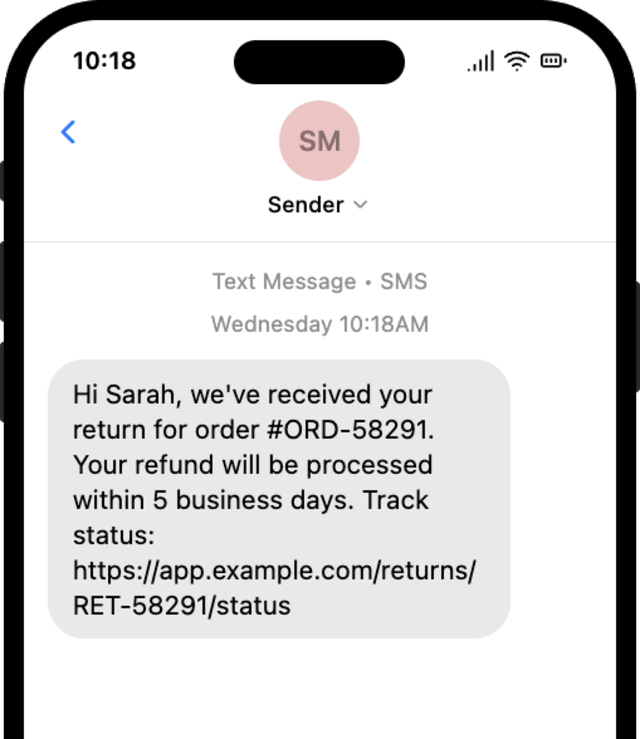
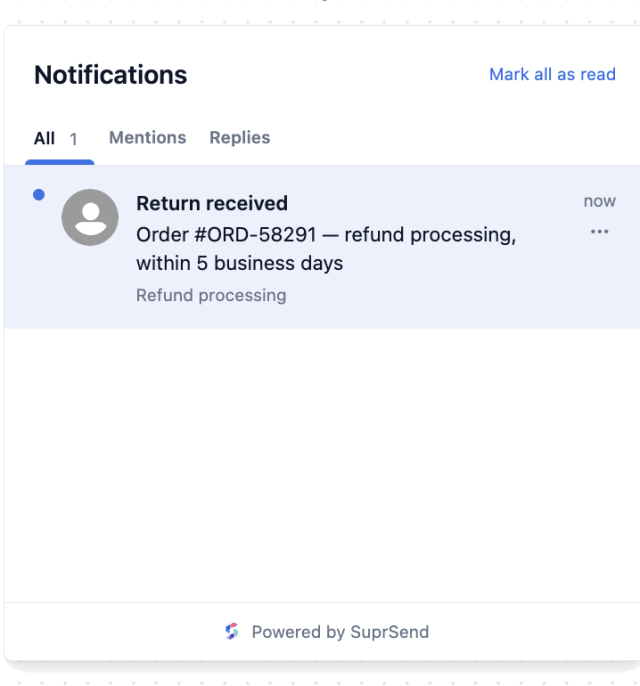
More initiated returns are actually sent back and closed when the buyer is guided and reminded, compared with a single acknowledgement.
When buyers contact support about a return the workflow already messaged, the updates are missing the refund timeline or next step.
Quick answers about setting up and running this workflow.
After 14 days with no return, the Wait Until times out and a reminder goes out that the item has not arrived, so the return does not sit open forever.
As soon as the return is received (RETURN_RECEIVED with the same return_id), the buyer gets a confirmation with the refund timeline. If the buyer cancels the return instead, the reminders stop; to send a dedicated cancellation note, add a branch with its own template.
Email and in-app inbox, sent with Multi-Channel. The templates also support SMS, WhatsApp, and push, so you can add a channel to the send if a return step needs to reach the buyer faster.
No. It sends the messages around a return; your payment system issues the actual refund. To confirm the money has landed, add a send on your refund-completed event after the received confirmation.
Fire RETURN_INITIATED, then RETURN_RECEIVED with the same return_id to see the confirmation, or let it run 14 days for the no-return reminder. Use the Test button in the editor, the SuprSend Agent, or the API, CLI, or MCP.
Sign up and test the workflow directly in the dashboard.
Copy the prompt, paste it into the Agent in your SuprSend dashboard, and the workflow gets built for you.
Set up SuprSend MCP in Claude Code, Cursor or Windsurf, copy the prompt, and the workflow builds itself in your workspace.