
Primary signal
Acted on
Scores turn into action
Promoters leave reviews and detractors get recovered when the survey routes on the score, instead of a number that sits unused.
By clicking “Accept All Cookies”, you agree to the storing of cookies on your device to enhance site navigation, analyze site usage, and assist in our marketing efforts. View our Privacy Policy for more information.
We use cookies to understand how the workflow library is used and to improve it.
Pick how you want to build it.
 Build with the SuprSend Agent
Surveys sent at a random hour get a low response. A survey at midnight is gone before the user reads it.
A survey with no follow-up gets ignored. Most users mean to answer later and never do.
Every respondent gets the same thank-you, whatever they said. A promoter and a detractor are treated alike, so the score leads nowhere.
A good score leads nowhere and a bad one is never followed up. Promoters are not asked to recommend you, detractors are not won back, and the score just sits in a chart.
Survey scheduled
When an NPS survey is due (NPS_SURVEY_SCHEDULED), it is sent in the user's working hours.
Reminder if no response
If there is no answer in three days, a reminder follows.
The workflow routes by the score
Once submitted, the score decides the next step.
Promoters asked to advocate
A high score leads to a testimonial or referral ask.
Detractors asked how to improve
A low score leads to an improvement follow-up so the issue gets addressed.
A one-tap 0-to-10 score gets answered; a long form gets closed. Capture the number first and make the written comment optional, so even users who will not type still give you a score.
The Time Window holds the survey and its reminder to 9-to-6 local, so the response rate holds up instead of a midnight ask going unseen.
A low score deserves more than "thanks for the feedback". Ask what went wrong and offer a fix or a call, so the user feels heard while they still care.
NPS loses meaning if you ask every week. Run it at a sensible interval so the score reflects how the user feels, not survey fatigue.
A 7 or 8 is not a fan. Set the score thresholds so only true promoters get the advocacy ask and the lukewarm get a softer follow-up.
A detractor's reply only helps if it reaches someone who can act. Route the improvement feedback to your team, not just into a survey report no one reads.
The actual notifications this workflow sends, on each channel.
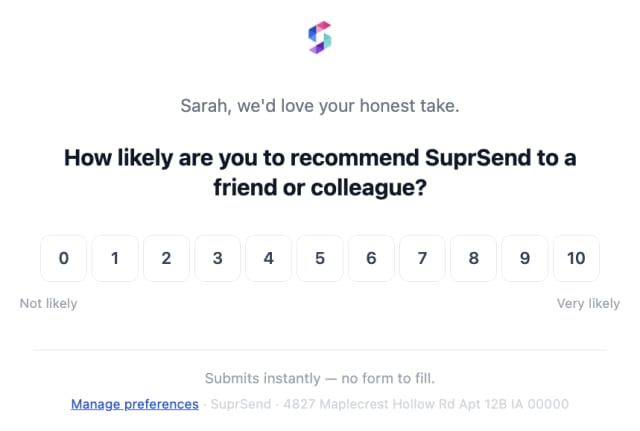
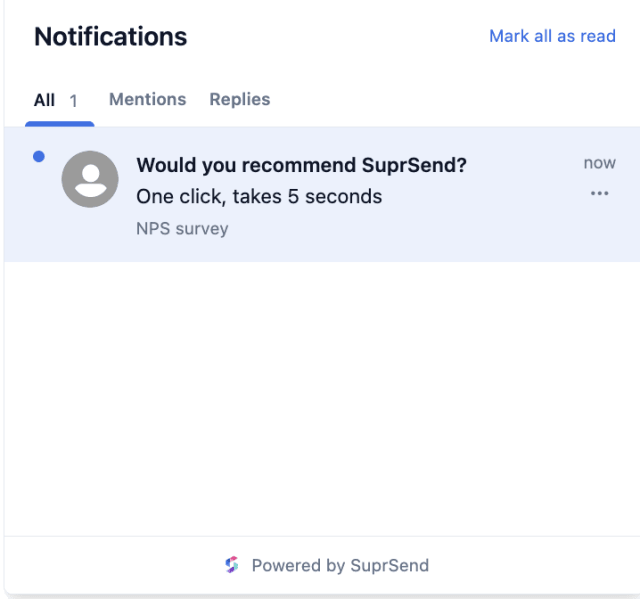
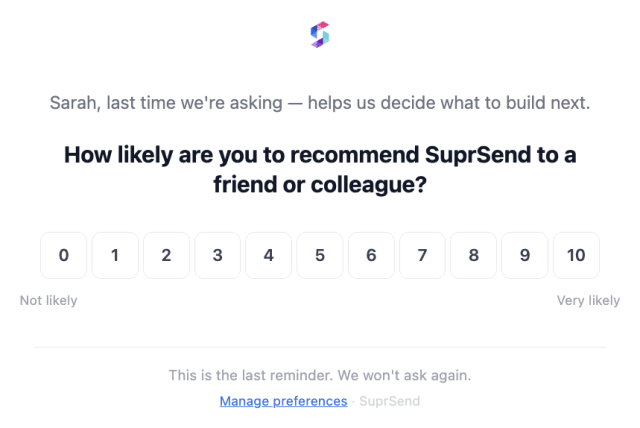
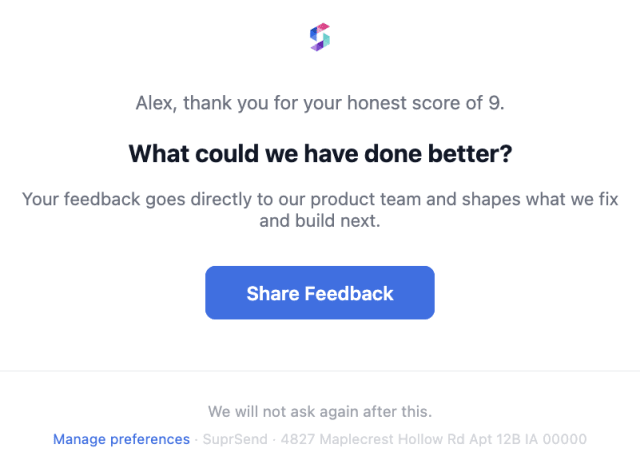
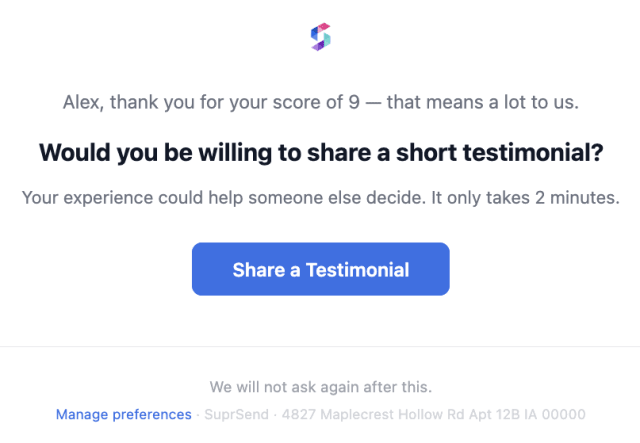
Promoters leave reviews and detractors get recovered when the survey routes on the score, instead of a number that sits unused.
When fewer users answer each round, the survey is going out too often or at the wrong hour.
Quick answers about setting up and running this workflow.
A Fetch reads the score and a Branch routes on it: promoters get an advocacy ask, detractors an improvement follow-up. You can point promoters to a review site or hand them to a Referral Campaign, and route detractor replies to your team.
A reminder goes out after three days. If they still do not answer, the workflow ends.
Email and in-app inbox, sent by Smart Channel Routing. A consumer mobile app can add mobile push so the survey reaches users where they spend their time.
This runs a scheduled NPS survey and routes by the score. Feedback Request asks for feedback right after a single interaction.
Fire NPS_SURVEY_SCHEDULED, then submit a high score and a low score with NPS_SUBMITTED to watch each branch. Trigger from the Test button, the SuprSend Agent, or the API, CLI, or MCP.
Sign up and test the workflow directly in the dashboard.
Copy the prompt, paste it into the Agent in your SuprSend dashboard, and the workflow gets built for you.
Set up SuprSend MCP in Claude Code, Cursor or Windsurf, copy the prompt, and the workflow builds itself in your workspace.