
Primary signal
Referrals sent
More users refer friends
More users share a referral when the prompt lands at a good moment with a clear reward and a one-tap share, compared with no ask.
By clicking “Accept All Cookies”, you agree to the storing of cookies on your device to enhance site navigation, analyze site usage, and assist in our marketing efforts. View our Privacy Policy for more information.
We use cookies to understand how the workflow library is used and to improve it.
Pick how you want to build it.
 Build with the SuprSend Agent
Happy users would refer but are never asked. The intent is there; without a prompt, it never turns into a referral.
A referral prompt at a bad time is ignored. Asked overnight or mid-task, the user skips it and forgets.
Asking users with no reason to share gets no referrals. "Tell your friends" without a benefit gives them nothing to act on.
A referral ask with no easy share link goes nowhere. If sharing takes effort, even a willing user drops off.
A referral prompt is triggered
When a referral campaign runs (REFERRAL_CAMPAIGN_TRIGGERED), the prompt is queued for each user.
Held for the user's active hours
A Time Window holds it until 9 AM to 8 PM in the user's timezone.
Sent one channel at a time
Smart Channel Routing delivers on email or inbox, whichever reaches the user, until it is seen.
Fire it just after a user hits a milestone, leaves a strong review, or scores as a promoter on an NPS survey. A user who is already happy refers far more readily than one picked at random.
Make the mutual benefit the headline, like "Give $20, get $20". An offer that pays the friend too is shared far more than a one-sided "tell your friends".
Give the user a ready-made referral link and one-tap share options in the prompt. Every extra step between "I'll refer" and the actual share is a referral lost to friction.
A referral prompt is promotional, not transactional, so users have to be able to mute it. Respect their notification preferences and honor an opt-out, or you draw spam complaints that hurt deliverability for every send.
The Time Window sends in the user's 9-to-8, but only when their timezone is known. Without it the prompt falls back to a default zone and can land in the middle of their night.
A user who already referred, or ignored two asks, does not need a weekly prompt. Cap how often you ask so the program does not wear out your best advocates.
The actual notifications this workflow sends, on each channel.
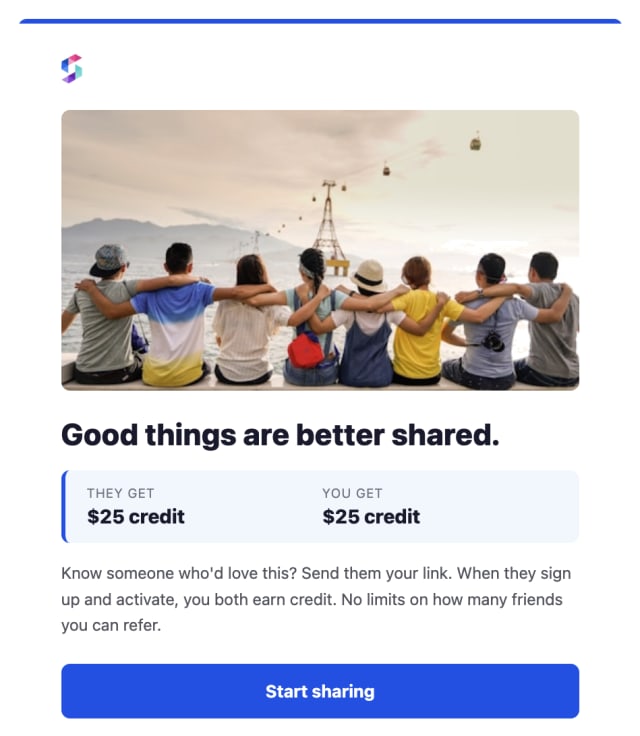
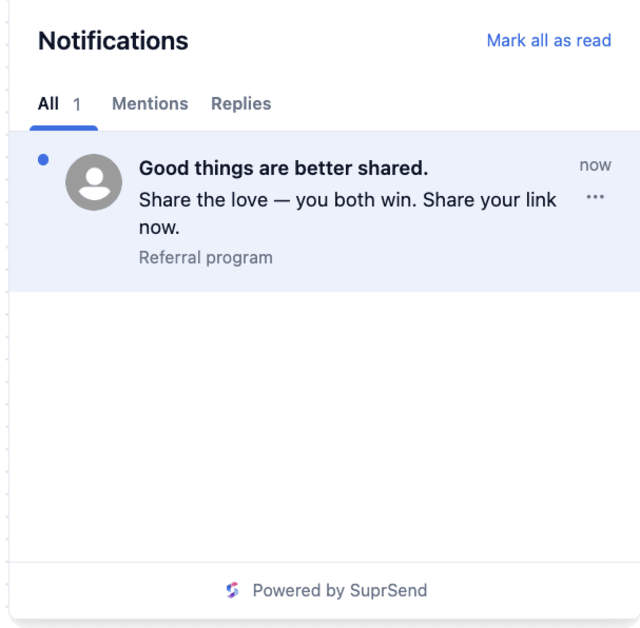
More users share a referral when the prompt lands at a good moment with a clear reward and a one-tap share, compared with no ask.
When users mute referral prompts, they are being asked too often or at the wrong moment, such as right after a problem.
Quick answers about setting up and running this workflow.
Existing users likely to recommend you, ideally just after a win or a good review. Keep the prompt to users who allow marketing in their preferences, since it is promotional, not transactional.
Email and in-app inbox. Smart Channel Routing sends one at a time, cheapest first, and stops the moment the user sees it, so you do not pay to hit every channel.
Tie it to the referred friend actually signing up, not to the share, or the program gets gamed. The Referral Lifecycle workflow handles that signup journey and the reward trigger.
This prompts an existing user to refer a friend. Referral Lifecycle picks up after a referral is sent and nurtures the referred friend with reminders until they sign up.
Fire REFERRAL_CAMPAIGN_TRIGGERED for a test user. The Time Window may hold the send until daytime, so test within 9 to 8, from the Test button in the editor, the SuprSend Agent, or the API, CLI, or MCP.
Sign up and test the workflow directly in the dashboard.
Copy the prompt, paste it into the Agent in your SuprSend dashboard, and the workflow gets built for you.
Set up SuprSend MCP in Claude Code, Cursor or Windsurf, copy the prompt, and the workflow builds itself in your workspace.