
Primary signal
Engagement
Subscribers open and click
More subscribers read and click through when each issue lands in their active hours and leads with something useful.
By clicking “Accept All Cookies”, you agree to the storing of cookies on your device to enhance site navigation, analyze site usage, and assist in our marketing efforts. View our Privacy Policy for more information.
We use cookies to understand how the workflow library is used and to improve it.
Pick how you want to build it.
 Build with the SuprSend Agent
A newsletter sent at one global time lands overnight for half the list. Subscribers in other timezones get it while they sleep, and it is buried by morning.
Customers forget your product between visits. With no regular touchpoint, you only reach them when they happen to come back on their own.
A newsletter only in email misses subscribers who live in the app. Readers who have stopped checking email never see it.
A roundup with nothing useful for the reader loses subscribers. Company news and no value trains them to stop opening.
A newsletter is triggered
When an issue goes out (NEWSLETTER_TRIGGERED), it is queued for each subscriber.
Held for the user's active hours
A Time Window holds it until 9 AM to 8 PM in the subscriber's timezone.
Sent on email and inbox
The issue goes out where the subscriber reads it.
Opens rise when the issue arrives while the reader is up. The Time Window holds every send to 9 AM to 8 PM in each subscriber's own timezone.
Open with a tip, an insight, or a resource the reader wants, not a wall of company news. An issue that pays off the open earns the next one.
Multi-Channel delivers the newsletter to email and the in-app inbox together, so a subscriber who has stopped opening mail still finds it inside your product.
Subscribers come to expect it on a steady schedule, so scattered, irregular sends train them to stop looking for it. Irregular timing also hurts inbox placement more than mailing often does, so pick a regular slot and keep to it.
A newsletter is promotional, so subscribers must be able to leave it from their preferences. Setting the category as one they cannot turn off invites spam reports and breaks the trust the list runs on.
Subscribers who never open drag your sender reputation down, and inboxes start routing the whole list to spam. Drop or re-confirm long-inactive subscribers instead of mailing the full list forever.
The actual notifications this workflow sends, on each channel.
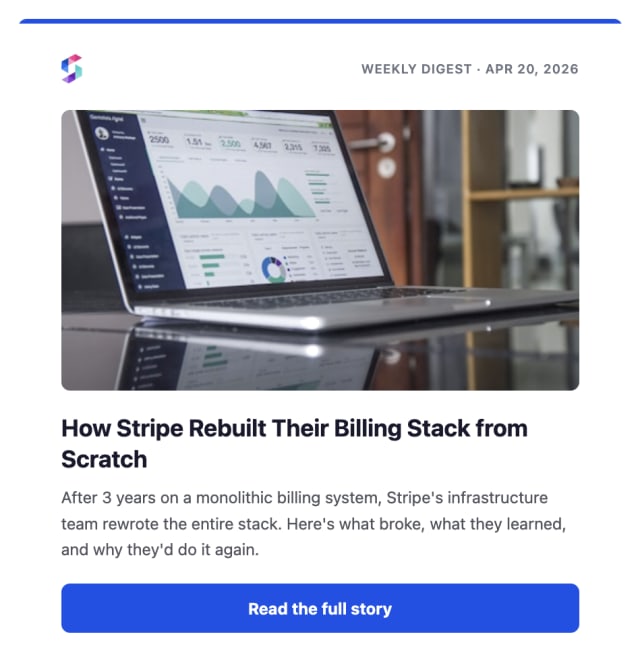
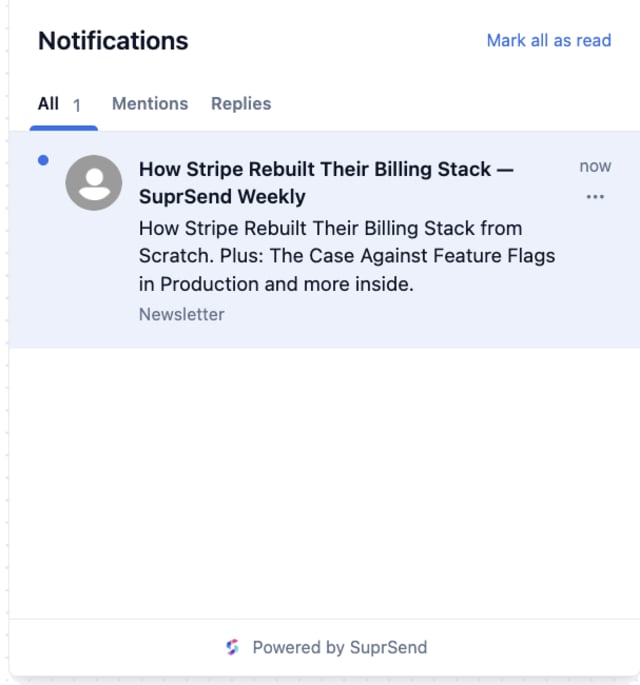
More subscribers read and click through when each issue lands in their active hours and leads with something useful.
When unsubscribes climb, the newsletter is going to people who did not opt in or carrying too little they care about.
Quick answers about setting up and running this workflow.
In each subscriber's local 9 AM to 8 PM window. The Time Window holds the send until daytime in their own timezone, so it arrives while they are awake and reading.
Email and in-app inbox, so a subscriber can read the issue in their mail or inside your product.
Yes. The workflow limits sends to five per seven days for each subscriber, a guard against over-mailing. Adjust that rate limit in the workflow settings if your schedule needs a different ceiling.
The newsletter is a recurring roundup to subscribers. Feature Announcement is a one-off message tied to a single release.
Fire NEWSLETTER_TRIGGERED for a test subscriber. The Time Window may hold the send until daytime, so test within those hours, from the Test button, the SuprSend Agent, or the API, CLI, or MCP.
The workflow runs per subscriber, which adds queue time past a few thousand. For a large list, send the issue as a List Broadcast instead, which SuprSend processes in bulk for much faster delivery.
Sign up and test the workflow directly in the dashboard.
Copy the prompt, paste it into the Agent in your SuprSend dashboard, and the workflow gets built for you.
Set up SuprSend MCP in Claude Code, Cursor or Windsurf, copy the prompt, and the workflow builds itself in your workspace.