
Primary signal
Adoption
More users try the new feature
More users open and use a release when it is announced in their active hours with a clear benefit, compared with a silent launch.
By clicking “Accept All Cookies”, you agree to the storing of cookies on your device to enhance site navigation, analyze site usage, and assist in our marketing efforts. View our Privacy Policy for more information.
We use cookies to understand how the workflow library is used and to improve it.
Pick how you want to build it.
 Build with the SuprSend Agent
New features ship and users never notice. The work is done, but adoption stays flat because no one knew.
An announcement sent at a bad hour is missed. A launch email at 2 AM is buried by the time the user wakes.
Most users do not care about most features. Announcing every release to everyone trains them to tune the updates out.
"We launched X" gives the user no reason to try it. Without the benefit, the announcement is a fact, not a nudge.
A feature is announced
When a new feature ships (FEATURE_ANNOUNCED), the announcement is queued for each user.
Held for the user's active hours
A Time Window holds it until 9 AM to 8 PM in the user's timezone.
Sent on email and inbox
The announcement goes out where the user will read it.
"Export to PDF in one click" beats "Introducing Reports v2". Frame the announcement around the user's job, not the release name.
A launch email at 2 AM is buried by morning. The Time Window holds it to 9 to 8 in their timezone so it lands while they are working.
A feature for admins means nothing to a viewer. Target the announcement to the segment that can use it, so it reads as relevant, not noise.
A feature announcement is promotional, not transactional, so users must be able to mute it. Respect their notification preferences and keep these off the transactional path, or you draw spam complaints.
An announcement that does not drop the user into the feature wastes the interest it created. Link straight to it, opened in context.
A changelog entry is not an announcement. Save the send for features users actually care about, or they tune the updates out.
The actual notifications this workflow sends, on each channel.
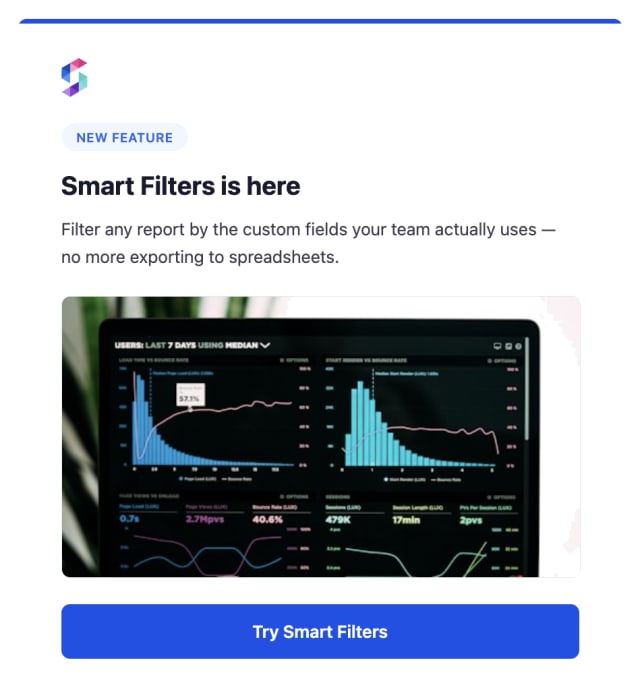
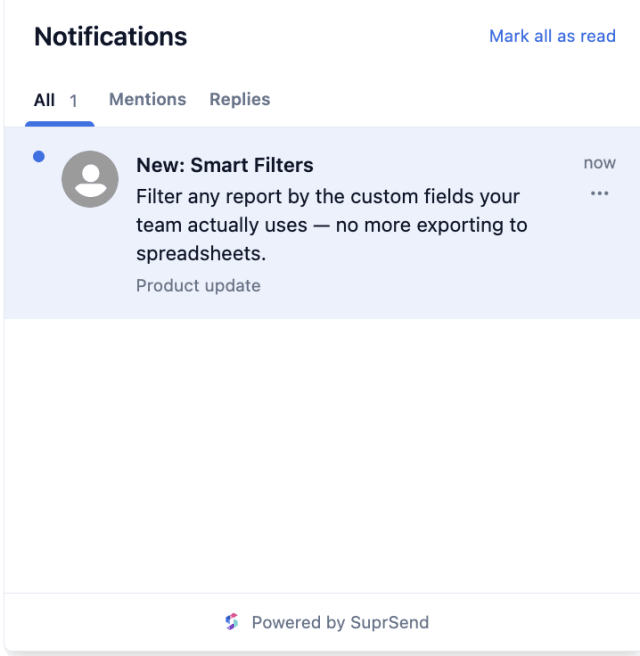
More users open and use a release when it is announced in their active hours with a clear benefit, compared with a silent launch.
When users turn off product announcements, every small change is being sent as its own update.
Quick answers about setting up and running this workflow.
The workflow holds it to the user's local 9 AM to 8 PM with the Time Window, a sensible default for product news. You can widen or shift that window to fit your audience.
Email and in-app inbox, via Multi-Channel, so the user sees it in their mail and inside the product where the feature lives.
This is a one-off message tied to a single release. The Newsletter workflow sends a recurring roundup to its subscribers.
The segment the feature actually helps, by plan or role, so a release for admins does not hit every read-only user. A relevant announcement gets tried; a blanket one gets muted.
Fire FEATURE_ANNOUNCED for a test user. The Time Window may hold the send until daytime, so test within 9 to 8, from the Test button in the editor, the SuprSend Agent, or the API, CLI, or MCP.
Sign up and test the workflow directly in the dashboard.
Copy the prompt, paste it into the Agent in your SuprSend dashboard, and the workflow gets built for you.
Set up SuprSend MCP in Claude Code, Cursor or Windsurf, copy the prompt, and the workflow builds itself in your workspace.