
Primary signal
Attendance
More registrants attend live
More people who register show up when a join-now reaches them the moment the event starts, not just a reminder the day before.
By clicking “Accept All Cookies”, you agree to the storing of cookies on your device to enhance site navigation, analyze site usage, and assist in our marketing efforts. View our Privacy Policy for more information.
We use cookies to understand how the workflow library is used and to improve it.
Pick how you want to build it.
 Build with the SuprSend Agent
People register for a webinar and forget to show up. Registration is easy; remembering to attend live is the hard part.
A reminder a day early is not enough to get them to join live. By the time the event starts, the user has moved on to something else.
Reminders keep going after the event is called off or the attendee drops out. A cancelled attendee still gets "join now".
A "join now" sent on a timer misses an event that starts late. A fixed nudge goes out before the doors are actually open.
Attendee registers
When someone enrolls (ATTENDEE_ENROLLED), they get a registration confirmation.
Reminder the day before
24 hours before the event, a reminder goes out.
Join-now when it starts
The moment the event goes live (EVENT_STARTED), a join-now nudge fires.
Cancelling or changing the event ends it
Cancelling, dropping out, or changing the event stops the reminders.
An event that starts late should still get a join-now at the real start. The Wait Until listens for EVENT_STARTED and sends the link the moment it goes live, not at a guessed clock time.
One tap to join beats hunting for a link in a calendar invite. Lead the reminder and the join-now with the button, not the agenda.
A confirmation with an add-to-calendar link means the user's own calendar alert backs up your reminders, so the event is not riding on email alone.
A 24-hour reminder is too late if the user signed up a month ago and forgot. For long lead times, add a reminder in the weeks between so the event stays on their radar.
An EVENT_UPDATED stops the run at the Wait Until but does not restart it. Re-enroll attendees on the new time, or they get no reminders for an event they are still registered for.
The workflow sends in each attendee's timezone, but it does not rewrite the time inside the message. Pass each attendee's start time already in their local zone, or everyone reads one city's clock and joins an hour off.
The actual notifications this workflow sends, on each channel.
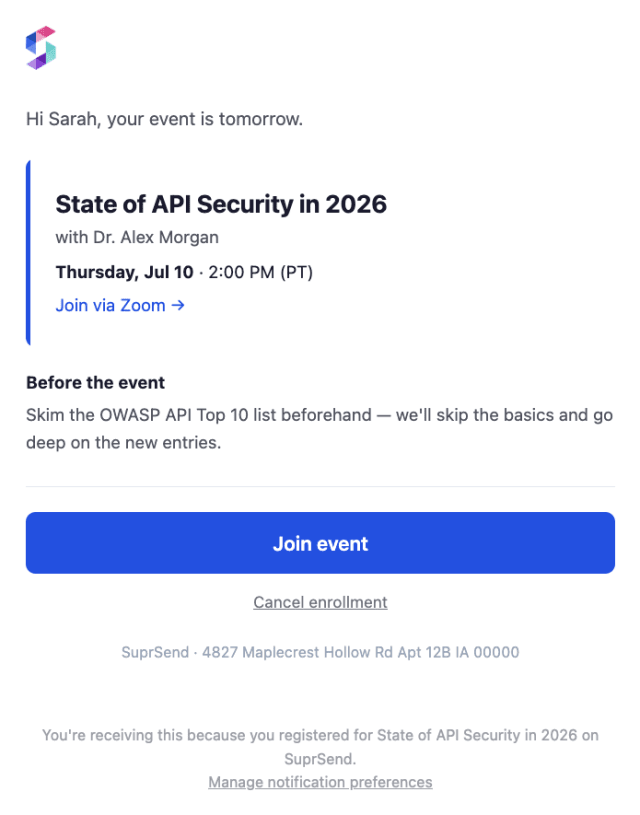
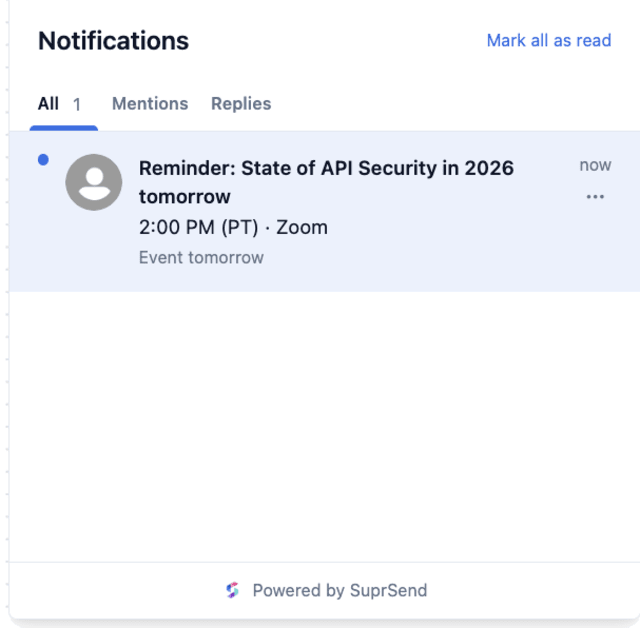
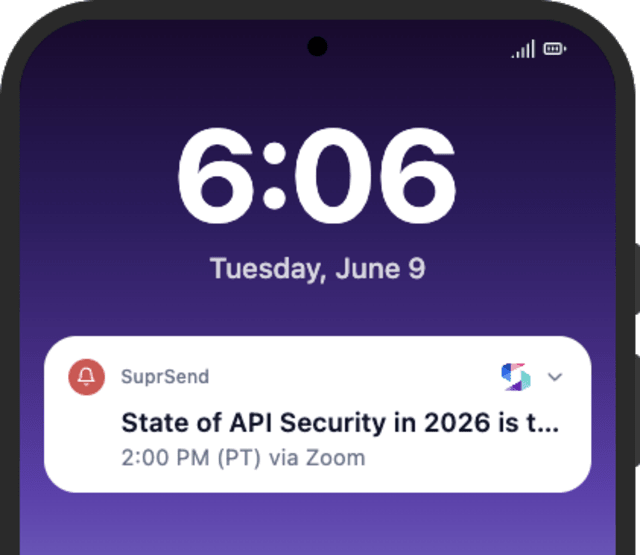
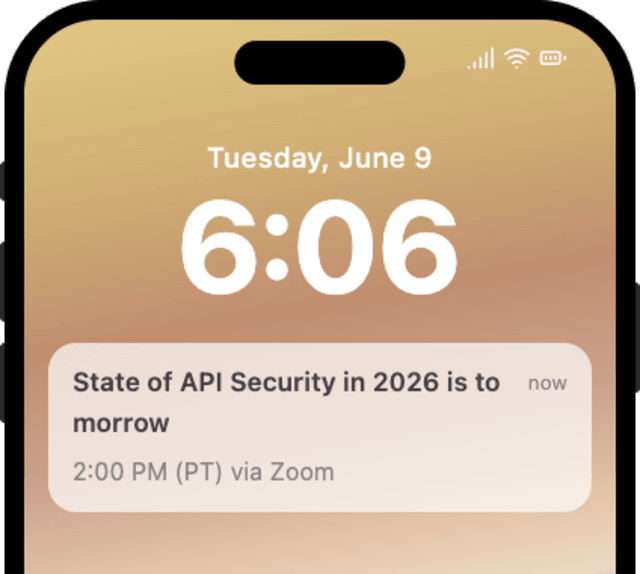
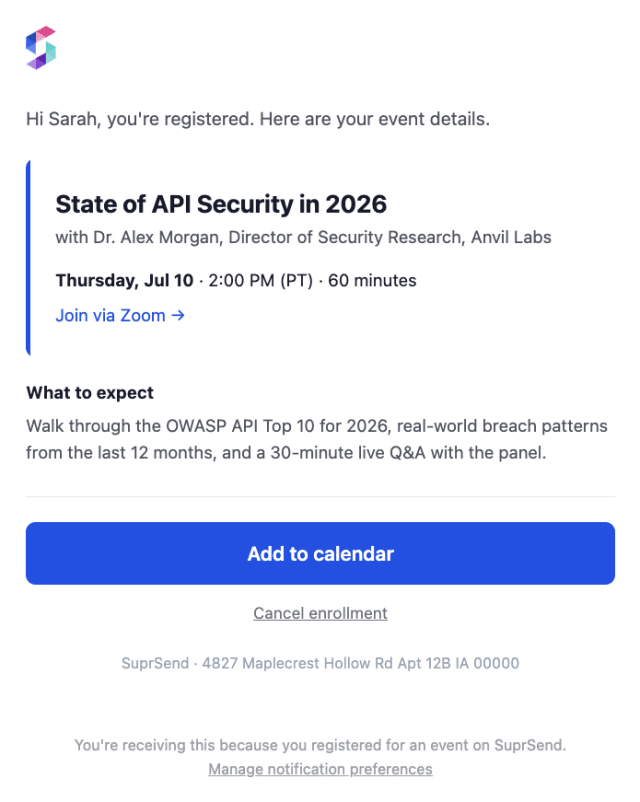
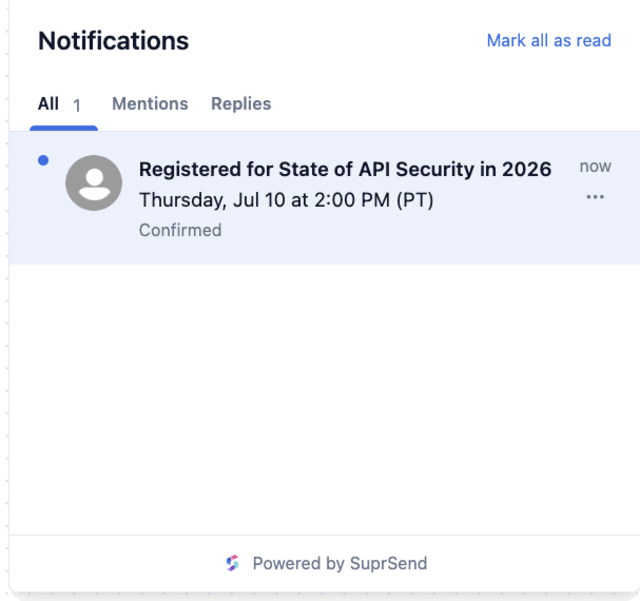
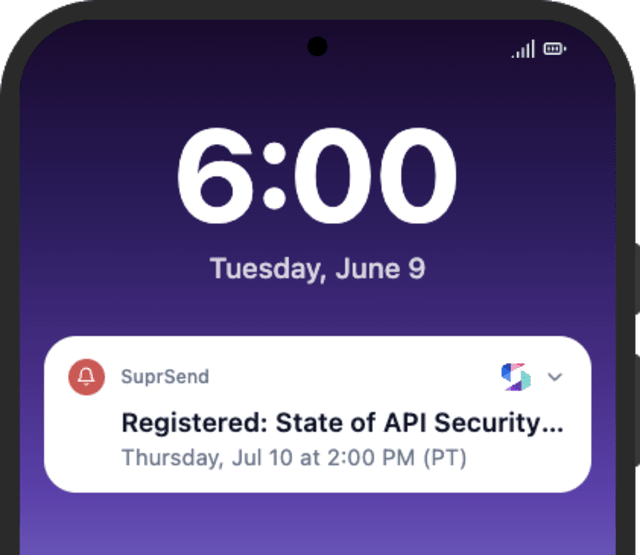
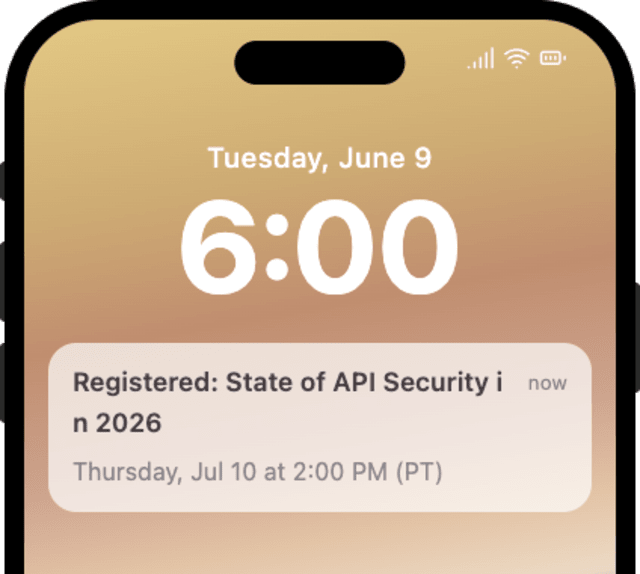
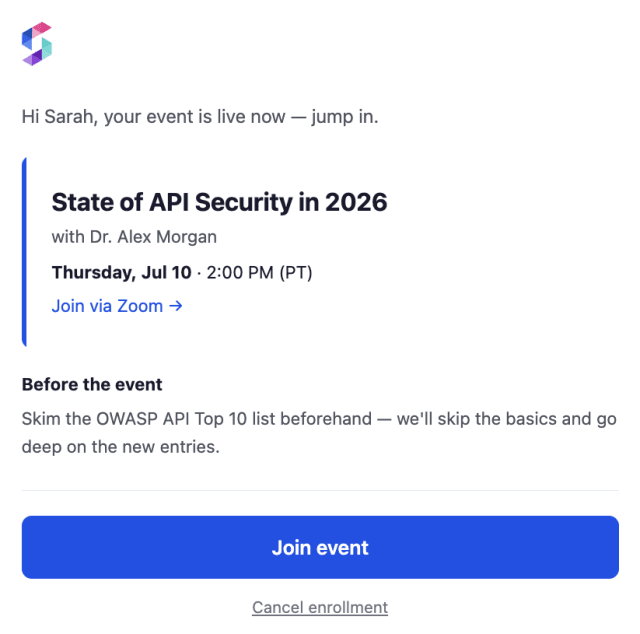
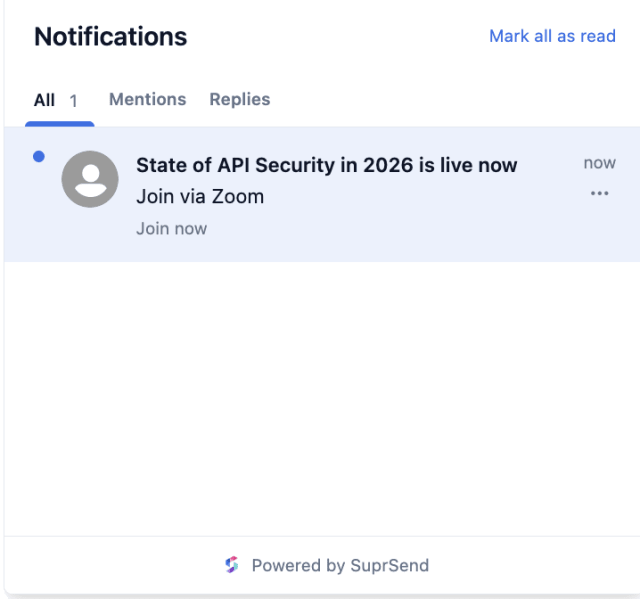
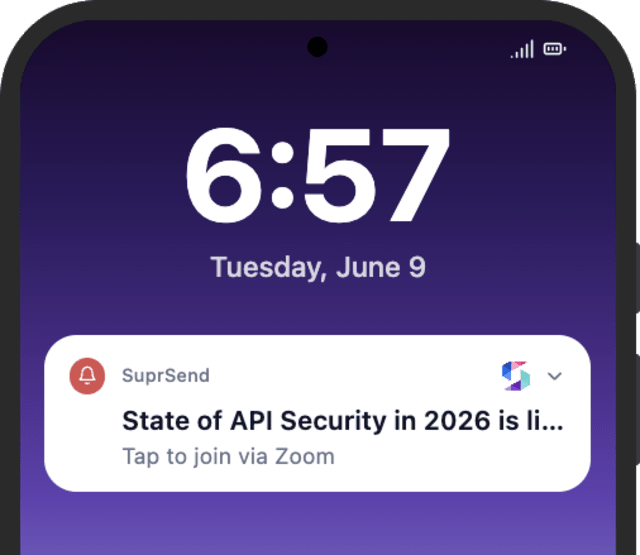
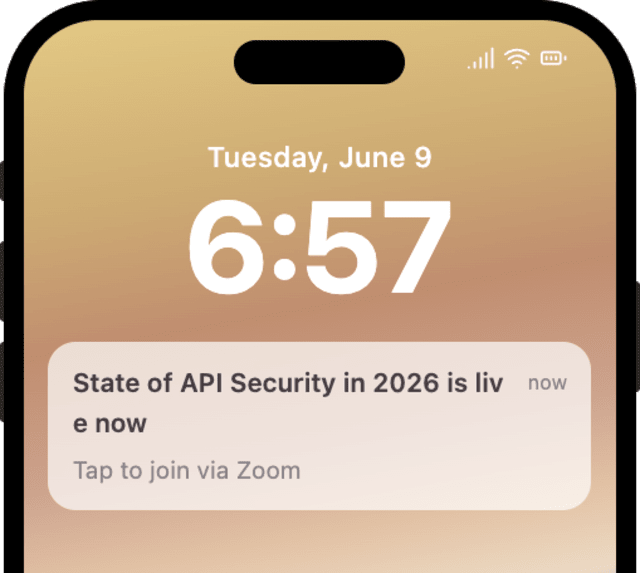
More people who register show up when a join-now reaches them the moment the event starts, not just a reminder the day before.
When registrants mute event reminders, the messages are too frequent or arrive at the wrong local time.
Quick answers about setting up and running this workflow.
A confirmation at registration, a reminder 24 hours before the start through the Wait Until, and a join-now the moment the event goes live.
It waits for your EVENT_STARTED event, so the join link goes out at the real start even if the event runs late, not at a fixed clock time.
The reminders stop at the Wait Until on ATTENDEE_CANCELLED or EVENT_CANCELLED, so a cancelled attendee never gets a join-now.
Email, in-app inbox, and mobile push, sent together by Multi-Channel, with the join-now using Smart Channel Routing to reach the attendee fast.
Fire ATTENDEE_ENROLLED with an event_start_at minutes out, then EVENT_STARTED to see the join-now, or ATTENDEE_CANCELLED to confirm the stop. Use the Test button in the editor, the SuprSend Agent, or the API, CLI, or MCP.
Sign up and test the workflow directly in the dashboard.
Copy the prompt, paste it into the Agent in your SuprSend dashboard, and the workflow gets built for you.
Set up SuprSend MCP in Claude Code, Cursor or Windsurf, copy the prompt, and the workflow builds itself in your workspace.