
Primary signal
Show-ups
Fewer no-shows
More booked users show up when the reminders escalate toward the appointment, compared with a single early reminder.
By clicking “Accept All Cookies”, you agree to the storing of cookies on your device to enhance site navigation, analyze site usage, and assist in our marketing efforts. View our Privacy Policy for more information.
We use cookies to understand how the workflow library is used and to improve it.
Pick how you want to build it.
 Build with the SuprSend Agent
People forget appointments and no-show. A booking made days ago slips the user's mind by the time it comes around.
One reminder is not enough to make someone turn up. A single early note is forgotten long before the appointment.
Plans change after a booking is made. Cancellations and reschedules leave reminders chasing an appointment that moved or is off.
A reminder that arrives too late to act on is wasted. The closer the appointment, the more the heads-up has to actually reach the user in time.
Booking made
When a booking is created (BOOKING_CREATED), the user gets a confirmation.
Reminder two days before
48 hours before the appointment, a reminder goes out.
Reminder two hours before
Two hours before, a closer reminder follows, adding SMS and push.
Final nudge, only if not arrived
15 minutes before, a Fetch checks whether the user has arrived, and the nudge is skipped if they have.
Cancelling or rescheduling ends it
Cancelling or moving the booking (BOOKING_CANCELLED, BOOKING_RESCHEDULED) stops the reminders.
Email and inbox for the early reminders; SMS and push on the 2-hour and 15-minute ones, so a reminder minutes out actually reaches the user.
Let the user move the booking from the reminder, and they reschedule instead of no-showing. That BOOKING_RESCHEDULED also stops the old reminders.
The Wait Until cancels on a cancel or reschedule matched to the same booking_id. Match on the user and cancelling one appointment stops the reminders for all their others.
Two days out is "save the date"; 15 minutes out is "you're up next". One template across all four sends throws away the urgency.
Count each reminder back from the appointment time in the payload. A fixed wait reminds every booking on the same clock, ignoring when it is actually due.
The actual notifications this workflow sends, on each channel.
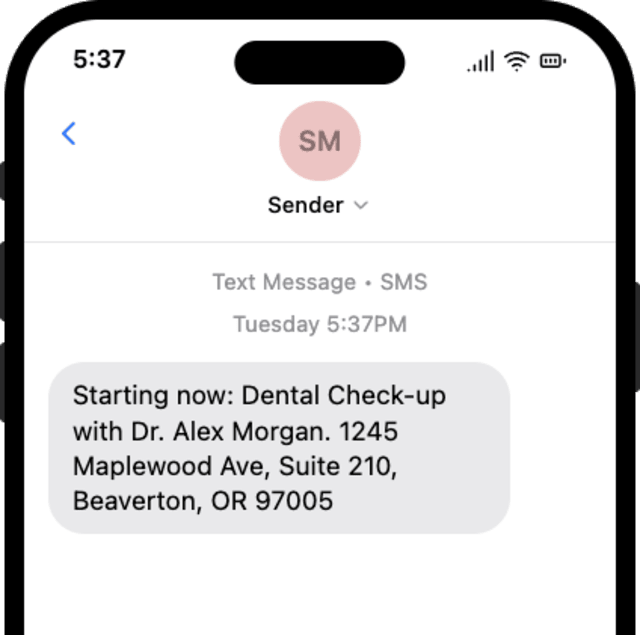
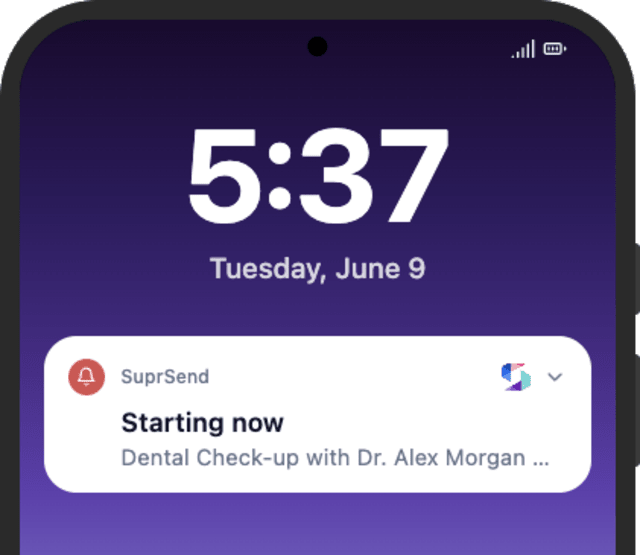
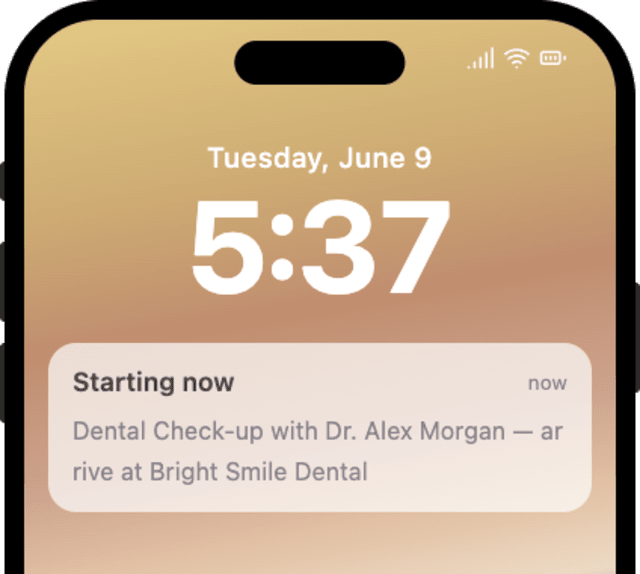
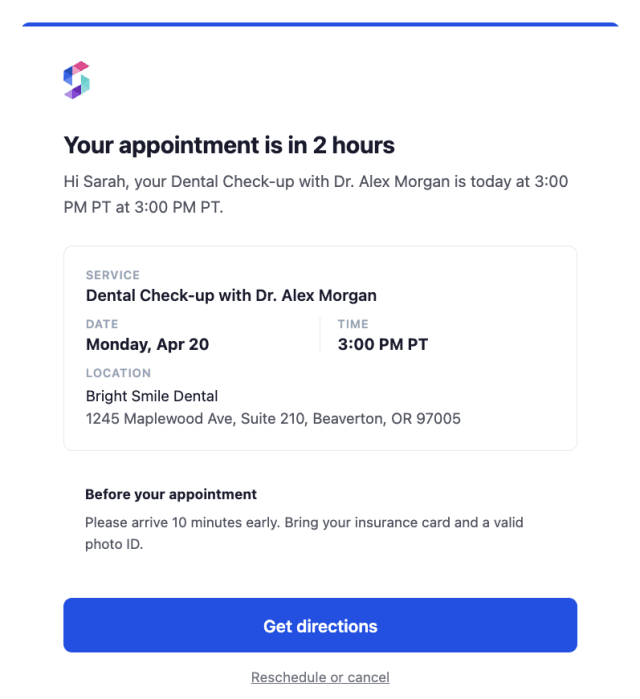
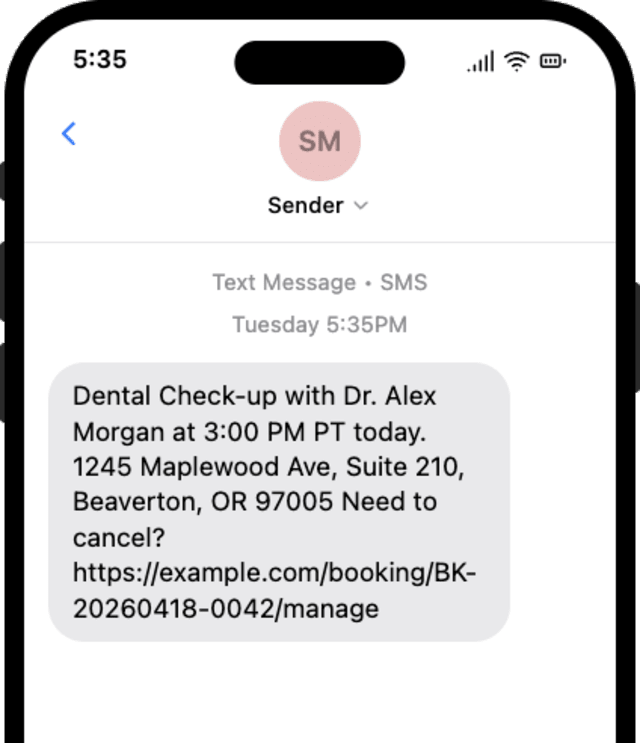
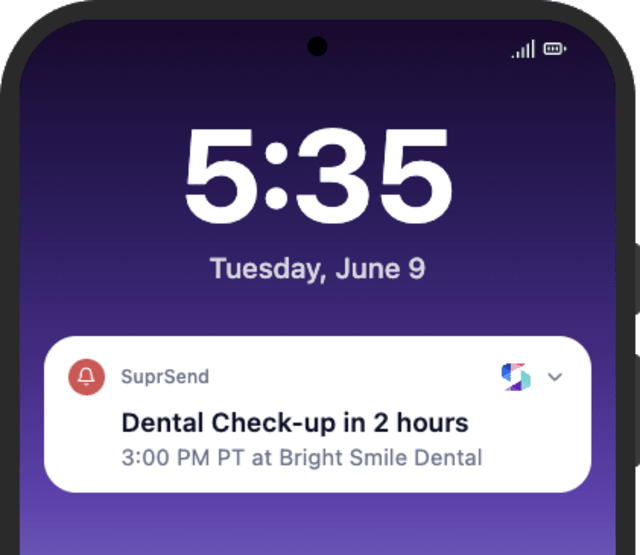
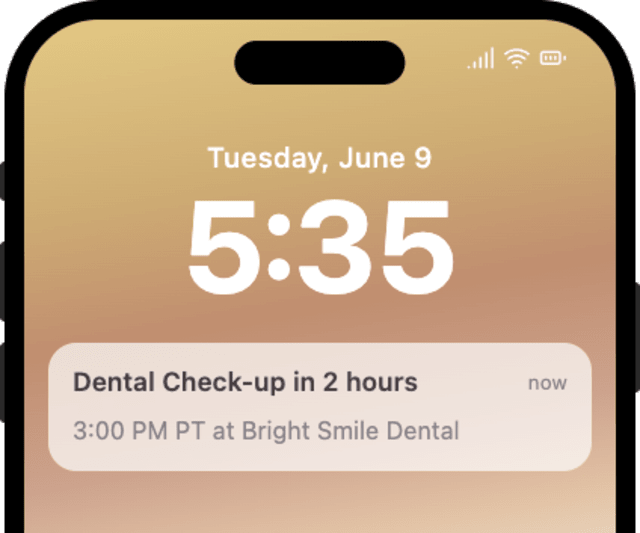
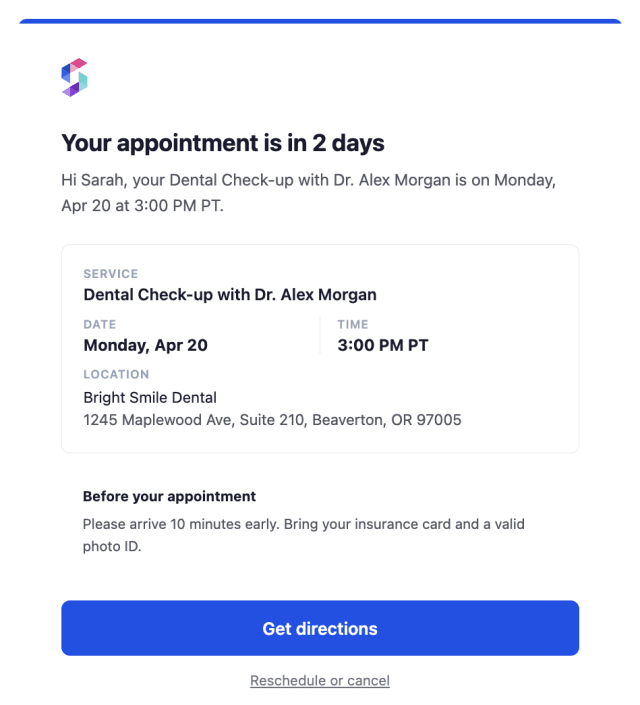
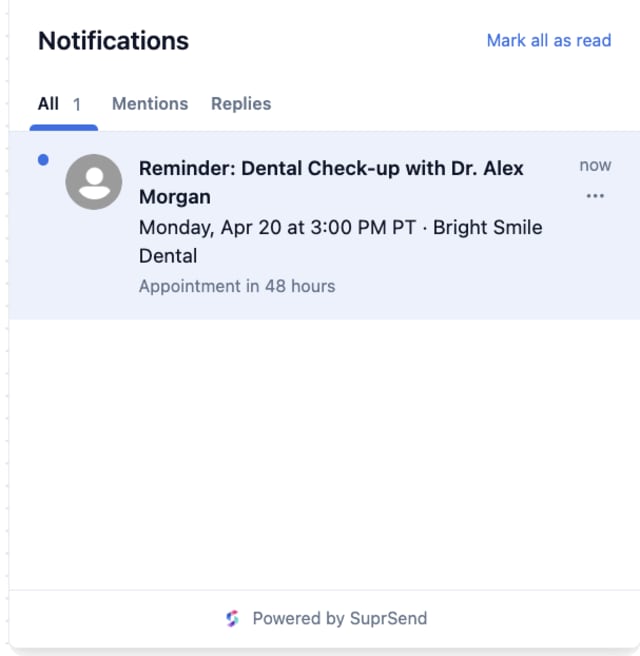
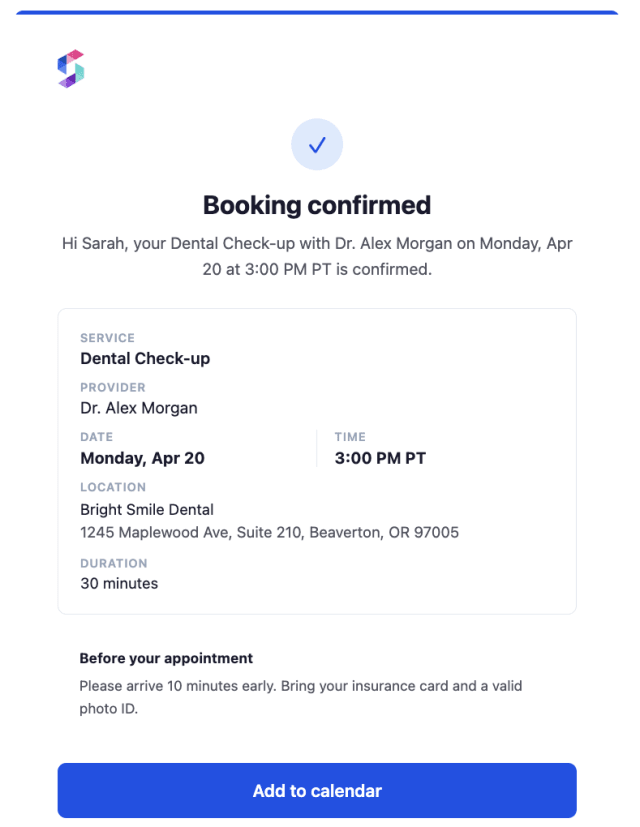
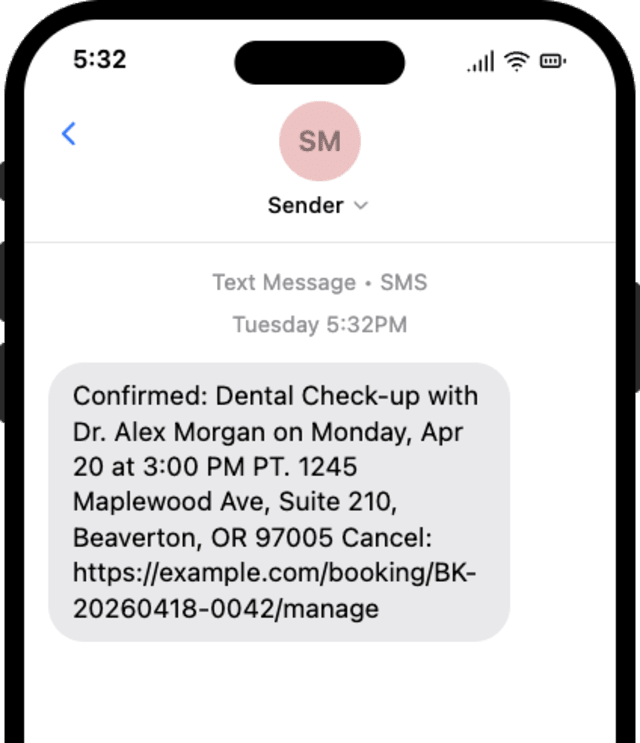
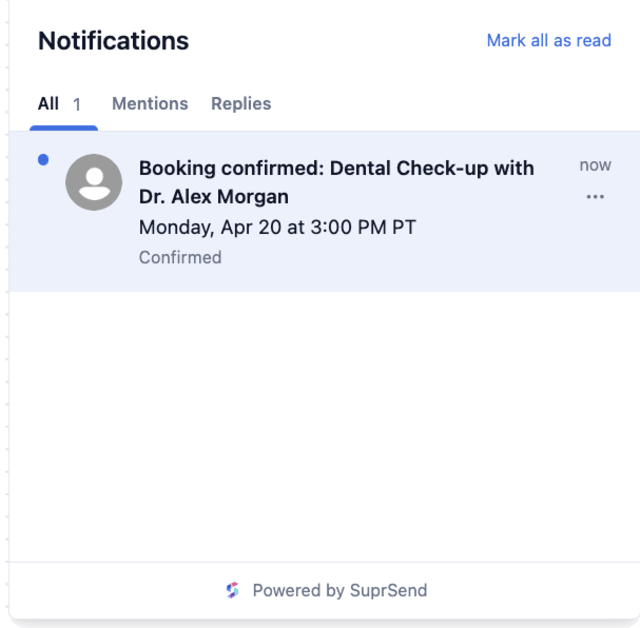
More booked users show up when the reminders escalate toward the appointment, compared with a single early reminder.
When users mute appointment reminders, there are too many or they repeat the same thing at every step.
Quick answers about setting up and running this workflow.
The reminders stop right away. A rescheduled booking comes in as a new booking on the new time, which starts the reminders fresh.
A confirmation at booking, then reminders 48 hours, 2 hours, and 15 minutes before the appointment. Adjust the Wait Until offsets to fit your bookings.
Confirmation on email, inbox, and SMS; the 48-hour reminder on email and inbox; the 2-hour on email, SMS, and push; and the 15-minute on SMS and push, so the channel gets faster as the appointment nears.
Fire BOOKING_CREATED with an appointment_time a few minutes out, then fire BOOKING_CANCELLED with the same booking_id to confirm the reminders stop. Use the Test button in the editor, the SuprSend Agent, or the API, CLI, or MCP.
Sign up and test the workflow directly in the dashboard.
Copy the prompt, paste it into the Agent in your SuprSend dashboard, and the workflow gets built for you.
Set up SuprSend MCP in Claude Code, Cursor or Windsurf, copy the prompt, and the workflow builds itself in your workspace.