
Primary signal
Replies acted on
Comments get answered
Mentions and replies get opened and responded to faster once the right user is notified.
By clicking “Accept All Cookies”, you agree to the storing of cookies on your device to enhance site navigation, analyze site usage, and assist in our marketing efforts. View our Privacy Policy for more information.
We use cookies to understand how the workflow library is used and to improve it.
Pick how you want to build it.
 Build with the SuprSend Agent
A direct mention is buried among routine comments. The comment that actually needs the user reads the same as every other one.
A busy thread sends a separate ping for every reply. An active conversation fires one notification per reply, fast.
A user's own comment pings them about it. Commenting in a thread they are part of notifies them of their own action.
Comments on resources a user does not own create noise. Activity that has nothing to do with the user still reaches them.
A comment is posted
Someone comments, replies, or @-mentions a user (COMMENT_CREATED), and the workflow starts.
Self-comments are skipped
If the user who commented is the user who would be notified, the run exits without sending.
Mentions send immediately
A direct @-mention notifies the user right away, with no batching.
Replies to your comment are grouped
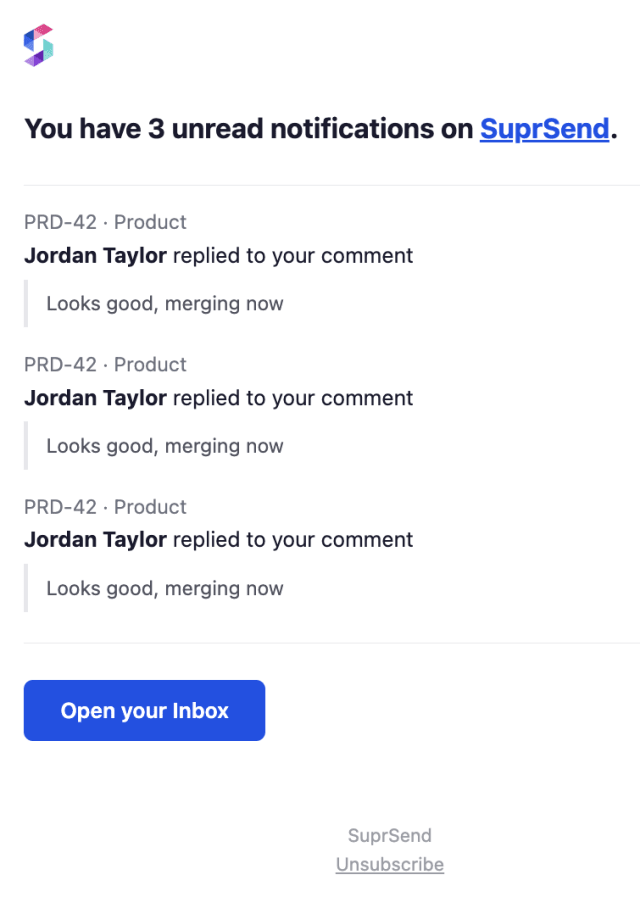
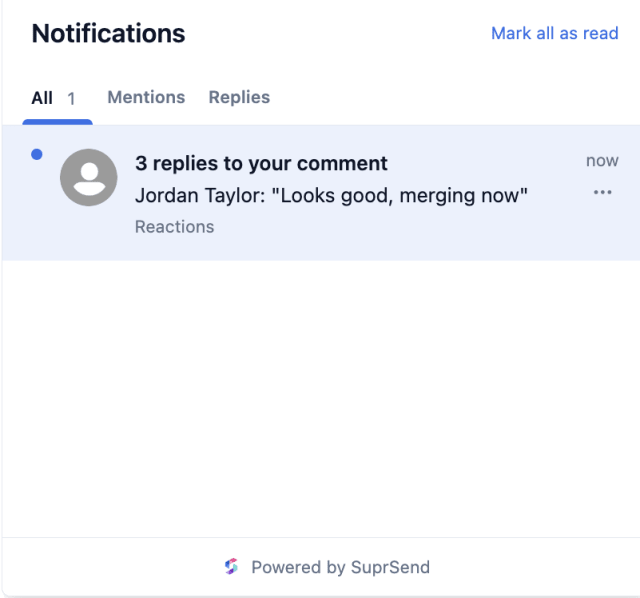
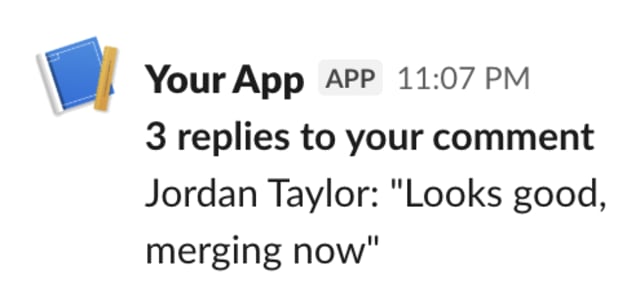
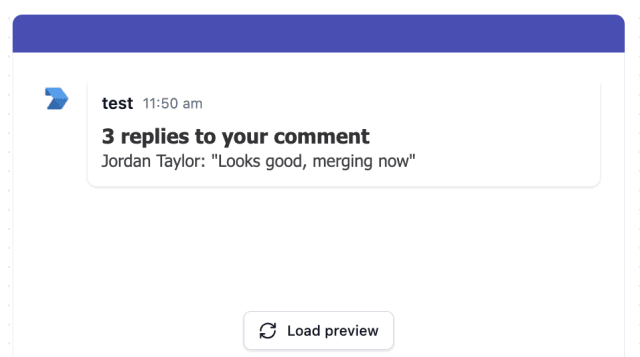
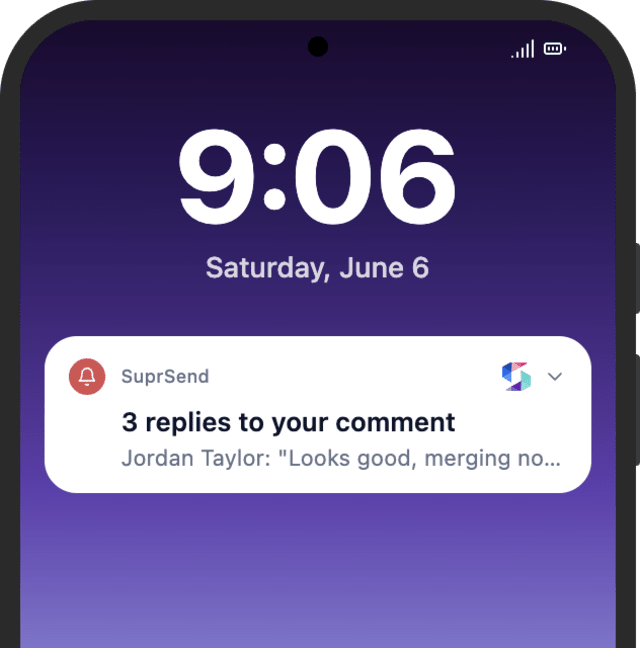
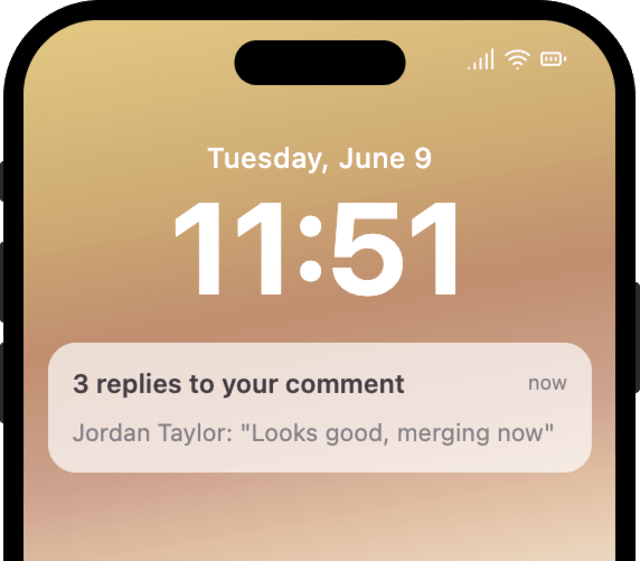
A reply to a comment the user wrote is grouped by thread over a 15-minute window and sent as one notification.
Comments on your resources are grouped
A new comment on something the user owns is grouped by thread over a 30-minute window into an activity summary.
Replies arrive in quick bursts, so a short window like 15 minutes groups them. Comments on a resource arrive slowly, so 30 minutes works. Tune each batch to your pace.
One notification then covers one conversation. Without it, unrelated threads merge into a confusing summary.
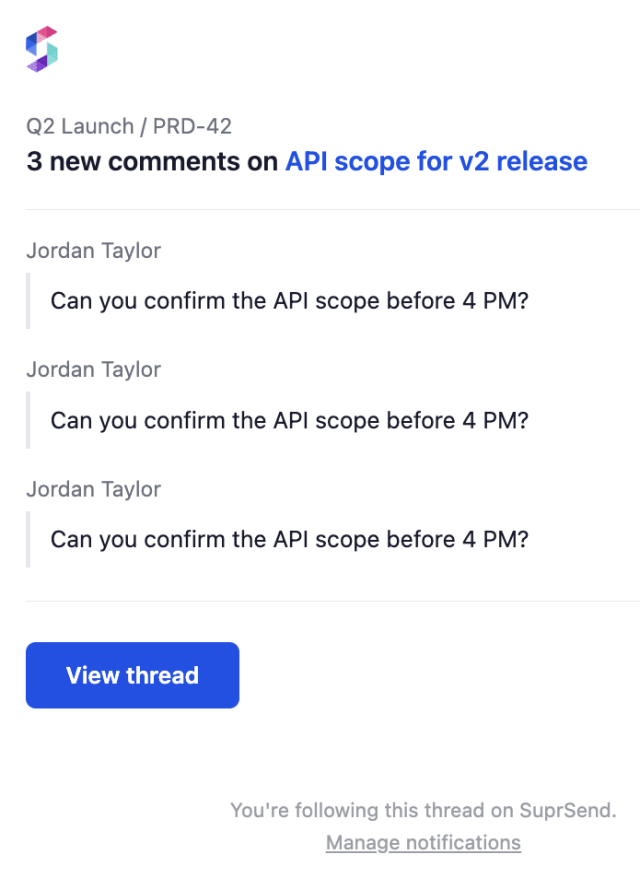
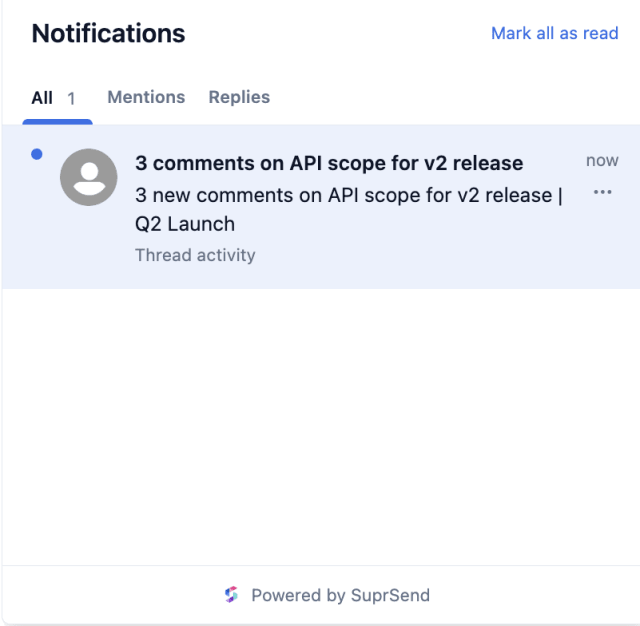
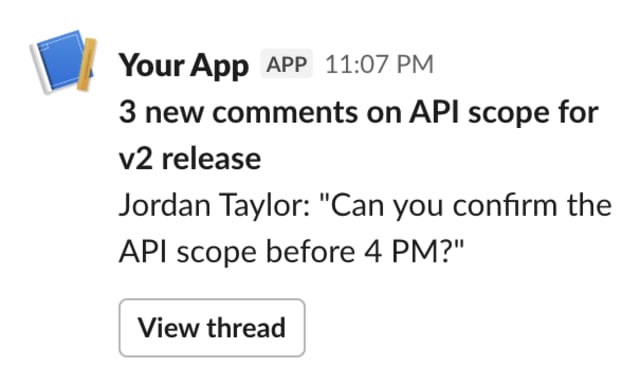
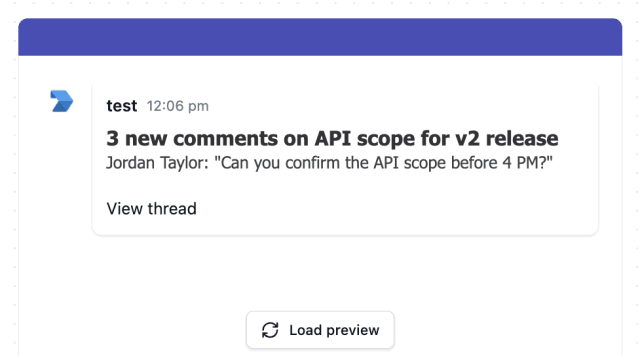
A bare "3 new comments" makes the user go hunting. Show what was said and link straight to the thread.
Routine replies then interrupt like an @-mention, and the urgent ones stop standing out.
A user should hear only about mentions, replies to them, and comments on what they own.
A mention is urgent, a reply less so, a comment on your resource least. One template gives them all the same weight.
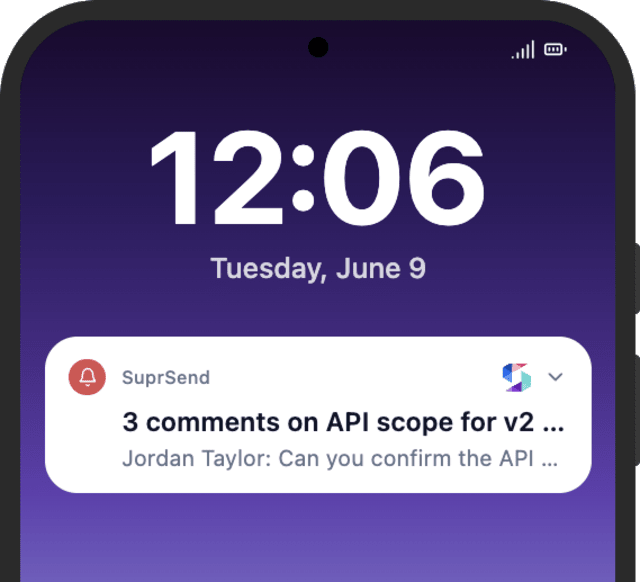
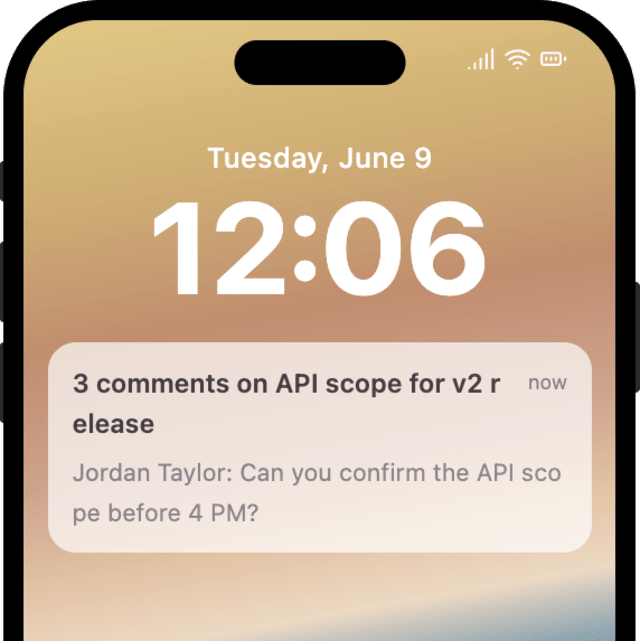
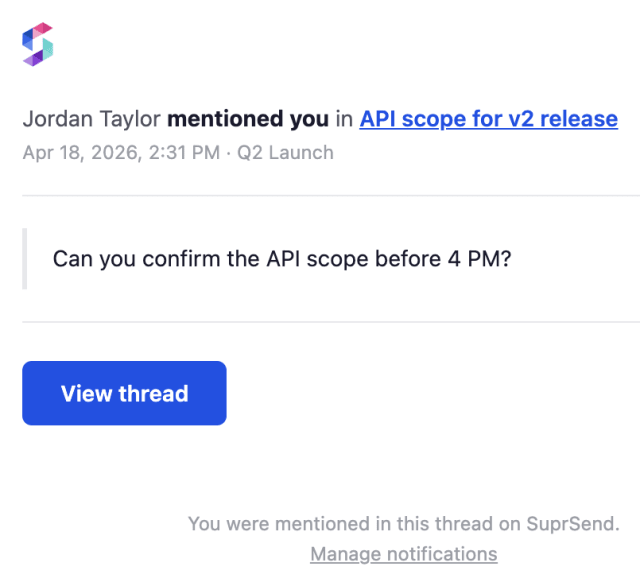
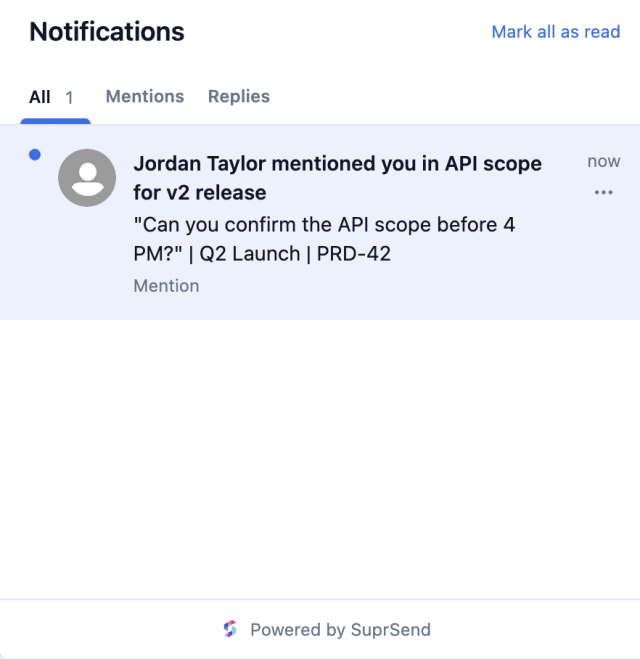
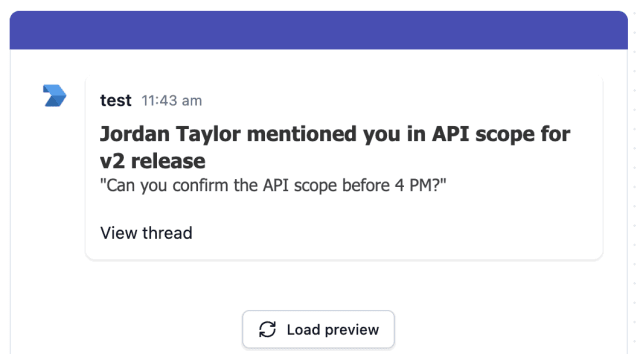
The actual notifications this workflow sends, on each channel.
 Microsoft Teams
.png)
.png)
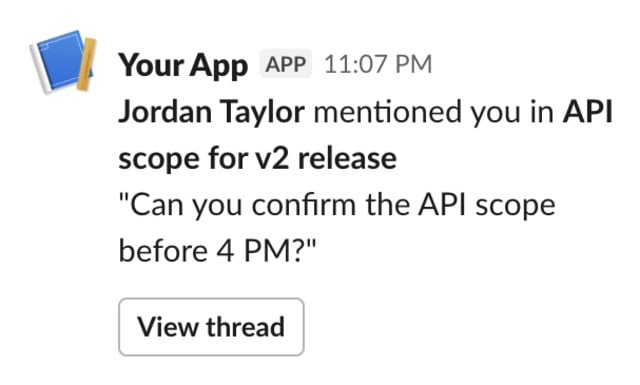 Microsoft Teams
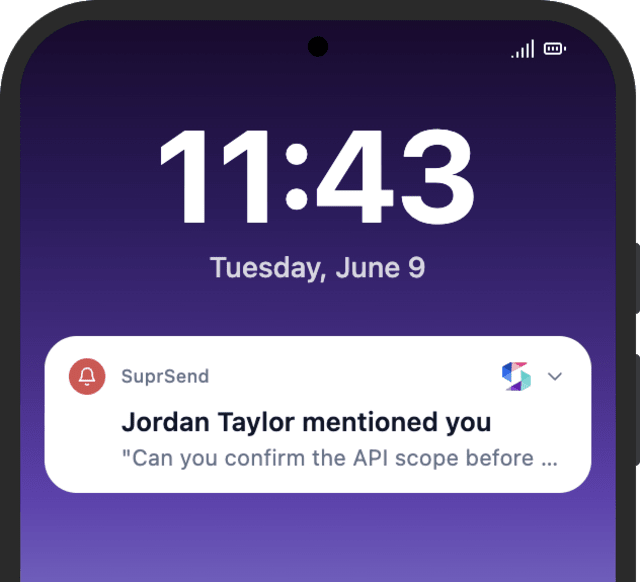
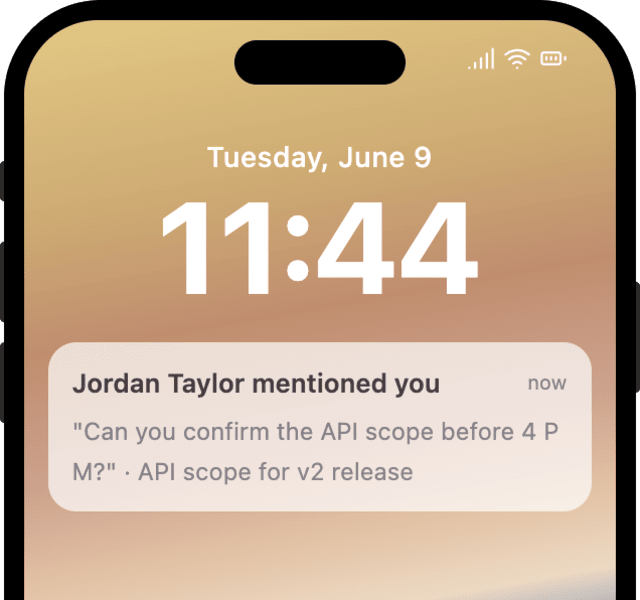
.png)
.png)
 Microsoft Teams
.png)
.png)
Mentions and replies get opened and responded to faster once the right user is notified.
When users start switching off comment notifications, busy threads are pinging them more than the conversation needs.
Quick answers about setting up and running this workflow.
A direct @-mention sends immediately, because the user is called out by name. A reply to the user's own comment is grouped by conversation over 15 minutes. A comment on a resource the user owns is grouped over 30 minutes into an activity summary. The further the activity is from the user, the more it is grouped.
Comment notifications can go out on in-app inbox, email, Slack, Microsoft Teams, and mobile or web push. Each user only gets the channels they have enabled, and any they have turned off in their preferences are skipped automatically.
Yes. By default this workflow sends on all of a user's channels in parallel. To send one channel at a time and stop as soon as the message is seen, swap the send for Smart Channel Routing. It tries the user's channels in order and only moves to the next if the message goes unseen, so they are not pinged everywhere at once. Ask the SuprSend MCP to set it up.
Trigger it with a payload shaped like the COMMENT_CREATED event: a recipient, an actor, and a notification_type of mention, reply, or comment. You can do this from the Test button in the workflow editor, by asking the SuprSend Agent in the dashboard, or through the API, CLI, or MCP.
Sign up and test the workflow directly in the dashboard.
Copy the prompt, paste it into the Agent in your SuprSend dashboard, and the workflow gets built for you.
Set up SuprSend MCP in Claude Code, Cursor or Windsurf, copy the prompt, and the workflow builds itself in your workspace.