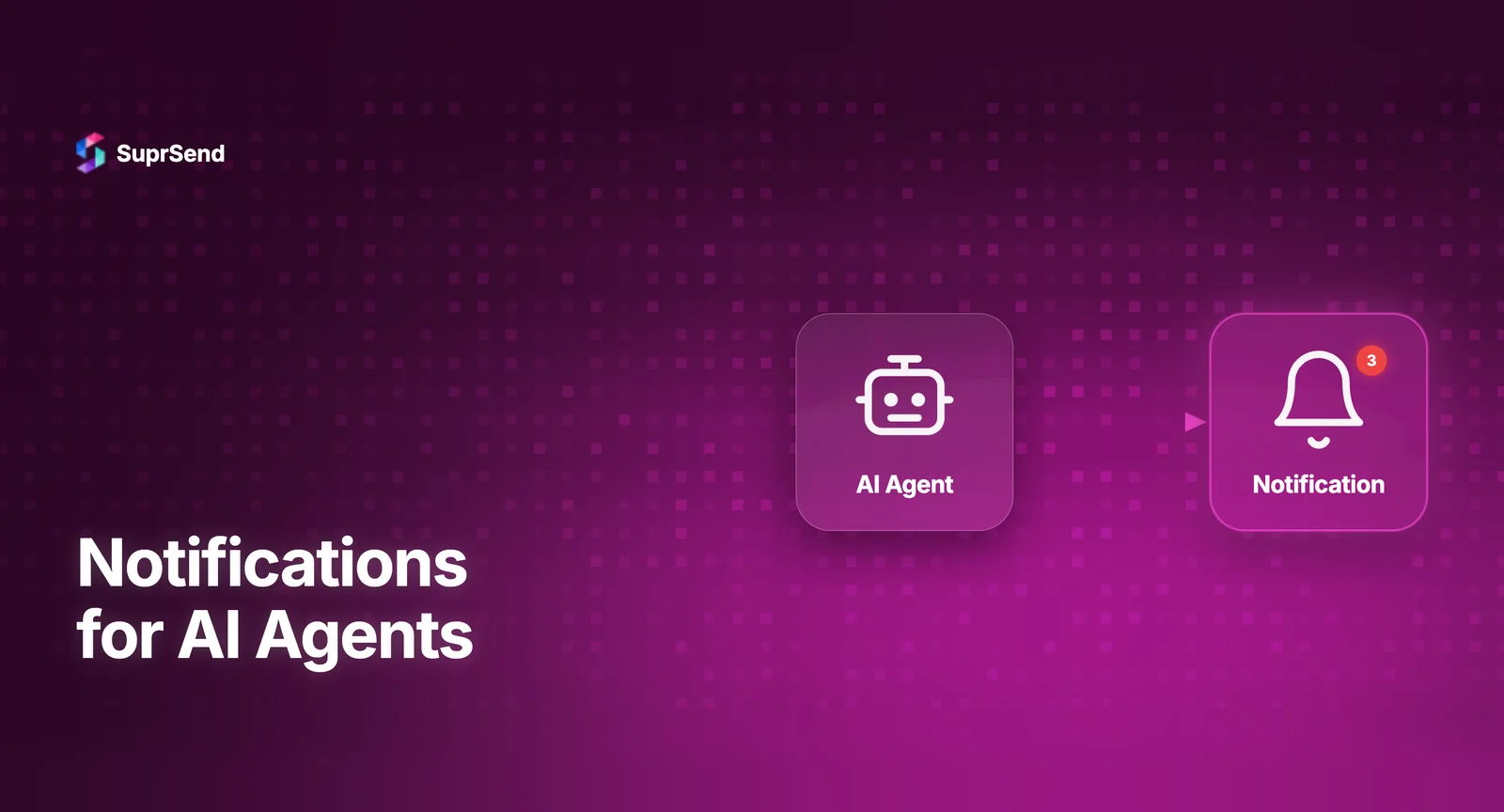
AI agent notifications are messages sent by autonomous AI agents to human users when tasks complete, errors occur, approvals are needed, or status updates are available. As AI agents move from experimental to production, the gap between agent execution and user awareness is becoming a critical infrastructure problem.
An AI coding agent that fixes a bug but doesn’t notify the developer has done invisible work. An AI sales agent that qualifies a lead but doesn’t alert the sales rep has wasted an opportunity. An AI ops agent that detects a system anomaly but can’t send an alert has failed its core purpose.
This guide covers how to build the notification communication layer for AI agents using two approaches: MCP (Model Context Protocol) servers for agents running in AI editors, and Agent SDKs for agents running in custom backends.
Why AI Agents Need Notifications
AI agents are fundamentally asynchronous. Unlike a chatbot that responds in real-time to a user sitting at a screen, agents run tasks in the background - sometimes for minutes, sometimes for hours. The user who initiated the task moves on to other work. Without a notification layer, there’s no way for the agent to reach back to the user when something important happens.
There are four core notification scenarios for AI agents:
| Scenario | Example | Channel |
|---|---|---|
| Task completion | “Your code review is done. 3 issues found.” | In-app, Push |
| Error/failure | “Deployment failed. Build error on line 47.” | Push, SMS, Email |
| Approval request | “Agent wants to delete 500 records. Approve?” | In-app, Push, Slack |
| Status update | “Processing 10,000 records. 60% complete.” | In-app |
Without notifications, users have to poll the agent’s status manually - checking dashboards, refreshing pages, or asking “are you done yet?” This defeats the purpose of autonomous agents.
Approach 1: MCP Server for AI Editor Agents
If your AI agent runs inside an AI code editor (Claude Desktop, Cursor, Windsurf, VS Code with Copilot), the MCP (Model Context Protocol) approach is the most natural fit.
An MCP server exposes notification tools that the AI agent can call as part of its task execution. The agent doesn’t need custom notification code - it uses the MCP tools already available in its environment,
How it works
The AI agent is executing a task (code review, data migration, test generation). At key points, it calls MCP notification tools: “Notify the user that the code review found 3 critical issues.” The MCP server translates this into a notification API call that sends the message through the appropriate channel.
Example flow
User: “Review all Python files in /src for security vulnerabilities.”
Agent executes: scans files → identifies issues → calls MCP tool trigger_workflow with event “security-scan-complete” and data {issues_found: 3, critical: 1} → user receives push notification + in-app alert with results.
Advantages
Zero custom code - agents use existing MCP tools. Works with any AI editor that supports MCP. Notifications follow the same routing, preference, and delivery rules as human-triggered notifications. Full observability through the notification platform’s delivery logs.
Limitations
Only works for agents running in MCP-enabled environments. Not suitable for backend agents running as microservices or cron jobs.
Approach 2: Agent SDK for Backend Agents
For AI agents running as backend services - autonomous agents built with LangChain, CrewAI, AutoGen, or custom frameworks - an Agent SDK provides programmatic notification access through tool calling.
How it works
The Agent SDK is a lightweight library that exposes notification capabilities as tools that the AI agent’s framework can call. When the agent needs to notify a user, it invokes the notification tool with the message, recipient, and channel preferences. The SDK handles API authentication, payload construction, and delivery.
Key difference from MCP
MCP tools are invoked through natural language by an AI assistant. Agent SDK tools are invoked programmatically by agent code or through the agent framework’s tool-calling mechanism. Same underlying notification infrastructure, different invocation path.
When to use Agent SDK
Backend agents running as services or workers. Agents built with LangChain, CrewAI, AutoGen, or similar frameworks. Agents that need to send notifications at specific code-defined checkpoints. High-volume agent scenarios where thousands of agent instances send notifications concurrently.
Designing Agent Notification Patterns
AI agent notifications need different design patterns than traditional product notifications. Here’s what matters:
Progressive disclosure
Don’t dump the full agent output into a notification. Start with a summary (“Code review complete: 3 issues”), let the user click through to details. For in-app inbox, show the summary card with an expand action. For email, include a summary with a link to the full report.
Confidence-based routing
Route notification urgency based on agent confidence. High confidence actions (“Formatted 12 files”) → in-app only. Medium confidence (“Found potential security issue”) → in-app + push. Low confidence requiring human review (“Should I delete these 500 records?”) → push + email + Slack with approval buttons.
Batching agent updates
Agents that process large datasets should batch their notifications. Don’t send 1,000 individual “record processed” alerts. Batch into periodic summaries: “Processed 250/1,000 records. 3 errors so far.” Use your notification platform’s batching and digest capabilities.
Human-in-the-loop approvals
Critical agent actions need human approval before execution. The notification becomes a decision point: “Agent wants to deploy to production. Approve / Reject.” This requires actionable notifications with response handling - the user’s response feeds back to the agent to continue or abort.
Architecture: The Agent Notification Stack
The complete agent notification stack looks like:
AI Agent (LangChain / CrewAI / Custom) → Agent SDK or MCP Tool Call → Notification Platform API → Workflow Engine (routing, preferences, batching) → Channel Delivery (email, push, in-app, Slack) → User.
The notification platform handles everything after the agent’s tool call: routing to the right channel based on notification type, respecting user preferences, managing notification fatigue, delivering through the appropriate vendor, and logging every step for observability.
This separation is important. The AI agent should focus on its core task (coding, data analysis, ops monitoring). Notification delivery, routing, preferences, and observability should be delegated to infrastructure built for that purpose.
SuprSend for AI Agent Notifications
SuprSend provides both notification interfaces for AI agents:
| Interface | Use Case | Tools |
|---|---|---|
| MCP Server | Agents in AI code editors | 23 tools covering full notification lifecycle |
| Agent SDK | Backend agents (LangChain, CrewAI, custom) | Tool-calling compatible SDK |
Both interfaces connect to the same notification platform, meaning agent notifications benefit from the same workflow engine, multi-tenancy, preference management, and in-app inbox as human-triggered notifications. There’s no separate “agent notification” system - it’s one unified infrastructure.
TL;DR
AI agents need a notification layer to communicate with users when tasks complete, fail, or need approval. Two approaches: MCP servers for agents in AI editors (natural language tool calls) and Agent SDKs for backend agents (programmatic tool calls). Design patterns include progressive disclosure, confidence-based routing, batching agent updates, and human-in-the-loop approvals. SuprSend provides both MCP and Agent SDK interfaces on one unified notification platform.
Building AI agents that need to notify users? Start free with SuprSend or book a demo.
FAQ
What are AI agent notifications?
AI agent notifications are messages sent by autonomous AI agents to users when tasks complete, errors occur, approvals are needed, or status updates are available.
How do AI agents send notifications?
AI agents send notifications through MCP server tools or Agent SDKs that connect to notification infrastructure platforms via API calls.
What is an Agent SDK for notifications?
An Agent SDK is a lightweight library that AI agents use to send notifications programmatically via tool calling, without needing full API integration.
Why do AI agents need notification infrastructure?
AI agents run asynchronously. Users need to know when tasks finish, fail, or require input. Without notifications, agents work in a black box.
Which platforms support AI agent notifications?
SuprSend offers both an MCP server with 23 tools and an Agent SDK. Knock and Courier have early MCP integrations. The category is emerging rapidly.