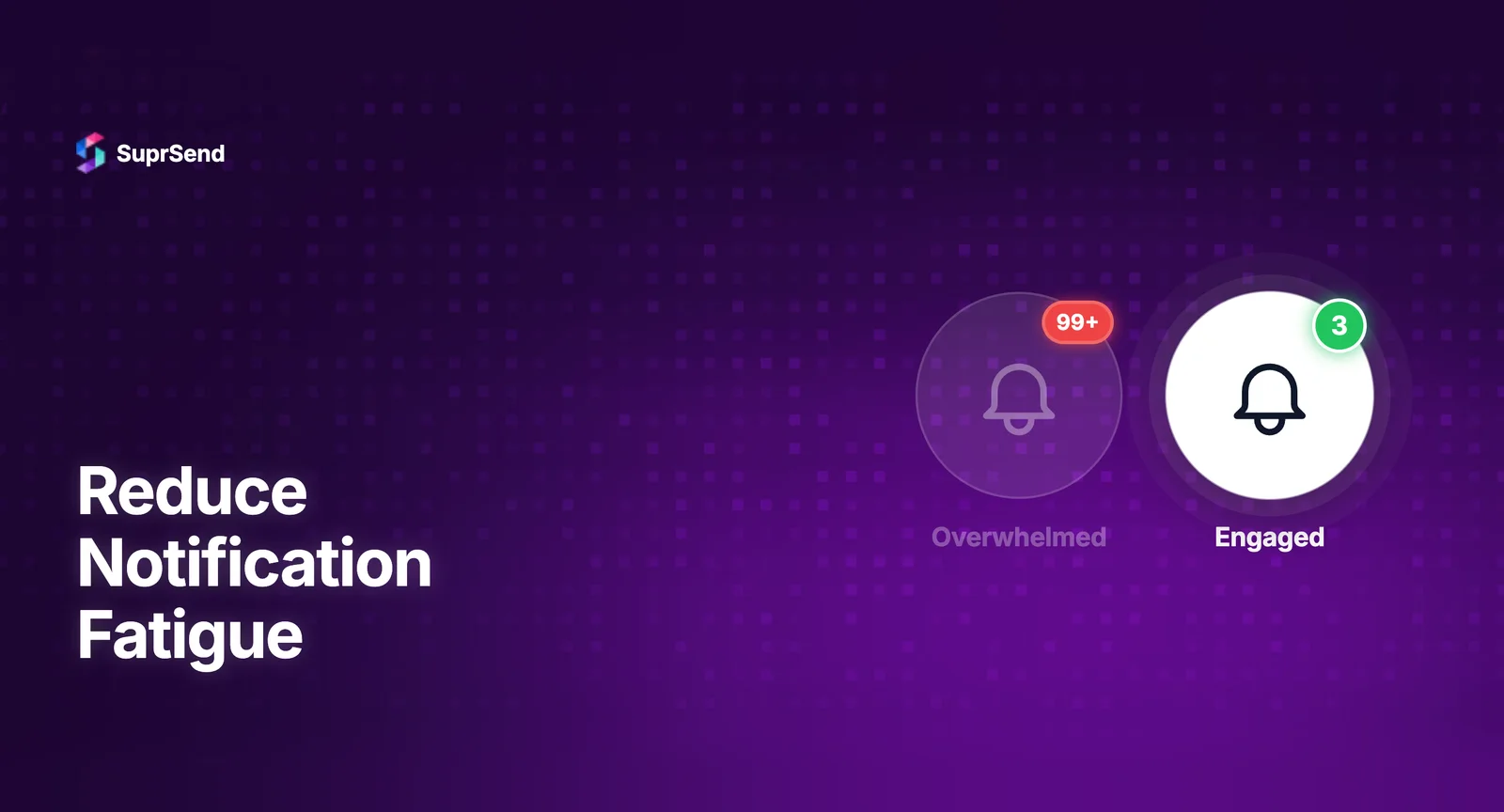
Your users are drowning in notifications. And they’re solving the problem the only way they know how - by turning everything off.
The numbers behind notification fatigue are stark. According to VWO Engage data compiled by Business of Apps, 62% of users consider push notifications spam because they receive too many - and 55% say the notifications they get are simply irrelevant to them. Meanwhile, the average knowledge worker receives an estimated 65+ notifications per day across Slack, email, push, and in-app channels (SupportBench) - and Microsoft’s 2025 Work Trend Index puts the interruption rate even higher, at one ping every two minutes during core working hours, adding up to 275 interruptions per workday.
The knee-jerk reaction from product teams is to send fewer notifications. But that’s the wrong fix. Fewer notifications means fewer touchpoints, which means lower engagement, missed critical alerts, and users who forget your product exists.
The real problem isn’t volume. It’s relevance, timing, and control. The goal isn’t to send less - it’s to send smarter.
Here are seven strategies that reduce notification fatigue at the infrastructure level while keeping engagement intact - or even improving it.
1. Batch and Digest Instead of Flooding
The single fastest way to reduce fatigue without losing information is batching. Instead of sending five separate notifications for five new comments on a document, send one digest: “You have 5 new comments on Project Brief.”
Batching works because it respects attention. A single well-structured digest delivers the same information as five interruptions - but costs the user one context switch instead of five.
Where batching matters most:
- Collaboration notifications - comments, mentions, reactions. Batch by time window (every 15 minutes) or by count (after 3 events).
- Activity feeds - new followers, likes, updates. Consolidate into hourly or daily digests.
- System updates - deployment logs, status changes. Group by category and deliver once.
The key is making batching configurable. What works for a daily active user who checks the product every hour is different from a weekly user who needs a comprehensive summary. Notification infrastructure platforms like SuprSend provide batching and digest capabilities out of the box - you define the rules (time window, event count, category), and the system handles the consolidation automatically.
2. Route to the Right Channel, Not Every Channel
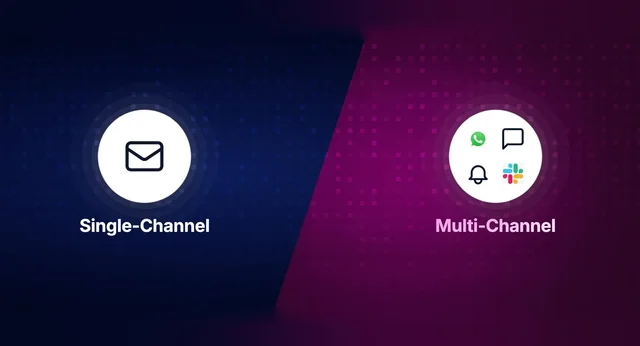
Most notification systems treat every channel the same. A comment notification goes to email AND push AND Slack AND in-app - simultaneously. The user sees the same message four times in four places.
This is the fastest path to fatigue.
Smart channel routing means selecting the single best channel for each notification based on urgency, user behavior, and preference:
- Critical alerts (security, payment failures, system downtime) → Push + SMS. Interrupt immediately.
- Actionable updates (new task assigned, approval needed) → In-app + one follow-up channel if unread.
- Informational updates (weekly report ready, new feature launched) → Email or digest only. Never push.
- Social/engagement (someone liked your post) → In-app only. Never email, never push.
The pattern is escalation, not duplication. Send via the primary channel. If the user doesn’t engage within a defined window, escalate to the next channel. If they do engage, stop. This alone can reduce notification volume by 40-60% without losing a single important message.
This requires notification infrastructure that supports conditional routing and engagement-based logic - not just fire-and-forget delivery.
3. Give Users Real Control (Not Just an On/Off Switch)
The traditional notification preference is binary: all on or all off. This forces users into an impossible choice - either drown in notifications or miss everything.
A proper preference center gives users granular control:
- Category-level controls - “I want security alerts but not marketing updates.”
- Channel-level controls - “Send me task notifications on Slack, but weekly reports via email.”
- Frequency controls - “Send me a digest once a day instead of real-time.”
- Quiet hours - “Don’t notify me between 10 PM and 8 AM.”
Users who can customize their experience are significantly more likely to keep notifications enabled. The all-or-nothing choice drives opt-outs. Granular control drives trust.
Building a preference center from scratch is a significant engineering effort. Platforms like SuprSend provide pre-built, embeddable preference centers that handle category management, channel selection, frequency controls, and quiet hours - with the UI components ready to drop into your product.
4. Classify Every Notification by Priority
Not all notifications are created equal. But most systems treat them as if they are - every notification gets the same delivery treatment regardless of urgency.
Implement a priority classification system:
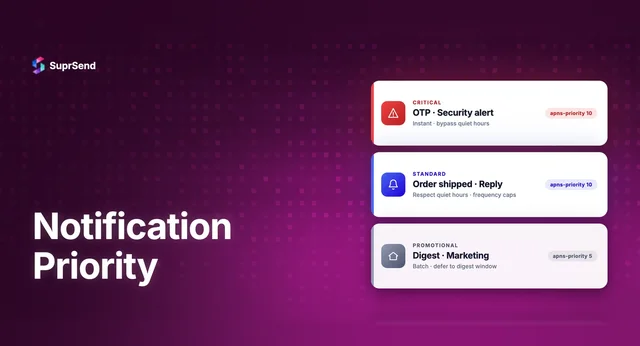
- P0 - Critical: Security alerts, payment failures, system outages. These bypass all preferences and deliver immediately via the most intrusive channel available.
- P1 - Actionable: Task assignments, approval requests, mentions. These respect user preferences but deliver promptly.
- P2 - Informational: Status updates, activity summaries, feature announcements. These go into digests or in-app only.
- P3 - Ambient: Social reactions, minor updates, system logs. These appear in-app only, never push or email.
When every notification has a priority, the system can make intelligent decisions about delivery - without requiring the user to manage the complexity themselves. Critical alerts always get through. Low-priority noise never interrupts.
5. Use Engagement Signals to Self-Tune
The smartest notification systems learn from user behavior. If a user consistently ignores a particular notification category - never opens the email, never clicks the push - that’s a signal.
Behavioral throttling means the system automatically adjusts:
- If a user hasn’t engaged with “new comment” notifications in 30 days → reduce frequency to weekly digest.
- If a user always opens “task assigned” notifications within 5 minutes → keep delivering in real-time.
- If a user opens emails but ignores push → shift delivery to email-first for that user.
This creates a self-tuning system where notification volume naturally aligns with user interest - without requiring the user to manually configure anything.
Tracking these engagement signals requires end-to-end notification observability - knowing not just whether a message was delivered, but whether it was opened, clicked, or ignored.
6. Time Notifications for When Users Are Actually Receptive
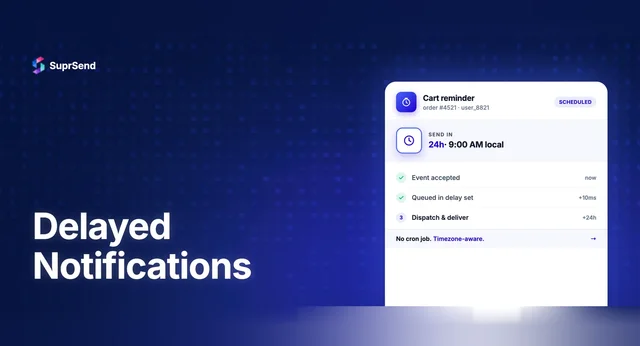
A well-crafted notification delivered at the wrong time is still noise. Sending a non-urgent product update at 11 PM or a weekly digest at 3 AM doesn’t just fail to engage - it actively annoys.
Send-time optimization means delivering notifications when users are most likely to engage:
- Analyze historical engagement patterns per user to identify their active windows.
- Respect timezone awareness - a global user base means 9 AM is a different time for everyone.
- Queue non-urgent notifications for optimal delivery windows instead of sending immediately.
- For B2B products, align with business hours - nobody wants a product update notification at midnight.
The difference between a notification opened at 9:15 AM during a user’s morning routine and the same notification ignored at 11:47 PM is the difference between engagement and uninstall.
7. Make Every Notification Actionable (or Don’t Send It)
The ultimate test for whether a notification deserves to exist: can the user do something with it?
“Your weekly report is ready” → actionable. The user can open and read the report.
“System update completed successfully” → not actionable. The user doesn’t need to do anything. This belongs in a log, not a notification.
“John commented on your document” → actionable. The user can read and reply to the comment.
“Your account was viewed 3 times” → debatable. Unless the user can act on this information, it’s noise.
Apply this filter ruthlessly. Every notification should answer the question: “What should the user do next?” If the answer is “nothing,” it shouldn’t be a notification. It should be a dashboard metric, a log entry, or an in-app indicator - not an interruption.
The Infrastructure Behind Smart Notifications
These seven strategies share a common requirement: they all need notification infrastructure that goes beyond basic message delivery.
You need:
- A workflow engine that supports batching, delays, conditional logic, and escalation paths.
- Multi-channel routing that selects the right channel based on urgency, preference, and engagement history.
- A preference center where users control categories, channels, frequency, and quiet hours.
- Delivery observability that tracks opens, clicks, and ignores across every channel - not just delivery confirmation.
- Provider abstraction so you can switch email providers, SMS vendors, or push services without rebuilding your notification logic.
SuprSend provides this entire stack as managed infrastructure. One API for all channels. Built-in batching, digest, and smart routing. Pre-built preference center components. End-to-end delivery observability. Provider-agnostic delivery with automatic failover.
The result: your engineering team focuses on your product, not on building and maintaining custom notification infrastructure.
The Bottom Line
Notification fatigue is not a volume problem. It’s a relevance, timing, and control problem.
The teams that reduce fatigue while maintaining engagement are the ones that treat notifications as a product surface - not an afterthought. They batch instead of flooding. They route instead of duplicating. They give users control instead of forcing an all-or-nothing choice. They classify by priority, learn from behavior, optimize for timing, and demand that every notification be actionable.
The result is fewer interruptions, higher open rates, and users who actually trust your notifications - because every one of them deserves to be there.