
Primary signal
Activation
More users finish setup
More new users complete onboarding once the reminders are running, compared with a single welcome.
By clicking “Accept All Cookies”, you agree to the storing of cookies on your device to enhance site navigation, analyze site usage, and assist in our marketing efforts. View our Privacy Policy for more information.
We use cookies to understand how the workflow library is used and to improve it.
Pick how you want to build it.
 Build with the SuprSend Agent
New users sign up and never finish setup. Without a follow-up, they stall partway and quietly drop off.
A single welcome is not enough to drive activation. Users mean to come back and finish, then forget.
Nudges keep going after the user has finished. A user who is already set up still gets chased to set up.
A generic "finish setup" nudge ignores what the user has done. It repeats steps they have already completed.
A user signs up
A welcome is sent the moment a user signs up (USER_SIGNED_UP).
The workflow waits, then checks progress
If onboarding is not finished in two days, it fetches the user's current progress.
A reminder goes out, tuned to what is left
The user gets a reminder that reflects the steps they still need to finish.
Reminders escalate over the next week
Two more progress-checked reminders follow, three and four days apart, growing more direct.
It stops once onboarding is done
Finishing onboarding (ONBOARDING_COMPLETED) cancels every remaining reminder.
A new user acts on a two or three-step checklist with a single "Start setup" button. A long feature tour or competing buttons split their attention, and they stall before starting.
Every reminder fetches the user's progress, so show only the steps still open. A reminder that re-lists steps the user already finished reads as broken and gets ignored.
The first reminder nudges the next step, the second restates why finishing is worth it, and the last offers help or a demo. Three identical "you haven't finished" emails just train the user to ignore them.
Someone invited into an existing workspace, or a returning user, may be set up before the welcome even lands. Without a check, they get a week of "finish setting up" for work already done.
If the app already shows its own setup checklist, a parallel email drip doubles up and feels pushy. Decide which one owns the nudge so the user is not chased twice for one step.
A fresh sign-up usually has email, but not push or chat, and may not have opened the in-app inbox yet. Keep email as the backbone of the early reminders.
The actual notifications this workflow sends, on each channel.
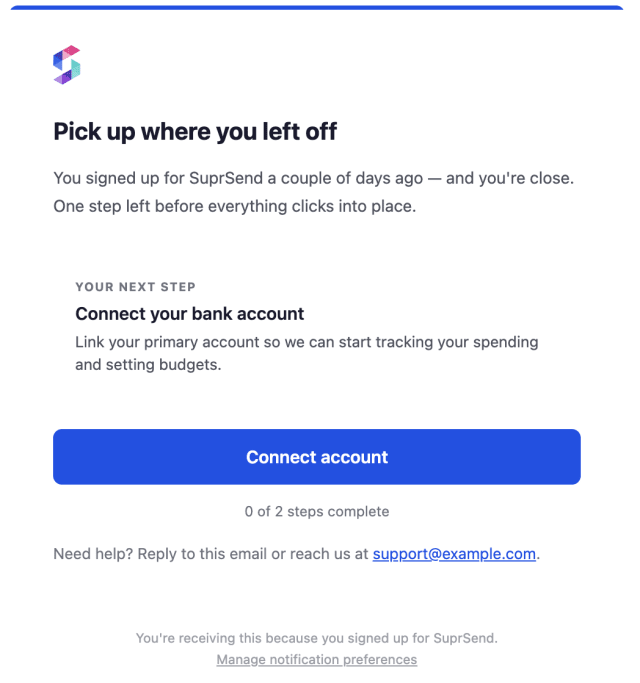
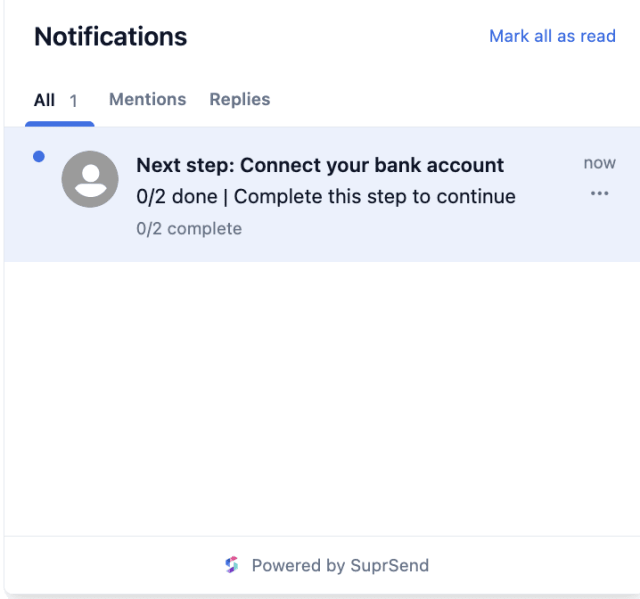
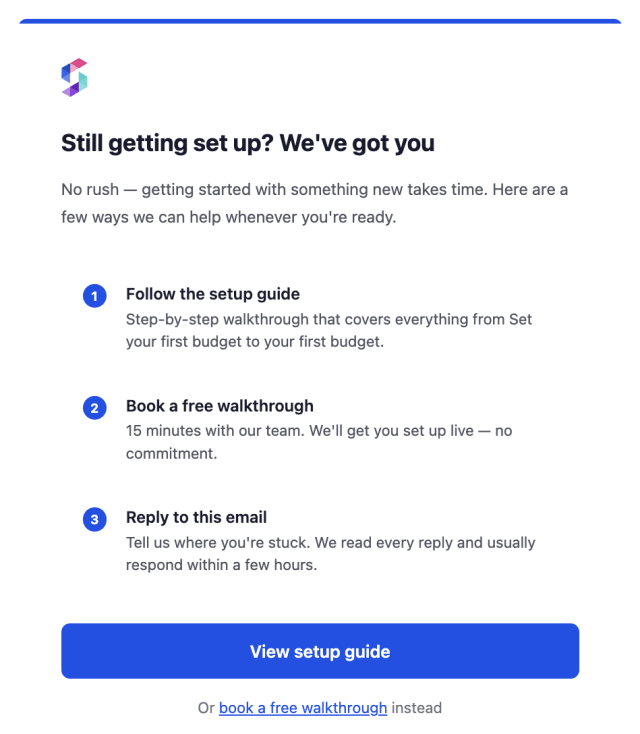
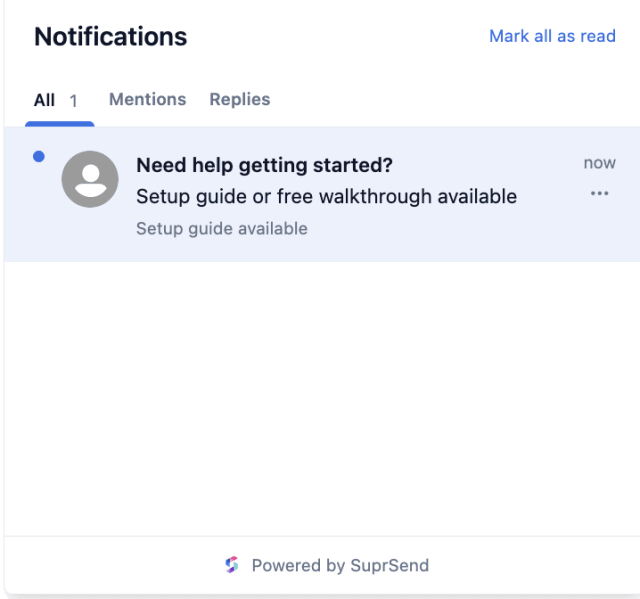
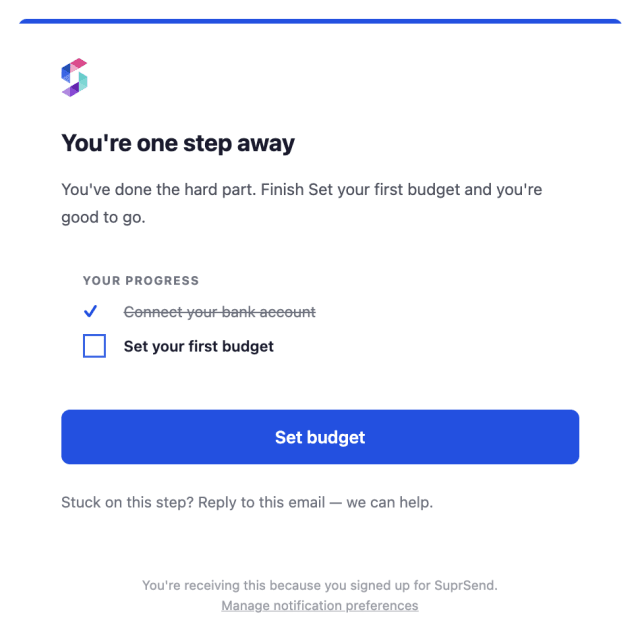
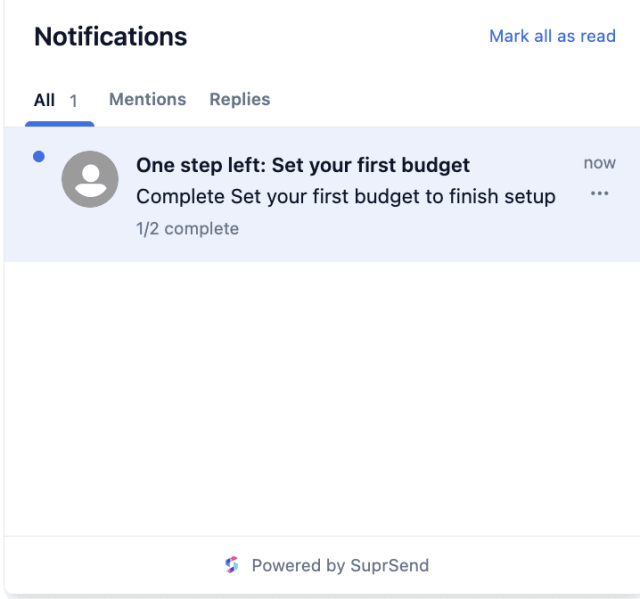
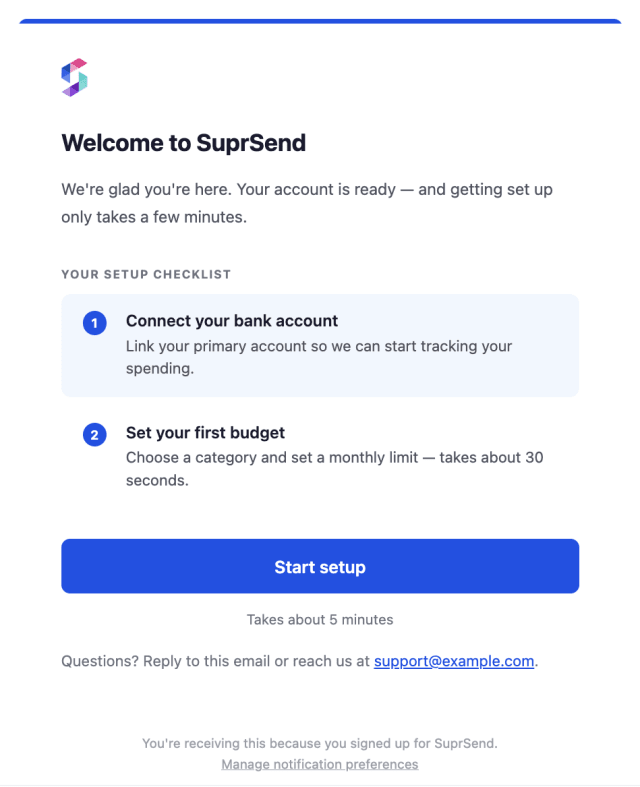
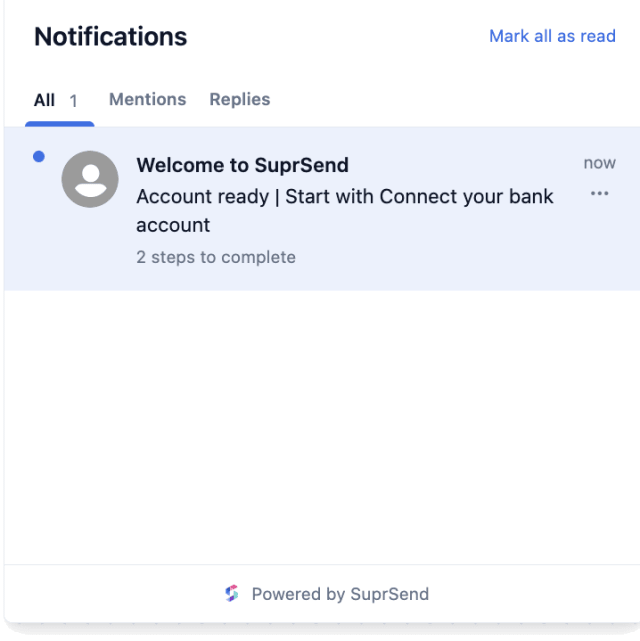
More new users complete onboarding once the reminders are running, compared with a single welcome.
When new users mute or unsubscribe within days of signing up, the drip is pushing harder than activation needs.
Quick answers about setting up and running this workflow.
No. The moment onboarding is completed, the workflow stops and any reminders not yet sent are cancelled.
Before each reminder, the workflow fetches the user's onboarding progress from your app, so the message can point to the steps they still need to finish instead of repeating completed ones.
Email and in-app inbox, since a brand-new user often has not set up push or chat channels yet. To reach users on more channels, add those channels to the templates.
A welcome plus up to three reminders, two, three, and four days apart. Adjust the Wait Until delays or the number of reminders in the workflow editor, or ask the SuprSend MCP to change them.
Trigger it with a payload shaped like the USER_SIGNED_UP event, including a user_id. To check that the reminders stop, fire ONBOARDING_COMPLETED with the same user_id. You can do this from the Test button in the workflow editor, by asking the SuprSend Agent in the dashboard, or through the API, CLI, or MCP.
Sign up and test the workflow directly in the dashboard.
Copy the prompt, paste it into the Agent in your SuprSend dashboard, and the workflow gets built for you.
Set up SuprSend MCP in Claude Code, Cursor or Windsurf, copy the prompt, and the workflow builds itself in your workspace.