
Primary signal
On-time
More users verify before the cutoff
More accounts complete KYC before the deadline when the reminders count down with a clear date and consequence, compared with a single notice.
By clicking “Accept All Cookies”, you agree to the storing of cookies on your device to enhance site navigation, analyze site usage, and assist in our marketing efforts. View our Privacy Policy for more information.
We use cookies to understand how the workflow library is used and to improve it.
Pick how you want to build it.
 Build with the SuprSend Agent
A verification deadline passes and the account is restricted by surprise. The user never saw it coming and now cannot transact.
One reminder is not enough for a hard regulatory deadline. A single notice weeks out is forgotten long before the cutoff.
Reminders keep going after the user verified. Someone already verified still gets warned about a deadline they met.
The user does not know what missing the deadline costs them. "Please verify" with no consequence gives no reason to act now.
Account created with a deadline
When an account is created (ACCOUNT_CREATED), a verification deadline starts counting.
A warning a week before
Seven days before the deadline, a warning goes out if KYC is not done.
An urgent reminder the day before
One day before, an urgent reminder follows, adding SMS.
A restriction notice at the deadline
If the deadline passes unverified, the user is told the account is restricted.
Verifying ends it
Completing KYC (KYC_COMPLETED) stops the reminders.
"Verify by March 1 or you cannot withdraw or transfer" beats a vague "please verify". Name the exact limit that lands at the deadline, so the user has a concrete reason to act before it.
KYC needs a photo of an ID and often a selfie, so the reminders use SMS and push to land on the phone that takes them. The day-before notice adds SMS, the channel hardest to ignore as the cutoff nears.
When the deadline passes and the account is limited, the notice should not read as a dead end. State that verifying now lifts the restriction and link straight to it, so a locked-out user has a way back.
The reminders count back from the kyc_deadline in the payload, so set it to the date verification is genuinely due. Use signup day and you rush users who have a grace period first.
A reminder a week out and one the day before should feel different. Identical messages waste the urgency the countdown is meant to build.
The sequence only stops on KYC_COMPLETED, so a user who submitted their documents but is waiting on review still gets the restriction notice at the deadline. Also exit when KYC is submitted, so someone who did their part is not locked out while you check it.
The actual notifications this workflow sends, on each channel.
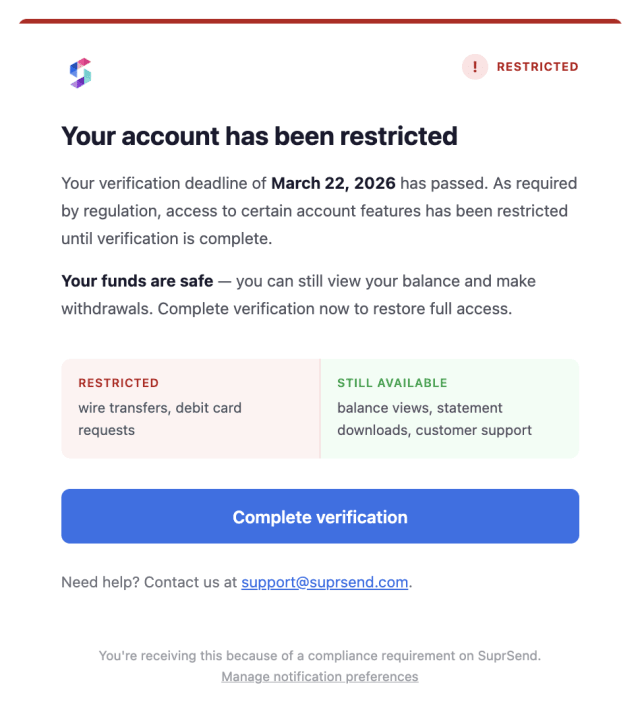
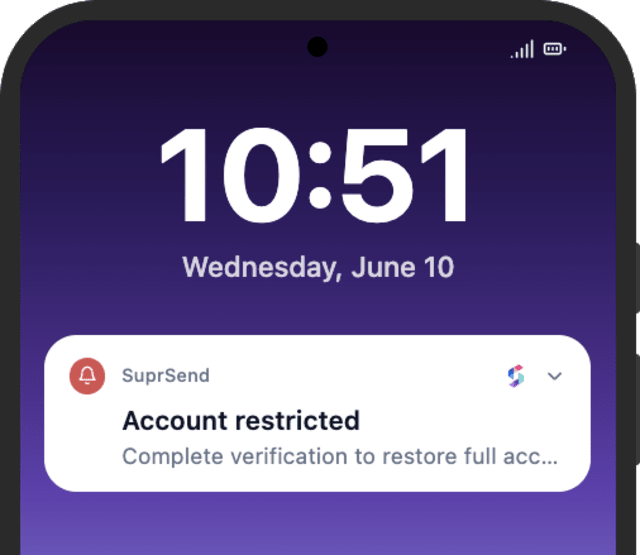
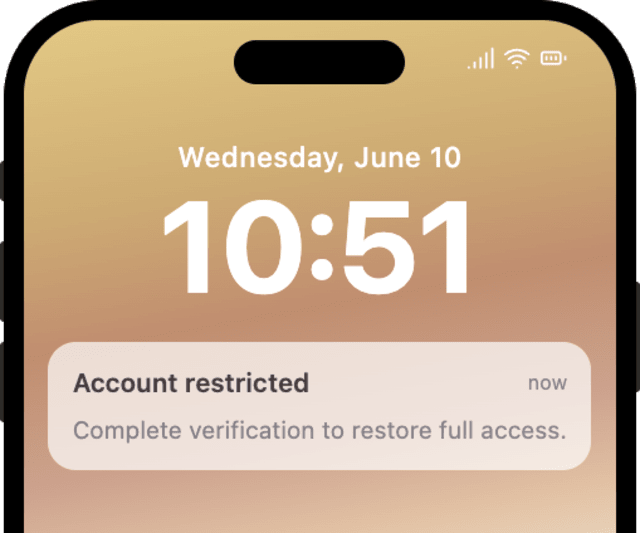
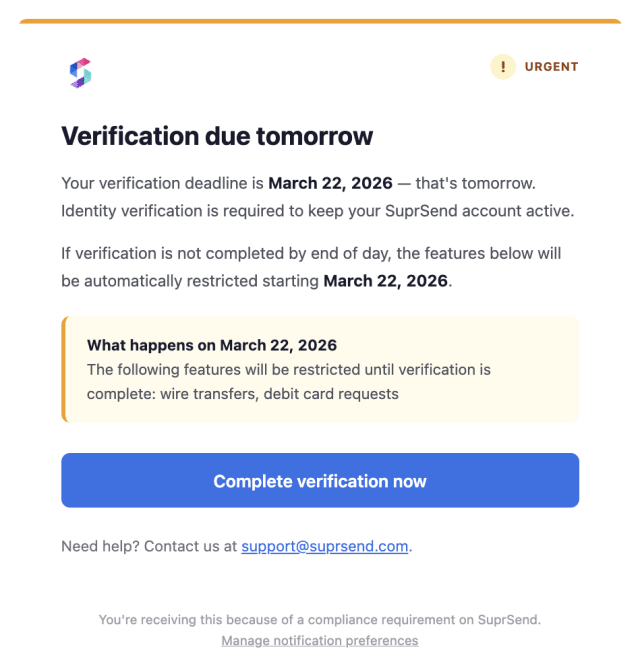
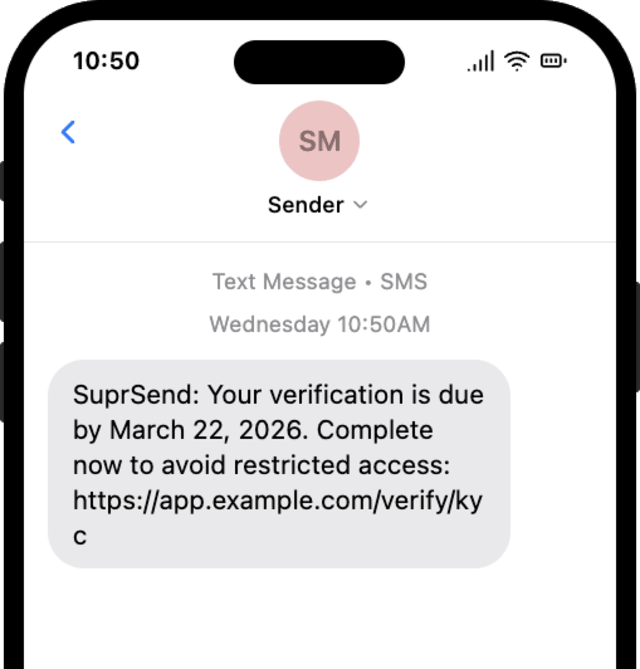
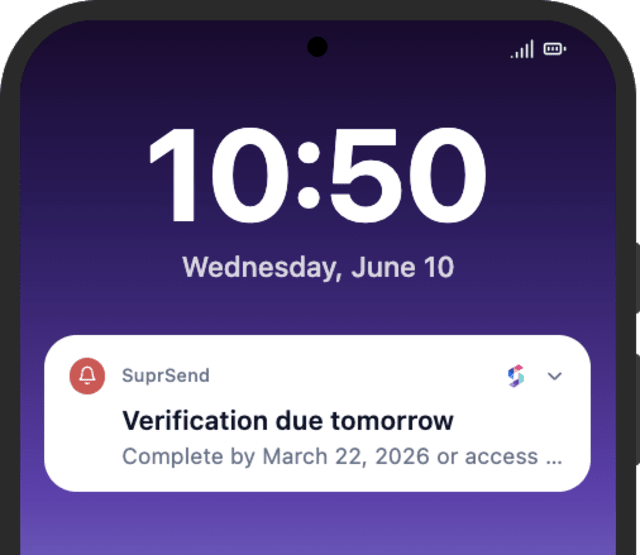
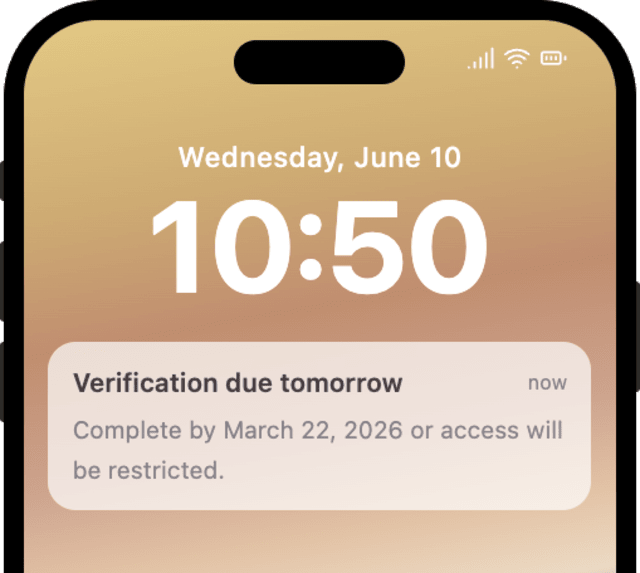
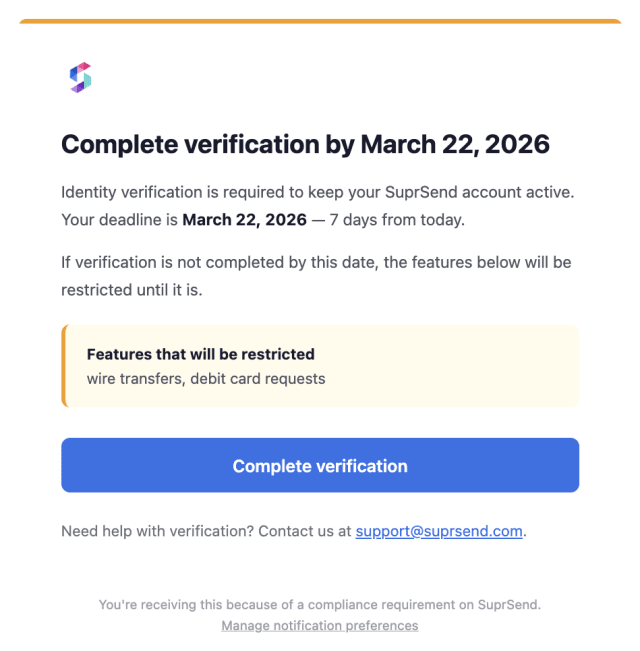
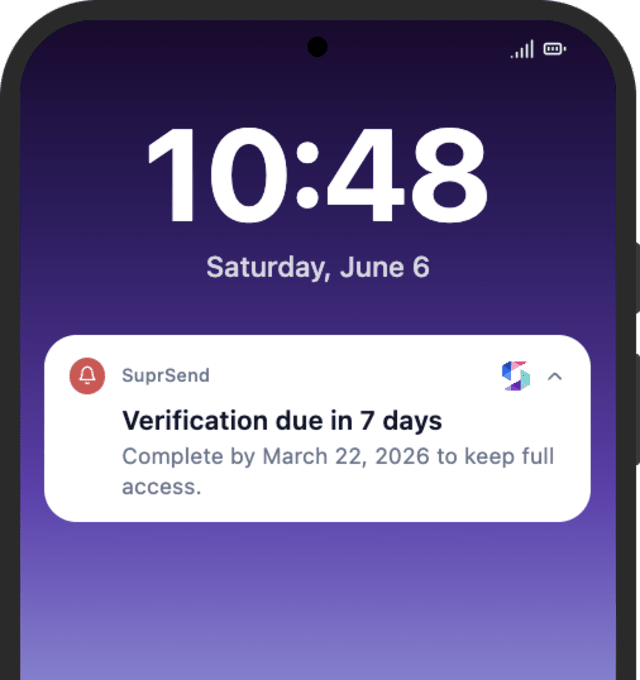
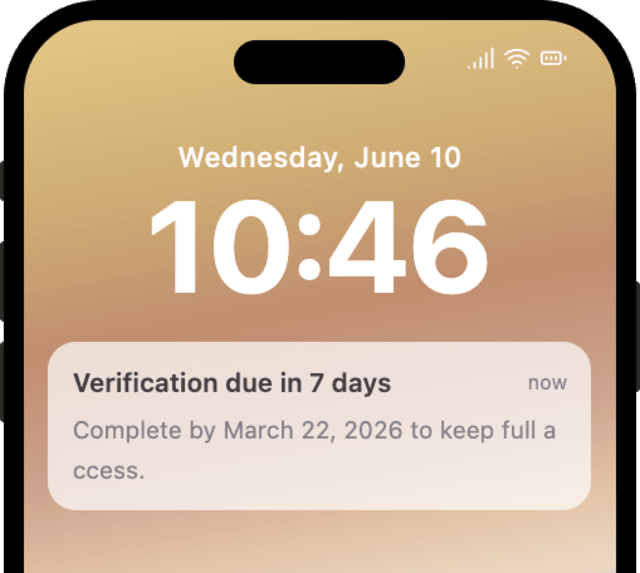
More accounts complete KYC before the deadline when the reminders count down with a clear date and consequence, compared with a single notice.
When the deadline reminders draw complaints or support tickets, they are firing too often or reading as a threat rather than a clear warning with a way to comply.
Quick answers about setting up and running this workflow.
At the deadline the user gets the restriction notice and loses the limited actions until they verify. The workflow sends the notice; your system applies the actual restriction, and completing KYC afterward lifts it.
Completing KYC (KYC_COMPLETED) stops the rest of the sequence at any stage, through the Wait Until.
Email and push for the warnings, with SMS added on the day-before urgent reminder, sent by Smart Channel Routing so the urgent one cuts through.
This counts down to a hard deadline and restricts the account if it is missed. KYC Drop-off Reminders recovers a user who paused mid-verification, with no fixed deadline.
Fire ACCOUNT_CREATED with a near kyc_deadline, then KYC_COMPLETED to confirm the stop. Shorten the Wait Until offsets to see all three reminders, from the Test button, the SuprSend Agent, or the API, CLI, or MCP.
Sign up and test the workflow directly in the dashboard.
Copy the prompt, paste it into the Agent in your SuprSend dashboard, and the workflow gets built for you.
Set up SuprSend MCP in Claude Code, Cursor or Windsurf, copy the prompt, and the workflow builds itself in your workspace.