Turn events into meaningful conversations

Orchestrate transactional and engagement notifications across channels — respecting user preferences, timing, and context.

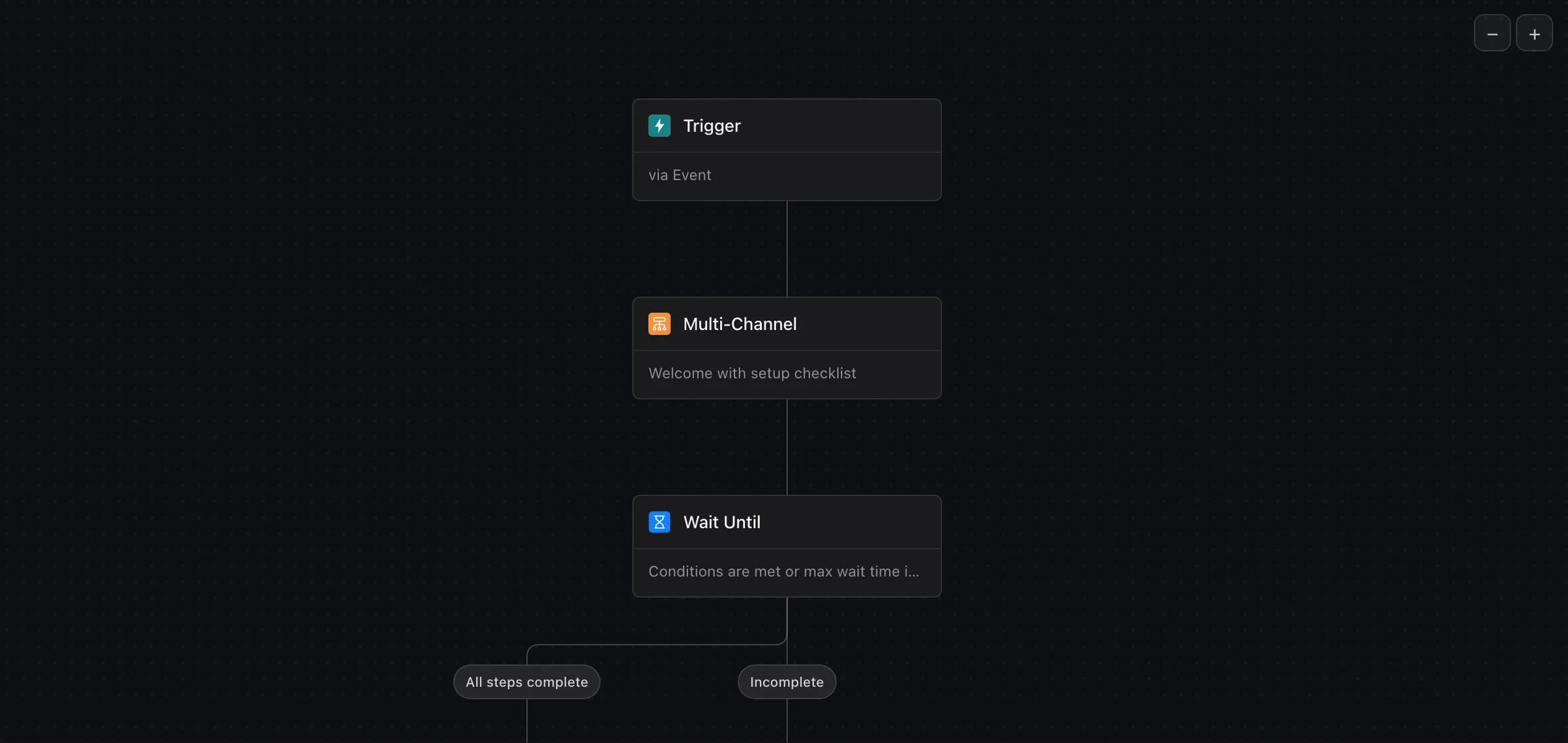
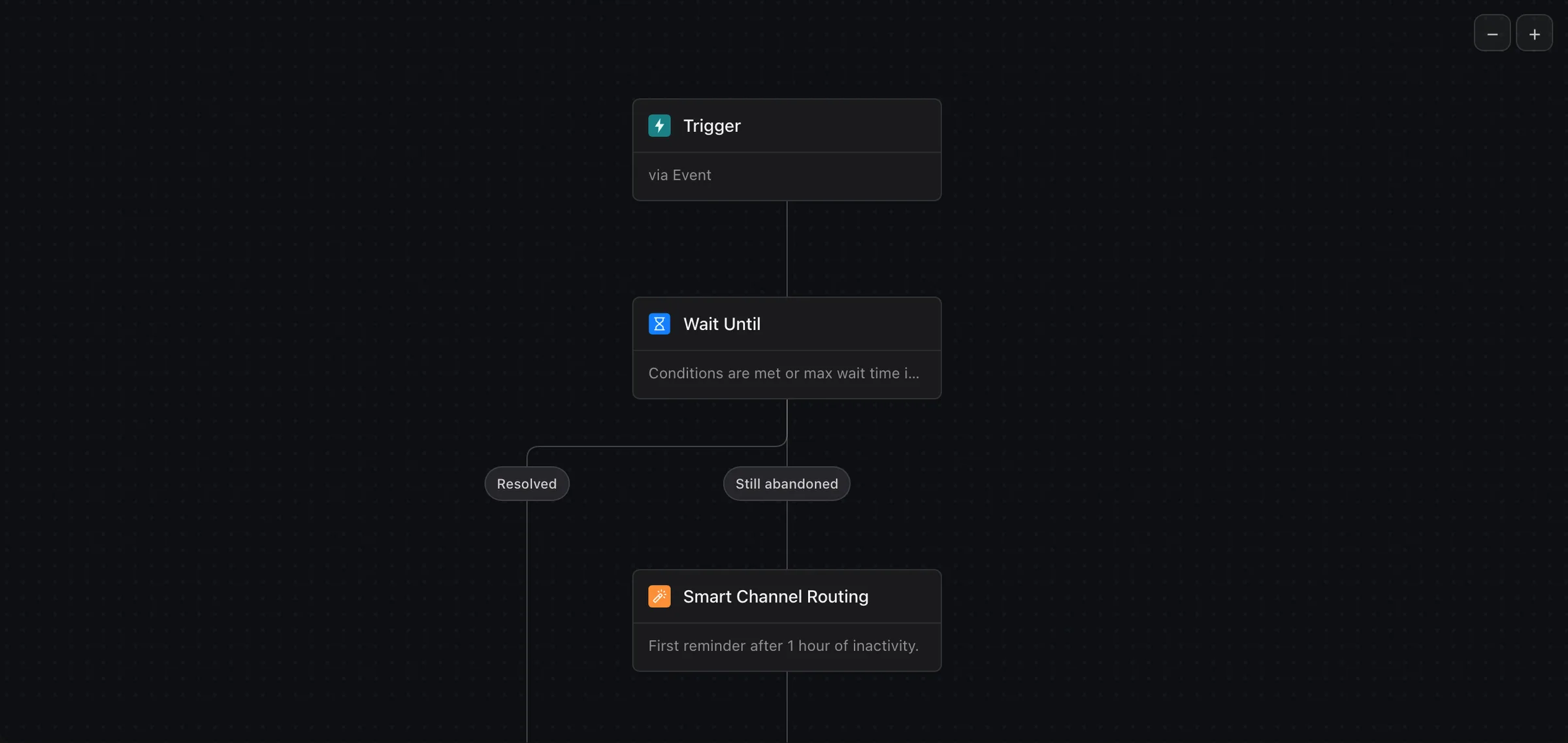
An onboarding workflow: a trigger, a multi-channel welcome with a setup checklist, then a wait until its steps are complete, branching on complete and incomplete.
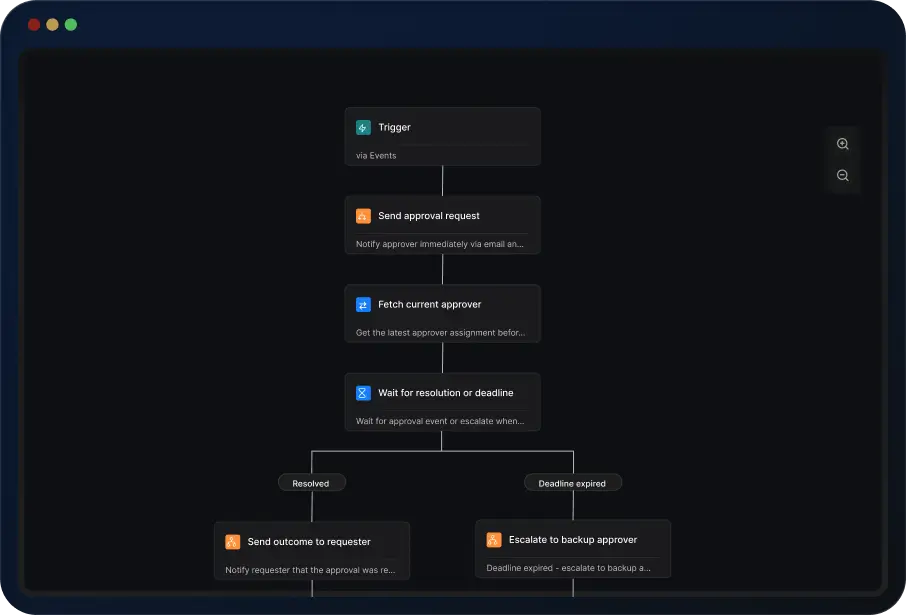
An approval workflow: a trigger, an approval request, fetching the current approver, a wait for resolution or deadline, then the outcome sent to the requester or escalated to a backup approver.

Build production-ready workflows in minutes

Create workflows from Claude, Cursor, or your IDE — using natural language. AI generates the nodes, timing, and routing. You review and ship.

Everything your notifications need to engage users the right way

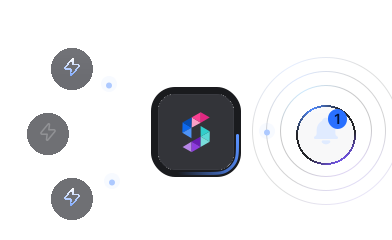
Three triggers merging into SuprSend and leaving as one notification.

Batching / Digest

Aggregate multiple messages into one notification and avoid the risk of bombarding users.

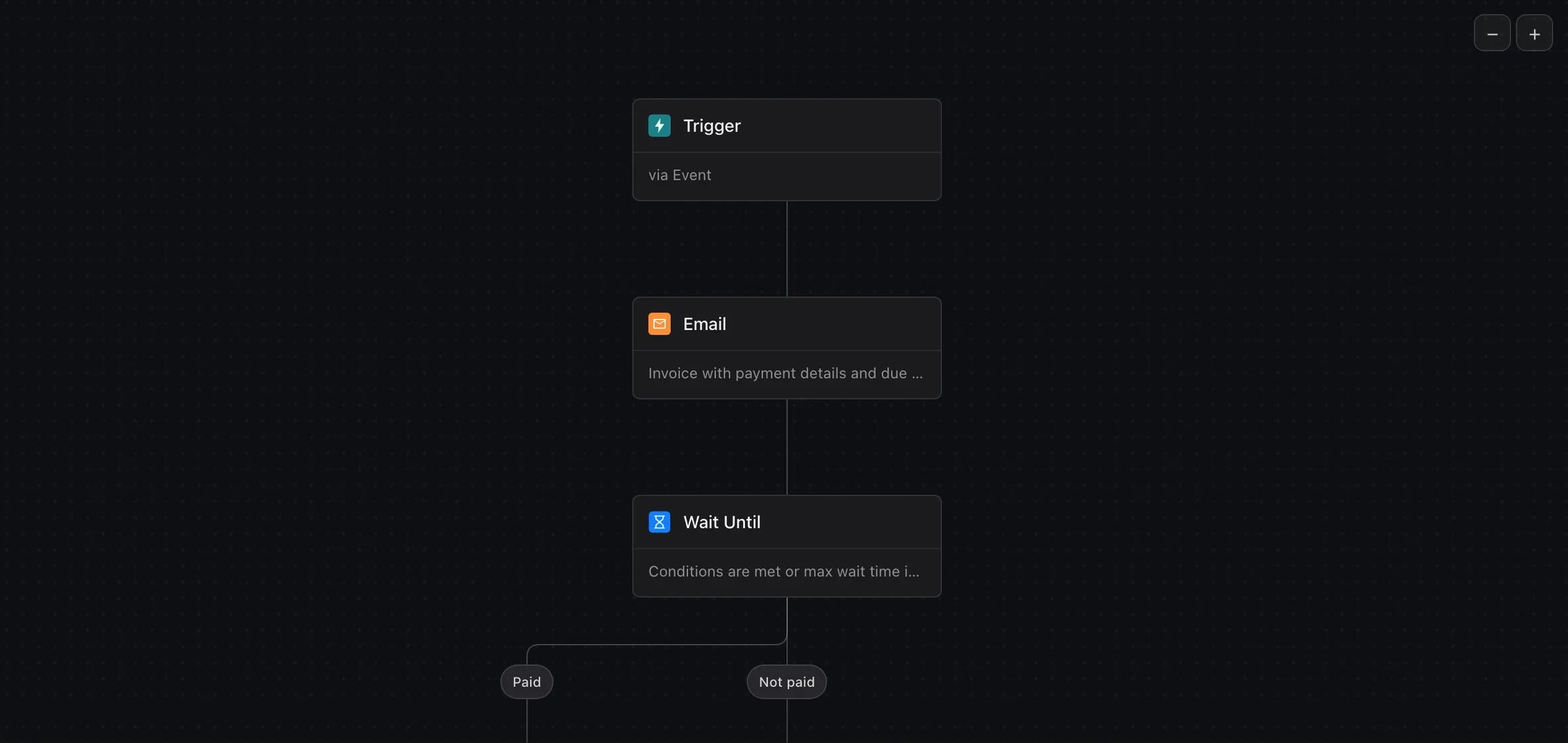
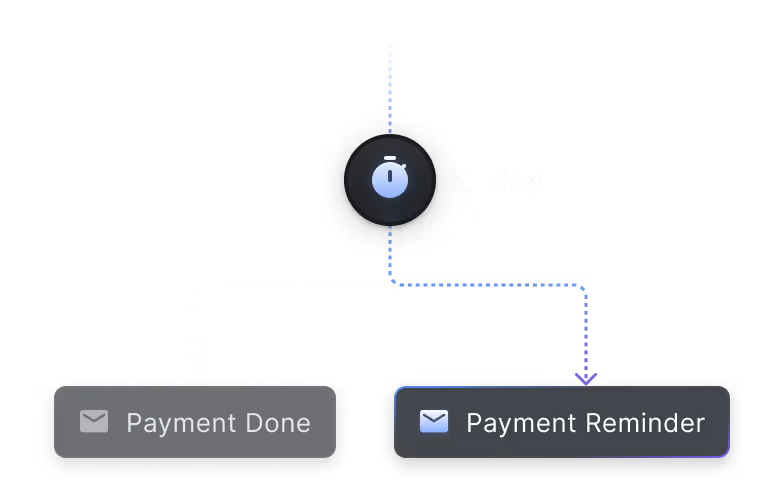
A one-day wait that sends a payment reminder only if the payment is not done.

Delay

Monitor user action completion, and send helpful reminders only when necessary.
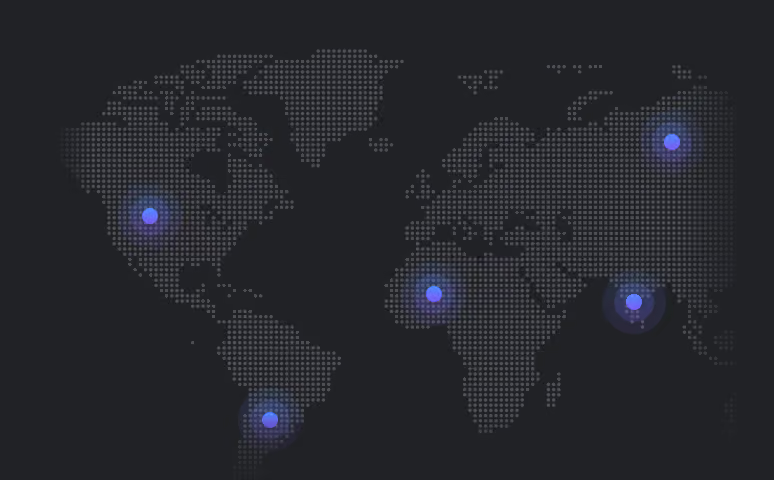
A world map with users lit up in their own timezones.

Timezone Awareness

Deliver notifications timed to users' local timezones for optimal engagement.
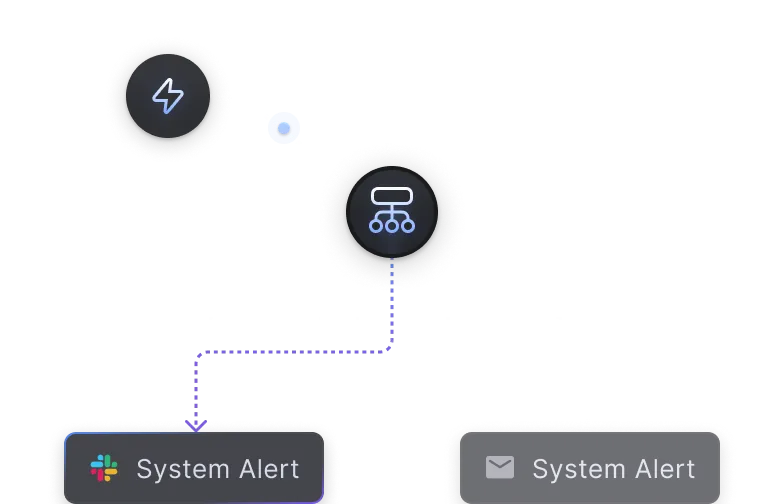
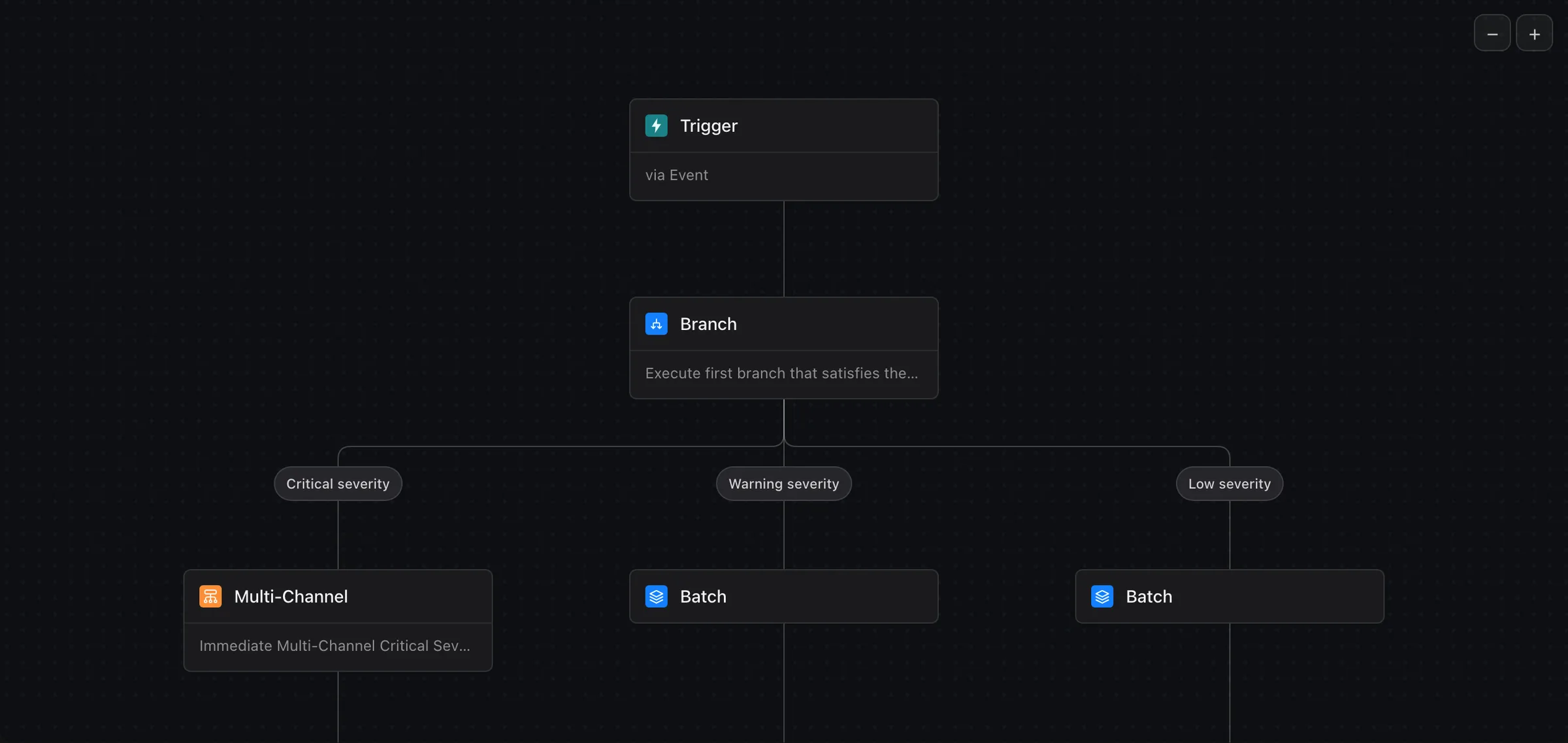
A branch sending a system alert one way when priority is high and another when it is low.

Branching

Craft user journeys to perfection with conditions.
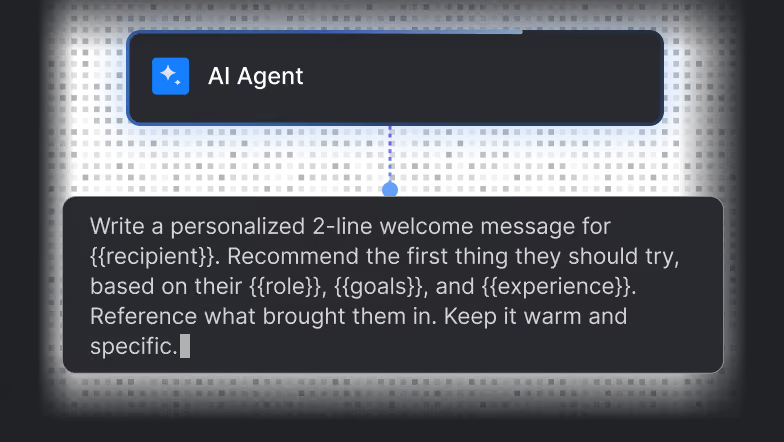
An AI agent node with its prompt: write a personalised two-line welcome message from the recipient's role, goals and experience.

Agent Node

Add AI Agent to your workflow that thinks, decides, and acts at runtime.
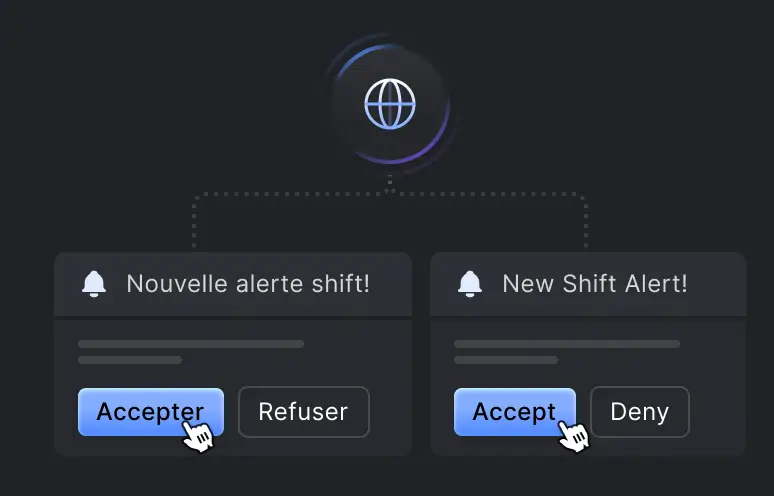
One shift alert in French and in English, each with its accept and deny buttons.

Translations

Send notifications in the user's preferred language, with fallback.

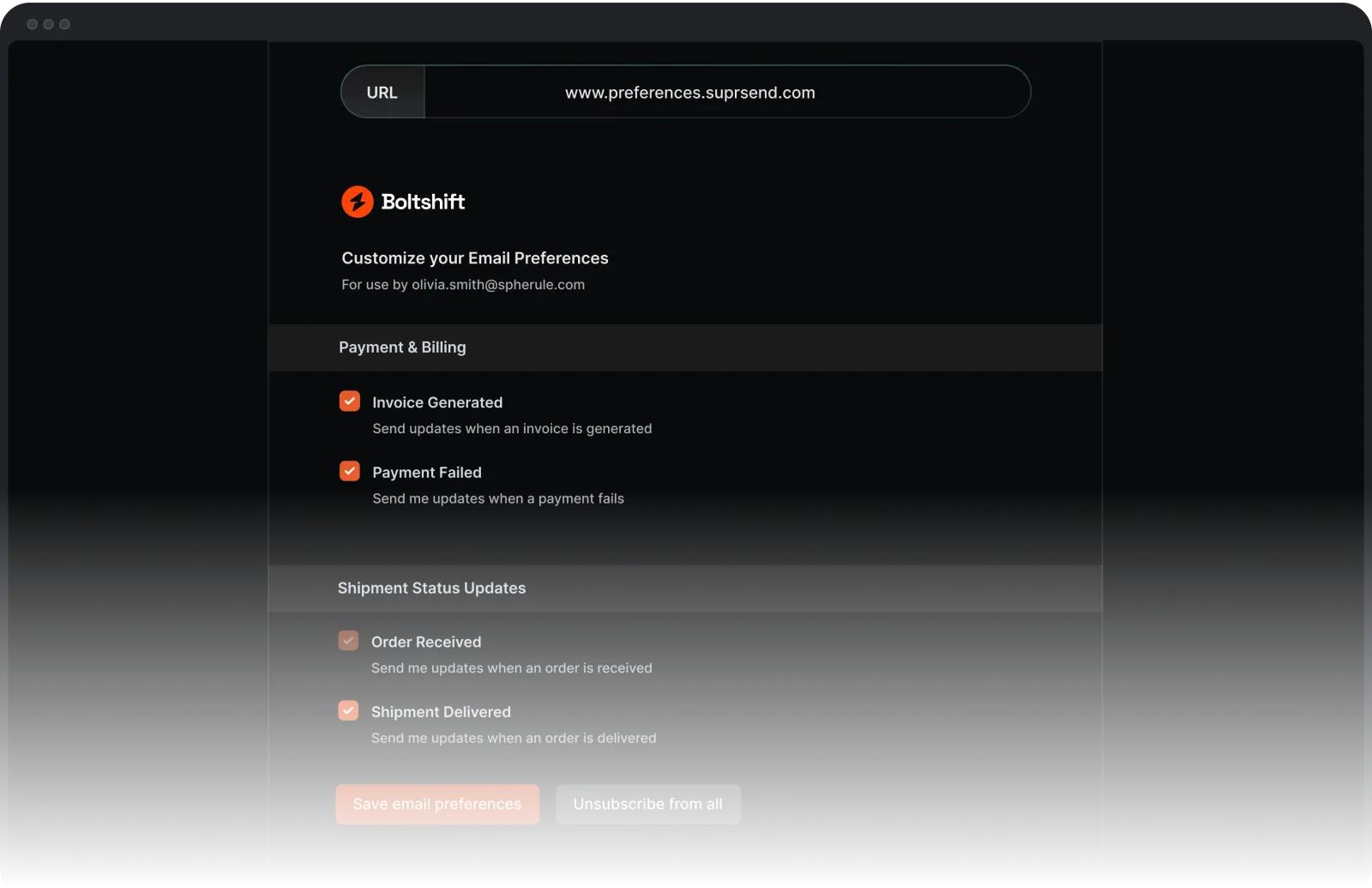
Collect and enforce user notification preferences

Create workflows from Claude, Cursor, or your IDE — using natural language. AI generates the nodes, timing, and routing. You review and ship.
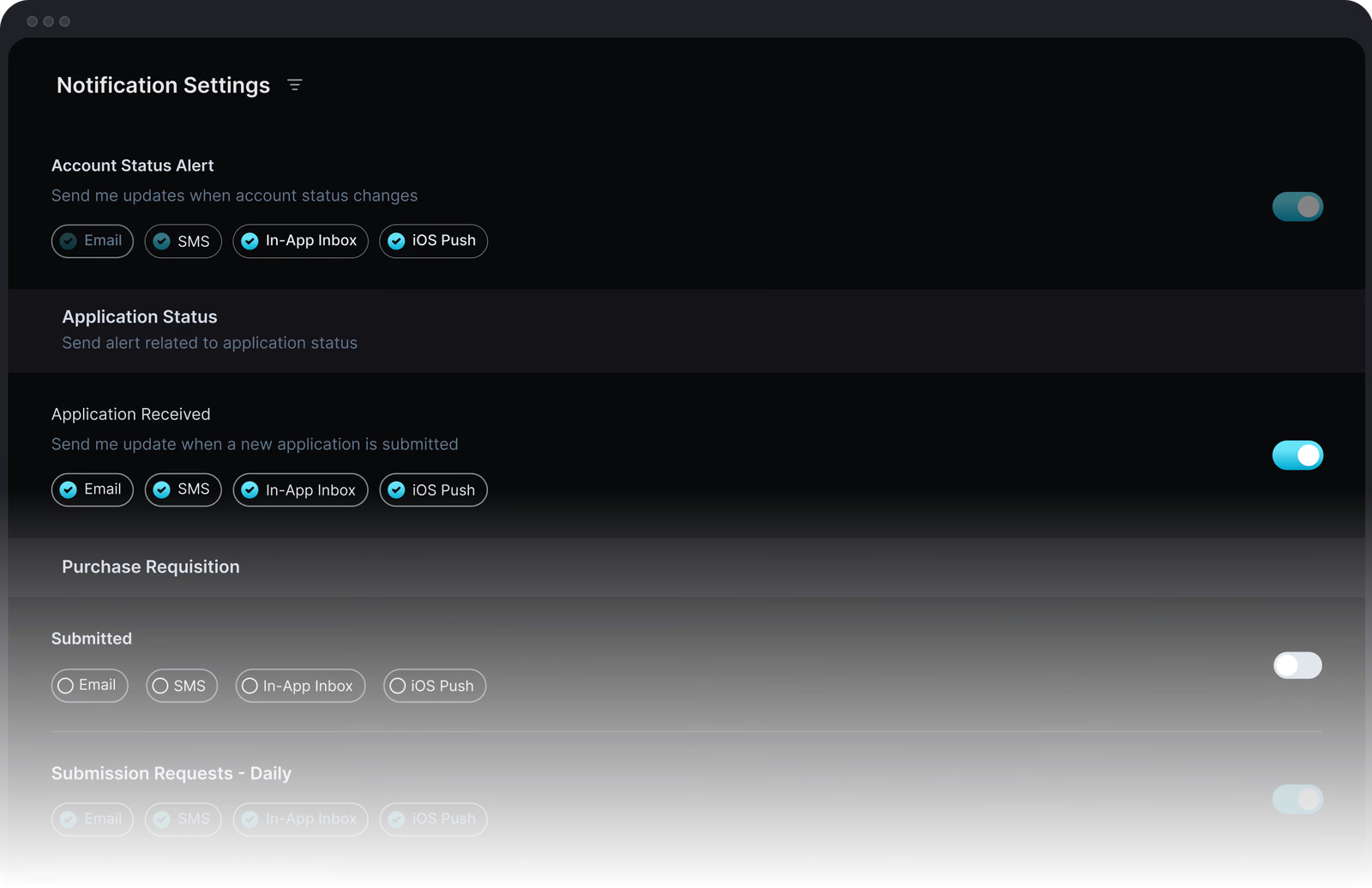
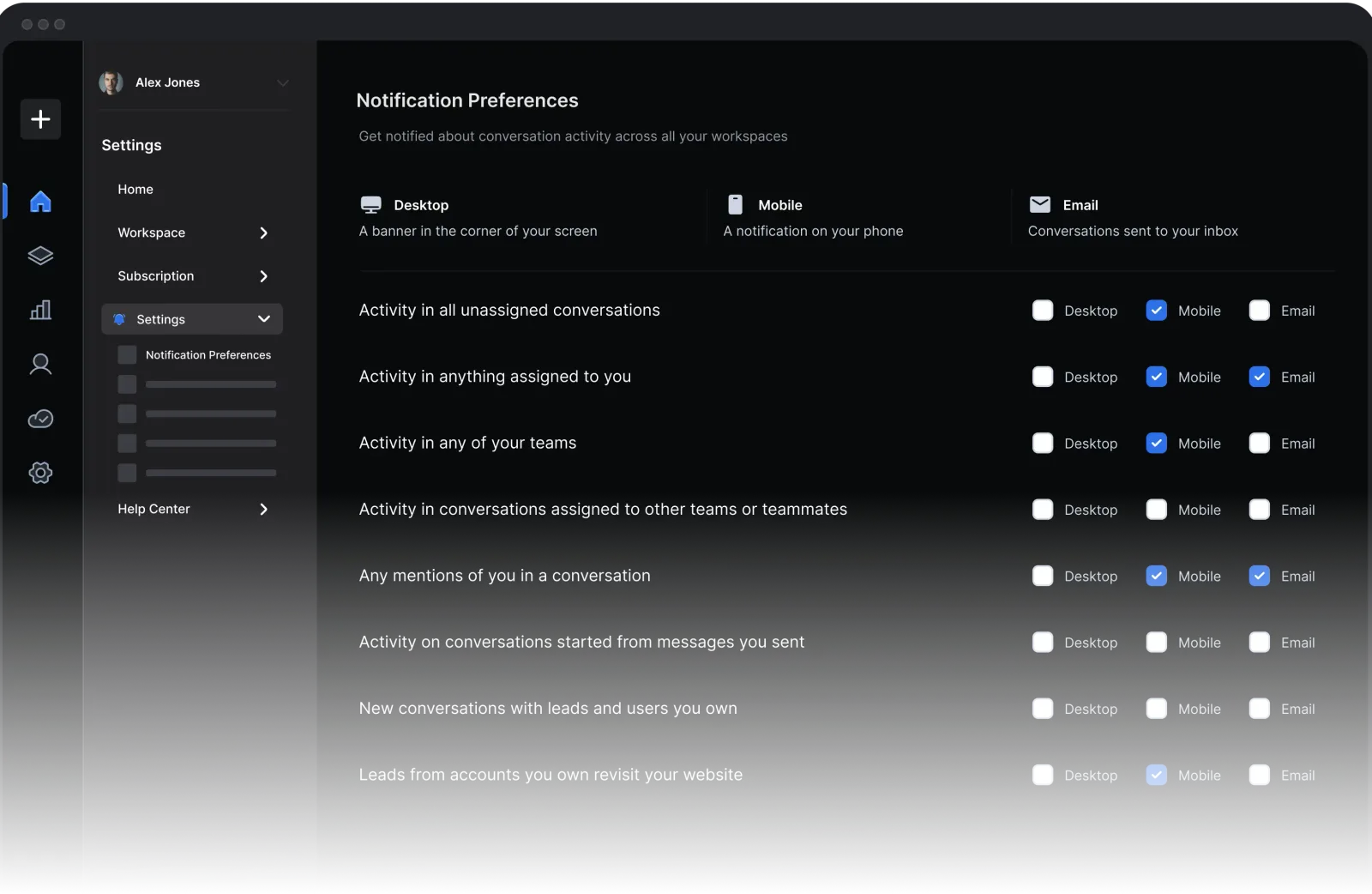
Embedded notification settings: account status, application and purchase requisition alerts, each with a switch and its email, SMS, in-app inbox and iOS push channels.

Monitor and debug every notification you send

Look up any notification and see exactly what happened — from trigger to delivery, with every step in between.

Trace every notification, step by step

See the exact path a notification took for any user, from trigger to delivery.
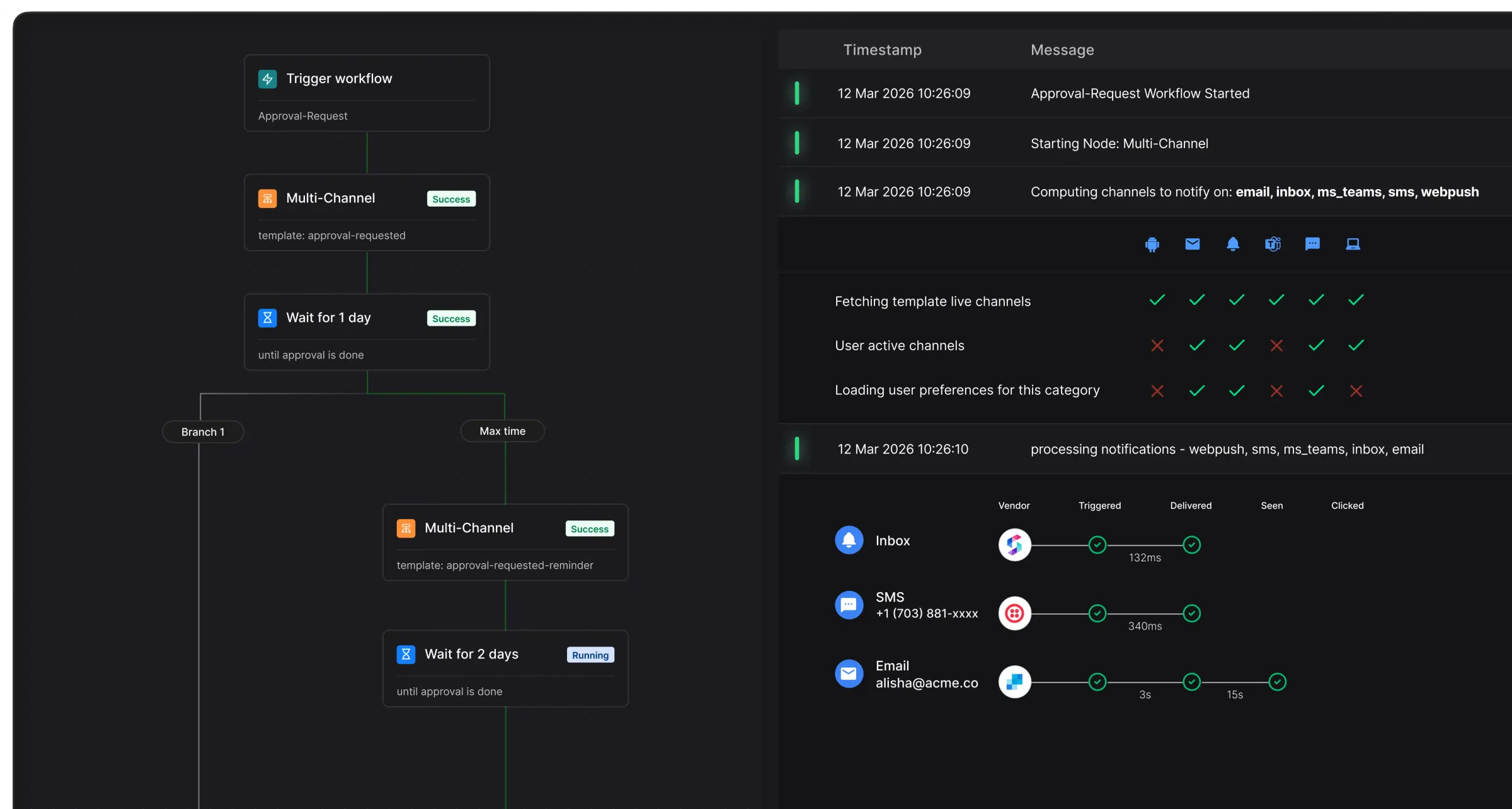
A workflow run traced node by node beside its log: channels computed, templates fetched, preferences loaded, then each vendor's delivery to inbox, SMS and email.

Search across all request and execution logs

Every API call and provider response, searchable by workflow, channel, user, or time range.
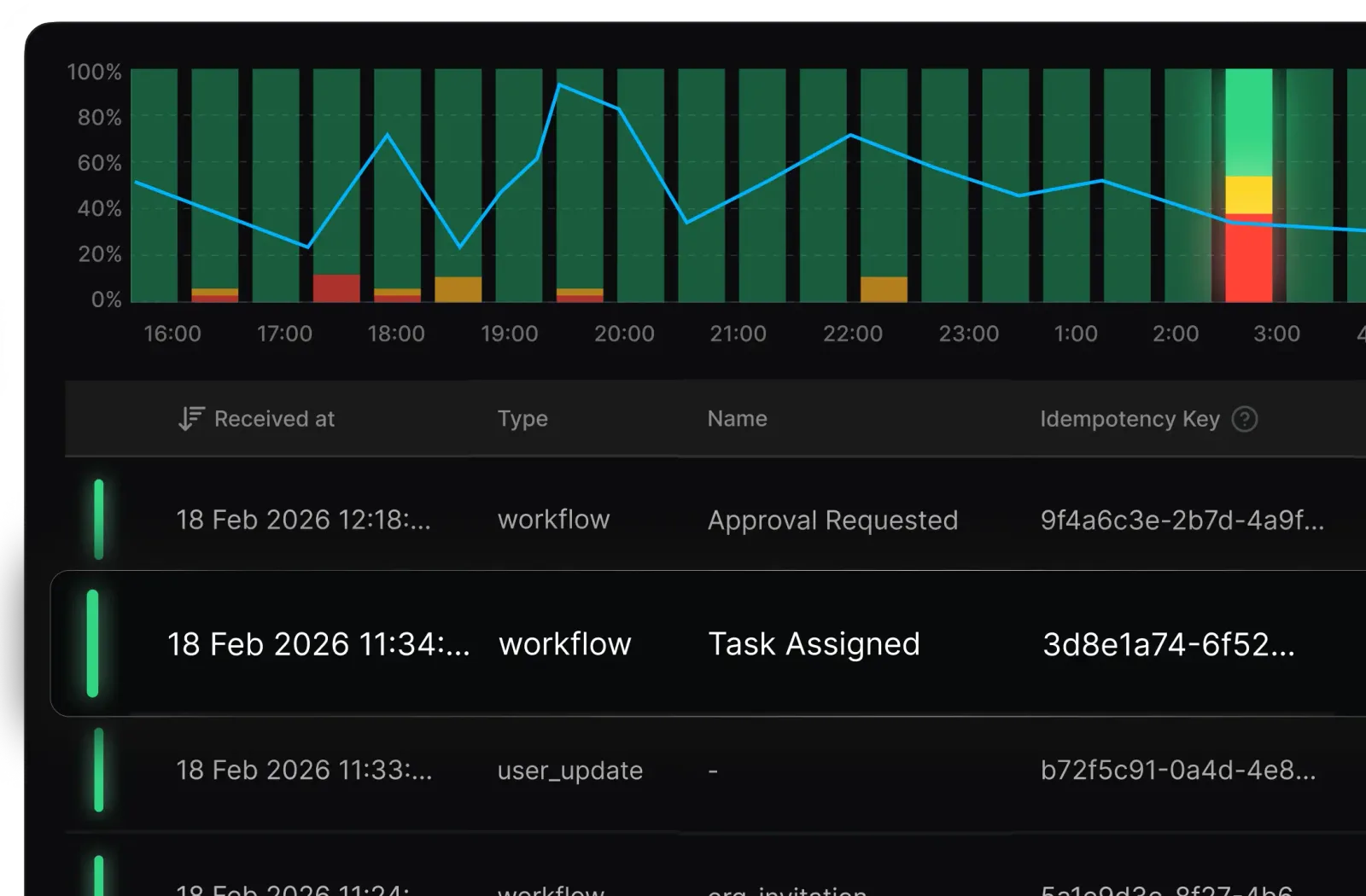
A chart of requests by hour above a searchable log of workflow and user-update requests.

Monitor notification health alongside the rest of your infrastructure

Send delivery metrics, errors, and traces to Datadog, Grafana, or any OTEL-compatible tool, so your team catches issues.
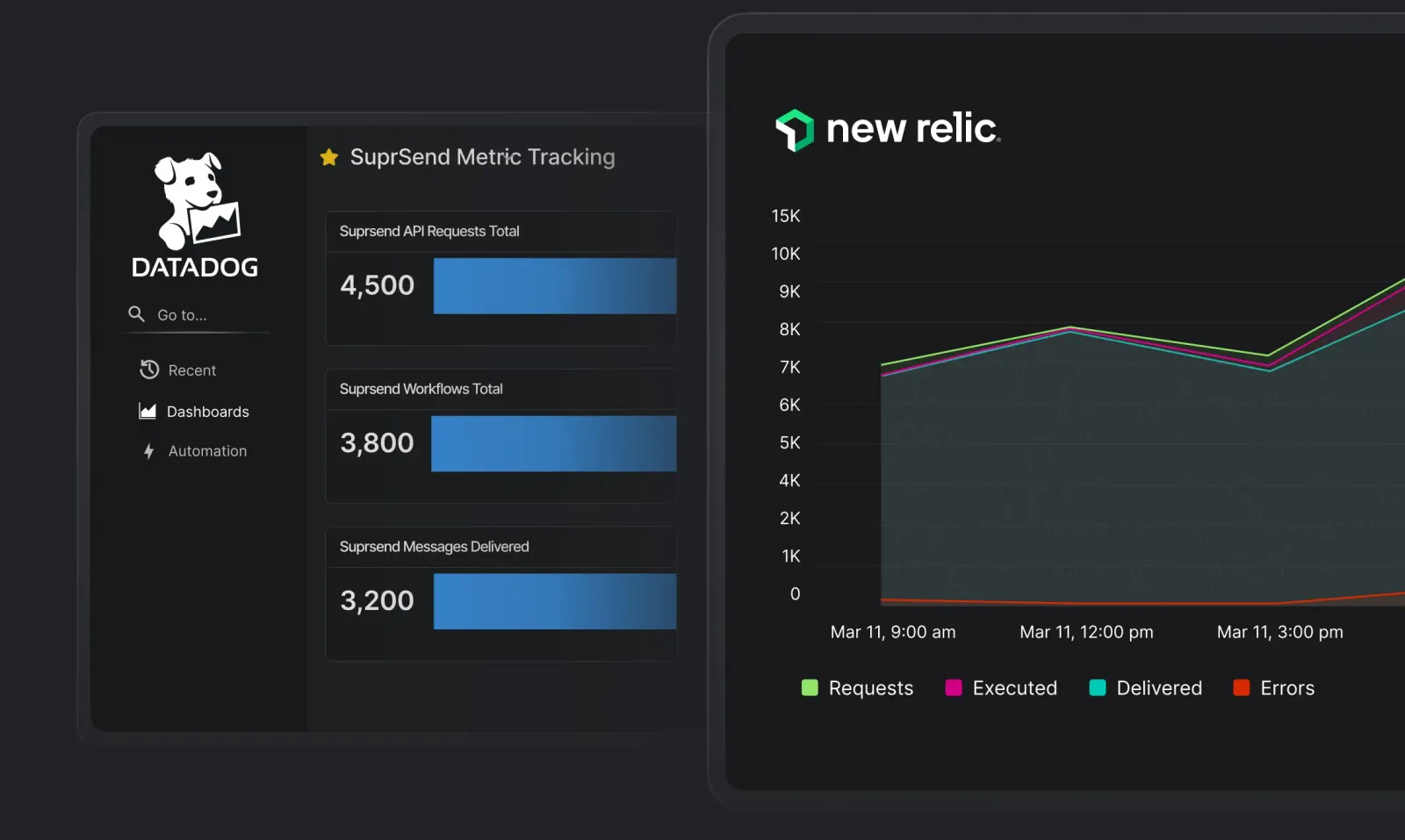
SuprSend metrics in a Datadog dashboard and a New Relic chart of requests, executions, deliveries and errors.

Workflows that ship like your application code

Work in Natural Language with MCP

Automate notifications in natural language — create, update, manage, query easily. Compatible with Claude, Cursor, and other MCP clients you already use.
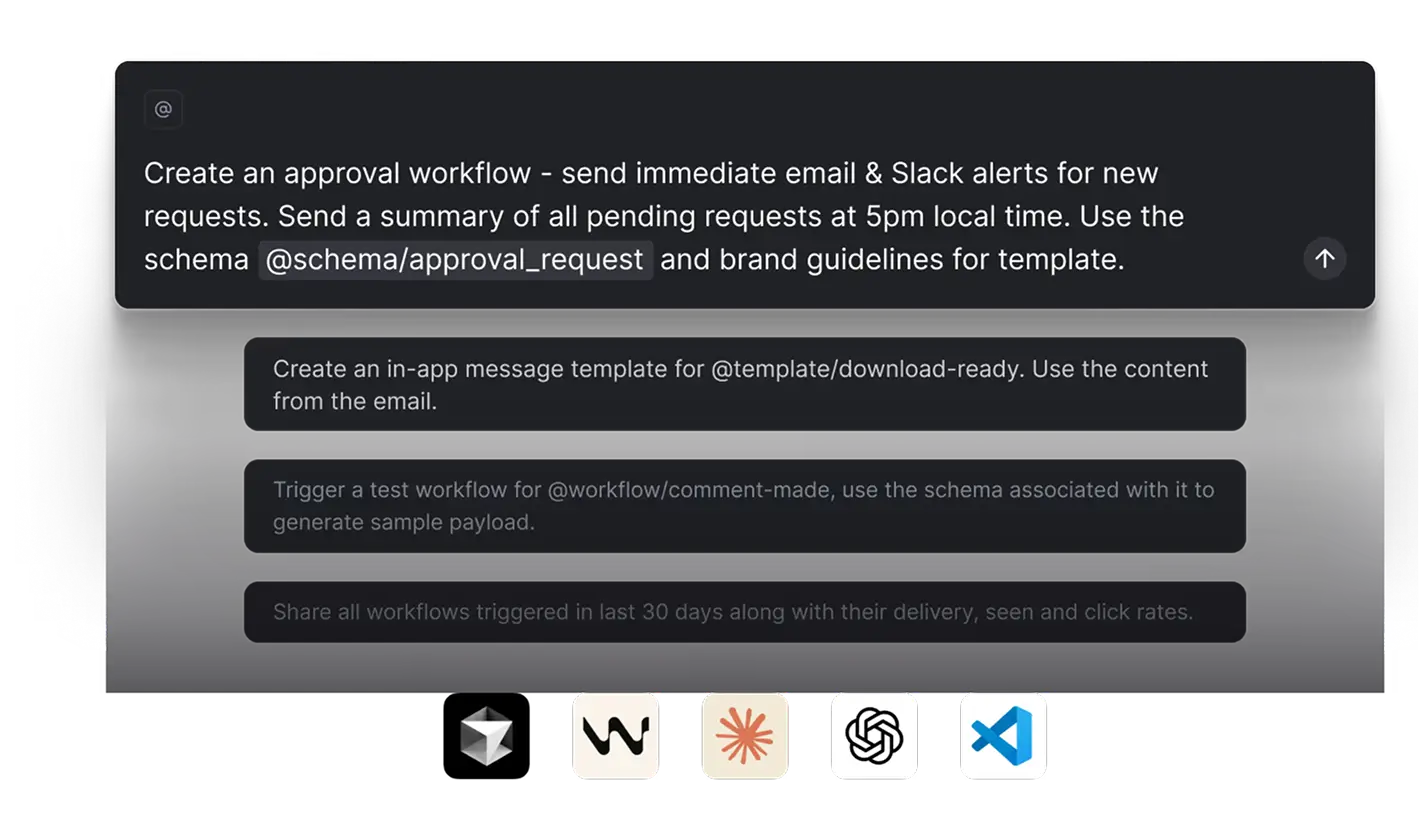
A prompt asking for an approval workflow with email and Slack alerts and a 5pm summary, above suggested prompts and the logos of the MCP clients it works with.
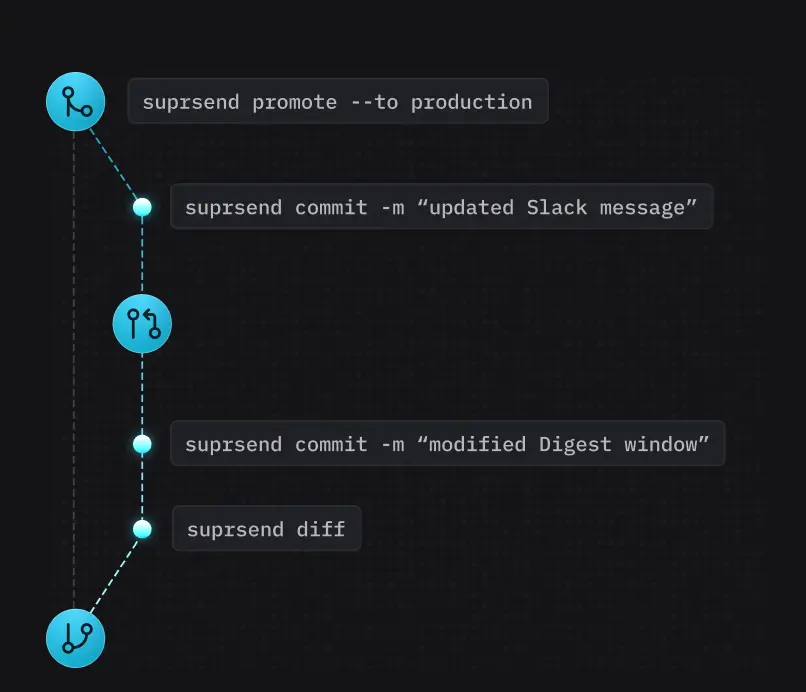
suprsend commit and diff commands on a branch, promoted to production.

Automated Deployments

Promote notifications across environments with CLI and CI/CD.
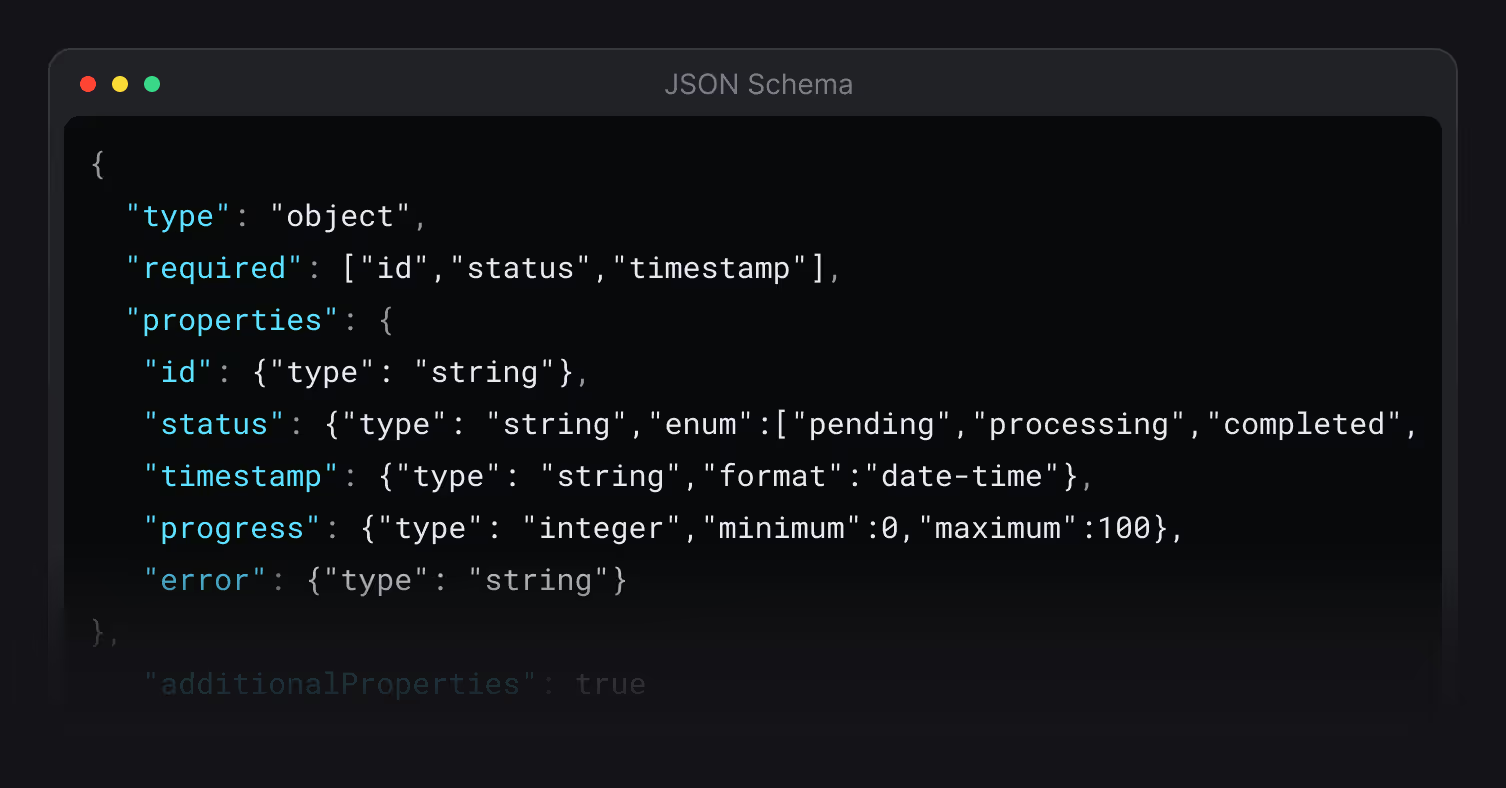
A JSON schema with required id, status and timestamp properties.

JSON Schema Validation

Release with confidence as schema checks ensure workflows never break.

There’s no better place for you
to build notifications

Join thousands of product & engineering teams using SuprSend to build and ship better notifications—faster.

By clicking “Accept All Cookies”, you agree to the storing of cookies on your device to enhance site navigation, analyze site usage, and assist in our marketing efforts. View our Privacy Policy for more information.