Notification system architecture is the technical design of how your product triggers, routes, renders, delivers, and tracks messages across channels like email, SMS, push, and in-app. For SaaS products, the architecture that works at 100 users will break at 10,000 and collapse at 1,000,000. Yet most teams design their notification system once - at MVP stage - and then spend years patching it.
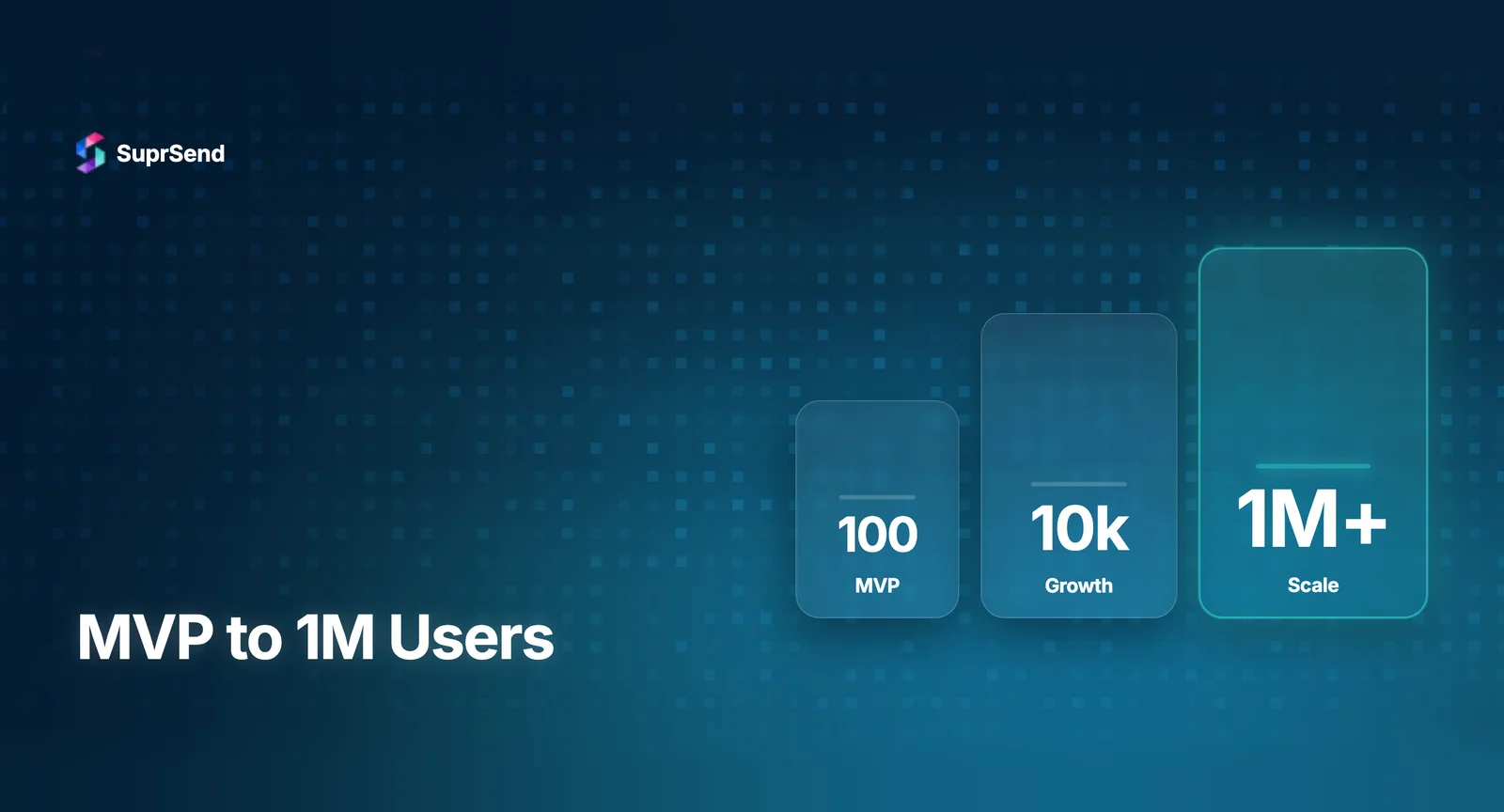
This guide walks through how notification system architecture should evolve across three stages of SaaS growth: MVP (0-1K users), Growth (1K-100K users), and Scale (100K-1M+ users). Each stage introduces new architectural requirements, failure modes, and design decisions.
Stage 1: MVP Notification Architecture (0-1K Users)
What you’re building
At MVP stage, you need notifications that work. Not notifications that scale. Your goal is to validate product-market fit, and notifications are a means to that end - welcome emails, password resets, and basic activity alerts.
Typical architecture
Most MVP notification systems follow this pattern: application code triggers an event → inline function renders a template → direct API call to a delivery vendor (SendGrid for email, Twilio for SMS) → log the result to your application database. This is synchronous, tightly coupled, and perfectly adequate for under 1,000 users.
Components at this stage
| Component | MVP Implementation |
|---|---|
| Triggering | Inline in application code |
| Template rendering | Hardcoded HTML strings or simple template files |
| Delivery | Direct vendor SDK calls (SendGrid, Twilio) |
| Channels | 1-2 (usually email + maybe push) |
| Preferences | None or basic unsubscribe link |
| Logging | Application logs, vendor dashboards |
| Error handling | Basic try/catch, no retry logic |
What breaks first
Two things break first as you grow past MVP: vendor API latency starts affecting application response times (because delivery is synchronous), and notification logic scattered across multiple controllers becomes impossible to maintain. A single “order_completed” event might need to trigger email to the buyer, push notification to the seller, and Slack message to internal ops - and that logic lives inline in your order controller.
Decision point
When you have more than 5 notification types or more than 1 channel, it’s time to move to Stage 2. Don’t wait for performance problems to force the migration.
Stage 2: Growth Notification Architecture (1K-100K Users)
What changes
At growth stage, you need notifications that are reliable, decoupled, and maintainable. The key architectural shift is moving from synchronous to asynchronous processing and extracting notification logic from application code into a dedicated service.
Architecture pattern
The growth-stage architecture introduces three critical components: a message queue between your application and notification processing, a dedicated notification service that handles routing and orchestration, and channel-specific workers that handle delivery.
Flow: Application emits event → Event lands on message queue (SQS, RabbitMQ) → Notification service consumes event → Evaluates routing rules and user preferences → Renders templates per channel → Dispatches to channel workers → Workers call vendor APIs with retry logic → Delivery status written to notification database.
Components at this stage
| Component | Growth Implementation |
|---|---|
| Triggering | Event-driven (application publishes events to queue) |
| Message queue | SQS, RabbitMQ, or Redis Streams |
| Notification service | Dedicated microservice handling orchestration |
| Template rendering | Template engine with variable support (Handlebars) |
| Delivery | Channel workers with retry + exponential backoff |
| Channels | 3-4 (email, push, in-app, SMS) |
| Preferences | Basic category-level opt-out stored in user profile |
| Logging | Dedicated notification logs table with delivery status |
| Error handling | Retry queues, dead letter queue for failed deliveries |
Key design decisions
Queue choice: SQS is the simplest option for most teams - managed, scalable, and requires no infrastructure maintenance. RabbitMQ offers more routing flexibility if you need topic-based routing. Kafka vs SQS - use Kafka only if you need event replay, strict ordering, or multi-consumer patterns at high volume.
In-app notifications: This is where most growth-stage teams underinvest. Building a real-time in-app notification inbox from scratch requires WebSocket infrastructure, read/unread state management, and mobile SDK development. It’s typically 8-16 weeks of engineering. Using a platform with a drop-in inbox SDK (like SuprSend’s) reduces this to hours.
Batching logic: Once you’re sending more than 10 notifications per user per day, you need notification batching. Group similar notifications (“You have 5 new comments”) instead of sending them individually. This requires a stateful aggregation layer with configurable time windows.
What breaks next
At 50K-100K users, three new problems emerge: vendor outages become more impactful (no fallback means total channel failure), notification debugging becomes a support burden (customer says “I didn’t get the email” and no one can trace why), and multi-tenancy requests from B2B customers start coming in. These push you to Stage 3.
Stage 3: Scale Notification Architecture (100K-1M+ Users)
What changes
At scale, notification infrastructure becomes critical infrastructure. The architectural requirements shift from “reliable delivery” to “observable, resilient, compliant delivery with operational excellence.”
Architecture additions
On top of the growth-stage architecture, you add: vendor fallback with circuit breakers (if SendGrid is down, auto-route to AWS SES), comprehensive delivery observability with step-by-step logs and OpenTelemetry integration, per-tenant notification configuration for B2B customers, a centralized template management system with versioning and i18n, rate limiting and throttling to protect both users and vendor quotas, and compliance infrastructure (audit logs, data retention policies, DPAs with vendors).
Components at this stage
| Component | Scale Implementation |
|---|---|
| Triggering | Event bus (Kafka) with schema validation |
| Message queue | Kafka with partitioning by tenant/priority |
| Notification service | Horizontal auto-scaling, multi-region |
| Template rendering | Centralized engine with i18n, versioning, per-tenant overrides |
| Delivery | Multi-vendor per channel with circuit breakers and fallback |
| Channels | 5+ (email, SMS, push, in-app, Slack, WhatsApp) |
| Preferences | Category + channel level, per-tenant, with hosted preference pages |
| Observability | Step-by-step logs, OTEL export, Datadog/Grafana dashboards |
| Multi-tenancy | Per-tenant branding, templates, vendors, preferences |
| Compliance | SOC 2, HIPAA, GDPR, audit logs, data retention |
The build vs. buy decision point
This is where the build vs. buy decision becomes most acute. Building Stage 3 architecture in-house requires 3-5 engineers for 6-12 months, plus 1-2 engineers for ongoing maintenance. The total cost (engineering salaries + infrastructure + opportunity cost) typically exceeds $500K in the first year.
Notification platforms like SuprSend provide Stage 3 architecture out-of-the-box: multi-vendor fallback, step-by-step observability, multi-tenant notification infrastructure, template management with i18n, and OpenTelemetry export for integration with your existing monitoring stack. For most SaaS teams, buying at this stage and investing engineering capacity in core product features is the better allocation of resources.
Architecture Anti-Patterns to Avoid
Synchronous delivery at any stage beyond MVP. Even at growth stage, notification delivery must be async. A 2-second SendGrid timeout in a synchronous flow cascades into 2-second latency on your checkout API.
Single vendor dependency without fallback. Every delivery vendor has outages. If your entire email channel depends on SendGrid with no fallback, a SendGrid outage means zero email delivery. Configure at least one backup vendor per critical channel.
Notification logic in application controllers. When notification rules (who gets notified, through which channel, with what content) live inside your API controllers, every change requires a code deployment. Extract notification logic into a configurable workflow layer.
No dead letter queue. Failed notifications that disappear silently are worse than notifications that fail loudly. Every notification architecture needs a dead letter queue where failed deliveries land for investigation and manual retry.
Polling for delivery status. Don’t poll vendor APIs for delivery confirmation. Use webhooks. Polling is expensive, slow, and doesn’t scale. Every major vendor supports webhook-based status updates.
TL;DR
Notification system architecture should evolve with your product. MVP: synchronous, inline, 1-2 channels. Growth (1K-100K users): async with message queues, dedicated notification service, 3-4 channels, basic preferences. Scale (100K-1M+): multi-vendor fallback, step-by-step observability, multi-tenancy, compliance, 5+ channels. Most SaaS teams should buy notification infrastructure at the Scale stage rather than building it - the engineering cost of building exceeds $500K and diverts resources from core product.
Need Scale-stage architecture without the build? Start building for free with SuprSend or book a demo to see production-grade notification architecture in action.
FAQ
What is notification system architecture?
Notification system architecture is the technical design of components that handle triggering, routing, rendering, delivering, and tracking notifications across multiple channels in a software product.
How should notification architecture change as a SaaS product scales?
MVP stage uses direct vendor API calls. Growth stage adds message queues and async processing. Scale stage requires dedicated notification services, vendor fallback, and observability.
What components are needed in a production notification system?
Core components include: API gateway, notification service, message queue, channel workers, delivery providers, preference store, template engine, and observability pipeline.
When should you decouple your notification system from application code?
When you hit 3+ notification types across 2+ channels, or when notification logic changes start requiring full application deployments. Typically around 10K-50K users.
Should you use Kafka or SQS for notification queues?
SQS for simpler setups under 100K notifications/day. Kafka for high-throughput systems needing event replay, ordering guarantees, and multi-consumer architectures.