Notification infrastructure software is a platform that handles the complexity of sending messages to users across email, SMS, push, in-app, and chat channels. Choosing the right one is a decision that affects engineering velocity, product experience, and operational costs for years. Yet most teams evaluate platforms by scrolling feature comparison tables and picking whoever has the most checkmarks.
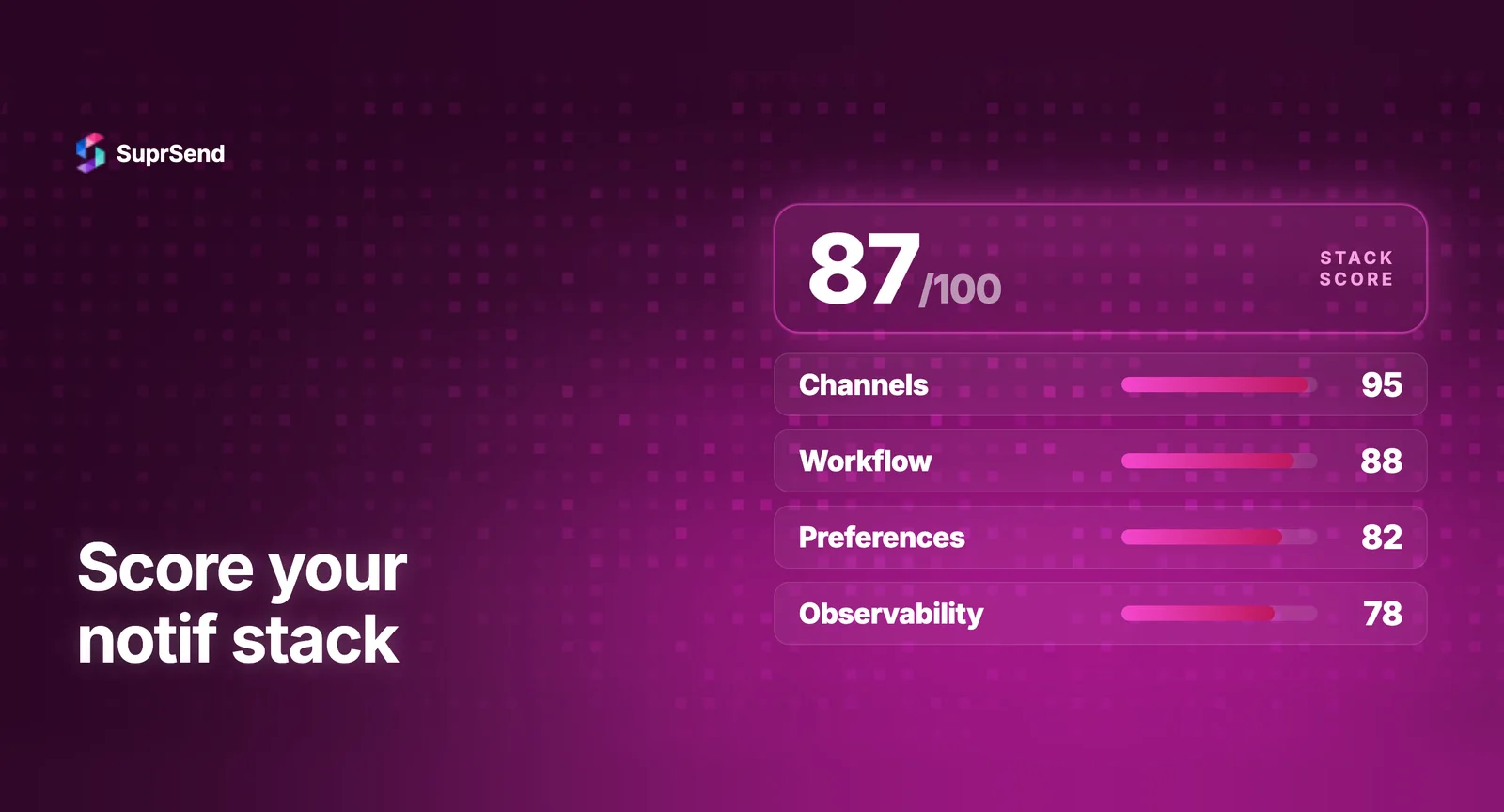
Feature checklists don’t tell you what matters for your product. A startup sending 10K notifications a month has different priorities than a multi-tenant SaaS platform sending 10M. This guide provides a weighted scoring framework that engineering teams can customize to their specific stage, scale, and constraints.
Why Feature Checklists Fail
Every notification platform claims to support email, SMS, push, and in-app. Every one lists workflows, templates, and analytics. The differences that actually matter are buried in implementation depth, not surface-level feature presence.
For example, “multi-tenancy support” on a feature checklist could mean anything from a tenant_id filter on API calls to full per-tenant branding, template overrides, vendor routing, and preference categories. The gap between these implementations is months of engineering work if you need the deeper version and chose the shallow one.
Similarly, “in-app inbox” could mean a basic notification feed or a full-featured inbox with real-time WebSocket updates, read/unread tracking, action buttons, and SDKs for React, Vue, Angular, Flutter, Android, and iOS. The checklist shows a checkmark for both.
A scoring framework forces you to evaluate depth, not just presence.
The 10 Evaluation Criteria
These 10 criteria cover the full surface area of notification infrastructure. Each criterion is scored 1-5 (1 = basic/missing, 5 = best-in-class).
1. Channel Coverage (Weight: 10%)
Which channels does the platform natively support? Evaluate: email, SMS, mobile push (FCM + APNs), web push, in-app inbox, WhatsApp, Slack, MS Teams, and webhooks. Look beyond “supported” to actual integration depth - does the platform handle channel-specific formatting (Slack Block Kit, Teams Adaptive Cards) or just forward plain text?
2. API and Developer Experience (Weight: 15%)
How fast can a new engineer send their first notification? Evaluate: REST API design quality, SDK coverage (Node, Python, Go, Ruby, Java), documentation depth, CLI tools, and sandbox/testing environments. Time-to-first-notification is the single best proxy for developer experience. The best platforms get you from zero to a delivered notification in under 30 minutes.
3. Workflow and Routing Engine (Weight: 15%)
How flexible is the notification logic layer? Evaluate: visual workflow builder, conditional branching, delay/scheduling, batching and digest, channel priority with fallbacks, and timezone-aware delivery. Critical question: can non-engineers modify workflows without code deployments?
4. Template Management (Weight: 10%)
How are notification templates created and maintained? Evaluate: WYSIWYG editors, draft/live versioning, dynamic variable support, per-channel template variants, and i18n/localization. Templates change more frequently than workflow logic. If every template update requires engineering, you’ll create a permanent bottleneck.
5. User Preference Management (Weight: 10%)
How do users control their notification settings? Evaluate: category-level opt-in/opt-out, channel-level preferences, frequency controls, hosted preference pages, embeddable preference components, and per-tenant preference overrides. Preference management is both a UX feature and a compliance requirement (GDPR, CAN-SPAM).
6. Observability and Debugging (Weight: 15%)
Can you trace a notification from trigger to delivery? Evaluate: step-by-step delivery logs, per-notification debugging, unified analytics dashboard (delivery, open, click rates), real-time monitoring, and integration with external observability tools (OpenTelemetry, Datadog). This is the most commonly underweighted criterion. Teams that ignore observability spend 10x more time debugging delivery issues post-launch.
7. Multi-Tenancy (Weight: 10%)
For B2B SaaS products, how deeply does the platform support multiple tenants? Evaluate: per-tenant branding, per-tenant templates, per-tenant vendor routing, per-tenant preferences, and tenant-level analytics. Shallow multi-tenancy (just a tenant_id filter) will force you to build workarounds as your customer base grows.
8. In-App Inbox (Weight: 5%)
Does the platform provide a drop-in notification inbox component? Evaluate: SDK coverage (React, Vue, Angular, Next.js, Flutter, React Native, Android, iOS), real-time delivery (WebSocket-based), customization options, read/unread state management, and action buttons. Building an in-app inbox from scratch takes 8-16 weeks. A platform that includes it saves significant engineering time.
9. Pricing Model (Weight: 5%)
How does cost scale with your growth? Evaluate: free tier limits, per-notification pricing, channel-based pricing, feature gating across plans, and pricing predictability at 10x your current volume. Watch for: platforms that gate critical features (batching, preferences) behind enterprise plans, and overage charges that spike unpredictably.
10. Compliance and Security (Weight: 5%)
Does the platform meet your regulatory requirements? Evaluate: SOC 2 Type 2 certification, HIPAA compliance, GDPR compliance, data residency options, SSO/RBAC, audit trails, and self-hosting options. For regulated industries (FinTech, HealthTech), compliance is a binary gate - if the platform doesn’t meet requirements, nothing else matters.
The Scoring Framework
| Criterion | Weight | Why It Matters |
|---|---|---|
| Channel Coverage | 10% | Limits your reach if key channels (WhatsApp, push, in-app) are missing or require third-party workarounds |
| API/DX | 15% | Poor API design slows integration and creates ongoing maintenance burden for your engineering team |
| Workflow Engine | 15% | Determines whether product and growth teams can build and modify notification logic without engineering involvement |
| Templates | 10% | If only engineers can edit templates, every copy change becomes a ticket — slowing iteration across teams |
| Preferences | 10% | Users expect granular opt-out controls; missing this creates compliance risk and drives unsubscribes |
| Observability | 15% | Without delivery logs and failure visibility, debugging “why didn’t this notification send?” becomes a time sink |
| Multi-Tenancy | 10% | B2B products need isolated notification configs per customer — hacking this on top later is expensive |
| In-App Inbox | 5% | Keeps notifications persistent and visible inside your product without relying on external channels |
| Pricing | 5% | Per-notification pricing can spike unpredictably at scale — understand the cost model before you’re locked in |
| Compliance | 5% | GDPR, SOC 2, and data residency requirements become non-negotiable as you enter enterprise or regulated markets |
Adjust Weights for Your Stage
The default weights above work for most mid-market SaaS teams. Adjust them based on your stage:
| Stage | Increase Weight | Decrease Weight |
|---|---|---|
| Early Startup (pre-Series A) | API/DX (25%), Pricing (10%) | Multi-Tenancy (5%), Compliance (2%) |
| Growth (Series A–B) | Observability (20%), Workflow (18%) | Pricing (3%) |
| Mid-Market (Series C+) | Multi-Tenancy (15%), Compliance (10%) | API/DX (10%) |
| Enterprise | Compliance (15%), Multi-Tenancy (15%) | Pricing (2%), In-App (3%) |
Red Flags During Evaluation
Watch for these warning signs when evaluating notification infrastructure software:
No sandbox environment. If you can’t test the platform without committing to a sales call, developer experience is probably not a priority.
Feature gating on essentials. Batching, preference management, and delivery logs are core notification features, not premium upsells. If they’re locked behind enterprise plans, the free/starter tier is effectively a demo, not a product.
Opaque pricing at scale. If you can’t calculate your cost at 10x current volume from the pricing page, expect surprises.
Shallow multi-tenancy. Ask specifically: can each tenant have different email sender domains, different templates, different vendor routing? If the answer is “sort of” or “with workarounds,” it’s not real multi-tenancy.
No step-by-step delivery logs. If the platform shows aggregate analytics but can’t trace a single notification’s journey from trigger to delivery, you’ll struggle to debug issues in production.
Running a Proof of Concept
After scoring narrows your shortlist to 2-3 platforms, run a focused POC. Here’s what to test in 1-2 weeks:
Day 1-2: Send a basic notification across 2+ channels. Measure time-to-first-notification. Test the API with your actual event data.
Day 3-5: Build a realistic workflow with conditions, delays, and channel fallbacks. Create templates with dynamic variables. Set up user preferences.
Day 6-8: Test multi-tenancy (if applicable). Configure per-tenant branding. Test the in-app inbox component in your frontend framework.
Day 9-10: Simulate a vendor failure and validate fallover. Review delivery logs for debugging quality. Test at 10x your expected daily volume.
The POC reveals implementation quality that feature lists and demos hide. A platform that scores well on paper but takes 3 days to send a basic notification has an API/DX problem that will compound over time.
TL;DR
Don’t evaluate notification infrastructure with feature checklists - use a weighted scoring framework. The 10 criteria that matter: channel coverage, API/DX, workflow engine, templates, preferences, observability, multi-tenancy, in-app inbox, pricing, and compliance. Weight them based on your stage. Run a 1-2 week POC on your top 2-3 picks. The platform that scores highest across your weighted criteria and passes the POC is the right choice.
Ready to evaluate SuprSend? Start free - send 10K notifications/month across all channels. Or book a demo for a guided walkthrough.
FAQ
How do you evaluate notification infrastructure software?
Use a weighted scoring framework across 10 criteria: channel coverage, API quality, template management, user preferences, observability, multi-tenancy, in-app inbox, pricing, compliance, and scale.
What is the most important criterion when choosing notification infrastructure?
It depends on your stage. For early startups, API quality and time-to-integrate matter most. For mid-market, multi-tenancy and observability. For enterprise, compliance and scale.
What are the best notification infrastructure platforms in 2026?
The leading platforms are SuprSend, Knock, Courier, Novu, and Fyno. Each has different strengths across the 10 evaluation criteria.
Should you build or buy notification infrastructure?
Buy if notifications aren't your core product. Building takes 6-12 months for 2-3 engineers. Platforms cost $110-$275/month and cover most use cases.
How long does it take to integrate a notification platform?
Most teams can send their first notification within 1-2 days. Full migration from an in-house system typically takes 8-12 weeks done channel by channel.