Back
Email management
Email Notification Services for Developers in 2026

Yashika Mehta
June 23, 2026
•
June 23, 2026
•
Read summary :
Last Updated: May 2026
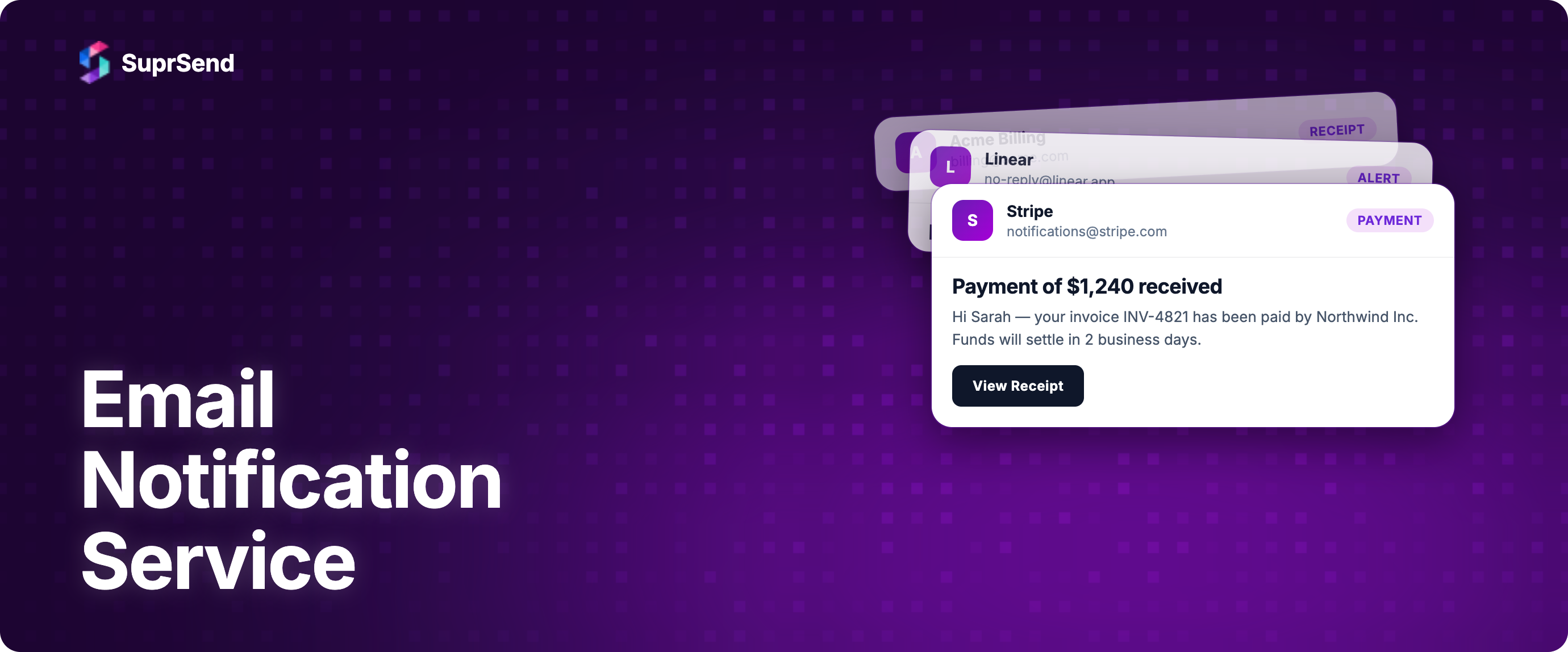
An email notification service is the system that turns an application event into an email in someone's inbox. When Stripe sends a receipt, when GitHub sends a security alert, or when Slack sends a password-reset link, an email notification service is doing the work between the event and the inbox.
The decision of which email notification service to use has gotten more complicated in 2026. Three distinct categories now compete for the same buyer: traditional ESPs, modern email APIs, and full-stack notification infrastructure. Each solves a different layer of the problem, and picking the wrong layer is the most common cause of expensive rebuilds 18 months in.
This guide explains what an email notification service does, the three types available in 2026, when each one fits, and how to decide whether to build or buy.
What Is an Email Notification Service?
An email notification service is software that accepts an event from your application, applies routing and templating logic, and delivers an email to a recipient. The simplest version is a thin wrapper around SMTP. The full version handles templates, user preferences, multi-vendor failover, observability, and compliance.
Typical use cases include password resets, account verifications, order receipts, shipping confirmations, security alerts, magic links, weekly digests, and product activity emails. These are one-to-one, event-triggered messages, not scheduled marketing campaigns.
For a broader treatment of email notifications as a category, see the email notification types, best practices, and infrastructure guide.
The 3 Types of Email Notification Services
Most buying confusion comes from treating these three categories as the same thing. They are not. Each one operates at a different layer of the stack and solves a different problem.
1. Traditional ESPs (Email Service Providers)
Traditional ESPs are the original category. They handle SMTP relay, sender reputation, and basic deliverability. Mailchimp Transactional (Mandrill), SendGrid in its original form, and SMTP2GO sit here. These services optimize for "get this email delivered," not for "manage how my product communicates."
You bring your own templates, your own event triggers, and your own preference logic. The ESP just sends.
2. Modern Email APIs
Modern email APIs are the developer-first evolution of ESPs. Postmark, Resend, MailerSend, Mailgun, and current SendGrid all live here. They wrap SMTP in a clean REST API, add idempotency keys, request-level logs, webhook events for delivery and bounce, and SDKs for major languages.
This layer is what most engineers picture when they hear "email notification service" in 2026. It is a great fit for products that need email and only email, with one vendor. For a detailed comparison of options at this layer, read the 9 best transactional email services compared and the 7 best mail API providers.
3. Notification Infrastructure
Notification infrastructure sits above email APIs and manages the broader notification lifecycle: workflows, templates, user preferences, multi-channel routing (email plus SMS, push, in-app, WhatsApp), multi-vendor failover, and unified observability. SuprSend, Knock, Courier, and Novu live here.
At this layer, you don't pick one ESP. You connect two or three (typical pattern: Postmark for critical transactional, Amazon SES for bulk, with one as failover) and let the platform route traffic, manage templates centrally, and handle preferences. See the email notification infrastructure platforms comparison for category context.
Which Type Fits Your Team?
| Profile | Volume | Channels Needed | Right Type | Examples |
|---|---|---|---|---|
| Indie builder, side project | <5K/mo | Email only | Email API (free tier) | Resend, Mailgun, Brevo |
| Early-stage startup | 5K–50K/mo | Email only | Email API | Postmark, Resend, MailerSend |
| Mid-stage SaaS | 50K–500K/mo | Email + 1–2 channels | Notification infrastructure | SuprSend, Knock |
| Growth-stage SaaS | 500K–5M/mo | Email + 3+ channels | Notification infrastructure with multi-vendor | SuprSend with Postmark + SES |
| Enterprise | 5M+/mo | Email + full multi-channel + multi-tenancy | Notification infrastructure with custom orchestration | SuprSend Enterprise + multiple ESPs |
The pivot point is usually when the second notification channel arrives. The moment SMS, push, or in-app messaging gets added to the roadmap, the cost of stitching them into an ESP-only setup exceeds the cost of moving to notification infrastructure.
What an Email Notification Service Should Handle for You
Regardless of which type you pick, a usable email notification service in 2026 should handle these responsibilities so your application code does not have to.
- Templating: Versioned templates with dynamic variables, draft and live states, and a preview that renders with real data.
- Authentication: SPF, DKIM, and DMARC setup wizard. Automatic alignment for sender domains.
- Compliance: One-click unsubscribe headers for marketing email, suppression list management, and CAN-SPAM-compliant footer handling.
- Idempotency: Idempotency keys to prevent duplicate sends when your retry logic fires.
- Observability: Request-level logs, webhook events for delivery, open, click, bounce, complaint, and unsubscribe.
- Preferences: A way to capture and enforce user-level opt-outs by category, not just a single global unsubscribe.
- Failure handling: Retries, dead-letter queues, and ideally vendor-level failover.
The first three are table stakes at every layer. Idempotency, observability, preferences, and failure handling vary widely. The further you move up the stack (from ESP to notification infrastructure), the more of these come built in.
For the deeper authentication setup, see the SPF, DKIM, and DMARC developer guide.
Build vs Buy: When Each Makes Sense
Building an email notification service in-house starts as a weekend project (just hit the SendGrid API from a job queue) and turns into a six-month engineering investment by the time you have templates, preferences, retries, observability, and a second channel.
Here is the rough math, using mid-market US engineering rates (~$200K loaded cost per senior backend engineer per year):
| Profile | Volume | Channels Needed | Right Type | Examples |
|---|---|---|---|---|
| Indie builder, side project | <5K/mo | Email only | Email API (free tier) | Resend, Mailgun, Brevo |
| Early-stage startup | 5K–50K/mo | Email only | Email API | Postmark, Resend, MailerSend |
| Mid-stage SaaS | 50K–500K/mo | Email + 1–2 channels | Notification infrastructure | SuprSend, Knock |
| Growth-stage SaaS | 500K–5M/mo | Email + 3+ channels | Notification infrastructure with multi-vendor | SuprSend with Postmark + SES |
| Enterprise | 5M+/mo | Email + full multi-channel + multi-tenancy | Notification infrastructure with custom orchestration | SuprSend Enterprise + multiple ESPs |
Build makes sense when: you have an unusual notification model that no platform supports, you are at enterprise scale where the cost of a platform exceeds the cost of dedicated headcount, or compliance (FedRAMP, defense, specific healthcare profiles) rules out third-party platforms.
Buy makes sense when: notifications are not your core product. The opportunity cost of six months of engineering on plumbing is almost always higher than a notification platform subscription. Read the longer treatment in build vs buy for notification service.
5 Questions to Ask Before Picking an Email Notification Service
Run any service you are evaluating through these five questions before committing.
- What happens during a regional vendor outage? If the answer is "we degrade silently," you need a service that supports multi-vendor failover. Single-ESP setups have no answer here.
- How do users opt out of one type of email without losing the others? Category-level preferences (not global unsubscribe) become non-negotiable past a few thousand users.
- Can a product manager change a template without an engineer? If no, expect engineering bottlenecks every time copy changes.
- What is the path to adding SMS, push, or in-app later? Email-only services force a rebuild when the second channel arrives. Notification infrastructure does not.
- Where do per-message logs live, and how far back do they go? Debugging delivery failures without request-level logs is guesswork. 30-day minimum retention is sensible.
Where SuprSend Fits
SuprSend is a notification infrastructure platform. For email, it sits above email APIs like SendGrid, Mailgun, Amazon SES, Postmark, and Resend. Your application calls one SuprSend API; SuprSend handles templating, preferences, vendor routing, fallback, and logs across whichever ESPs you configure.
The specific email problems this solves:
- One API, many vendors: Add Amazon SES for low-cost bulk and Postmark for critical transactional without touching application code. Switch primary and fallback in the dashboard.
- Automatic failover: Vendor Fallback uses a priority list and configurable timeout. If the primary fails or doesn't confirm delivery in the window, the next vendor takes over. Success metrics prevent duplicate sends.
- Centralized templates: One template definition rendered for any vendor, with versioning and per-tenant overrides.
- Multi-channel ready: When you add SMS, push, in-app, or WhatsApp, the same workflows, templates, and preferences extend to those channels without an architecture change.
For implementation details, see the email quick start and SuprSend's vendor integration guides for SendGrid, Amazon SES, Postmark, Mailgun, and Resend. The workflow engine and smart routing pages cover the orchestration model.
Frequently Asked Questions
What is the difference between an email notification service and an ESP?
An ESP (email service provider) is a category that includes both marketing email tools (like Mailchimp Marketing) and transactional senders. An email notification service is specifically the system that handles event-triggered emails: password resets, receipts, alerts. In 2026, "email notification service" usually means a modern email API or a notification infrastructure platform, not a marketing ESP.
Do I need an email notification service if I only send 1,000 emails a month?
Yes, for two reasons. First, deliverability: shared IPs from a reputable service get past Gmail and Yahoo bulk-sender checks more reliably than self-hosted SMTP. Second, observability: even at low volume, you need to know when a password reset email bounced. Most services offer free tiers that cover this volume.
Can I use Gmail or Outlook for transactional notifications?
No. Gmail's SMTP relay has a 500/day cap per account, no webhook events, no template management, and a high risk of getting your domain flagged when used at scale. Use a purpose-built email notification service.
What is the cheapest email notification service?
Amazon SES at $0.10 per 1,000 emails is the cheapest credible option for high-volume senders. For low volume, Brevo (300 emails/day free) and Resend (3,000/month free) offer the largest free tiers. Cheapest is rarely the best long-term choice; deliverability and observability matter more once email is mission-critical.
How do email notification services handle user preferences?
Basic email APIs offer a single unsubscribe header. Notification infrastructure platforms offer category-level preferences (security alerts, product updates, weekly digests as separate opt-outs), per-tenant defaults, and embeddable preference center components. The difference matters once you send more than one type of email.
Should I use one email notification service or several?
For most teams under 500K emails/month, one is enough. Above that, a primary plus a failover (often Amazon SES for bulk and Postmark or SendGrid for critical) is the standard pattern. Running two ESPs without an orchestration layer doubles your maintenance burden; running them under a notification infrastructure platform does not.
Summary
An email notification service is the layer between your application's events and your users' inboxes. In 2026, the three options (traditional ESPs, modern email APIs, and notification infrastructure) solve different problems. Pick by volume, channel count, and how mission-critical email is to your product.
For most product teams, the right path is a modern email API at the start (Resend, Postmark, Mailgun) and a move to notification infrastructure once you add a second channel or cross 100K emails a month with critical traffic. Build in-house only when notifications are core to your product or compliance rules out platforms.
Want one API across multiple email vendors plus SMS, push, and in-app? Start building for free or book a demo to see how SuprSend orchestrates email across providers.
On this page