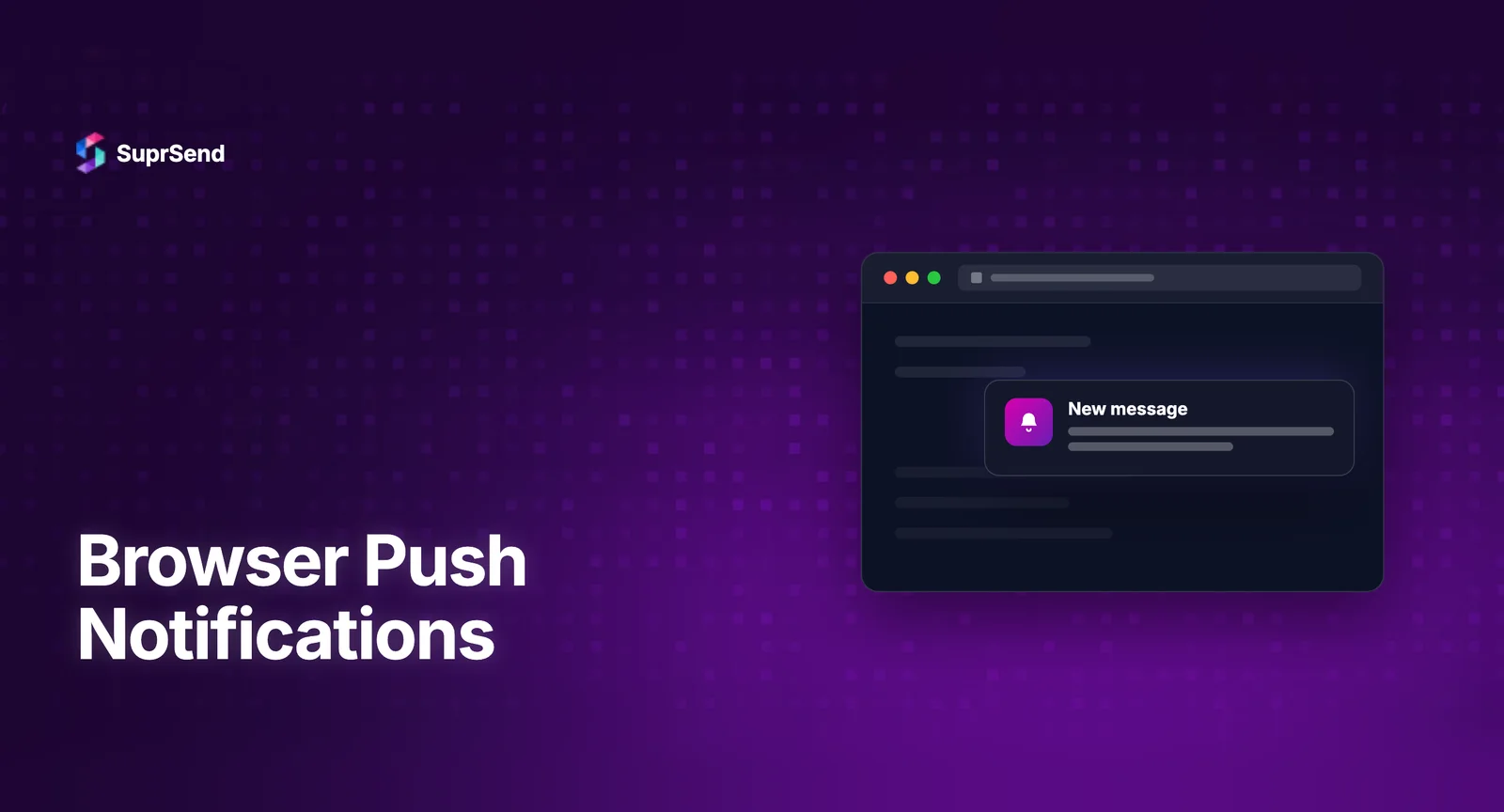
Browser push notifications are clickable messages a website sends to a user’s device through the browser, even when the site is closed. They run on the Push API and a service worker: the user opts in, the browser creates a subscription, and your server pushes messages to that subscription through a browser push service, which wakes the service worker to display the notification.
They are permission-based and require HTTPS, which makes them more like email than a banner ad: you have to earn the opt-in, and you can lose it. This guide explains how browser push works, which browsers support it, how to implement it, and the best practices that keep opt-ins from churning.
What Are Browser Push Notifications?
A browser push notification is a message delivered by the browser, on desktop or mobile, that appears outside the web page itself, in the operating system’s notification area. Unlike an in-page alert, it can reach a user who does not have your site open, as long as they previously granted permission.
They are distinct from two things they are often confused with:
- In-app or web inbox notifications live inside your page and only show when the user is on the site.
- Mobile app push comes from a native iOS or Android app through FCM or APNs, not the browser.
Browser push fills the gap between them: re-engagement on the web without a native app.
How Browser Push Notifications Work
Three web platform pieces make browser push possible, all standardized and documented in the MDN Push API reference:
- Service worker: a background script that runs even when your page is closed. It receives push events and shows the notification.
- Push API: the interface your page uses to subscribe the user and produce a subscription object (the endpoint your server sends to).
- Notification API: the interface the service worker uses to actually display the notification.
The flow looks like this:
- Your page registers a service worker and asks the user for notification permission.
- On approval, the browser creates a push subscription tied to its push service (Google, Mozilla, Apple, or Microsoft run these).
- You send that subscription to your server and store it.
- To notify the user, your server sends an authenticated request to the subscription endpoint using VAPID keys.
- The push service delivers the message, the service worker wakes, and the Notification API shows it.
VAPID (Voluntary Application Server Identification) is a public and private key pair that identifies your server to the push service, so only you can push to your subscriptions. We go deeper on this exchange in our walkthrough of obtaining permissions and managing subscriptions.
Browser Support and Requirements
Browser push has two hard requirements and broad, though not universal, support.
- HTTPS is mandatory. Service workers only register on secure origins, so your site must be served over HTTPS (localhost is exempt for development).
- Explicit opt-in is required. The browser will not let you push without the user granting the notification permission.
On support: Chrome, Firefox, and Edge have supported web push for years on desktop and Android. Safari supports it on macOS, and on iOS for web apps the user has added to the Home Screen. The practical takeaway is that desktop and Android coverage is strong, while iOS browser push is gated behind the Home Screen step, so it should not be your only re-engagement channel.
How to Implement Browser Push Notifications
At a high level, implementing browser push is four steps. Each maps to a part of our hands-on service worker series.
- Register a service worker and confirm browser support, covered in getting started with service workers.
- Request permission and subscribe the user, producing the subscription object.
- Store the subscription on your server, keyed to the user.
- Send and render notifications with rich content and actions, covered in crafting dynamic notifications.
The mechanics are not hard for a single notification. The complexity shows up at scale: storing and pruning expired subscriptions, batching sends, retrying failures, and respecting per-user preferences. That side is the subject of our piece on web push production architecture.
Browser Push Notification Best Practices
Because browser push is opt-in and easy to revoke, the channel rewards restraint. A few practices consistently protect opt-in rates:
- Ask for permission in context, not on page load. Request it after the user does something that signals interest, not the instant they arrive.
- Explain the value before the browser prompt. A soft pre-prompt that says what they will get earns more yes responses than the raw permission dialog.
- Send relevant, timely notifications. Irrelevant pushes are the fastest way to lose the opt-in.
- Respect frequency. Over-notifying drives both browser-level blocking and OS-level muting.
We cover the tactics that move this needle in detail in our guide to reducing push notification opt-out rates.
When to Use Browser Push vs Other Channels
Browser push is one channel, and it is rarely the only one a product needs. A quick way to place it:
- Browser push: best for web re-engagement of users who opted in but are not currently on your site.
- Email: best for content that needs to persist, be searchable, or reach users without an active opt-in to push.
- In-app and web inbox: best for notifications a user reviews while using the product.
- Mobile push: best when you have a native app and the user is mobile-first.
Most products end up using several together, which is why coordinating them matters more than any single channel. Our overview of building a multi-channel notification strategy covers how they fit.
Scaling Browser Push in Production
Once browser push is one of several channels, you need more than the raw Push API: subscription management, templates, preferences, delivery analytics, and fallback to another channel when push is not available. Building that is a project in itself.
A notification infrastructure platform like SuprSend includes web push as a native channel and handles the surrounding work. You add the SDK, and subscription handling, templating, and delivery tracking come with it, alongside email, SMS, mobile push, and in-app under one API. The web push quick start shows the setup, and web push templates cover the message side.
The honest trade-off: if browser push is the only notification you will ever send, the native Push API is enough to build on directly. The platform earns its place when web push is one channel among several and you want preferences, analytics, and fallback handled for you.
Summary
Browser push notifications let a website re-engage users through the browser, on desktop or mobile, even when the site is closed. They rely on a service worker, the Push API, and VAPID-authenticated delivery through the browser’s push service, and they require HTTPS plus an explicit opt-in. Support is strong on Chrome, Firefox, and Edge, with Safari on iOS gated behind adding the web app to the Home Screen. Implementation is straightforward for a single notification but grows complex at scale, where subscription management, preferences, analytics, and cross-channel fallback become the real work. Treat browser push as one channel in a broader strategy, not a standalone tactic.
Want web push to be one part of a multi-channel system instead of a standalone build? You can start building with SuprSend for free or book a demo.
FAQ
Are browser push notifications the same as web push notifications?
Yes. The terms are used interchangeably. Both refer to notifications a website sends through the browser using the Push API and a service worker, delivered even when the site is not open.
Do browser push notifications work when the browser is closed?
On most desktop systems, notifications can arrive while the browser is running in the background, even with no tab open, because the service worker and push service handle delivery. If the browser process is fully quit, delivery depends on the operating system and browser. Behavior varies by platform.
Do browser push notifications work on iPhone?
Yes, with a condition. Safari on iOS supports web push only for web apps the user has added to the Home Screen, not for arbitrary sites in the browser tab. On macOS, Safari supports it normally.
Why do browser push notifications need HTTPS?
Service workers, which power push, only register on secure origins for security reasons. Without HTTPS the browser will not register the service worker, so push cannot work. Localhost is exempt for local development.
What is VAPID in web push?
VAPID (Voluntary Application Server Identification) is a public and private key pair that identifies your application server to the browser's push service. It ensures only your server can send notifications to your subscriptions.
How do I stop losing browser push opt-ins?
Ask for permission in context rather than on page load, explain the value with a soft pre-prompt first, and keep notifications relevant and infrequent. Irrelevant or frequent pushes are the main causes of opt-out and browser-level blocking.
Can I send browser push alongside email and SMS?
Not from the Push API alone, which only handles web push. To coordinate browser push with email, SMS, mobile push, and in-app from one API, including fallback when push is unavailable, you use a notification orchestration layer.