What Are Multi-Channel Notifications?
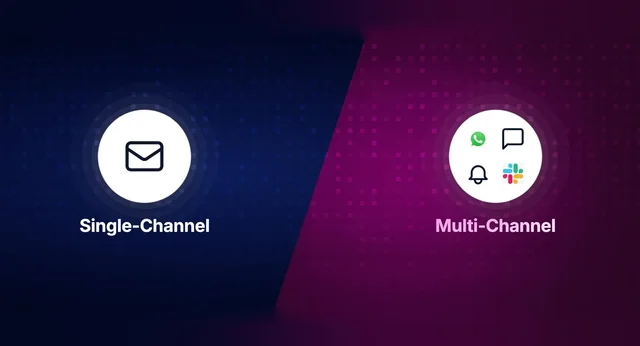
Multi-channel notifications are messages delivered to users across multiple communication channels - email, SMS, push notifications, in-app inbox, Slack, WhatsApp, Microsoft Teams, and webhooks - from a centralized system that manages routing, user preferences, templates, and delivery tracking in one place.
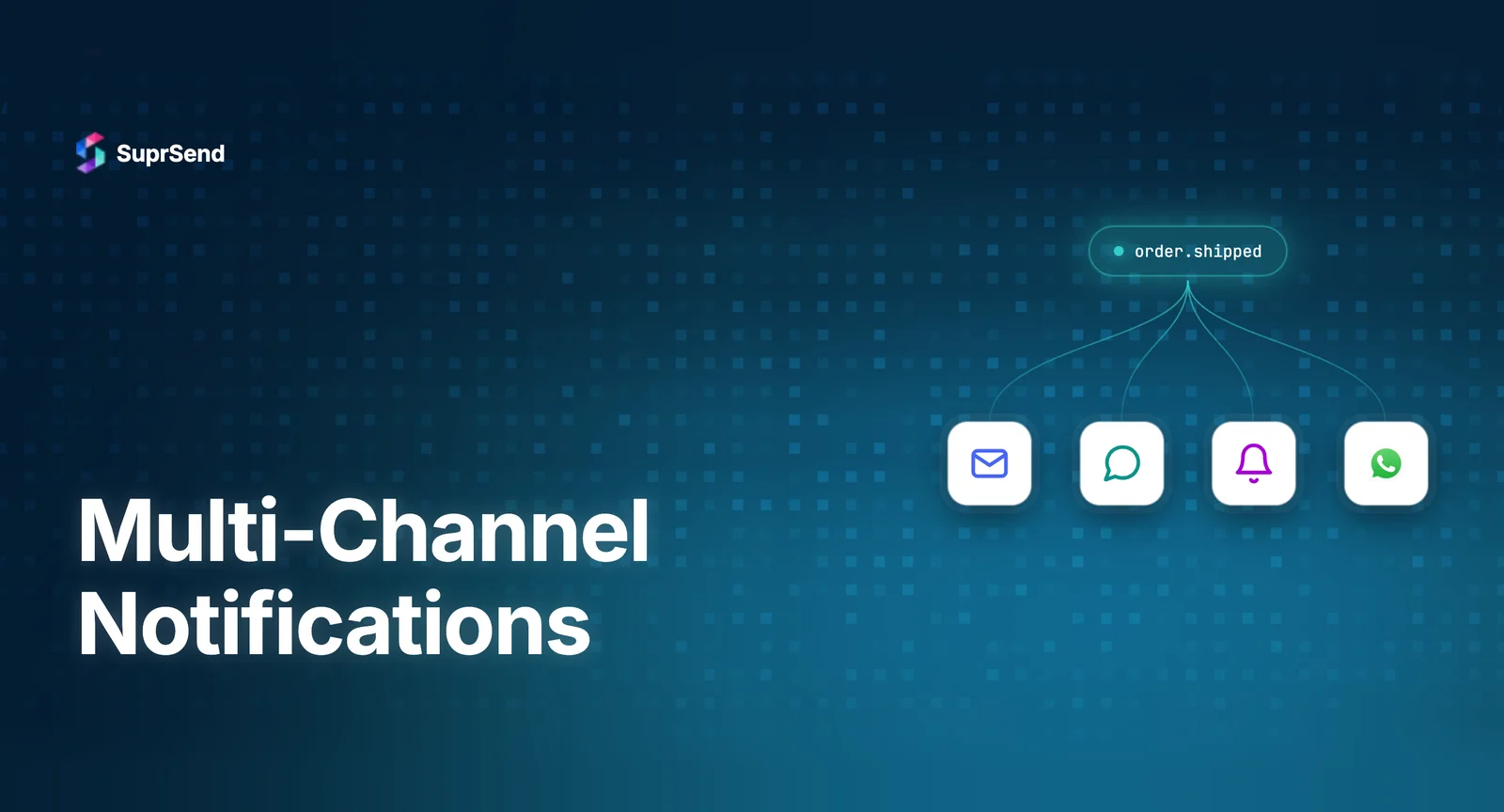
The core idea: instead of building separate notification logic for each channel, you trigger a single event (e.g., “order confirmed”) and the system decides which channels to use, in what order, based on user preferences, message urgency, and channel availability. One API call, multiple channels, unified delivery tracking.
Users don’t pick a favourite channel and stick to it. They’re on email in the morning, push on mobile at lunch, and WhatsApp in the evening. Notifications that don’t follow that behaviour don’t get seen - they get ignored or blocked. For SaaS products, this preference translates directly to engagement: users who receive notifications on their preferred channel are more likely to act on them.
The 8 Notification Channels and When to Use Each
Not every notification belongs on every channel. Understanding channel strengths and constraints is essential for effective multi-channel delivery.
| Channel | Best For | Delivery Speed | Persistence | Cost per Message |
|---|---|---|---|---|
| Transactional receipts, onboarding sequences, detailed updates | Seconds to minutes | High (inbox) | $0.001–$0.003 | |
| SMS | OTPs, high-urgency alerts, delivery updates | Seconds | Medium | $0.005–$0.02 |
| Mobile Push | Real-time engagement, activity alerts, reminders | Instant | Low (dismissed) | Free (FCM/APNs) |
| Web Push | Re-engagement for web users, content updates | Instant | Low | Free |
| In-App Inbox | Persistent alerts, activity feeds, product updates | Real-time (WebSocket) | High (persistent) | Included in platform |
| Slack | Workspace notifications, DevOps alerts, approvals | Instant | Medium (channel) | Free (Slack API) |
| Customer communication, order updates, support | Instant | High | $0.005–$0.08 | |
| MS Teams | Enterprise collaboration, approval workflows | Instant | Medium | Free (Teams API) |
The strategic insight: channels aren’t interchangeable. Email is persistent but low-urgency. Push is immediate but ephemeral. In-app is contextual but requires the user to be in your product. SMS is reliable but expensive. The best multi-channel strategies use each channel for what it does best, with intelligent routing between them.
Multi-Channel Notification Architecture
A multi-channel notification system requires four layers working together:
1. Event Layer
Your application publishes domain events (e.g., payment.failed, comment.created, invite.sent) to a message broker or directly to the notification system’s API. The event carries the context needed for notification decisions: who triggered it, who should receive it, and relevant data for template rendering.
2. Orchestration Layer
This is the brain of the system. Given an event, the orchestration layer evaluates: What notification workflow is associated with this event? Should the notification be sent immediately or batched? What are the user’s channel preferences? What channel priority should be used (push first, email fallback)? Are there conditions that should suppress the notification?
The orchestration layer is where multi-channel delivery becomes complex - and where most homegrown systems break down. Building a flexible workflow engine with delays, batching, conditions, and channel routing is a significant engineering project.
3. Rendering Layer
Each channel has different content requirements. An email needs HTML with responsive design. A push notification has a title, body, and optional image within a 4KB payload. A Slack message uses Block Kit JSON. An SMS has 160-character segments. The rendering layer takes a single notification payload and produces channel-specific outputs.
4. Delivery Layer
The delivery layer dispatches rendered messages to channel-specific providers: SendGrid or SES for email, Twilio for SMS, FCM and APNs for push, your WebSocket server for in-app, and platform APIs for Slack, Teams, and WhatsApp. It handles: provider authentication, rate limiting, retry logic with exponential backoff, vendor fallbacks, and delivery status tracking via provider webhooks.
Channel Routing Strategies
How you route notifications across channels determines whether your multi-channel system helps users or overwhelms them. Here are the main strategies:
Priority with Fallback
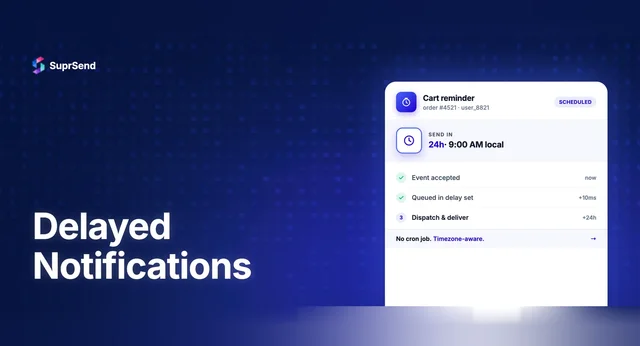
Define a channel priority order per notification type. Try the highest-priority channel first. If it fails or the user doesn’t engage within a time window, fall back to the next channel. Example: Push → (wait 5 min) → Email → (wait 1 hour) → SMS. This balances urgency with channel cost.
User-Preferred Channel
Let users choose their preferred channel per notification category. A developer might want build alerts on Slack. A manager might want approval requests via email. This strategy requires a robust preference center but delivers the best user experience.
Simultaneous Multi-Channel
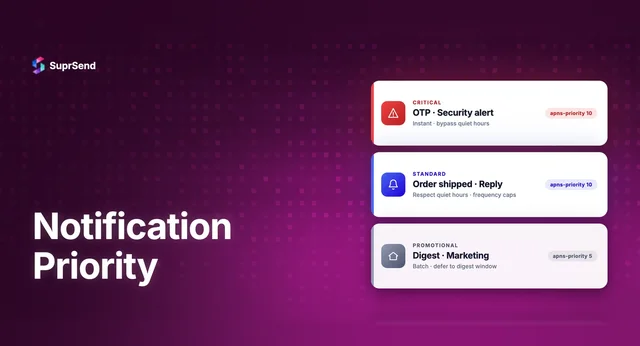
Send on all configured channels at once. Appropriate for high-urgency notifications (fraud alerts, security incidents, SLA breaches) where you need maximum reach regardless of cost or duplication. Use sparingly - this creates notification fatigue if overused.
Smart Routing (Engagement-Based)
Route based on historical engagement data. If a user consistently opens push notifications but ignores email, prioritize push for that user. This requires delivery analytics and per-user engagement tracking - a capability offered by advanced notification platforms.
Common Multi-Channel Mistakes to Avoid
Sending Every Notification on Every Channel
The fastest way to train users to ignore your notifications is to send the same message on email, push, SMS, and in-app simultaneously. Use channel routing strategies to deliver on the right channel - not all channels. Reserve simultaneous delivery for genuinely urgent notifications.
Not Providing User Preference Controls
Users expect Slack-level control over their notifications. If they can’t choose which categories they receive and on which channels, they’ll disable notifications entirely. A preference center with category-level and channel-level controls is non-negotiable.
Ignoring Batching and Digests
If your collaboration tool sends a separate push notification for every comment in a thread, users will mute your app. Batching aggregates multiple events into a single notification: “You have 7 new comments on Project Alpha.” This dramatically improves user experience and engagement metrics.
No Cross-Channel Observability
If you can’t trace a notification from event trigger through rendering, delivery, and engagement across all channels, you’re flying blind. Cross-channel observability means knowing that a user saw the push notification (so the follow-up email can be suppressed) or that an email bounced (so SMS should be triggered).
Evaluating Multi-Channel Notification Platforms
Building a multi-channel notification system in-house means integrating with 4–8 delivery providers, building a workflow engine, template system, preference center, and observability layer. Most teams underestimate this: MagicBell estimates 6–12 months for a 3-person team to build production-ready infrastructure.
Here’s how the leading multi-channel platforms compare:
| Platform | Channels Supported | Workflow Builder | In-App Inbox | Multi-Tenancy | Best For |
|---|---|---|---|---|---|
| SuprSend | Email, SMS, Push, Web Push, In-App, WhatsApp, Slack, Teams, Webhooks | Visual, no-code | React, Vue, Angular, Flutter, iOS, Android | First-class (per-tenant branding, templates, vendors) | B2B SaaS with multi-tenancy needs |
| Knock | Email, SMS, Push, In-App, Slack, Teams | Code-based + UI | React, iOS, Android | Supported | Enterprise engineering teams |
| Novu | Email, SMS, Push, In-App, Chat | Code-first | React, Next.js | Community | Teams wanting open-source control |
| Courier | Email, SMS, Push, In-App, Slack, Teams | Visual designer | React | Supported | Teams bridging eng and marketing |
For a more detailed comparison, see our guide to the best notification infrastructure platforms for 2026.
How SuprSend Powers Multi-Channel Notifications
SuprSend is a centralized notification infrastructure platform that handles the entire multi-channel delivery lifecycle through a single API integration. Instead of building separate integrations for each channel, teams trigger an event and SuprSend’s workflow engine handles channel routing, template rendering, preference evaluation, batching, and delivery across all 8+ channels.
What makes SuprSend stand out for multi-channel delivery:
- Broadest channel coverage: Email, SMS, Push (iOS/Android/Web), In-App Inbox, WhatsApp, Slack, MS Teams, and Webhooks
- Smart channel routing: Priority-based with fallbacks, user preference-aware, with cost optimization
- Drop-in in-app inbox: SDKs for React, Vue, Angular, Flutter, iOS, and Android - go live in under 30 minutes
- Visual workflow builder: No-code delays, batching, branching, and channel routing for product teams
- Deep multi-tenancy: Per-tenant branding, templates, vendor configurations, and preferences
- Unified observability: Step-by-step delivery logs across all channels, with OpenTelemetry support for Datadog and Grafana
- 1B+ notifications processed, 500+ companies, G2 4.9/5 rating
The MCP Server adds AI-native notification management: 23 tools that let developers manage workflows, templates, and notifications through natural language in AI coding assistants like Claude Code and Cursor.
Summary
Multi-channel notifications deliver messages across email, SMS, push, in-app, Slack, WhatsApp, and Teams from a centralized system. The architecture consists of four layers: event ingestion, orchestration (workflow engine), rendering (per-channel templates), and delivery (provider integration). Effective channel routing strategies include priority-with-fallback, user-preferred, simultaneous (for emergencies), and smart engagement-based routing. Common mistakes to avoid: sending every notification on every channel, skipping user preferences, ignoring batching, and lacking cross-channel observability. For most teams, a multi-channel notification platform provides all four architecture layers without months of in-house engineering.
Ready to go multi-channel? Start building for free with 10K notifications/month across all channels, or book a demo to see SuprSend’s routing in action.
FAQ
What are multi-channel notifications?
Multi-channel notifications are messages delivered to users across multiple communication channels — email, SMS, push, in-app, Slack, WhatsApp, Teams — from a centralized system with unified routing, preferences, and delivery tracking.
How many channels do most SaaS products use for notifications?
Most mature SaaS products use 4–6 channels: email for transactional messages, in-app inbox for persistent alerts, push for mobile engagement, Slack/Teams for workplace context, and SMS for high-urgency or authentication flows.
What is smart channel routing in notifications?
Smart channel routing automatically selects the best channel to deliver a notification based on user preferences, channel availability, message urgency, and cost. For example: try push first, fall back to email after 5 minutes if unread.
How do multi-channel notification platforms handle user preferences?
They provide preference centers where users control which notification categories they receive and on which channels. The platform checks preferences before every delivery, ensuring users only get messages they've opted into.
What's the difference between multi-channel and omnichannel notifications?
Multi-channel means supporting multiple delivery channels. Omnichannel adds cross-channel state awareness — if a user reads a push notification, the email version can be suppressed. True omnichannel requires centralized delivery tracking across all channels.
Which multi-channel notification platform is best for developers?
SuprSend, Knock, Novu, and Courier are the leading developer-focused platforms. SuprSend offers the broadest channel coverage (8+ channels), deepest multi-tenancy, and widest in-app inbox SDK support across React, Vue, Angular, Flutter, iOS, and Android.