Back
Notification System Architecture
Notification Delivery Optimization (Complete 2026 Guide)

Gaurav Verma
June 25, 2026
•
June 25, 2026
•
Read summary :
Last Updated: May 2026
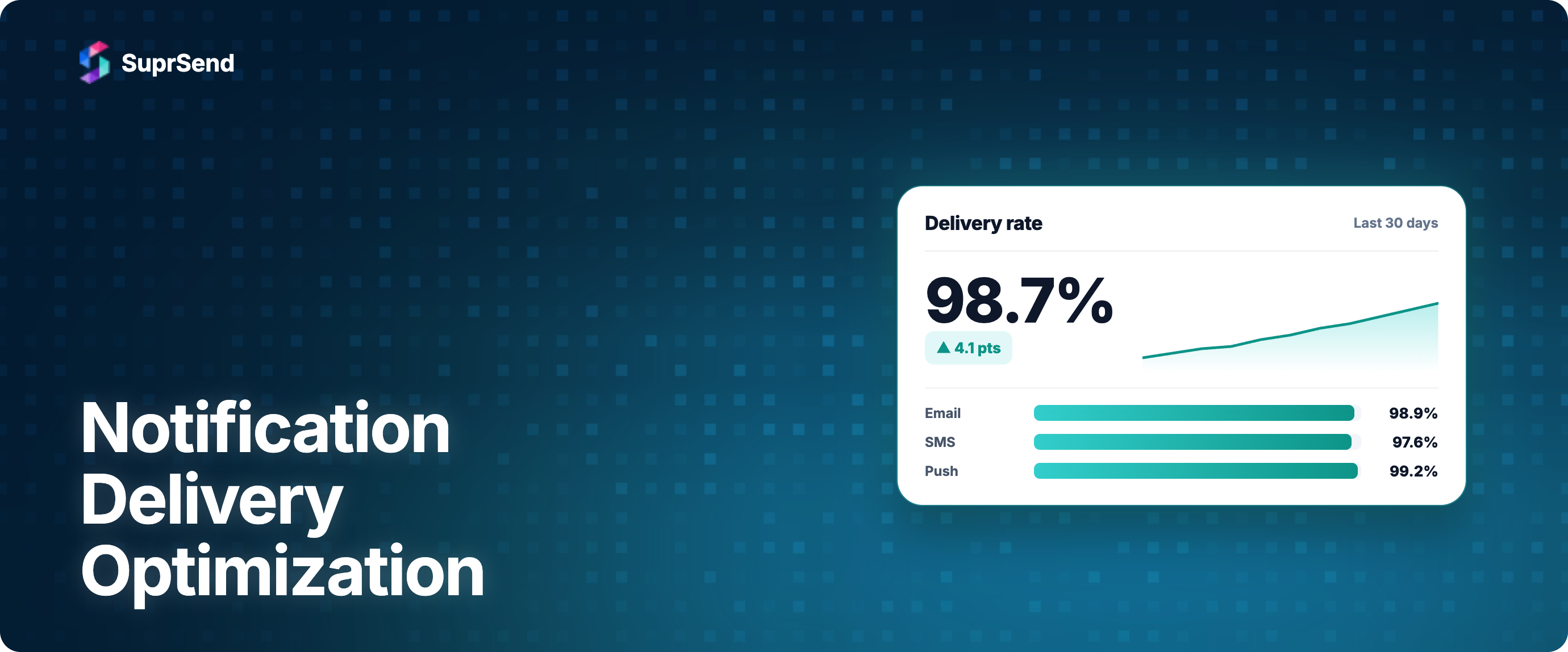
Notification delivery optimization usually gets reduced to "cache the templates and add a queue." That captures maybe 20 percent of the actual work. The other 80 percent is the operational, reputational, and orchestration techniques that determine whether notifications arrive in the inbox or the spam folder, whether they arrive in 200 milliseconds or 30 seconds, and whether the user opens them or marks them as spam and drags your sender reputation down for a quarter.
This guide covers the 10 techniques that actually move notification delivery in production. Some are engineering optimizations (caching, retry logic, idempotency). Some are sender-reputation work (IP warmup, bounce handling, complaint rate management). Some are user-experience patterns (batching, channel routing, timezone delivery) that reduce volume so the remaining notifications get more attention. All of them matter; the ones that matter most for your system depend on where your bottleneck currently is.
The structure is technique by technique, with concrete patterns and the failure mode each one solves. The optimizations are ordered roughly by impact-to-effort ratio, with the most universally useful techniques first.
1. Channel Selection (Send Less, Not More)
The cheapest notification to deliver is the one you do not send. Channel selection is the first optimization because it determines volume, which determines everything downstream (cost, reputation, complaint rate, user trust). Sending the same notification across three channels because you can is not delivery optimization; it is delivery noise.
The pattern: classify each notification type by which channel is structurally the right fit (OTP through SMS only, password reset through email only, ops alerts through Slack only, transactional through in-app inbox with smart fallback). Then send through that channel and only escalate to others if the use case demands it. This is the largest deliverability lever most teams have available and the one most consistently underused.
The measurement: count notifications sent per active user per day across channels. If that number is above 5 to 10 for a typical SaaS product, you are over-sending. Channel selection trims the number before any technical optimization changes the unit economics.
2. Batching and Digest
Batching aggregates multiple notifications into one. Digest sends a scheduled summary instead of real-time alerts. Both reduce the volume the user experiences without reducing the information conveyed. "5 new comments on your post" is one notification; sending five separate "new comment" notifications is five times worse for the user and five times more expensive to send. See our complete guide to notification batching and digest for implementation patterns.
The pattern: identify notification types where the user does not need each event in real time. Collaborative-app updates (comments, mentions, edits) are the canonical case. Activity digests, weekly summaries, and inactive-user re-engagement also fit. Apply batching with a configurable window (5 minutes, 1 hour, 1 day) and a maximum count threshold to flush early when the user has accumulated enough activity to warrant interruption.
SuprSend's Batch node and Digest node implement this as workflow primitives, with `$batched_events` and `$batched_events_count` available in templates so the digest content reflects the actual aggregated payload.
3. Smart Channel Routing With Engagement Stopping
Once channel selection has determined that a notification needs multi-channel reach, smart routing prevents channel blasting. Deliver through one channel first, wait for engagement (delivered, opened, clicked, or a custom platform event), and stop the chain the moment the user engages. The notification reaches the user through whichever channel they were active on, not through all of them at once.
The pattern: in-app inbox at T+0, push at T+5 minutes if no engagement, email at T+30 minutes if still no engagement, SMS only if the use case requires it and email did not open within an hour. The system retains the optionality to escalate when delivery matters; the user experiences one notification through one channel.
This pattern is what separates production-grade multi-channel from the "send everything everywhere" anti-pattern that inflates complaint rates and tanks sender reputation across all channels simultaneously.
4. Vendor Fallback Within a Channel
Single-vendor dependence is a delivery risk. Even tier-one providers (SendGrid, Twilio, Firebase) have outages and degraded windows. Vendor Fallback at the channel level (try SendGrid; if no delivery report arrives within the fallback window, switch to Mailgun) provides redundancy without escalating to a different channel.
The pattern: configure a vendor priority list per channel, a fallback time window (typically 30 to 60 seconds for email, 10 to 30 seconds for SMS), and a fallback rule that triggers on immediate failure or missing delivery report. Success metrics (delivered, seen) prevent duplicate sends by stopping the fallback once the primary succeeds.
This is invisible most of the time and load-bearing when it matters. The deliverability and reliability gain is real; the cost is the configuration work plus running a secondary vendor relationship.
5. Rate Limiting and Throttling
Mailbox providers throttle bulk senders. Gmail's bulk sender threshold is more than 5,000 messages per day; SMS carriers have per-second throughput limits that vary by destination; FCM and APNs have their own rate ceilings. Sending faster than the receiver accepts causes deliveries to fail or queue indefinitely.
The pattern: implement rate limiting at the channel level matched to the receiver's documented limits. For email, this means respecting per-domain throughput hints from the receiving mailbox provider. For SMS, this means observing per-second send caps per number or per route. For push, this means batching delivery to FCM in chunks of 500 to 1000 device tokens per request.
The complementary technique is throttling per user. A single user should not receive more than N notifications in M minutes across all channels. The cap protects users from notification fatigue and protects your sender reputation from complaint storms triggered by a runaway trigger.
6. Caching
Caching reduces latency for the lookups that happen on every notification: user contact info, channel preferences, template content, tenant configuration, vendor credentials. Without caching, each notification trigger fans out to several database queries, each of which becomes a latency floor.
The pattern: cache user profile data (channel addresses, language preference, timezone) in a fast key-value store like Redis with a TTL appropriate to how often the data changes (5 minutes for active users, longer for stable attributes). Cache compiled templates with version-aware keys so template changes invalidate cleanly. Cache vendor credentials and routing decisions per workflow.
The trap is cache invalidation. User preference changes that do not invalidate the cached preference can cause the wrong channel to fire for the next hour. Pair caching with event-driven invalidation on the writes that matter (preference change, channel address update, template publish).
7. Precomputing for Predictable Sends
Precomputing performs work ahead of the trigger when the trigger time is predictable. Scheduled digests, daily summaries, timezone-aware sends, and recurring transactional notifications all benefit. Instead of rendering 100,000 personalized templates at 9 a.m. local time per timezone, precompute the rendered content the night before and queue the actual sends to fire when the timezones tick over.
The pattern: identify notification types with predictable timing (scheduled broadcasts, timezone-aware sends, recurring digests). Precompute the per-user rendered content during off-peak hours. At send time, only the dispatch work remains, which scales much better than rendering and dispatching in the same window.
The tradeoff is freshness. Precomputed content was rendered earlier; if user data changes between precompute and send, the notification is stale. For most use cases the staleness is acceptable; for personalization that depends on real-time signals, precomputing is the wrong technique.
8. Retry Logic and Idempotency
Soft failures (vendor 5xx errors, network timeouts, transient throttling) are expected. The question is how the system recovers. Exponential backoff retries with a jitter prevent thundering-herd retry storms after vendor recovery. Idempotency keys prevent the duplicate sends that retries can cause when a "failure" was actually a successful send whose response did not arrive.
The pattern: every send carries an idempotency key (typically a deterministic hash of the notification payload plus a salt that distinguishes intentional resends from retry duplicates). On retry, the vendor either accepts the new send or returns "already delivered" based on the key. Configure exponential backoff with a base of 2 to 5 seconds, a multiplier of 2, jitter of plus or minus 25 percent, and a maximum of 3 to 5 attempts before dead-lettering the notification for manual review.
The failure mode without idempotency: a user who triggers a password reset twice (because they are uncertain whether the first email arrived) receives two emails. With idempotency, both triggers resolve to the same send and the user gets one email. The pattern matters most for transactional notifications where duplicate sends create UX friction or security concerns.
9. Bounce and Complaint Handling
Hard bounces (the email address does not exist) and complaints (the user marked the message as spam) damage sender reputation if you keep sending to those addresses. The pattern is to suppress aggressively on hard bounces and complaints, and to suppress conservatively on soft bounces (which are usually transient).
The pattern: maintain a suppression list scoped to the sending classification (transactional suppression list separate from promotional suppression list). Hard bounces add to the suppression list immediately. Complaints add immediately and propagate to all promotional categories. Soft bounces queue for retry; address-level suppression only after N consecutive soft bounces within a window.
Gmail's February 2024 bulk sender rules set the complaint rate cap at 0.30 percent for senders exceeding 5,000 messages per day. Above that threshold, throttling begins. Below 0.10 percent is the recommended target. Bounce and complaint handling is the operational machinery that keeps the rate under control.
10. Timezone-Aware Delivery
Delivering a notification at 3 a.m. local time guarantees it gets read at 8 a.m., by which point three more notifications have arrived on top of it. Timezone-aware delivery sends each notification at a sensible local time for the recipient, which improves both engagement and complaint rate.
The pattern: capture user timezone at signup or infer it from device data. For scheduled and digest notifications, render the send time per recipient in their local timezone. For time-sensitive transactional notifications, send immediately regardless of timezone. For everything in between, deliver within a "quiet hours" window (typically 8 a.m. to 10 p.m. local).
The complementary pattern is delivery frequency caps that reset on the local-time day boundary, not on UTC. A user in Singapore should not receive their daily limit at 8 a.m. UTC (4 p.m. local) and then get blocked from urgent notifications for the rest of their workday.
Putting the Techniques in Priority Order
Not every team needs all 10 techniques on day one. The right order depends on what is currently broken or expensive.
| Current Pain | Technique to Apply First |
|---|---|
| Users complaining about notification volume | Channel selection + batching |
| Sender reputation declining or Gmail throttling | Bounce/complaint handling + rate limiting |
| High latency on notification trigger | Caching + precomputing |
| Vendor outages cause delivery failures | Vendor fallback |
| Duplicate sends after retries | Idempotency keys + exponential backoff |
| Low engagement on scheduled sends | Timezone-aware delivery |
| Multi-channel system feels like spam | Smart routing with engagement stopping |
The techniques compound. A system with channel selection plus smart routing plus vendor fallback plus rate limiting plus bounce handling is operating at a fundamentally different deliverability baseline than one with only caching. The lift from combining techniques is multiplicative, not additive.
Where SuprSend Fits
SuprSend is notification infrastructure that ships the 10 techniques as configurable platform primitives rather than as engineering work. The orchestration layer provides:
- Smart Channel Routing with engagement-based stopping across all 8 channels
- Vendor Fallback with priority lists, fallback time windows, and success-metric short-circuiting
- Batch and Digest nodes for volume reduction with `$batched_events` template variables
- Throttle and Time Window nodes for rate limiting and quiet-hours enforcement
- Idempotency keys on every API trigger to prevent duplicate sends from retries
- Timezone-aware delivery using stored user timezone with per-recipient send-time calculation
- Suppression list management per channel and per notification category, with bounce and complaint webhooks from each vendor
- Per-step observability with delivery, engagement, and failure metrics per channel and per notification
The mental model: each of the 10 techniques is a configuration question rather than an engineering question. The platform provides the primitive; your team decides how to use it. Building the same techniques in-house is roughly 6 to 10 months of focused work, which is why buying notification infrastructure usually pencils out below 200 engineers and starts pencilling out poorly only at very high scale.
Frequently Asked Questions
What is notification delivery optimization?
Notification delivery optimization is the set of engineering, operational, and orchestration techniques that improve how reliably and efficiently notifications reach users. It spans channel selection, batching, smart routing, vendor fallback, rate limiting, caching, precomputing, retry logic with idempotency, bounce and complaint handling, and timezone-aware delivery. Caching alone is one technique of many.
What is the most important optimization to start with?
Channel selection. Sending the right notification through the right channel and only that channel reduces volume, which compounds positively on every other metric (cost, complaint rate, engagement, sender reputation). Most teams over-send before they under-optimize, and channel selection is the cheapest fix.
Does caching solve notification delivery problems?
Caching reduces latency on the lookups that happen per notification (user data, templates, vendor credentials), which improves time-to-send. It does not improve deliverability, complaint rate, or engagement. Caching is one technique of many and is rarely the bottleneck on systems that have a notification problem.
How does Vendor Fallback improve delivery?
Vendor Fallback provides redundancy at the channel level. If the primary email vendor fails or stops responding within the configured fallback window, traffic routes to the secondary vendor automatically. The user receives the notification through whichever vendor delivered successfully, and the system retains the resilience of a multi-vendor setup without engineering it from scratch.
What is the difference between batching and digest?
Batching aggregates events that fire within a short window into one notification (collaborative-app comments, real-time alerts). Digest sends a scheduled summary of events that have accumulated over a longer window (daily activity, weekly summary). Both reduce notification volume; batching is event-driven and digest is time-driven.
What is idempotency in notification systems?
Idempotency means that triggering the same notification twice produces the same outcome as triggering it once. It is implemented through idempotency keys (typically a deterministic hash of the payload) that vendors and orchestration layers use to deduplicate sends. Without idempotency, retry logic causes duplicate notifications, which is most painful for transactional sends like password resets and order confirmations.
The Bottom Line
Notification delivery optimization is broader than the engineering-only framing of "cache and queue." The 10 techniques in this guide cover the volume side (channel selection, batching, digest, smart routing), the reliability side (vendor fallback, retry with idempotency), the latency side (caching, precomputing), and the operational side (bounce handling, rate limiting, timezone delivery). The biggest lift usually comes from sending less, not from sending faster.
If you want to see how a notification infrastructure platform ships these techniques as primitives instead of as engineering work, start building for free, or book a demo to walk through your stack.
On this page