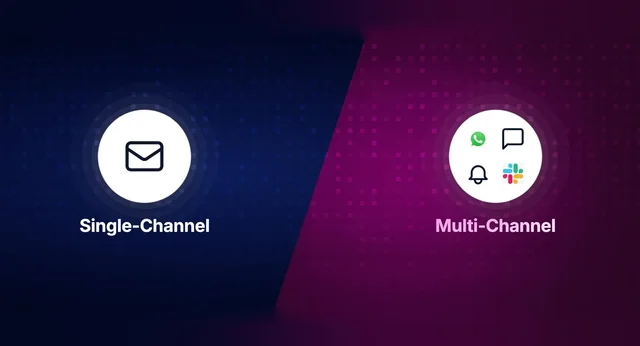
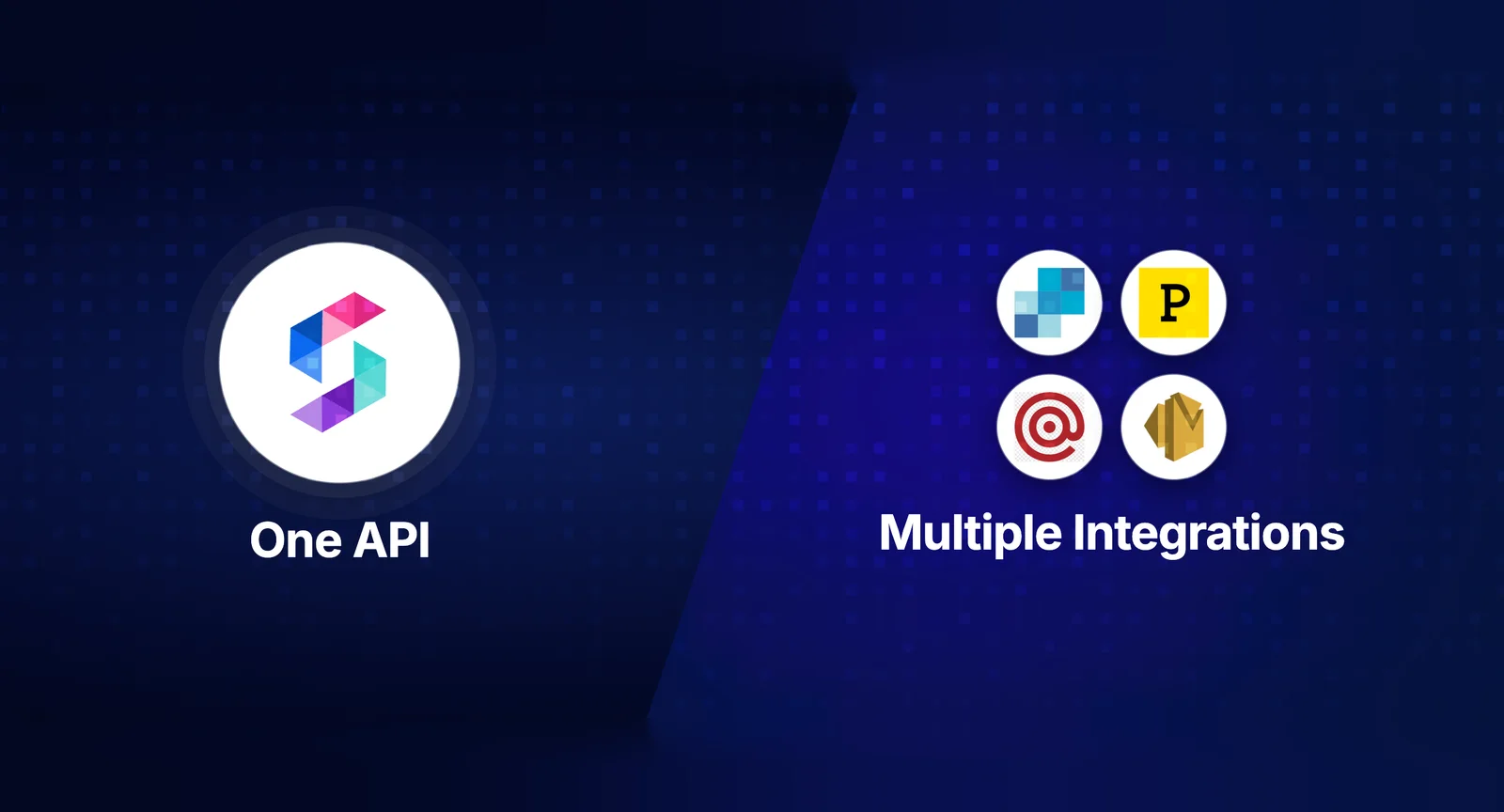
A notification API is a programming interface that lets applications send alerts, messages, and updates to users across multiple channels - email, SMS, push, in-app, Slack, WhatsApp - without building delivery infrastructure from scratch. Every SaaS product that sends notifications faces the same architectural decision early on: integrate one unified notification API, or stitch together multiple provider-specific APIs.
This guide breaks down both approaches with a decision framework to help engineering teams choose the right path based on their stage, scale, and constraints.
What a Notification API Actually Does
A notification API sits between your application and the delivery vendors (SendGrid, Twilio, Firebase, APNs). It handles the complexity that every notification system eventually needs: multi-channel routing, template rendering, user preference enforcement, delivery tracking, and retry logic.
Without a notification API layer, your application code directly calls each vendor’s API. This means writing separate integration code for email (SendGrid or SES), SMS (Twilio), push (FCM/APNs), and in-app delivery. Each vendor has its own authentication, payload format, rate limits, error codes, and webhook structure. The integration surface area grows linearly with every channel you add.
The notification API abstracts this away. One API call triggers a notification. The platform decides which channels to use, which vendor to route through, how to render the template, and whether the user has opted out - all behind a single endpoint.
Approach 1: Unified Notification API
A unified notification API provides a single integration point for all channels. You connect your delivery vendors (SendGrid, Twilio, etc.) to the platform, configure your notification logic through workflows, and trigger everything through one API call.
How it works
Your app calls the notification API with three things: who to notify (user ID), what happened (event name), and any dynamic data (order ID, amount, etc.). The platform handles everything else - template rendering per channel, routing logic, preference checks, vendor selection, failover, delivery tracking, and logging.
Advantages
Integration time drops from weeks to hours. Adding a new channel (say, Slack) means configuring it in the platform dashboard, not writing new backend code. Non-engineers can modify templates and workflows without deployments. Observability is centralized - one dashboard shows delivery status across all channels. Vendor failover happens automatically. If SendGrid goes down, the platform routes email through your backup provider.
Limitations
You’re adding a dependency. If the notification platform has an outage, all channels are affected. You have less control over vendor-specific features - if you need advanced SendGrid features like IP warmup pools or dedicated IPs, the abstraction layer may not expose them. Pricing adds a layer on top of your vendor costs.
Best for
Startups and mid-market SaaS teams (5-500 engineers) that need to ship notifications fast and don’t want to dedicate engineering bandwidth to notification infrastructure. Teams adding their 2nd or 3rd channel. Products with non-technical stakeholders (PMs, marketers) who need to modify notification content.
Approach 2: Multi-Provider Direct Integration
In this approach, your engineering team integrates each delivery vendor’s API directly. You build the routing logic, template system, preference management, and delivery tracking yourself.
How it works
Your app triggers an internal notification service. That service determines which channels to use (based on custom logic), calls each vendor’s API with the appropriate payload, handles retries for failures, logs delivery status to your database, and enforces user preferences through your own preference store.
Advantages
Full control over every aspect of the notification pipeline. Direct access to vendor-specific features and APIs. No additional platform dependency or cost. Can be optimized for your exact use case - if you only send email, a direct SendGrid integration is simpler than adopting a full notification platform.
Limitations
Engineering cost compounds with every channel. Each vendor integration takes 2-4 weeks including error handling, retry logic, and webhook processing. Building cross-channel features (batching, digesting, preference management, timezone delivery) takes months. Observability requires building your own logging and monitoring. When team members who built the system leave, knowledge transfer becomes a major risk.
Best for
Teams where notifications are a core product differentiator (e.g., monitoring/alerting products). Organizations with dedicated notification engineering teams (5+ engineers on notifications). Single-channel use cases where the overhead of a platform isn’t justified. Companies with strict data residency requirements that can’t use third-party platforms.
Decision Framework: Unified API vs Multi-Provider
Use this framework to decide which approach fits your team:
| Factor | Unified API Wins When… | Multi-Provider Wins When… |
|---|---|---|
| Team size | Under 200 engineers | Dedicated notifications team (5+) |
| Channels | 2+ channels needed now or soon | Single channel only |
| Time to ship | Need to ship in days/weeks | Have quarters to build |
| Template changes | Non-engineers need to edit | Engineers handle all changes |
| Vendor features | Standard delivery is sufficient | Need deep vendor-specific features |
| Observability | Want centralized delivery logs | Already have custom observability |
| Multi-tenancy | Need per-tenant notification config | Single-tenant product |
| Cost sensitivity | Engineering time > platform cost | Platform cost > engineering time |
The Hidden Costs of Multi-Provider Setup
Teams that choose multi-provider often underestimate the total cost of ownership. Here’s a realistic breakdown:
| Component | Initial Build | Ongoing Maintenance |
|---|---|---|
| Email integration (SendGrid) | 2–3 weeks | 1–2 days/month |
| SMS integration (Twilio) | 2–3 weeks | 1–2 days/month |
| Push (FCM + APNs) | 3–4 weeks | 2–3 days/month |
| In-app inbox | 8–12 weeks | 1–2 weeks/quarter |
| Template system | 4–6 weeks | 2–3 days/month |
| Preference management | 3–4 weeks | 1–2 days/month |
| Delivery logging | 3–4 weeks | 1–2 days/month |
| Batching/digest | 2–4 weeks | 1–2 days/month |
| Vendor failover | 2–3 weeks | 1–2 days/month |
Total initial build: 6-10 months for a 2-3 person team. Total ongoing maintenance: roughly 1 full-time engineer equivalent. At a loaded cost of $180K-$250K/year for an engineer, the maintenance alone exceeds the annual cost of most notification infrastructure platforms.
How Unified Notification APIs Compare
If you go the unified API route, here are the leading platforms:
| Platform | Channels | Starting Price | Best For |
|---|---|---|---|
| SuprSend | Email, SMS, Push, In-App, WhatsApp, Slack, Teams | Free (10K/mo) | Multi-tenant SaaS, fast setup, deep observability |
| Knock | Email, SMS, Push, In-App, Slack | Free (10K/mo) | Developer-first teams, strong docs |
| Courier | Email, SMS, Push, In-App, Slack, Discord | Free (10K/mo) | Design-heavy teams, visual builder |
| Novu | Email, SMS, Push, In-App, Chat | Free (open source) | Self-hosting, open-source preference |
Key differentiators to evaluate: multi-tenancy depth (critical for B2B SaaS), in-app inbox SDK coverage (React, Vue, Angular, Flutter, native mobile), observability and step-by-step logs, and template versioning with i18n support.
Migration Path: Multi-Provider to Unified API
Many teams start with direct vendor integrations and migrate to a unified API as complexity grows. Here’s the typical migration path:
Phase 1 (Week 1-2): Connect existing vendors to the notification platform. Keep your current sending logic running in parallel.
Phase 2 (Week 3-4): Migrate one notification type (e.g., welcome emails) to the platform. Validate delivery rates match your existing system.
Phase 3 (Week 5-8): Migrate remaining notification types channel by channel. Set up preference management and template editing for non-engineers.
Phase 4 (Week 9-12): Decommission old notification code. Enable advanced features (batching, timezone delivery, in-app inbox). Set up monitoring and alerting.
The migration is gradual and reversible at every step. You don’t need to migrate everything at once.
TL;DR
The notification API decision comes down to: unified API if you want to ship fast, keep engineering focused on core product, and need multi-channel delivery without building infrastructure. Multi-provider if notifications are your core differentiator, you have a dedicated team, and you need deep vendor control. For most SaaS teams under 200 engineers, the unified API approach saves 6-10 months of engineering time and ongoing maintenance costs that exceed platform pricing.
Want to see a unified notification API in action? Start building for free with SuprSend or book a demo.
FAQ
What is a notification API?
A notification API is a programming interface that lets applications send alerts and messages to users across channels like email, SMS, push, and in-app from a single integration point.
What is the difference between a unified notification API and multi-provider setup?
A unified API abstracts multiple delivery vendors behind one integration. Multi-provider means integrating each vendor separately and managing routing logic yourself.
When should you use a multi-provider notification setup?
When notifications are your core product differentiator, you need deep vendor-specific features, or you have a dedicated notifications engineering team.
How much engineering time does a multi-provider notification setup require?
Typically 2-4 weeks per vendor integration, plus ongoing maintenance for API changes, rate limit handling, and failover logic.
What are the best unified notification API platforms?
SuprSend, Knock, Courier, and Novu are the leading unified notification API platforms, each with different strengths in pricing, features, and developer experience.