We’ve been asking: what if notification infrastructure could understand what you need and just do it? This month, SuprSend AI moves from answering to acting, with the control and observability to match.
Here’s everything that shipped in March.
What we shipped at SuprSend
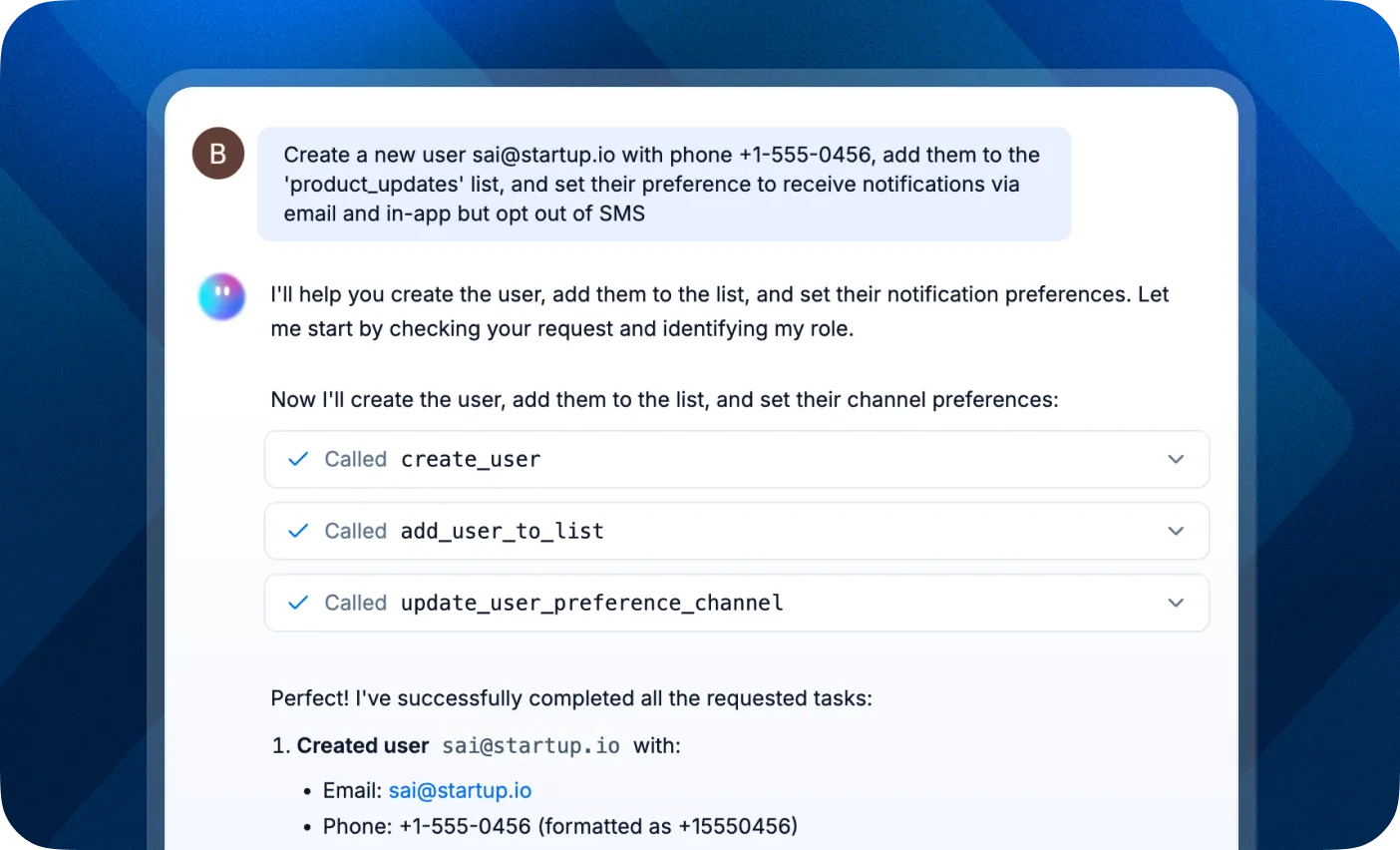
SuprSend Copilot Can Take Actions Now
Until now, Copilot helped you navigate your notification stack. Ask a question, get an answer. Useful, but limited.
That changes this month. Copilot now handles multi-step operations in one go. Create a user, assign them to a tenant, set their channel preferences, and add them to a list. All through conversation.
This isn’t just a shortcut for clicking through the dashboard. It’s a fundamentally different way to manage notifications. Instead of navigating menus and filling forms, you describe what you want and Copilot executes it. Your entire notification data layer is now accessible from the chat.
OpenTelemetry (OTEL) Support
Notification delivery is critical infrastructure. When something fails, you need to know immediately, not when a customer complains.
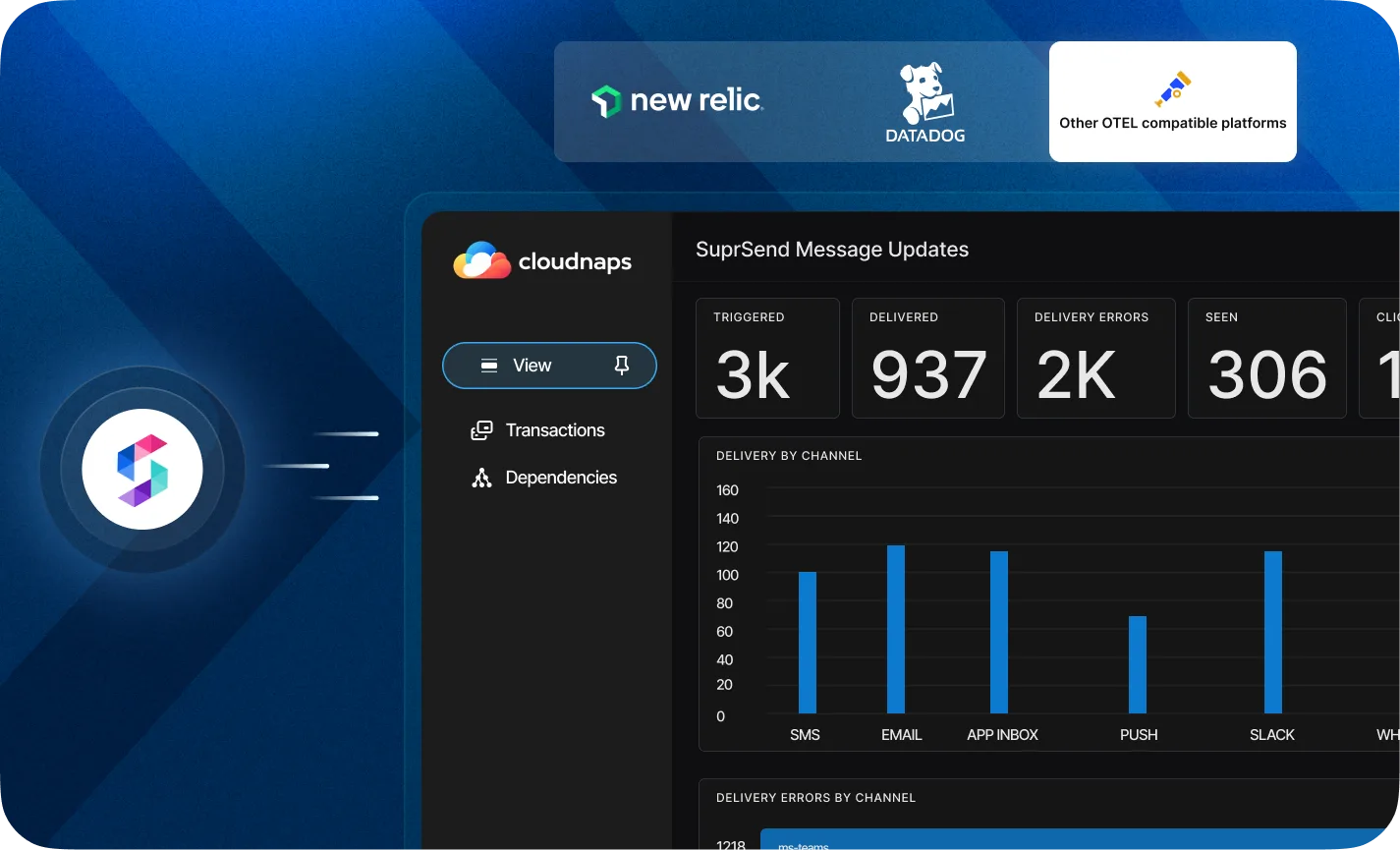
SuprSend now streams notification metrics via OpenTelemetry Protocol (OTLP) in near real-time, with latency under one minute. Connect it to Datadog, Grafana, Honeycomb, or any OTEL-compatible observability platform.
What you can monitor:
- API Requests: Track every API call hitting SuprSend. Success/failure counts, error breakdowns, request volume over time.
- Workflow Executions: Monitor workflow performance, catch execution errors early, identify top failing workflows.
- Messages: Follow the full message lifecycle from triggered to delivered to clicked. Delivery errors broken down by vendor and channel.
All metrics are tagged by workspace, tenant, workflow, category, channel, vendor, and template. Build custom dashboards, set up alerts for delivery failures, and correlate notification health with your infrastructure data.
If you’re already using Datadog or New Relic, we have dedicated connectors with pre-built dashboard starter kits.
Learn more about SuprSend OTEL →
Self-Host SuprSend
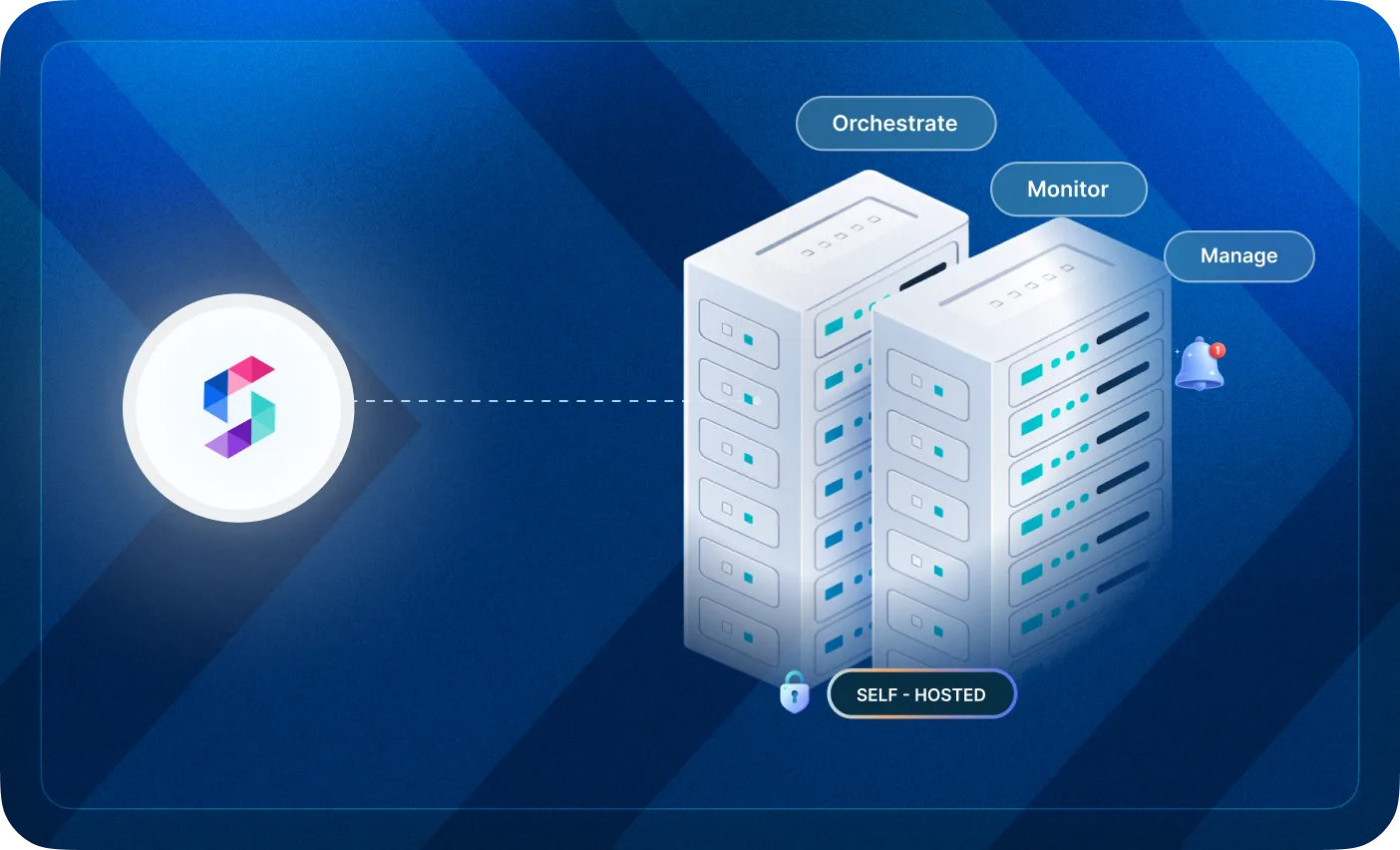
For teams with strict data residency requirements, using a cloud notification service has been a blocker. Your notification data contains customer PII, transaction details, and communication history. Some of it simply cannot leave your environment.
SuprSend now supports full self-hosted deployment. Run the entire notification infrastructure within your own VPC or on-prem environment. Same orchestration, channel management, and workflow capabilities. On infrastructure you control.
When self-hosting makes sense:
- Data residency or privacy compliance (GDPR, HIPAA, enterprise IT policies)
- Integration with private systems (internal CRM, ERP, on-prem alerting tools)
- Custom delivery infrastructure (private SMTP, SMS gateways, Kafka)
- Air-gapped or restricted network environments
- High-volume workloads where you need scalability control
The self-hosted deployment mirrors SuprSend Cloud capabilities, but gives you ownership of both the control plane and data plane. Deploy on Kubernetes with PostgreSQL, Redis, ClickHouse, and NATS as dependencies. All open-source under permissible licenses.
Learn more about Self hosting in SuprSend→
S3 Connector v2.0
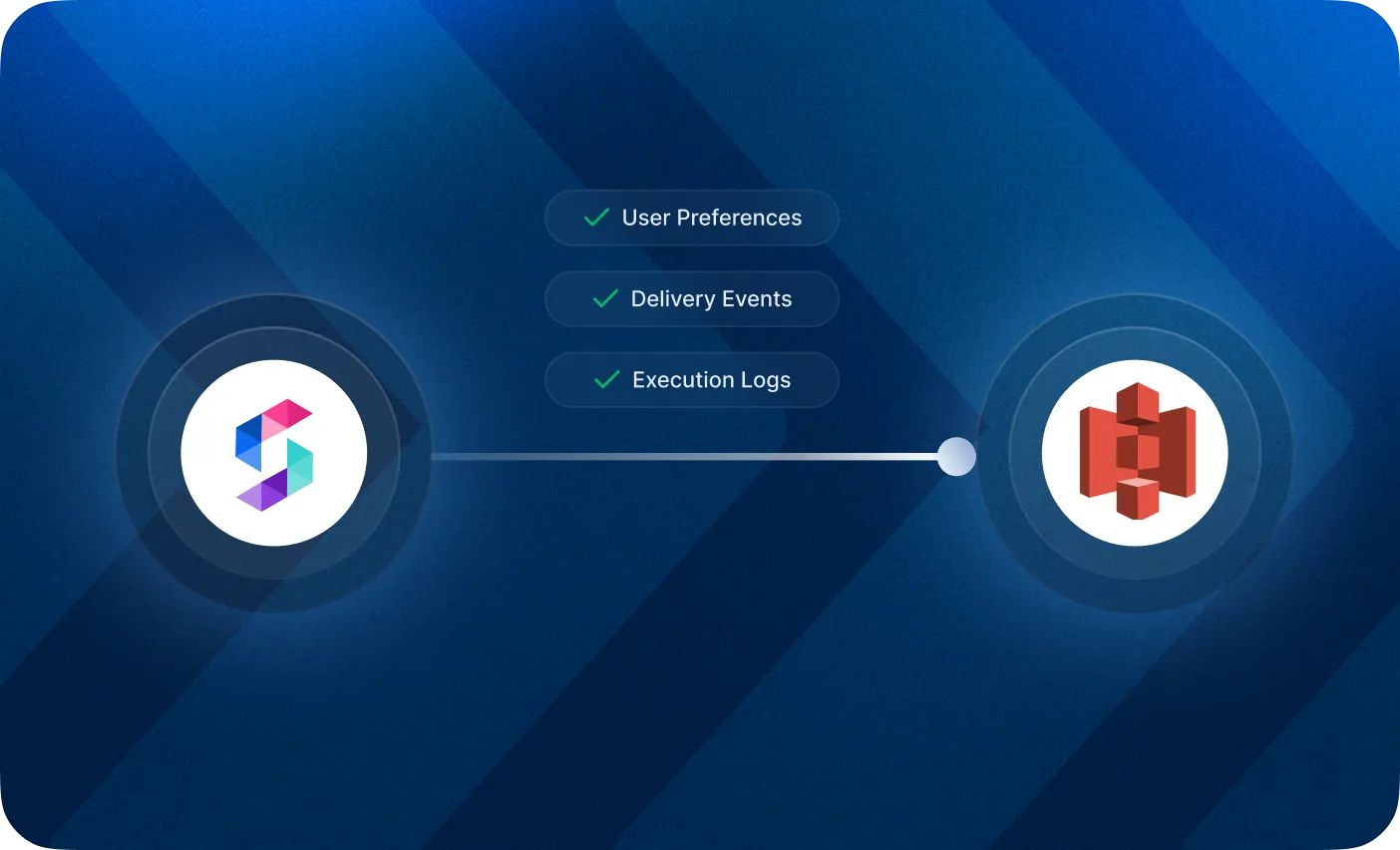
Your notification data shouldn’t live only inside SuprSend. You need it in your warehouse for custom analytics, debugging, and compliance.
The S3 connector v2.0 is a complete rebuild. It fixes gaps in error logging that existed in v1 and exports all log types: messages, workflow executions, and API requests.
What’s new in v2.0:
- Parquet format: Data lands in Parquet format, ready to query in Athena, Spark, or Presto.
- Hourly partitions: Data is partitioned by year/month/day/hour for efficient querying.
- Complete error logging: Full visibility into delivery failures, workflow errors, and API issues.
- Three data points: Messages (for analytics and delivery troubleshooting), Workflow Executions (for debugging workflow-level errors), and Requests (for API debugging and audit trails).
Data syncs every 5 minutes. If you pause sync, data backfills automatically when you resume.
📖 Learn more in our docs
Type-Safe Workflow Triggers
Bad payloads cause failed notifications. The problem is you often don’t find out until the notification fails downstream, sometimes hours later, sometimes in production.
Type-safe workflow triggers catch these issues at the API level. Define a JSON schema for your workflow, and SuprSend validates every incoming trigger payload before execution. If the payload doesn’t match the schema, the API immediately returns an error with detailed validation information.
How it works:
- Create a schema as an independent entity (from UI or Management API)
- Link the schema to your workflow or event
- Any trigger that doesn’t conform to the schema fails immediately with a clear error
No more debugging why a notification failed three steps into a workflow. Catch malformed data at the trigger point.
Preference Center Improvements
Three updates to hosted preference pages this month:
New Design + Multi-Language Support
The hosted preference page got a visual refresh and now supports multiple languages out of the box. Your users manage their notification preferences in their own language, without you building anything.
Category Translations
Preference category names and descriptions can now be translated. Serve a global user base without extra localization work. “Marketing Updates” automatically renders as “Actualizaciones de Marketing” for Spanish users.
Channel-Level Control
Give users finer control over how they receive notifications. Instead of turning off “Product Updates” entirely, they can keep email on and turn push off. More granular preferences mean fewer unsubscribes.
What’s next?
Copilot Updates: Create workflows and ask questions about delivery performance, all in the chat. Observability and Analytics tools are coming to Copilot.
AI Agents in Workflows: Embed AI decision-making directly into your notification workflows.
Tenant-Level User Isolation: Users and tenants are no longer the same thing. One user can now be associated with multiple tenants, with completely separate notification settings for each. If your product serves multiple organizations or workspaces, notifications can now respect those boundaries natively.
Dynamic Lists: Build audiences from attributes, events, and relations. Define the criteria once, and the list stays in sync as users match or drop off. No manual updates.
That’s it for March. As always, we’re just one Slack ping or support ticket away.