Back
Feature launch
Introducing SuprSend CLI

Bhupesh
May 19, 2026
•
May 19, 2026
•
Read summary :

Today we're launching the SuprSend CLI.
SuprSend CLI brings the full SuprSend surface into the terminal. Every core asset – workflows, templates, schemas, events, preference categories, and translations, is callable through commands that pipe cleanly into scripts and CI/CD pipelines.
Why notifications belong in your engineering workflow
Engineers manage every other piece of their stack from code. Application logic lives in a repo, ships through pull requests, deploys through CI, and rolls back through Git.
Until now, notifications powered by SuprSend sat outside that workflow. Templates, workflows, preferences and other entities were authored and promoted through the dashboard — which created real friction. The source of truth stayed decoupled from your repo while environments moved out of sync.
That gap is what the CLI closes. Notification assets become first-class citizens, managed the way you manage every other system you own.
Manage SuprSend from your terminal
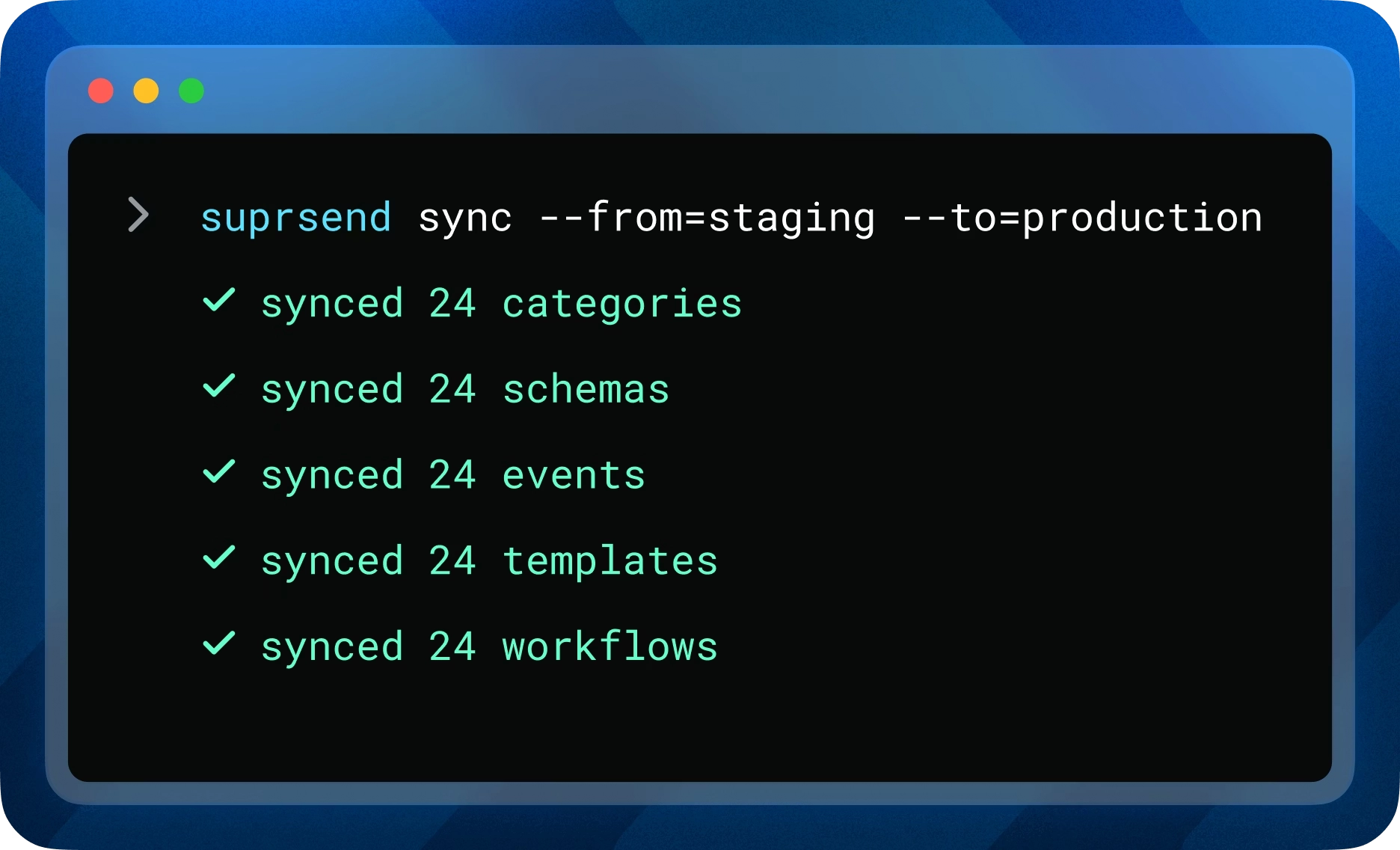
SuprSend CLI exposes every core SuprSend operation to your shell. Install it once, authenticate with a service token, and run notification commands alongside the rest of your engineering work.
Each asset can be listed, pulled to local files, edited in your editor, pushed back, committed from draft to live, and synced between workspaces. You can also activate or deactivate workflows directly from the shell, useful both for shipping new workflows and for taking misbehaving ones offline during an incident.
How SuprSend CLI fits your engineering setup
The CLI is built to slot into the tools your team already uses, not replace them.
Local files in your editor
Pulling an asset writes it as readable JSON to your project directory. You edit it in your IDE, with all your linting, syntax highlighting, and AI completions intact. Pushing it back validates the file against SuprSend schemas before saving.
Git for version control
Once assets are local, they live in your repo like any other code. Commits track who changed what, diffs show exactly what shifted, and reverts roll back a broken change in seconds. The Git log becomes your notification change history.
CI/CD for deploys
Every CLI command is scriptable. A GitHub Action, CircleCI job, or any other pipeline can run pulls, pushes, and syncs as deploy steps. Notification changes ship on the same cadence as your application code.
What SuprSend CLI lets you do
The same CLI handles the full notification lifecycle. These are the moments where it changes how your team works.
Workflows & Templates as code
Workflows & Templates are now first-class assets you can manage from your repo. Create them programmatically, push changes through pull requests, and version them through Git.
- Bootstrap a new workspace by provisioning templates from a script instead of building them one by one in the UI
- Migrate templates from another tool or an internal codebase without manual recreation in the dashboard
Environment promotion
Move tested assets from a staging workspace to production with a single command. No one needs UI access to the production workspace to ship a change, which means production access stays locked down and changes flow only through reviewed pull requests.
Type-safe payloads
Generate native type definitions from your SuprSend schemas, ready to drop into your SDK. Wrong payload keys fail in your IDE, fail in CI, and fail your build, before any send is attempted. Schemas become the guardrails to catch potential failures at runtime.
SuprSend CLI is open source and free to use. Install with Homebrew on macOS or Linux, download the binary from GitHub Releases for Windows and CI environments, or build from source. For security-sensitive setups, verify the binary signature with Cosign before installing.
Read the CLI docs to install and run your first command.
Browse all CLI commands to see the full surface.
On this page