Most teams ship notifications the same way: add an email trigger, maybe a push notification, test it once, and move on. Six months later, users complain about missing alerts, duplicate messages, or preferences that don’t work. The notification system that was “good enough” at launch has become a liability.
A notification infrastructure checklist helps engineering and product teams catch these issues before they reach production. Notification infrastructure is one of those things that feels simple until it isn’t. MagicBell’s engineering team estimates it takes 6–12 months to build production-ready from scratch - and that’s before you account for the ongoing maintenance cost of a system that was never your core product to begin with.
This guide provides 15 specific audit points to evaluate before shipping your notification system - whether you’re building in-house or evaluating a platform like SuprSend, Knock, or Novu.
Why You Need a Notification Infrastructure Checklist
Notification infrastructure sits at the intersection of engineering, product, and user experience. It touches multiple channels (email, SMS, push, in-app, Slack, WhatsApp), multiple vendors (SendGrid, Twilio, Firebase), and multiple stakeholders (engineers, PMs, support). Without a structured audit, gaps compound silently.
The three most common failure modes are: messages that never arrive and no one notices until a customer reports it, notification fatigue from poorly configured batching that drives users to disable all alerts, and vendor outages with no fallback that take down critical flows like OTPs and password resets.
A pre-ship checklist turns reactive firefighting into proactive risk management.
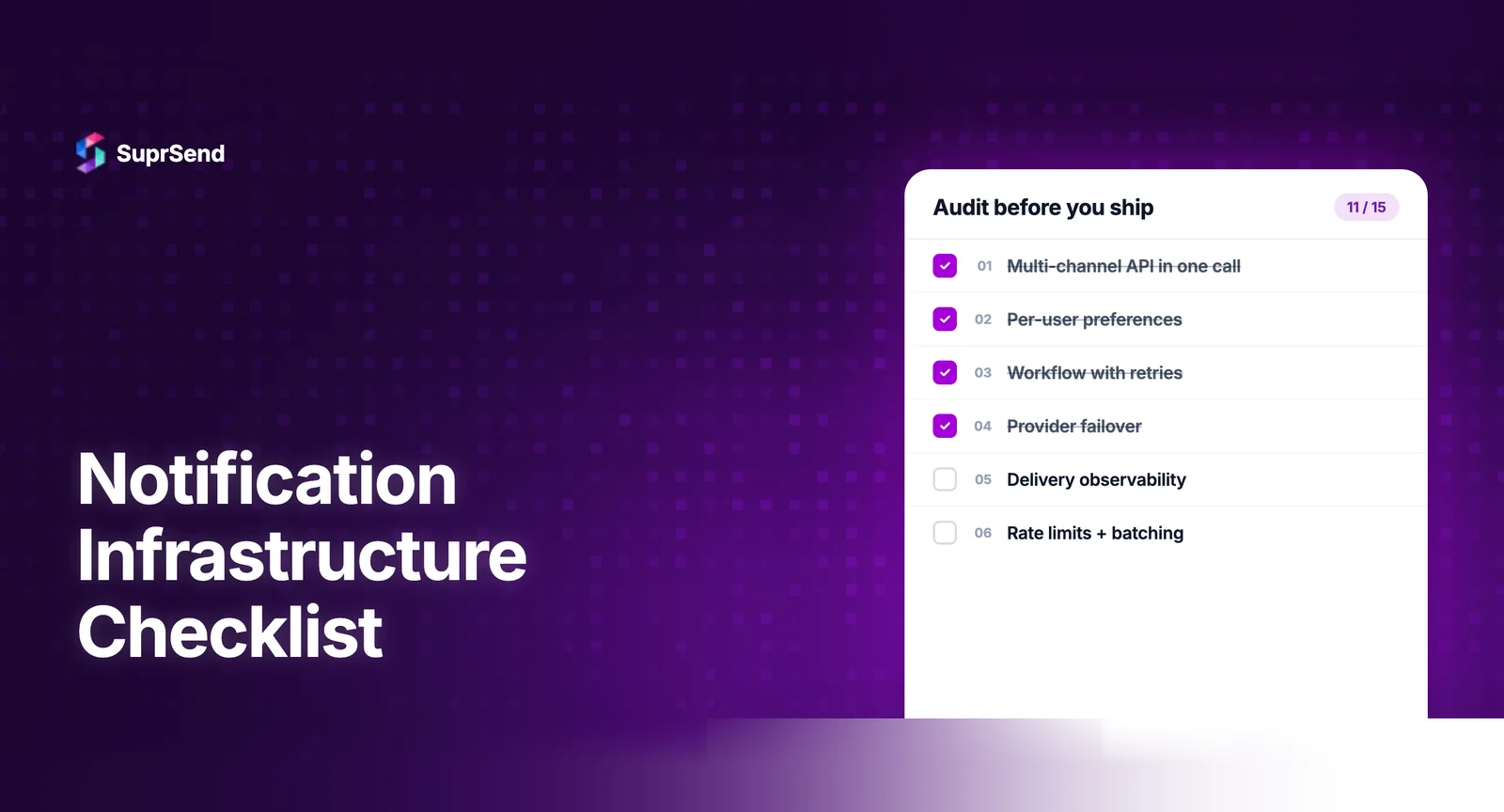
The 15-Point Notification Infrastructure Checklist
1. Channel Coverage and Routing
Audit question: Are you sending notifications on the right channels for each message type?
Map every notification type in your product to its appropriate channel. Transactional alerts (OTPs, payment confirmations) need SMS or push with guaranteed delivery. Engagement messages (weekly digests, feature announcements) belong in email or in-app inbox. Status updates work well in in-app feeds with email fallback.
Verify that channel routing logic is configurable without code changes. If adding a Slack channel to an existing workflow requires an engineering sprint, your routing layer is too tightly coupled.
2. Vendor Fallback Configuration
Audit question: What happens when your primary delivery vendor goes down?
SendGrid had 7 reported incidents in 2025. Twilio experienced 4 partial outages. If your notification system relies on a single vendor per channel with no fallback, you’re one outage away from silent delivery failures on critical flows.
Configure at least one backup vendor per critical channel. Email: SendGrid primary, AWS SES fallback. SMS: Twilio primary, Plivo fallback. Push: FCM primary with APNs for iOS. Test failover monthly, not just at setup time.
3. Template Management and Versioning
Audit question: Can your product team update notification copy without an engineering deployment?
Notification templates change frequently - A/B tests, regulatory updates, seasonal copy. If every template change requires a code commit, PR review, and deploy cycle, iteration will be too slow and engineering will become a bottleneck.
Look for: WYSIWYG or visual editors, draft/live versioning so changes can be staged, dynamic variable support (Handlebars, Liquid), and per-channel template variants (push messages need shorter copy than email).
4. User Preference Management
Audit question: Can users control what notifications they receive and through which channels?
Notification preferences aren’t optional -they’re a compliance requirement under GDPR, CAN-SPAM, and increasingly, user expectation. A 2025 Airship study found that 78% of users adjust notification settings within the first week of using an app.
Audit for: category-level opt-in/opt-out, channel-level preferences (keep email but disable push), and frequency controls. If your preference center is hardcoded, scaling it to new notification types will require engineering work every time.
5. Delivery Observability and Logging
Audit question: Can you trace a single notification from trigger to delivery - and know exactly where it failed?
This is the most commonly missed item on the checklist. Many teams have logging for their application code but zero visibility into what happens after a notification is triggered. Did it reach the vendor? Did the vendor accept it? Did the user’s device receive it?
Step-by-step delivery logs should show: event triggered → workflow executed → template rendered → vendor API called → delivery confirmed/failed. Without this, debugging notification issues becomes guesswork.
6. Batching and Digest Logic
Audit question: Are you sending “5 new comments” or five separate notifications?
Notification fatigue is the #1 driver of users disabling notifications entirely. If your app sends individual alerts for every comment, like, or update, users will mute everything - including the critical alerts you need them to see.
Implement batching for high-frequency events. Group similar notifications into digests with configurable time windows. Verify that batching logic handles edge cases like time zones and priority overrides.
7. Rate Limiting and Throttling
Audit question: What prevents your system from sending 1,000 notifications to a single user in an hour?
Runaway notification loops happen more often than teams expect - a misconfigured workflow, a bulk import triggering welcome emails, or a retry mechanism gone haywire. Without rate limiting, these bugs don’t just annoy users; they can get your sender domain blacklisted.
Set per-user, per-channel rate limits. Common thresholds: max 5 push notifications per hour, max 3 SMS per day. Build circuit breakers that pause delivery when thresholds are exceeded and alert the team.
8. Multi-Tenancy Support
Audit question: If you serve multiple customers or brands, can each have their own notification branding and configuration?
For B2B SaaS products, multi-tenancy in notifications isn’t a nice-to-have - it’s table stakes. Each tenant may need their own email sender domain, notification templates with their branding, vendor configurations, and user preference categories.
Audit whether your system supports per-tenant: branding (logo, colors, sender name), templates (custom copy per tenant), vendor routing (Tenant A uses SendGrid, Tenant B uses Postmark), and preference categories (different notification types per tenant).
9. Timezone-Aware Delivery
Audit question: Are you sending notifications at 3 AM in your user’s local time?
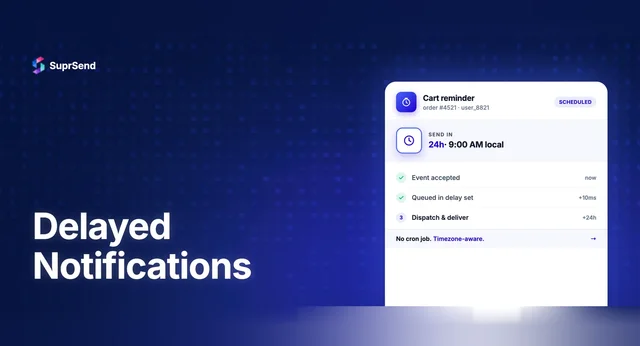
A deployment alert sent at 2 PM PST arrives at 3:30 AM IST. For global products, timezone-unaware delivery is a silent engagement killer. Engagement rates for push notifications drop by 60% when delivered between midnight and 6 AM local time.
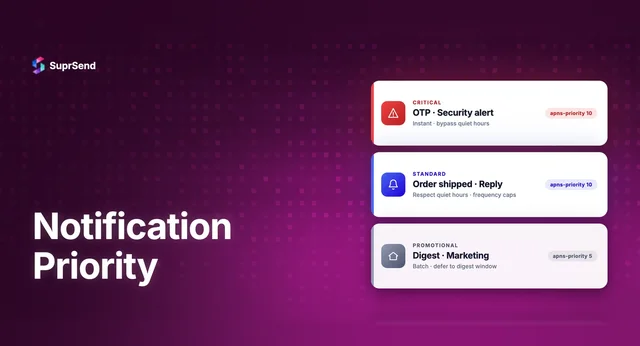
Verify that your system stores user timezone data and uses it for scheduling. Non-urgent notifications should be queued for delivery during the user’s active hours (typically 9 AM - 9 PM local time). Critical alerts (OTPs, security) bypass timezone rules.
10. Internationalization (i18n)
Audit question: Can you send the same notification in 5 languages without duplicating the entire workflow?
If your product serves users in multiple languages, notification templates need localization support. The worst approach: separate workflows per language. The right approach: one workflow with language-variant templates that resolve based on user locale.
Check for: template-level language variants, fallback language, RTL support for Arabic/Hebrew, and character encoding handling for CJK languages in SMS.
11. In-App Notification Center
Audit question: Do users have a persistent, accessible place to review past notifications inside your app?
Push notifications are ephemeral - once dismissed, they’re gone. Email gets buried. An in-app notification inbox gives users a reliable place to find all their alerts, with read/unread states, and without leaving your product.
For SaaS products, in-app inbox click-through rates are 3-5x higher than push notifications. Verify that your inbox supports: real-time updates (WebSocket-based), read/unread tracking, action buttons, and mobile SDK support if you have native apps.
12. API Design and Developer Experience
Audit question: How many lines of code does it take to add a new notification type?
Your notification API should be a single integration point. If adding a new notification requires touching 4 different services, configuring 3 vendors, and writing channel-specific rendering logic, your abstraction layer is broken.
A well-designed notification API lets you trigger a notification with one API call that specifies the event, the user, and any dynamic data. The platform handles routing, rendering, delivery, and tracking.
13. Compliance and Data Handling
Audit question: Are you meeting regulatory requirements for every channel and region you operate in?
Notification compliance spans multiple regulations: CAN-SPAM (email unsubscribe within 10 business days), TCPA (explicit consent for SMS), GDPR (data processing agreements with vendors, right to be forgotten), and HIPAA (PHI cannot appear in notification content without encryption).
Audit your compliance posture per channel. Ensure unsubscribe links are present in all marketing emails, SMS opt-in is properly collected and stored, notification data retention policies are defined, and vendor DPAs are signed for all delivery providers.
14. Load Testing and Scale Readiness
Audit question: What happens when you need to send 100,000 notifications in 10 minutes?
Product launches, flash sales, incident alerts - these events create notification spikes that can overwhelm systems designed for steady-state traffic. If your notification queue backs up during a spike, users receive critical alerts minutes or hours late.
Load test your notification pipeline at 5-10x your expected peak volume. If you’re building notifications in-house, this is where infrastructure costs escalate quickly.
15. Monitoring, Alerts, and Incident Response
Audit question: How quickly do you know when notifications stop delivering?
The scariest notification failure is the silent one - where messages stop arriving and no one notices until a customer complains. By then, hundreds or thousands of users may have missed critical alerts.
Set up monitoring for: delivery success rate per channel (alert if it drops below 95%), queue depth, vendor API error rates, and bounce/complaint rates for email. Integrate notification monitoring into your existing observability stack (Datadog, Grafana, PagerDuty). If your notification platform supports OpenTelemetry export, use it.
The Complete Checklist Summary
Here’s the full 15-point checklist in one view:
How Notification Platforms Cover This Checklist
If you’re evaluating whether to build or buy your notification infrastructure, here’s how the checklist maps to what platforms handle out-of-the-box versus what you’d need to build yourself:
| # | Area | Key Question | Priority |
|---|
| Checklist Item | Build In-House | Platform |
|---|---|---|
| Channel Routing | 2–4 weeks per channel | Included |
| Vendor Fallback | 1–2 weeks + maintenance | Included |
| Template Management | 4–8 weeks | Included |
| User Preferences | 3–6 weeks | Included |
| Observability | 4–8 weeks | Included |
| Batching/Digest | 2–4 weeks | Included |
| Multi-Tenancy | 6–12 weeks | Varies |
| In-App Inbox | 8–16 weeks | Included (SDK) |
| Monitoring | 2–4 weeks | Included + OTEL |
Total estimated effort to build all 15 items in-house: 6-12 months for a team of 2-3 engineers. Platforms like SuprSend cover most of these out-of-the-box.
TL;DR
Before shipping your notification system, audit 15 critical areas. The five non-negotiables are observability, vendor fallback, user preferences, channel routing, and monitoring. Building all 15 in-house takes 6-12 months; notification platforms cover most of them out-of-the-box.
Ready to check off this list? Start building for free with SuprSend or book a demo to see how the platform covers your notification infrastructure needs.
FAQ
What is a notification infrastructure checklist?
A structured set of audit points for evaluating notification system readiness before production.
When should you audit?
Before major launches, when adding channels, after vendor outages, and quarterly.
How long to build in-house?
3-6 months basic, 9-12+ months with enterprise features, for a 2-3 engineer team.
Should startups build or buy?
Most startups should buy. Platform cost of $110-275/month beats 6-12 months of engineering.
Notification infra vs marketing automation?
Notification infrastructure handles transactional product notifications. Marketing automation handles campaigns and lifecycle marketing.