Real-time notifications are the backbone of modern product experiences. When a user receives a payment, gets assigned a task, or someone comments on their post, they expect to see that notification instantly - not on the next page refresh. CleverTap found that contextual push notifications achieve an average open rate of 16.3%, compared to just 4.7% for generic campaigns - a 3.5x difference. The gap isn’t about the message. It’s about when and why it was sent.
But behind every instant notification is an architectural decision: how does the server push data to the client? The three dominant approaches - WebSockets, Server-Sent Events (SSE), and polling - each come with distinct trade-offs in latency, scalability, complexity, and infrastructure cost. This guide breaks down each approach, compares them side by side, and helps you pick the right architecture for your notification system.
What Makes a Notification “Real-Time”?
A notification is considered real-time when the delay between the triggering event and the user seeing the notification is imperceptible - typically under 500 milliseconds. True real-time delivery requires a persistent or near-persistent connection between the server and the client, allowing the server to push data the moment an event occurs.
This is fundamentally different from the traditional HTTP request-response model, where the client must ask the server for updates. In a request-response model, notifications only appear when the user refreshes the page or the app makes a scheduled API call. Real-time systems invert this: the server initiates communication.
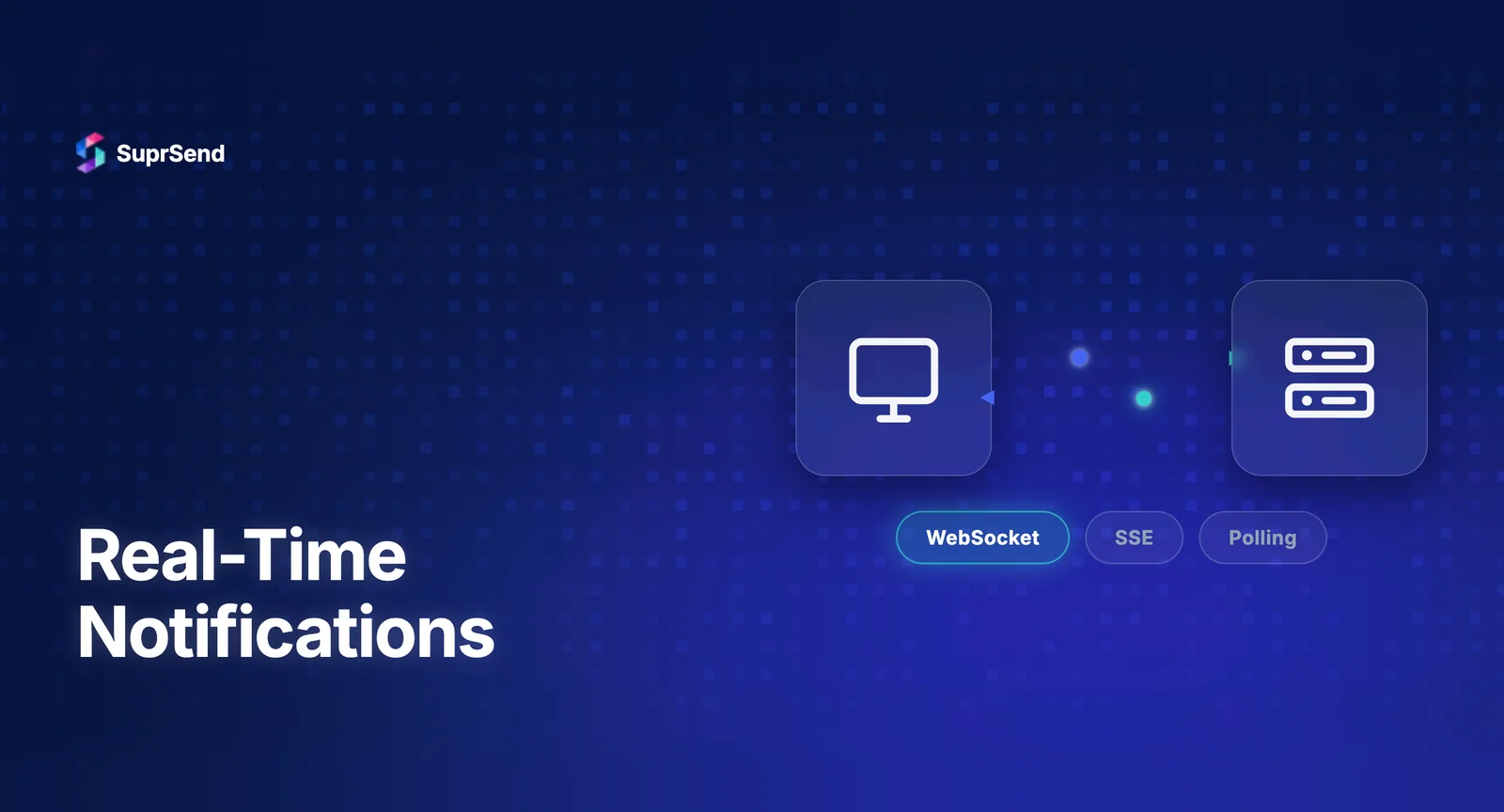
Three technologies enable this server-initiated communication, each with different architectural implications.
WebSockets: Full-Duplex Persistent Connections
WebSockets establish a persistent, bidirectional connection between the client and server over a single TCP connection. After an initial HTTP handshake that upgrades the protocol, both sides can send messages at any time without the overhead of new HTTP requests.
How it works for notifications: The client opens a WebSocket connection on page load. The server maintains a mapping of user IDs to active connections. When a notification event occurs, the server looks up the user’s connection and pushes the notification payload directly. Delivery latency is typically 10-50 milliseconds.
Strengths: WebSockets offer the lowest latency and support bidirectional communication. This makes them ideal when notifications require client acknowledgment (mark as read, dismiss) or when the same connection serves both notifications and interactive features like chat. LinkedIn, Slack, and Discord all use WebSockets for their notification systems.
Challenges: WebSocket connections are stateful. Each connection consumes server memory and a file descriptor. At scale (100K+ concurrent connections), this requires careful infrastructure planning - connection pooling, horizontal scaling with sticky sessions, and heartbeat mechanisms to detect stale connections. WebSocket connections also don’t automatically reconnect after network interruptions; the client must implement reconnection logic with exponential backoff.
Proxy and firewall compatibility is another consideration. Some corporate networks block WebSocket upgrades. While modern infrastructure handles this well, it’s worth testing in your users’ environments.
Server-Sent Events: Unidirectional Simplicity
Server-Sent Events (SSE) provide a one-way channel from server to client over a standard HTTP connection. The client opens an EventSource connection, and the server streams events as they occur. Unlike WebSockets, SSE is built on HTTP/2, which means it works naturally with existing infrastructure - load balancers, proxies, CDNs, and firewalls.
How it works for notifications: The client opens an SSE connection to a notification endpoint. The server holds the connection open and writes notification events as they occur. Each event is a text-based message with an event type and data payload. The browser’s built-in EventSource API handles reconnection automatically, including resuming from the last received event ID.
Strengths: SSE is significantly simpler to implement and operate than WebSockets. It uses standard HTTP, so existing infrastructure (load balancers, CDNs, monitoring) works without modification. Automatic reconnection with last-event-ID support means clients recover gracefully from network interruptions. For notification systems where the server pushes and the client only receives, SSE provides all the functionality of WebSockets with less operational complexity.
Limitations: SSE is unidirectional - server to client only. If you need the client to send data back (like acknowledging a notification), you’ll need a separate HTTP endpoint. SSE also has a browser connection limit of 6 concurrent connections per domain (though HTTP/2 multiplexing largely mitigates this). Internet Explorer doesn’t support SSE, though this is rarely relevant in 2026.
Polling: The Simplest Approach
Polling is the most straightforward approach: the client makes periodic HTTP requests to check for new notifications. There are two variants - short polling and long polling.
Short polling: The client sends a GET request every N seconds (typically 5-30 seconds). The server responds immediately with any new notifications or an empty response. Simple to implement but inherently introduces latency equal to the polling interval and generates unnecessary server load from empty responses.
Long polling: The client sends a request, and the server holds it open until a notification is available or a timeout occurs (typically 30-60 seconds). When the server responds, the client immediately sends a new request. This reduces latency compared to short polling while avoiding the infrastructure complexity of persistent connections.
Strengths: Polling works everywhere. No WebSocket support needed, no SSE compatibility concerns. It works through every proxy, firewall, and load balancer without configuration. For systems with low notification volume or non-urgent updates, short polling at 10-30 second intervals is often the pragmatic choice.
Limitations: Short polling creates a latency floor equal to the polling interval. A 10-second poll means notifications can be delayed by up to 10 seconds. Long polling reduces this but introduces server-side connection management complexity that approaches SSE in overhead without SSE’s built-in browser support. At high user counts, polling generates significant unnecessary traffic from empty responses.
WebSockets vs SSE vs Polling
| Feature | WebSockets | SSE | Short Polling | Long Polling |
|---|---|---|---|---|
| Direction | Bidirectional | Server → Client | Client → Server | Client → Server |
| Latency | 10–50ms | 10–50ms | Equal to interval | Near real-time |
| Protocol | WS/WSS | HTTP/2 | HTTP | HTTP |
| Reconnection | Manual implementation | Automatic (built-in) | Not applicable | Manual |
| Scalability complexity | High (stateful) | Medium | Low | Medium |
| Infrastructure compatibility | Requires WS support | Standard HTTP | Universal | Universal |
| Browser support | All modern browsers | All except IE | Universal | Universal |
| Server resource usage | High (persistent connections) | Medium | Low (per-request) | Medium–High |
| Best for | Interactive + notifications | Notification-only feeds | Low-urgency updates | Near-real-time without WS |
Which Approach to Use and When
Use WebSockets when: Your application needs bidirectional communication alongside notifications (chat, collaborative editing, real-time dashboards). You’re building features where the client and server exchange messages frequently. You have the infrastructure capacity to manage persistent connections at scale.
Use SSE when: You need real-time server-to-client delivery but don’t need bidirectional communication. Your notifications are read-only from the client’s perspective (acknowledgments happen via separate API calls). You want the simplest possible real-time implementation with automatic reconnection.
Use polling when: Your notifications are non-urgent (dashboard metrics, daily summaries). You’re operating in environments where persistent connections are unreliable or blocked. You’re at an early stage and want the simplest possible implementation with plans to upgrade later.
Use a hybrid approach when: Most production notification systems use a combination. WebSockets or SSE for in-app real-time delivery. Push notifications (FCM, APNs) for mobile when the app is backgrounded. Email and SMS for critical notifications that must reach users regardless of connection state.
How SuprSend Handles Real-Time Delivery
SuprSend’s in-app inbox SDK uses WebSocket-based transport under the hood, abstracting away the complexity of connection management, reconnection, heartbeats, and cross-device state synchronization. Teams integrate the SDK (available for React, Vue, Angular, Flutter, Android, and iOS) and get real-time notification delivery without building or managing WebSocket infrastructure.
The architecture separates real-time delivery from notification orchestration. SuprSend’s workflow engine handles the logic layer - when to send, which channel, batching, delays, preferences - while the real-time transport layer handles the delivery. This separation means teams can change notification logic without touching real-time infrastructure, and vice versa.
For teams that need real-time delivery beyond in-app (like updating a web dashboard when a backend process completes), SuprSend’s webhook channel can trigger SSE or WebSocket pushes in the application’s own real-time infrastructure, creating a bridge between the notification orchestration layer and custom real-time features.
Architecture Patterns for Scaling Real-Time Notifications
Regardless of which transport you choose, scaling real-time notifications introduces common patterns:
Connection registry. A distributed map of user IDs to active connections. Redis pub/sub is the most common implementation. When a notification is triggered, the system publishes to a channel, and the server holding the user’s connection picks it up and delivers it.
Fan-out on write vs fan-out on read. For notifications sent to many users (like a product announcement), fan-out on write pre-computes and stores each user’s notification at send time. Fan-out on read stores the event once and resolves each user’s notifications at read time. The right choice depends on your read/write ratio and storage model.
Graceful degradation. Real-time connections fail. Networks drop. Servers restart. A production notification system must handle degradation gracefully: queue notifications for offline users, retry failed deliveries, and ensure eventual consistency between the notification store and the real-time display.
FAQ
Which is faster: WebSockets or SSE for real-time notifications?
WebSockets and SSE have comparable latency for server-to-client delivery. WebSockets add bidirectional capability, which matters for interactive features but adds connection overhead. For notification-only use cases, SSE delivers equivalent speed with simpler implementation.
Can I use polling for real-time notifications in production?
Yes, but with trade-offs. Short polling at 5-10 second intervals works for low-urgency notifications. Long polling reduces server load but adds complexity. For true real-time delivery under 1 second, WebSockets or SSE are more appropriate.
Do WebSockets work with load balancers?
Yes, but they require sticky sessions or a shared session store. Standard HTTP load balancers round-robin each request independently, which breaks persistent WebSocket connections. Most cloud load balancers now support WebSocket-aware routing.
What happens to real-time notifications when the user is offline?
Real-time transports only deliver to connected clients. Offline notifications should be stored server-side and delivered on reconnection. Push notifications via FCM or APNs handle the offline-to-mobile scenario. A complete system combines real-time transport with a persistent notification store.
How does SuprSend handle real-time notification delivery?
SuprSend uses WebSocket-based transport for its in-app inbox SDK, handling connection management, reconnection, and cross-device state sync automatically. Teams don't need to build or manage WebSocket infrastructure.
Should I build my own WebSocket infrastructure for notifications?
For most product teams, no. Building production-grade WebSocket infrastructure involves connection management, heartbeats, reconnection logic, horizontal scaling, and state synchronization. Notification platforms and managed services like Ably or Pusher handle this complexity.