Why Choosing the Right Notification Platform Matters
A notification platform is one of the few infrastructure decisions that touches every user of your product. Choose poorly, and you’ll spend months rebuilding. Choose well, and your team ships notification features in hours instead of weeks.
The notification platform market has matured rapidly. In 2022, most teams were choosing between “build from scratch” or “wire up SendGrid and call it done.” In 2026, there are dedicated platforms handling workflow orchestration, multi-channel routing, user preferences, and delivery observability - all through a single API. The push notification market is growing at a CAGR of 15–19% through 2033. That kind of growth doesn’t happen in a solved space - it happens when the infrastructure underneath a channel is still catching up to the demand.
But with more options comes more confusion. All major notification platforms claim to be “developer-first.” This guide gives you a framework to cut through the marketing and evaluate what actually matters for your stack.
The Developer’s Decision Framework: 9 Criteria
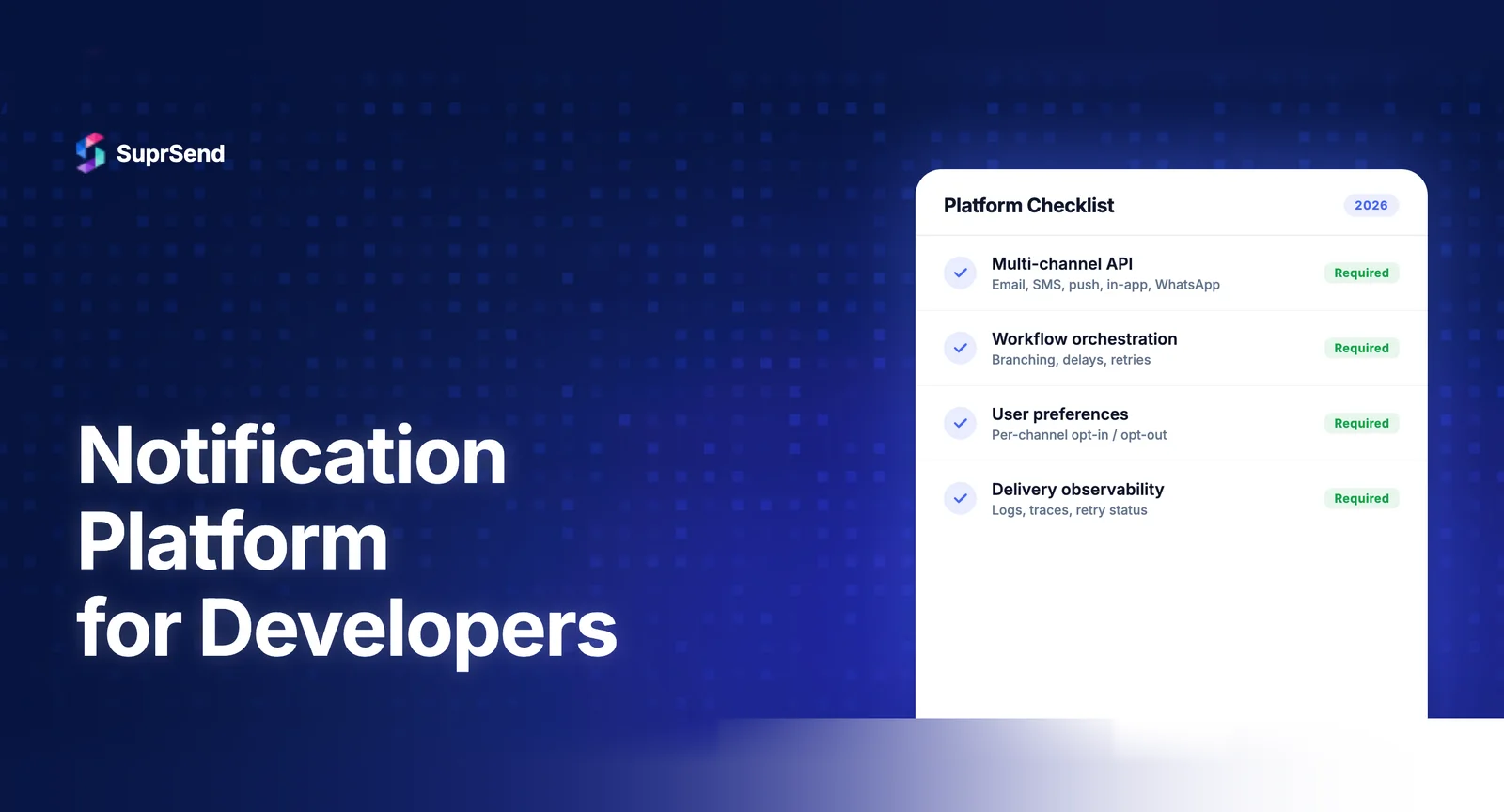
Before comparing platforms, establish what you’re evaluating. Here are the nine criteria that matter most when choosing a notification platform as a developer:
1. API Design and Developer Experience
The API is your primary interface. Evaluate: Is it RESTful with predictable endpoints? Are payloads well-structured and documented? Is there a sandbox/testing environment? How fast can you send your first notification? The best platforms let you trigger a notification in under 5 minutes with a single API call.
2. SDK Coverage
Server-side SDKs (Node.js, Python, Go, Java, Ruby) determine how cleanly the platform integrates into your backend. Client-side SDKs (React, Vue, Angular, Flutter, iOS, Android) matter for in-app inbox and push notification integration. Evaluate the breadth and maintenance quality of SDKs - abandoned or poorly typed SDKs create technical debt.
3. Workflow Orchestration
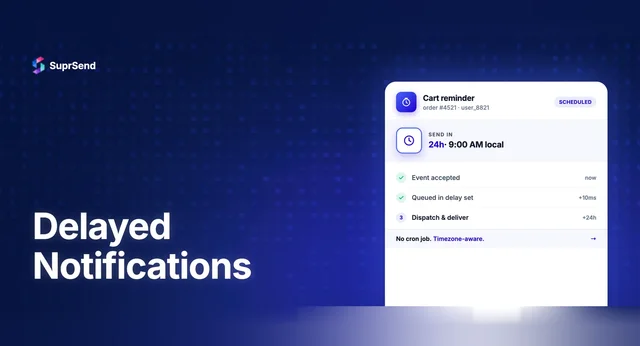
Can you define multi-step notification logic? This includes: delays (“send follow-up after 24 hours”), conditions (“only if user hasn’t engaged”), batching (“aggregate 10 events into one digest”), channel routing (“try push first, fall back to email”), and branching (“if enterprise user, also notify on Slack”). Some platforms offer visual builders for product teams; others are code-first. Both approaches have trade-offs.
4. Multi-Channel Support
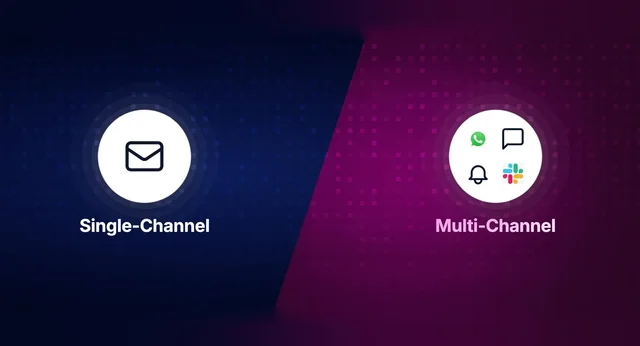
Count the channels, but also evaluate the depth. Sending a push notification is table stakes. The differentiator is whether the platform handles channel-specific template rendering, provider fallbacks, and cross-channel state tracking (“user saw the push, suppress the email”).
| Channel | What to Evaluate |
|---|---|
| Provider integrations (SendGrid, SES, Postmark), HTML rendering, bounce handling | |
| SMS | Provider options (Twilio, MessageBird), 10DLC support, cost per segment |
| Push (Mobile) | FCM + APNs support, token management, rich push |
| Web Push | Browser support, service worker setup |
| In-App Inbox | SDK framework coverage, WebSocket vs. polling, customization |
| Slack | Block Kit support, workspace auth |
| Template pre-approval support, provider options | |
| MS Teams | Adaptive Card support, enterprise auth |
5. Template Management
Can non-developers update notification content without a code deploy? Look for: WYSIWYG editors, version control (draft vs. live), dynamic variables with preview, internationalization (i18n), and per-tenant overrides for B2B products.
6. Delivery Observability
When a notification fails, how fast can you debug it? The gold standard is step-by-step per-notification logs showing: event received → workflow triggered → preferences checked → template rendered → provider called → delivery confirmed. Without this, debugging “why didn’t user X get notified?” becomes a multi-hour investigation across service logs.
7. User Preference Management
Does the platform provide an out-of-the-box preference center? Can users control notifications at the category level and channel level? Does it support quiet hours, timezone-aware delivery, and per-tenant preferences for B2B? Building this from scratch is a 3–6 month project.
8. Multi-Tenancy
Critical for B2B SaaS. Can each tenant have: their own email branding and sender identity? Per-tenant notification templates? Their own delivery provider configuration (“Acme Corp uses their own SendGrid account”)? Separate preference categories? This is often where developer-focused platforms diverge sharply.
9. Pricing Transparency and Scale
Evaluate: Is pricing public? Is it based on notifications, MAUs, or API calls? What’s included in the free tier? Are critical features (batching, preferences, observability) gated behind enterprise plans? How does pricing scale at 100K, 1M, and 10M notifications/month?
7 Developer Notification Platforms Compared (2026)
Here’s how the leading platforms stack up against the evaluation framework:
| Platform | API/DX | Channels | Workflow Builder | In-App Inbox SDKs | Multi-Tenancy | Observability | Free Tier |
|---|---|---|---|---|---|---|---|
| SuprSend | RESTful, SDKs in Node/Python/Go/Java | 9 (Email, SMS, Push, Web Push, In-App, WhatsApp, Slack, Teams, Webhooks) | Visual no-code | React, Vue, Angular, Flutter, iOS, Android | First-class (per-tenant branding, templates, vendors, preferences) | Step-by-step logs + OpenTelemetry | 10K notifs/mo |
| Knock | RESTful, SDKs in Node/Python/Go/Ruby/Java | 6 (Email, SMS, Push, In-App, Slack, Teams) | Code-based + UI | React, iOS, Android | Supported | Delivery logs + debugger | 10K notifs/mo |
| Novu | RESTful + Framework SDK | 5 (Email, SMS, Push, In-App, Chat) | Code-first (workflows-as-code) | React, Next.js | Community | Activity feed | 30K events/mo |
| Courier | RESTful, SDKs + MCP Server | 6 (Email, SMS, Push, In-App, Slack, Teams) | Visual designer | React | Supported | Delivery logs | 10K notifs/mo |
| OneSignal | REST API + lightweight SDKs | 5 (Push, Email, SMS, In-App, Web Push) | Journeys (visual) | Native iOS/Android | Apps-based | Delivery analytics | 10K subs free |
| Fyno | REST APIs | 6 (Email, SMS, Push, In-App, WhatsApp, Slack) | No-code builder | Limited | Supported | Multi-provider routing logs | Free trial |
| Engagespot | REST API + React SDK | 6 (Email, SMS, Push, In-App, Discord, Webhooks) | Visual builder | React | Basic | Delivery logs | 10K notifs/mo |
Which Platform Fits Your Use Case?
B2B SaaS with Multi-Tenancy
Best fit: SuprSend. First-class multi-tenancy with per-tenant branding, templates, vendor configurations, and user preferences. If you’re serving multiple organizations that each need customized notification experiences, this is the deepest implementation in the market. See how it works in the SaaS notification system guide.
Enterprise Engineering Teams
Best fit: Knock. Version-controlled workflows, environment management (staging/production), and CLI-driven development align with engineering-centric teams that want GitOps-style notification management.
Teams Wanting Open-Source Control
Best fit: Novu. Self-host the entire notification stack. Strong community, code-first workflows, and no vendor lock-in. Trade-off: you own the infrastructure and operational burden.
Teams Bridging Engineering and Marketing
Best fit: Courier. Visual template designer that non-developers can use, while developers control the schema and data variables. Good balance when marketing needs to iterate on copy without engineering tickets.
Mobile Push-First Products
Best fit: OneSignal. Strongest in push notification delivery with robust segmentation and lifecycle journeys. Less suitable for complex transactional notification orchestration.
The AI-Native Advantage: MCP Servers and CLI Tools
A significant shift in 2026 is the integration of notification platforms with AI coding assistants. SuprSend, Knock, and Courier now offer MCP (Model Context Protocol) servers that let developers manage notifications through natural language in tools like Claude Code and Cursor.
SuprSend’s MCP Server provides 23 tools covering workflow management, template creation, user management, and notification triggering. This means a developer can say: “Create a new workflow that sends an email when a user signs up, then a push notification after 24 hours if they haven’t logged in” - and the AI assistant executes it through the MCP server.
For teams adopting AI-assisted development workflows, MCP support is becoming a meaningful differentiator in platform selection.
Common Evaluation Mistakes Developers Make
Optimizing for Channel Count Over Orchestration Depth
Supporting 8 channels means nothing if the platform can’t route intelligently between them. Evaluate the workflow engine and routing logic, not just the channel list.
Ignoring Product Team Needs
Developers choose the platform, but product managers, marketers, and support teams use it daily. If non-developers can’t update templates or investigate delivery issues without engineering help, the platform creates bottlenecks.
Underestimating Multi-Tenancy Requirements
If you’re building B2B SaaS, you’ll eventually need per-tenant notification customization. Choosing a platform without first-class multi-tenancy means a painful migration later.
Evaluating Only on Free Tier Features
Check what’s gated behind paid plans. Some platforms gate batching, preferences, or observability behind enterprise pricing. Understand the total cost at your expected notification volume.
Why Developers Choose SuprSend
SuprSend is built for developers who need notification infrastructure as a service without compromising on orchestration depth, observability, or multi-tenancy. Here’s what differentiates it:
- Broadest channel coverage: 9 channels including WhatsApp, Slack, Teams, and native web push
- Deepest multi-tenancy: Per-tenant branding, templates, vendor configs, and preferences - first-class, not bolted on
- Widest in-app inbox support: SDKs for React, Vue, Angular, Flutter, iOS, and Android (most competitors support only React)
- OpenTelemetry integration: Stream notification metrics to Datadog, Grafana, or any OTEL-compatible platform
- MCP Server: 23 tools for AI-assisted notification management in Claude Code and Cursor
- Self-hosted option: Deploy on your own infrastructure for strict data residency requirements
- 1B+ notifications processed, 500+ companies, G2 4.9/5
Free tier includes 10K notifications/month across all channels. No feature gating on the free plan. Full documentation here.
Summary
Choosing a notification platform as a developer comes down to nine criteria: API design, SDK coverage, workflow orchestration, channel support, template management, observability, preference management, multi-tenancy, and pricing transparency. The 2026 landscape includes strong options for different use cases: SuprSend for B2B SaaS with deep multi-tenancy, Knock for enterprise engineering teams, Novu for open-source control, Courier for marketing/engineering collaboration, and OneSignal for mobile push-first products. The emergence of MCP servers and AI-native tooling adds a new dimension to platform evaluation. Whatever you choose, the decision framework matters more than any vendor’s marketing - evaluate against your specific stack, team structure, and growth trajectory.
Ready to evaluate? Start building for free with 10K notifications/month and full API access, or book a demo to see SuprSend’s developer experience firsthand.
FAQ
What should developers look for in a notification platform?
Key evaluation criteria include API design quality, SDK coverage, workflow orchestration, template management, multi-channel support, delivery observability, user preference management, multi-tenancy, and transparent pricing.
What's the difference between a notification platform and an email service provider?
Email service providers like SendGrid handle email delivery. Notification platforms sit above delivery providers and manage orchestration across all channels - deciding which channel to use, applying preferences, batching, and tracking delivery.
Is Firebase Cloud Messaging enough for product notifications?
FCM handles push delivery to Android and iOS but doesn't provide workflow orchestration, template management, user preferences, batching, or cross-channel routing. Most teams outgrow FCM-only setups within 6–12 months.
Should I use an open-source notification platform or a managed service?
Open-source platforms like Novu offer control and avoid vendor lock-in but require self-hosting and maintenance. Managed platforms like SuprSend or Knock handle infrastructure but introduce dependency. Choose based on your team's operational capacity.
How much does a developer notification platform cost?
Most platforms offer free tiers (5K–10K notifications/month). Paid plans typically range from $100–$300/month for standard features. Enterprise pricing is custom. Building equivalent infrastructure in-house costs $300K–$500K+ in Year 1.
Can notification platforms integrate with AI coding assistants?
Yes. SuprSend, Knock, and Courier now offer MCP servers and CLI tools that integrate with AI coding assistants like Claude Code and Cursor, letting developers manage notifications through natural language.
What is the best notification platform for B2B SaaS developers?
For B2B SaaS, prioritize platforms with first-class multi-tenancy (per-tenant branding, templates, vendors), robust preference management, and compliance certifications. SuprSend leads in multi-tenancy depth, while Knock excels in workflow version control.