What Is a Notification Microservice?
A notification microservice is a dedicated, independently deployable service that handles all notification logic within a distributed system - event ingestion, routing decisions, template rendering, user preference evaluation, multi-channel delivery, and observability. It decouples notification concerns from your core application services so that changes to notification workflows don’t require redeploying your entire backend.
In a well-designed microservices architecture, the notification service acts as the single system of record for how, when, and where users get notified. Your order service publishes an “order confirmed” event. Your notification microservice decides who to notify, on which channels, using which template, at what time - without the order service knowing anything about email providers, push tokens, or SMS gateways.
According to MagicBell’s engineering estimates, building this from scratch takes 6–12 months for a 3-person team. The complexity isn’t in sending a single message - it’s in the orchestration, reliability, and observability that production systems demand.
Why Notifications Need Their Own Microservice
Most teams start with notification logic embedded directly in application services. The user service sends a welcome email. The payment service fires an SMS receipt. The collaboration service triggers a Slack message. This works until it doesn’t.
The Sprawl Problem
When notification logic lives inside every service, you end up with template strings scattered across repositories, channel-specific SDKs imported everywhere, no central view of what notifications exist, and no way for product teams to modify notification behavior without engineering deploys.
Contentsquare’s engineering team documented this exact pattern: their alerting module triggered notifications processed by a separate notifications microservice, using Kafka for asynchronous communication between them. Centralizing notifications into its own service gave each team independence while maintaining consistent delivery.
The Reliability Problem
Notifications are downstream of business-critical events. If your order service makes a synchronous call to SendGrid and SendGrid is slow, your order processing stalls. An event-driven notification microservice eliminates this coupling — the order service publishes an event and moves on. The notification service processes it asynchronously, with retries, fallbacks, and dead letter queues for failures.
The Observability Problem
When a customer says “I never got my notification,” you need to trace the full lifecycle: Was the event published? Did the notification service receive it? Did it pass preference checks? Was the template rendered? Did the provider accept it? Was it delivered? Without a centralized notification service with step-by-step logs, answering this question involves digging through multiple service logs across different repositories.
Core Architecture Components
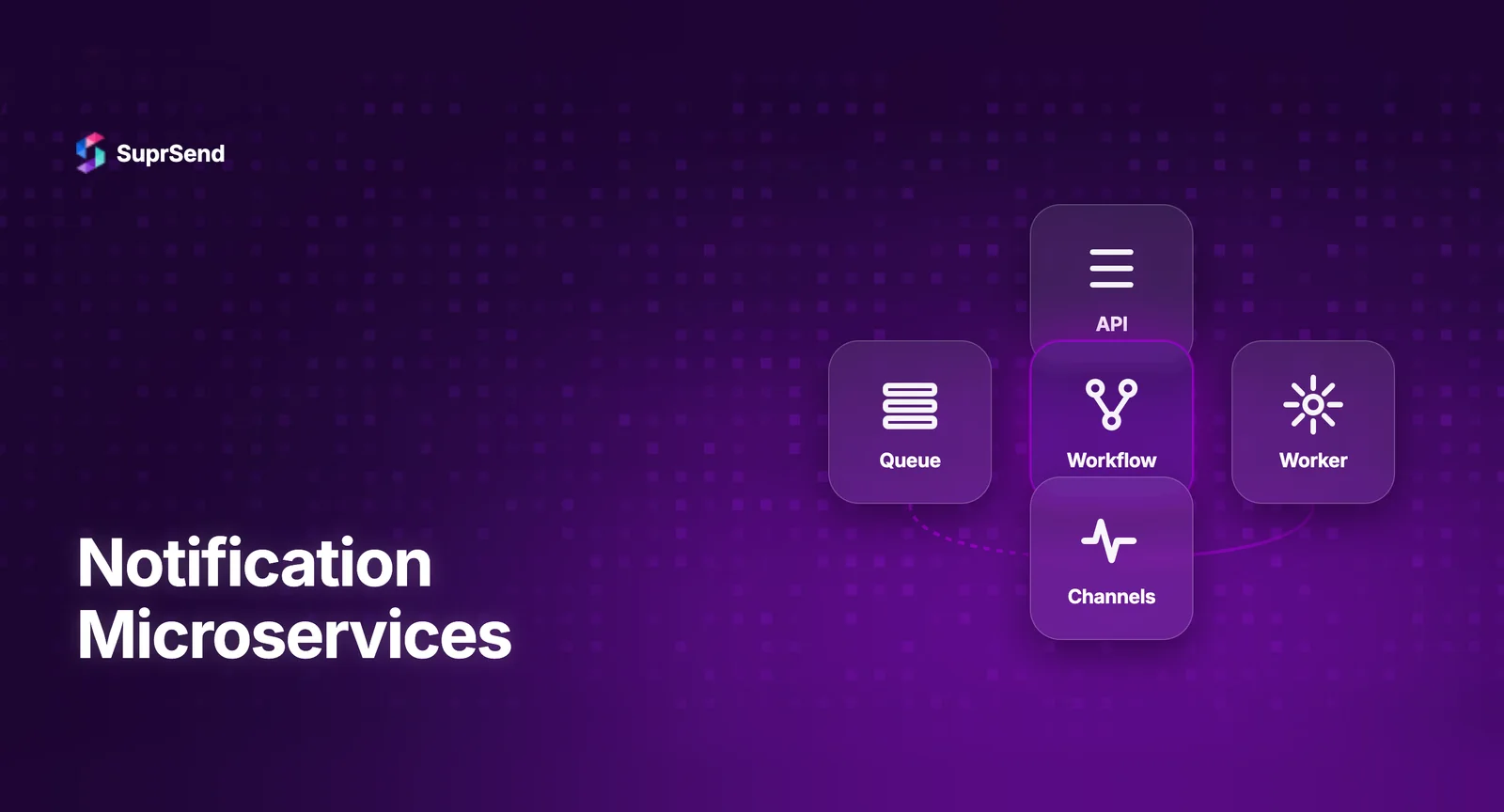
A production-ready notification microservice consists of several interconnected components. Here’s the reference architecture:
Event Source → Message Broker → Event Consumer → Notification Engine (Rules + Preferences + Templates) → Channel Router → Delivery Providers → Delivery Tracker → Logs/Analytics
1. Event Ingestion Layer
Application services publish domain events (e.g., order.confirmed, user.signed_up, invoice.overdue) to a message broker. The notification microservice subscribes to relevant events. This decoupling is critical - it means the notification service can evolve independently of the services that generate events.
Technology choices: Apache Kafka for high-throughput event streaming (LinkedIn processes 7+ trillion messages/day on Kafka). RabbitMQ for simpler task queues with guaranteed delivery. AWS SQS/SNS for managed infrastructure with minimal ops overhead.
2. Notification Engine
The engine is the brain. When an event arrives, it evaluates: Which notification workflows are triggered by this event? What conditions must be met (user attributes, event data, business rules)? What are the user’s preferences for this notification category? Which channels should be used, in what priority order? Should messages be batched or sent immediately?
This is where the complexity lives. Building a flexible rules engine that product teams can modify without code changes is one of the hardest parts of a notification microservice.
3. Template Service
Templates define the content for each channel. An email template looks fundamentally different from a push notification payload or a Slack Block Kit message. The template service handles: variable interpolation (Handlebars, Liquid, or Mustache), per-channel rendering, version control (draft vs. live), and internationalization (i18n) for multi-language support.
4. Channel Router
The router dispatches rendered messages to the appropriate delivery provider. It manages: channel priority (try push first, fall back to email after 5 minutes), vendor fallbacks (if SendGrid fails, try Mailgun), rate limiting (respect provider limits and user quiet hours), and cost optimization (SMS at $0.01/message adds up - route to push first when possible).
5. Delivery Tracking and Observability
Every notification needs a lifecycle: triggered → queued → processed → rendered → dispatched → delivered → seen → clicked. The delivery tracker ingests webhooks from providers (SendGrid delivery events, FCM delivery receipts) and maintains a per-notification audit trail. This powers both debugging (“why didn’t user X get notified?”) and analytics (delivery rates, open rates, channel performance).
6. User Preference Store
Users expect control over their notifications: which categories they receive, on which channels, during which hours. The preference store manages category-level subscriptions (marketing: off, product updates: on), channel-level controls (email: on, SMS: off), quiet hours and timezone-aware delivery, and per-tenant overrides for B2B multi-tenant applications.
Key Design Patterns for Notification Microservices
Event-Driven Architecture (Pub/Sub)
The foundational pattern. Application services publish events. The notification microservice subscribes to relevant events and processes them asynchronously. This eliminates temporal coupling - your order service doesn’t wait for the notification to be sent before confirming the order. Kafka, RabbitMQ, or AWS SNS/SQS serve as the message broker.
Fan-Out Pattern
A single event may trigger notifications across multiple channels simultaneously: email + push + in-app. The fan-out pattern routes a single event to multiple channel-specific workers that process in parallel, each with its own retry logic and failure handling.
Saga Pattern for Multi-Step Workflows
Complex notification workflows involve multiple steps: send initial notification → wait 24 hours → check if user engaged → send follow-up or escalate. The saga pattern manages this stateful, multi-step process with compensating actions if any step fails.
Circuit Breaker for Provider Failures
When a delivery provider (SendGrid, Twilio) experiences an outage, the circuit breaker pattern prevents your notification service from wasting resources on failed calls. After a threshold of failures, the circuit opens, redirecting traffic to a fallback provider or queuing messages for later retry.
Transactional Outbox Pattern
Ensuring that a database write and an event publication happen atomically is a classic distributed systems challenge. The outbox pattern writes the event to an “outbox” table in the same database transaction as the business operation, then a separate process polls the outbox and publishes events to the message broker. This guarantees no notification is lost even if the broker is temporarily unavailable.
Scaling Challenges You’ll Face
Batching Requires Stateful Processing
Digesting 15 “new comment” events into a single “You have 15 new comments” notification requires maintaining state across a time window. This means either in-memory state (lost on restart) or external state in Redis/database (adds latency and complexity). At scale, this becomes one of the hardest problems in notification architecture.
Provider Rate Limits and Cost
Every delivery provider has rate limits. SendGrid allows 600 emails/second on standard plans. Twilio SMS costs $0.0079/segment. FCM has per-project quotas. Your channel router needs to respect these limits, queue excess messages, and optimize for cost (prefer push over SMS when both are available).
Timezone-Aware Delivery
“Send at 9 AM in the user’s local time” sounds simple. It requires storing user timezones, scheduling messages across 24+ time zones, handling daylight saving transitions, and managing a distributed scheduler that fires millions of messages at the right local time.
Template Complexity Across Channels
An email notification can have rich HTML, images, and CTAs. A push notification has a 4KB payload limit. A Slack message uses Block Kit JSON. An SMS has 160-character segments. Maintaining parity across channels while respecting each channel’s constraints is an ongoing design challenge.
Build vs. Managed Platform: An Honest Assessment
If you’ve read this far, you understand the engineering investment a notification microservice requires. Here’s the realistic comparison:
| Factor | Build Your Own | Managed Platform (e.g., SuprSend) |
|---|---|---|
| Time to production | 6–12 months | Days to weeks |
| Team required | 3+ engineers, ongoing | 1 engineer for integration |
| Multi-channel support | Build per channel | 8+ channels out of box |
| Workflow builder | Custom development | Visual no-code builder |
| Preference management | 3–6 months to build | Built-in, embeddable |
| Observability | Custom logging + dashboards | Step-by-step logs included |
| Batching/digests | Complex stateful logic | Configuration-based |
| Maintenance | 1+ FTE permanently | Managed by provider |
Building your own notification microservice makes sense when you have unique delivery requirements no platform supports, you process volumes that require custom infrastructure, or notification logic is genuinely core to your product’s value proposition.
For most SaaS teams, a managed platform provides the same architecture - event ingestion, workflow engine, template management, channel routing, preference management, and observability - without the months of engineering investment.
Where a Managed Platform Like SuprSend Fits
SuprSend implements the same architecture components described above as a managed service. Your application publishes events via a single API call. SuprSend’s workflow engine handles routing, preferences, batching, template rendering, and multi-channel delivery across email, SMS, push, in-app, Slack, WhatsApp, and Teams.
The key advantage: SuprSend abstracts the entire notification microservice into an API integration, so your engineering team doesn’t need to build, maintain, or scale the infrastructure described in this guide. The MCP Server extends this further - letting AI coding assistants manage notification workflows through natural language commands.
For teams evaluating the build-vs-buy decision, see our detailed build vs. buy guide with cost breakdowns and a decision framework.
Summary
A notification microservice centralizes all notification logic into a single, independently deployable service with six core components: event ingestion, notification engine, template service, channel router, delivery tracker, and preference store. Key design patterns include event-driven pub/sub, fan-out, saga for multi-step workflows, circuit breaker for provider failures, and transactional outbox for guaranteed delivery. The primary scaling challenges are stateful batching, provider rate limits, timezone-aware delivery, and cross-channel template management. For most teams, a managed notification platform provides the same architecture without the 6–12 month engineering investment - letting you ship notification infrastructure in days instead of quarters.
Ready to skip the build? Start building for free with 10K notifications/month, or book a demo to see how SuprSend replaces your notification microservice.
FAQ
What is a notification microservice?
A notification microservice is a dedicated service within a microservices architecture responsible for handling all notification logic — routing, templating, delivery, preference management, and observability - decoupled from core application services.
What message broker should I use for notification microservices?
Apache Kafka is ideal for high-throughput event streaming. RabbitMQ works well for task queues with guaranteed delivery. AWS SQS is a managed option requiring minimal ops overhead. Choose based on throughput needs and operational capacity.
How do notification microservices handle failures?
Production notification microservices use retry mechanisms with exponential backoff, dead letter queues for failed messages, circuit breakers to prevent cascading failures, and channel fallbacks (e.g., push fails, fall back to email).
Should I build a notification microservice or use a managed platform?
If notifications aren't your core product, a managed platform like SuprSend provides all the architecture components out of the box - workflow engine, template management, channel routing, preferences, and observability. Building makes sense only when you have unique requirements no platform can meet and dedicated engineering bandwidth.
How does a notification microservice fit into an event-driven architecture?
Application services publish domain events to a message broker. The notification microservice subscribes to relevant events, evaluates notification rules, renders templates, checks user preferences, and dispatches to delivery providers -all asynchronously.
What database should a notification microservice use?
Most production notification microservices use PostgreSQL for relational data (templates, preferences, rules), Redis for caching and real-time state, and a columnar store like ClickHouse for delivery logs and analytics.